
Quizventure
Maintained by
Stephen Bourget, John Okely
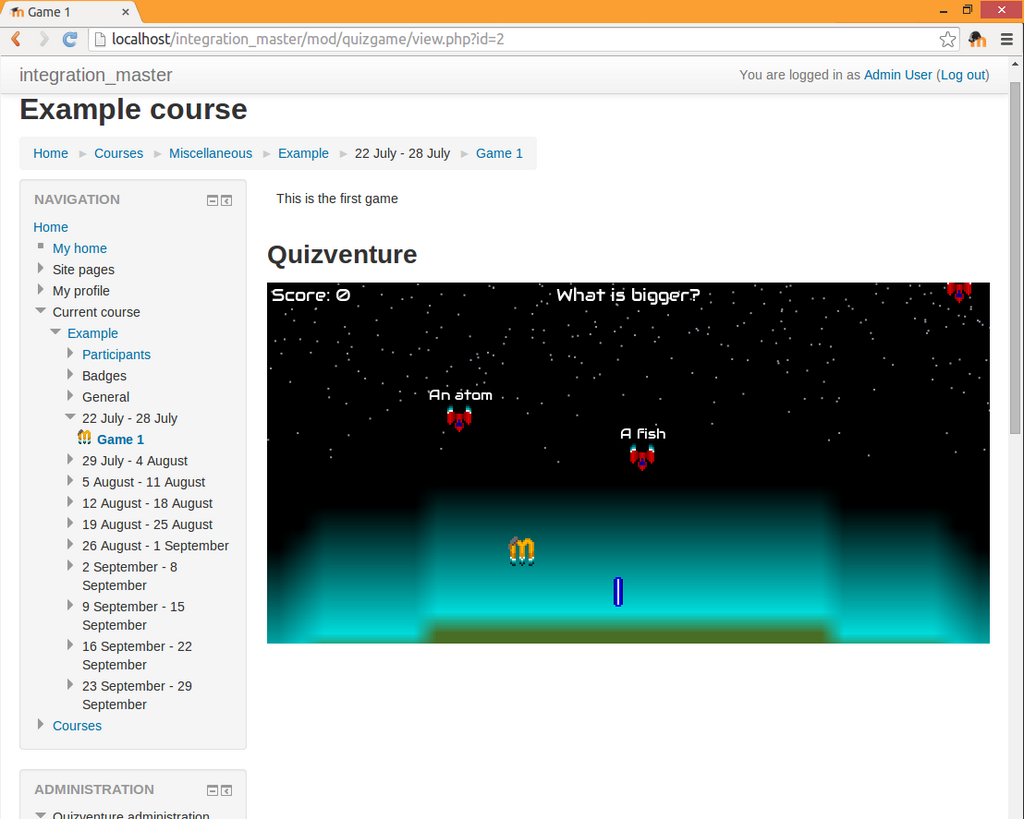
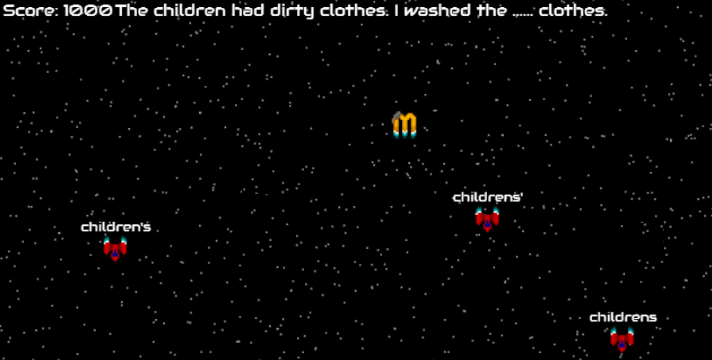
Quizventure is an activity module that loads quiz questions from the course it's added to. The possible answers come down as space ships and you have to shoot the correct one.
Comments
Comments are no longer open for new posts. Existing comments remain available to read.
Just wondering if you had a chance to look at the error message i showed/emailed to you at the moot in Clayton. I have a few people keen to use this but still doesnt work on our site.
Cheers, Chris
I have seen the bug in point #1 before, any idea what causes it? I haven't been able to work out exactly what to do to reproduce it yet.
With point #2, how would you expect multi answer questions to behave? To me it made sense to have to destroy all the correct answers, but perhaps it's better to make it so you can destroy any answer worth 100% to win.
And thanks in advance for the report on browser compatibility issues etc, I will need to start looking into more browser combinations
- Sometimes killing the correct answer leaves some incorrect ones off screen - making the next question very confusing.
- multi-answer questions are included but only the first correct answer is used. You should have to kill all the correct answers.
- Some resolutions / browser combos don't seem to work I will report further on this later.
Good suggestion about the grade item. Not sure how I could predict a maximum grade considering the game just keeps going. But it's definitely something that could be good to add!
I have tested the activity. IT works really great. I think it would be a very useful activity for engaing students in online activities. However, It seems to pull the questions from the whole question bank. It would be more effecient for instructors to use if question categories can be assigned in this activity. Adding a grade element would also more motivating to students as they would see their game acheivement being reflected on their course progress.
1.) add a gradebook score for the game
2) option to control the speed/timing of a question (or code the timing of the question to be dependent on the amount of letters in question and answers)
3.) option in settings to force sound off (for those of us with a class of 40 students)
I really like the game! Hopefully you continue to develop this, as it is an excellent engagement tool.
A workaround would be to copy only the matching and multichoice questions into a separate category and use that in the quizgame. But I'd like to fix this bug if I can!
I'll look into releasing versions for older versions of Moodle if possible. But there are some complications. Hopefully I'll get some time soon
Your plugin works beautifully.
I can confirm that a warning message does tell you when there are no multiple choice questions in the default category, and once they are added, the game works fine.
I have uploade the mexican spanish translation in AMOS.
Thanks for a fun plugin.
Will you release versions for Moodle 2.6 and older branches?
I'll be working on making mobile controls more intuitive and fun for the next release.
Unfortunately s() won't work as strip_tags is needed to remove the html code from question text (e.g.
The table quizgame_scores does not seem to be used yet. And I believe there's a missing column that would link to a particular game instance (quizgameid or so). The div.fontloader is not a good CSS selector here as it might eventually affect other parts of Moodle having the same class. Please use plugin-specific selectors. Do I get it right that quizgame.js runs in the global scope? It would be better to namespace it under M.mod_quizgame to prevent collisions. Please make check that there are some questions available (to prevent endless "questions[level] is undefined" error in the JS console. I am wondering if the Moodle built-in function s() could be used instead of strip_tags().
I am going to approve this plugin now to give you a chance to receive further feedback from the community. With the hope that addressed issues would be fixed soon, you are cleared to land. Welcome to the Plugins directory.