#Media gallery atto plugin for Moodle
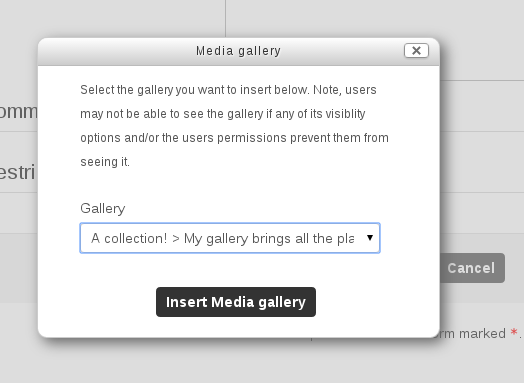
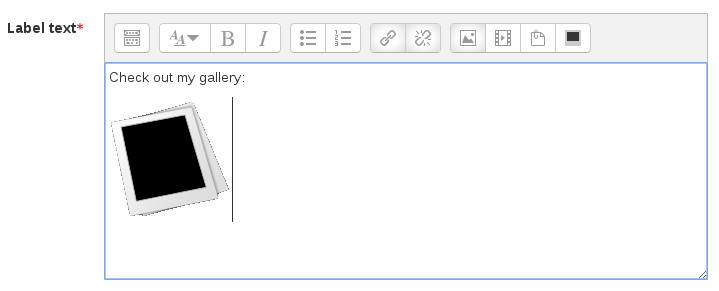
This plugin allows users to insert a pre-existing gallery into any atto editor.
This activity was written by Adam Olley (adam.olley@netspot.com.au) for the University of New South Wales (http://www.unsw.edu.au).
##Install
Using Moodle
You can install the plugin from the Moodle plugin repository from within your Moodle installation.
After Install
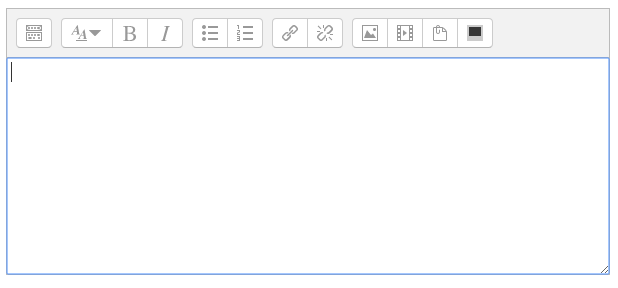
After installing the plugin in Moodle, you'll need to add the button into the Atto text editor button bars where you'd like it to appear.
- Go to: Site administration / - Plugins / - Text editors / - Atto HTML editor / - Atto toolbar settings
- Then add 'mediagallery' in the toolbar setting box where you'd like it to appear.
##Companion plugins
###Assignment submission plugin
Allows teachers to link an assignment to a collection activity. When students submit a gallery for assessment, the gallery becomes read only after the duedate.
Repo: http://github.com/netspotau/moodle-assignsubmission_mediagallery
###Media gallery search block
Allows users to add a block to their course which lets users search for galleries within any Media collections in the course.
Repo: http://github.com/netspotau/moodle-block_mediagallery
###Filter
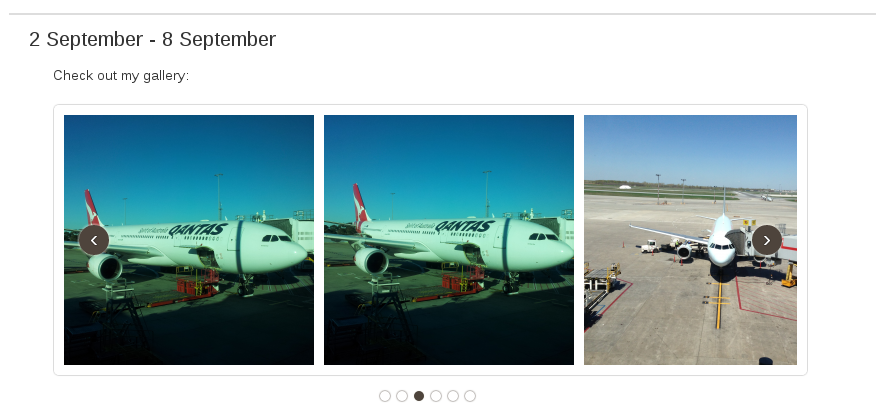
When used in conjunction with the TinyMCE plugin, this allows users to insert carousel views to a gallery in their course.
Repo: http://github.com/netspotau/moodle-filter_mediagallery
###TinyMCE button
Provides a button that can be added to TinyMCE for inserting galleries into TinyMCE editable areas.
Repo: http://github.com/netspotau/moodle-tinymce_mediagallery
##Credits
Media collection was developed by NetSpot Pty Ltd (http://www.netspot.com.au) for the University of New South Wales (http://www.unsw.edu.au).
Code: Adam Olley (adam.olley@netspot.com.au)
Concept: UNSW (http://www.unsw.edu.au)
Design: UNSW (http://www.unsw.edu.au) & Mark Bailye (mark.bailye@netspot.com.au)
Testing: UNSW (http://www.unsw.edu.au)