BCU
Maintained by
Jez H, Mike Grant
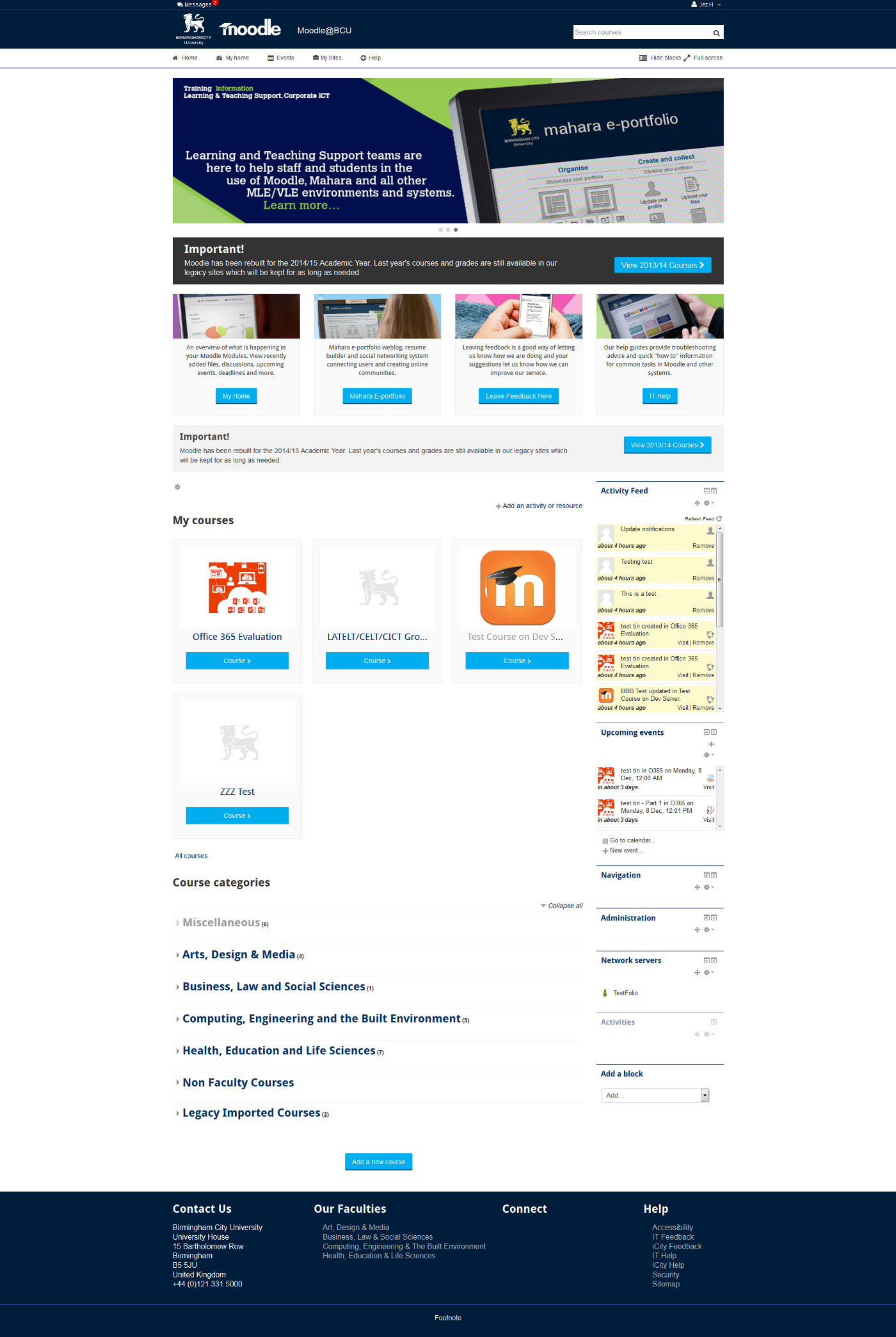
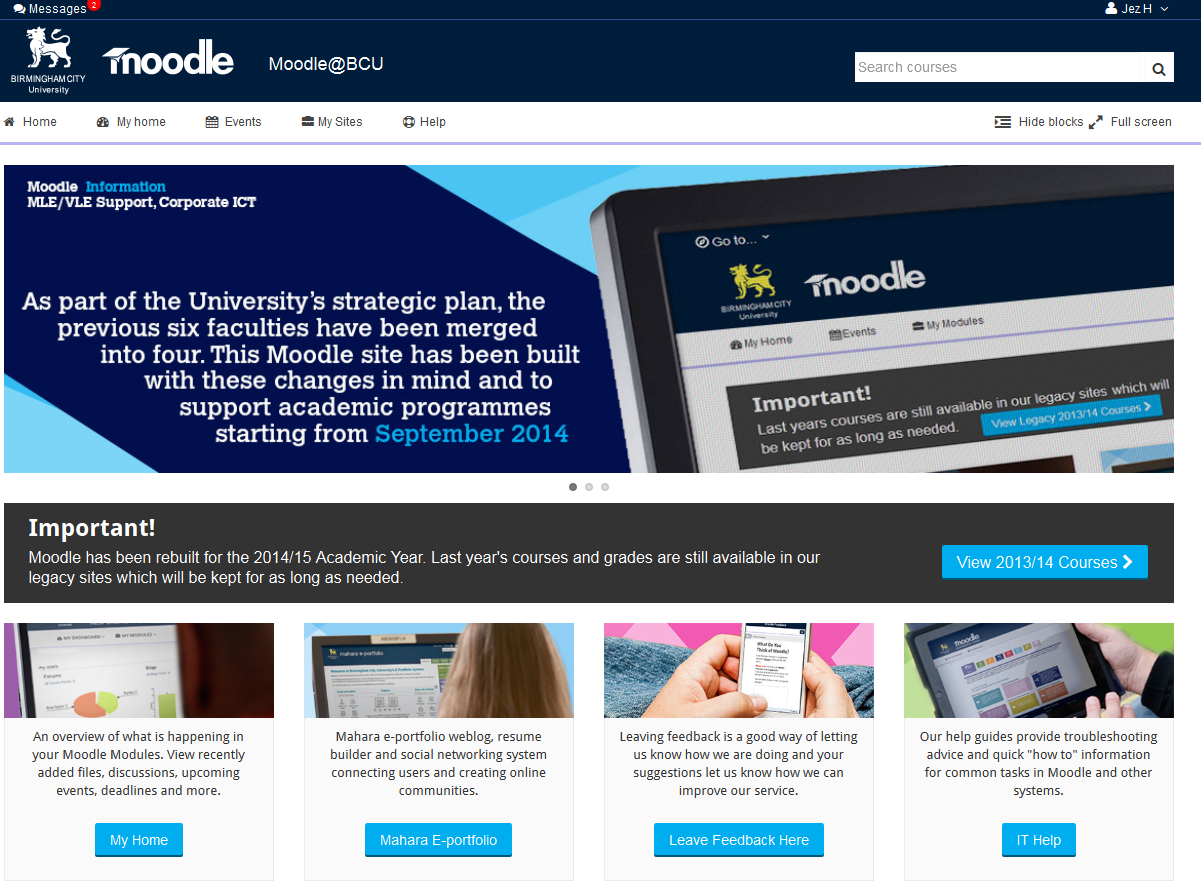
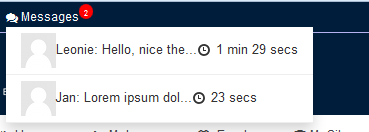
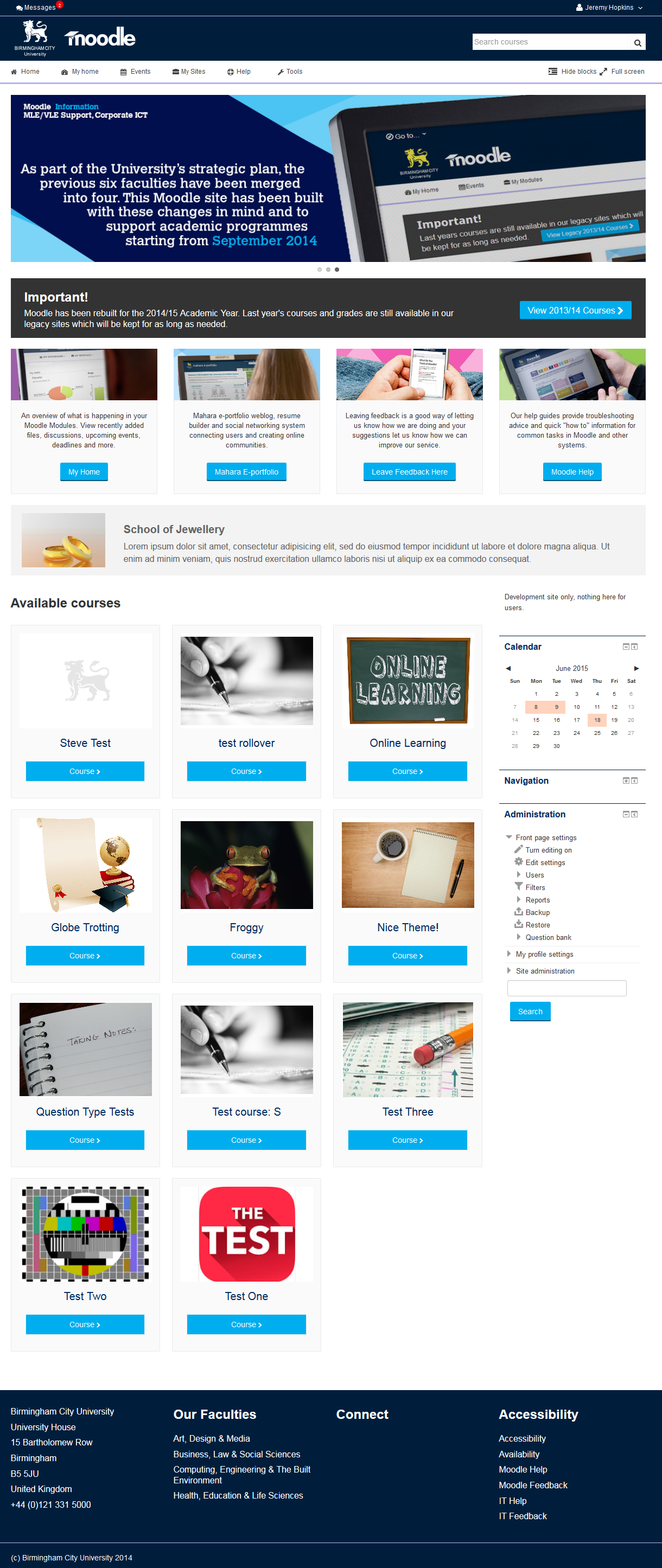
This is the theme from the moodle site of Birmingham City University. It's based on bootstrap and allows for extensive customisation and some unique features to help improve Moodle's usability.
Comments
Comments are no longer open for new posts. Existing comments remain available to read.
Thanks for the compliment.
1) Shortly, I was going to do it on friday, until I realised something I really wanted to include wasn't in there.
2) Which missing strings are you referring to?
3) We welcome any contributions you want to make, we just need it to be configurable. E.g. changing the whole of the frontpage, and it not being configurable would be rejected. If that makes sense? If you're talking about something in particular then just message me
Thanks!
First of all, I love the theme!
I just translated the available strings of Release 1.1.1 to German. There are quite a number of duplicates and several others are missing. I saw in your source control, that you just build version 1.2 so I got a couple of questions:
1) When will you make it available for download here?
2) How can I edit the missing strings?
3) What is your attitude towards theme contributors?
Kind regards,
Helmut
You have not lost it (language picker), it was never done properly in the first place. It was rendering in the wrong place and our theme was not respecting its config file settings properly, those issues are being fixed.
1) If you don't add code for blocks they wont appear.
If you are talking about the ability to show blocks only to logged in vs guest users we will be adding that to the theme settings.
2) The screen shot is from our website, nothing to do with Moodle other than the fact we follow the same styleguide, however looking at the screen shot your provide it may make sense for us to add a renderer that emulates our corporate site. We will have a think on that one, but for now I am afraid you cannot apply that style.
Regards your point about "make it accessible without logging in" you can control that with the current layouts via "front page settings" which is a core Moodle admin feature:
https://docs.moodle.org/28/en/Front_page_settings#Front_page_and_Front_page_items_when_logged_in
Thank you for the amazing theme.
I have two questions:
1- Is there an option to make blocks hidden on the front page as default?
2- How can I create a course info page like this one and make it accessible without logging in?
https://docs.google.com/file/d/0B1BVuLGFV6kATk45UFFwOVpOMVU/edit?usp=drivesdk
Thanks
I've done some work with the CSS and now I seem to have lost the language picker menu which is odd because I basically only changed a few colours and the like.
Can you tell me where it usually is would appear?Assuming it's not been edited out by yourselves...
@Morgan, we will definitely add those settings, the colour settings are clearly incomplete without them and it shouldnt take long to do.
I managed to edit the colours in the CSS, but having it accessible on the front-end would be great.
Thanks.
That was it, I needed the latest version. Many thanks for your help, keep up the excellent work!
If you still cannot find that string it maybe that it is not in the version on Moodle.Org yet in which case you can get the latest version from our git repo:
https://bitbucket.org/jezh/moodle-theme_bcu/get/master.zip
(You would have to unpack that and ftp the files or re-pack it with the correct folder name)