
Bootstrap Elements
Maintained by
Jez H, Mike Grant, Manoj Solanki
Bootstrap Elements gives you the ability to add modal and toggles to your courses, helping to improve the layout of courses.
Comments
Comments are no longer open for new posts. Existing comments remain available to read.
Thank you for your responses and suggestions. Mike I would be happy to discuss with you further. I love the innovation, utility and usability of the Bootstrap elements and Atto Generico plugin but unfortunately we cannot rollout where I work as if we restore a course with Bootstrap elements content to a Moodle install that does not have the plugin installed we lose the Bootstrap elements content. With risk management in mind I believe we need a core Moodle feature with the templating affordances as provided by the Bootstrap elements and Atto Generico plugins. I had the opportunity to talk to Damyon Wiese the ATTO lead developer from MoodleHQ at MoodleMoot15 and he assured me that a templating feature for ATTO is still on the roadmap. To try and progress discussions I will reference him to your superb work and comments in response to https://tracker.moodle.org/browse/MDL-44298 .
Thanks Steven
I looked at that idea a while back and was talking to Justin Hunt about doing something like this with his "Generico" plugins:
https://moodle.org/plugins/view/atto_generico
https://moodle.org/plugins/view/filter_generico
Those could do the kind of thing your video shows. The problem with that (unless it has been improved) is that you cannot reload the template easily once it has been added. Also the workflow is more complex as in "Add resource > add label > click generico icon > choose template" whereas we wanted something that was simpler to use.
I think if it were possible to support templates like that within this plugin in a way that allowed users to go back in and edit them more easily (Generico adds a text string with parameters for a filter to parse) it would be nice.
We have actually written another plugin that allows administrators to define a template to add standard information to a course in expandable toggles which is also similar to what you want:
https://bitbucket.org/bcu/moodle-mod_bcu_course_introduction/overview
But that only supports one template for the site, it has some other features like only showing students the content once its completed so they never see anything to the effect of "Tutor enter title here".
Between these various options I am sure more can be done in this area, it is something that is needed if you want to build more consistent and attractive Moodle courses across large sites.
That's a really nice idea that you've got there. It's not something that's going to happen right away, but definitely something that I will investigate. I might come back to you to discuss this idea further soon, is that okay?
Thanks
I have installed the plugin and the only thing not working is the Toggle element. I tried it with three browser without success.
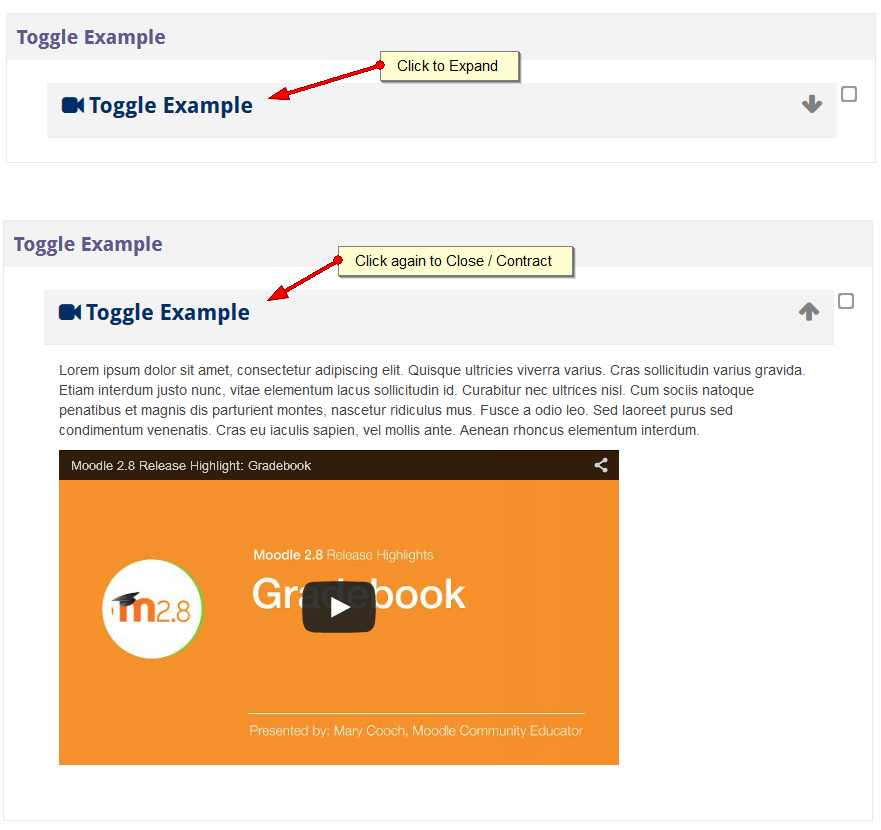
It initially appears closed with a down-arrow on the right. When I click it the arrows tranforms in a up-arrow, but content never appears.
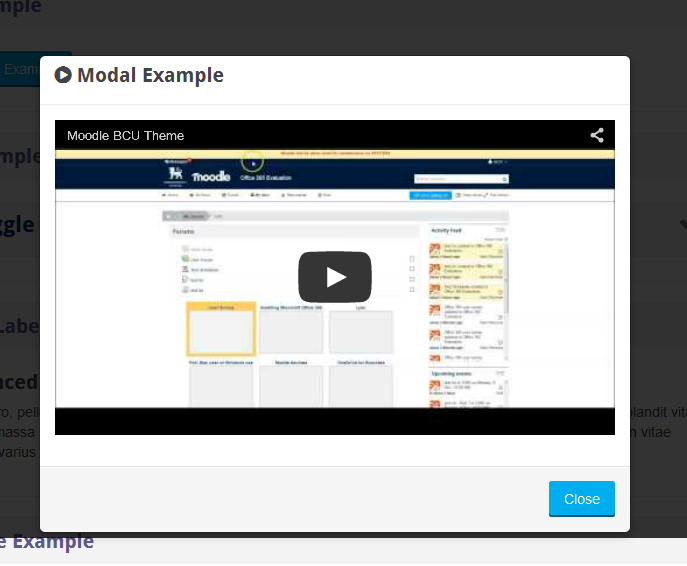
Modal works that way too, although there is a "click" action that is already rendered in the page, all this plugin is doing is putting a wrapper around that label.
The only completion tracking possible will be self completion, which is the only type that works for Label.
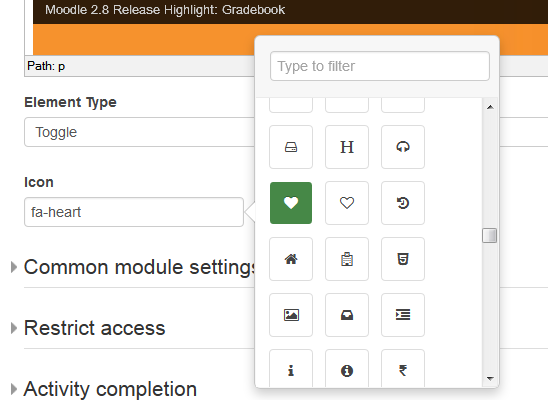
If you download the latest version you will see all the issues you raised are fixed and we have added support for FontAwesome too
The issue with duplicating the resource is now fixed as of version 1.0.1
Any more issues then just let me know, thanks!
Sorry for the late reply. I will add some screen captures / video to this page in the near future.
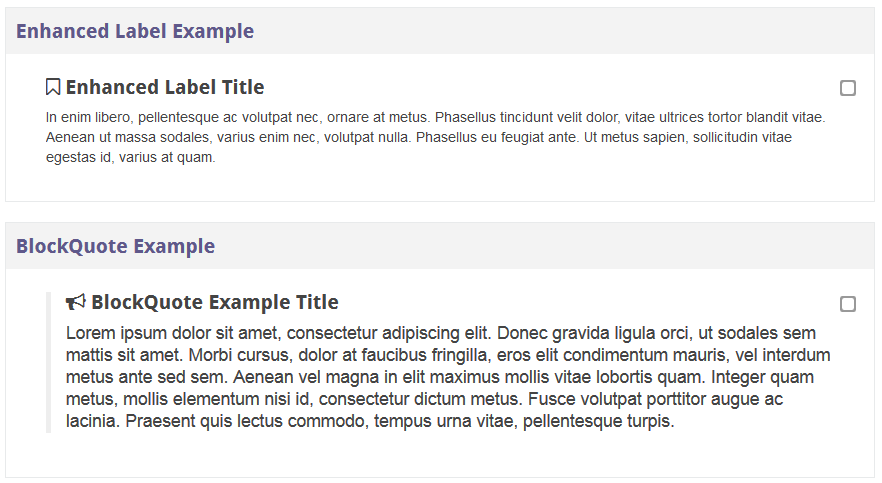
The enhanced label doesn't do much at the moment, it just renders static text with a title, so little difference between that and a standard label at the moment. It is there to provide a fallback to static text if it is needed, but will be "enhanced" with future updates to add more features.
The "duplicate" error is already in our tracker, we noticed that shortly after submitting this plugin.
We will get this plugin updated ASAP in the new year to fix the issues you mention and improve it.
+ Missing some help (screen captures)
+ Enhanced label does not seem to work (what should be visually expected, when active?)
+ Error while duplicating the resource
ZIP file contains a redundant NetBeans 'nbproject' folder.
Gareth
Please include some screenshots with examples so it will be easy for people to get to know the plug-in better.
No you could not use this to apply to the descriptions of other activity types.
One of the reasons we are working on this is try and get more people using Bootstrap in their course pages in the hope that if there are enough adopters we may start to see these kinds of features making their way into core.