Ranking block
Certified Partner Plugin
Maintained by
Willian Araujo
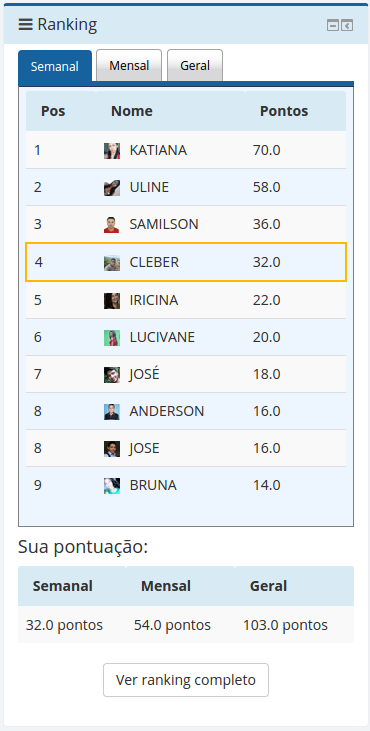
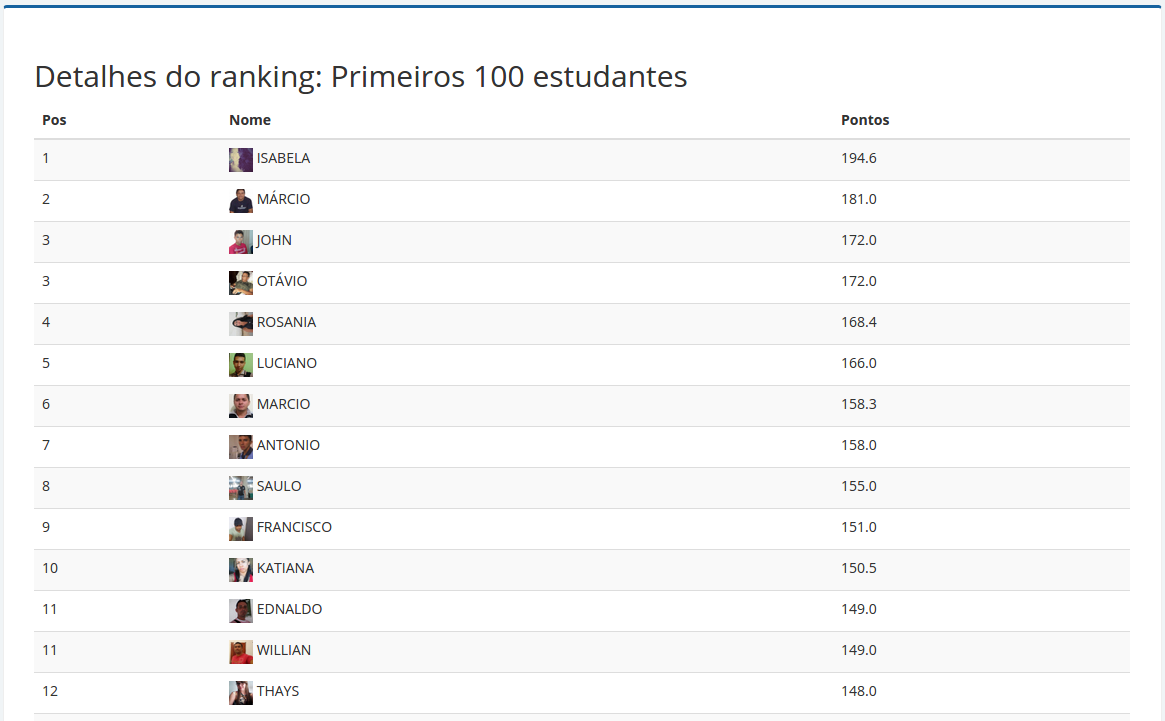
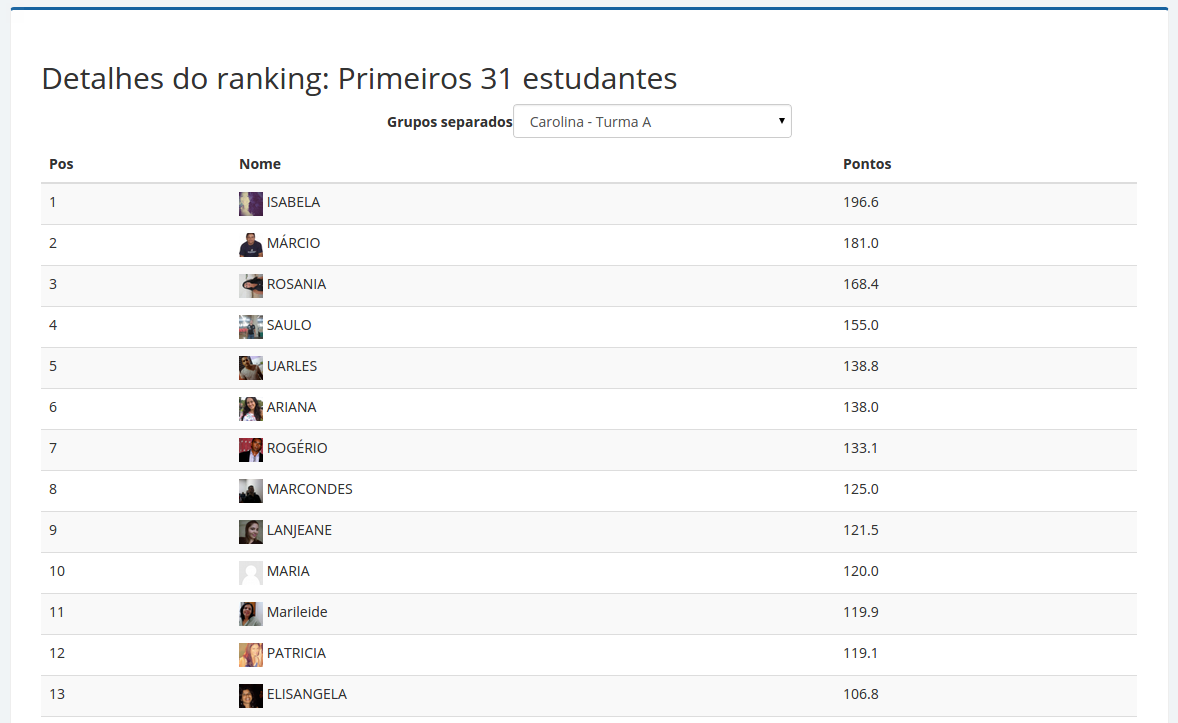
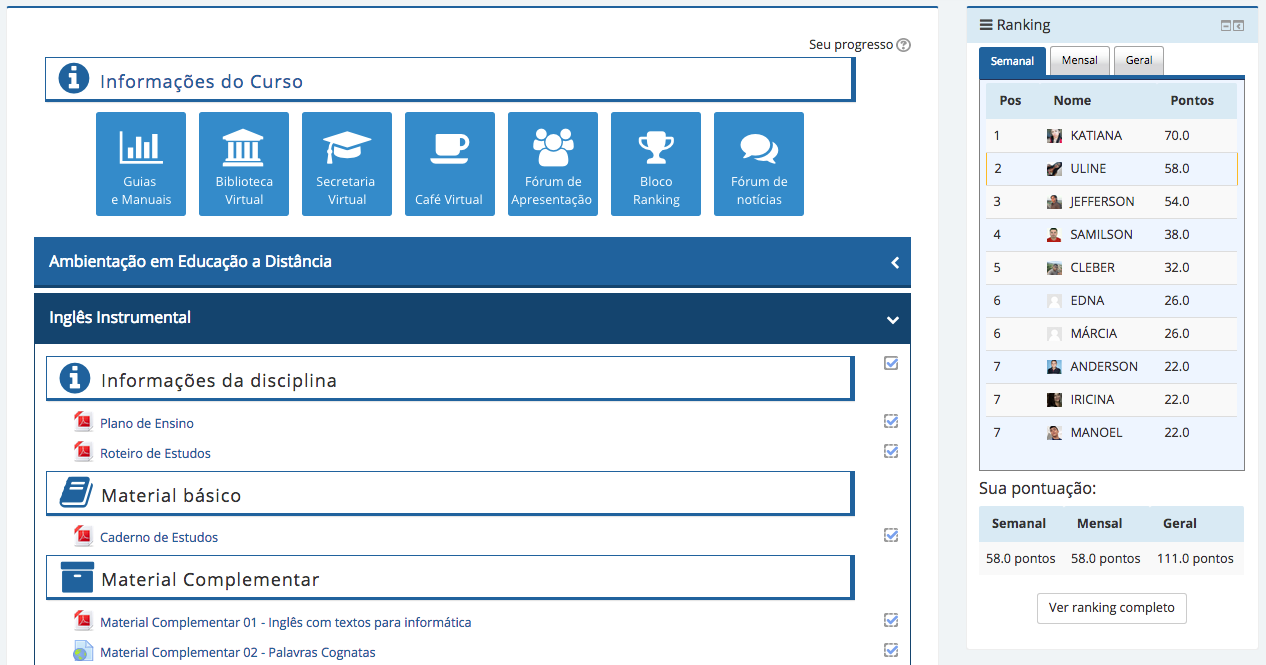
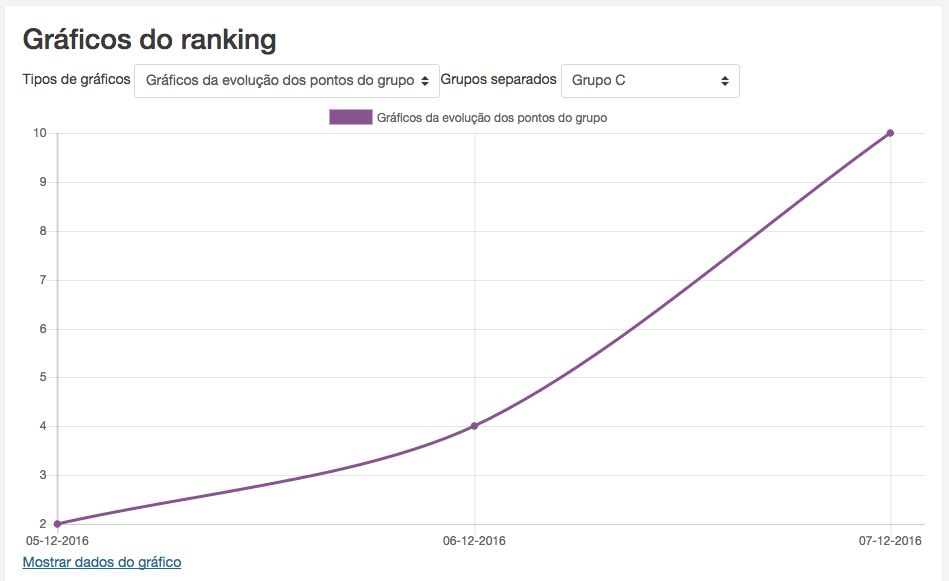
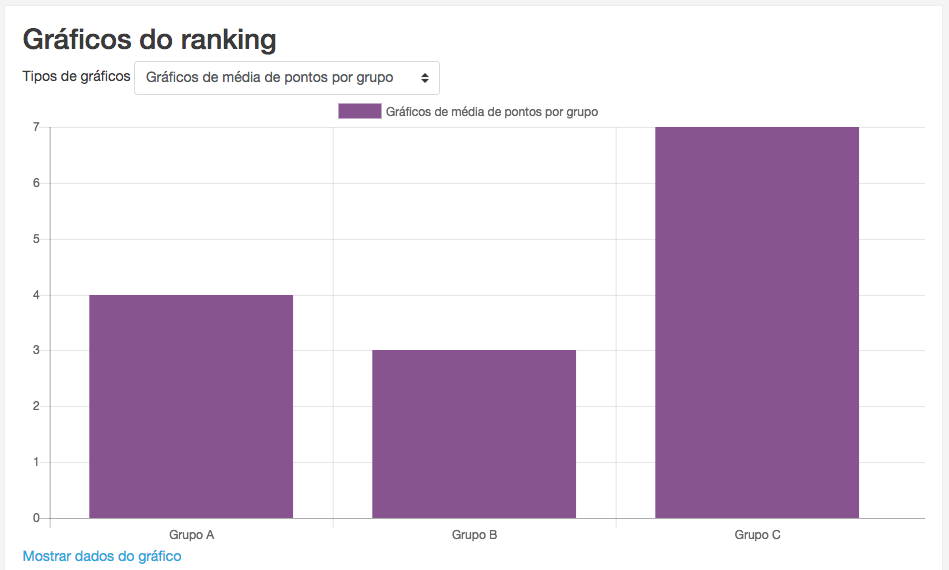
A ranking block to improve the gamification into the course.
Comments
Comments are no longer open for new posts. Existing comments remain available to read.
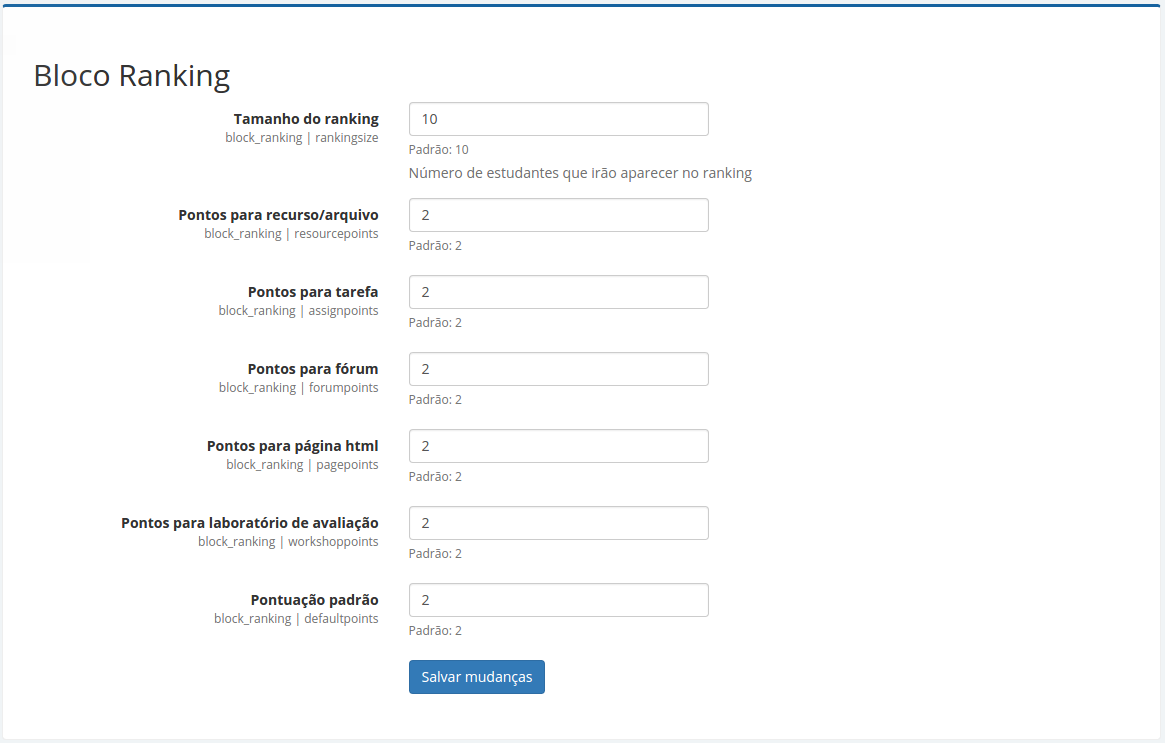
I have a problem with this plugin, i don't know if this plugin works this way, I'm setting the Ranking block, but it doesn't assign points as I wish; in the ranking always adds the 2 default points to the left and the points of the forums, quiz and the activities adds to the right.
I really want to merge and sum these two values in one value.
My english isn't the best, i hope you can understand me.
Sorry to ear that, but in that case you may be interested in requesting adoption for this plugin:
https://moodle.org/mod/forum/discuss.php?d=260354
¿Suggestions?
This plugin looks great, but in my Moodle 2.5.5 over PostgreSQL doesn't work (version: 2014022400).
The plugin is installed normally, but when I try to add the block to a course I get a blank page and doesn't load that course page any more (I have to uninstall the plugin to do so).
Help will be appreciated.
In my Moodle 2.5.2 the ranking block doesn't add points to completed activities that have grades, for example: hot potatoes quiz, quiz, scorm, etc. Ranking block version: 2014022400.
Best regards
If you want to be able to add this block on a MS SQL Server powered Moodle, you need to make some little code changes in lib.php:
limit
1. On line 52-53, replace 'SELECT DISCTINCT' by 'SELECT DISTINCT TOP $limit'
and replace on line 64 'LIMIT ".$limit;' by '";'
2. On line 53, replace 'CONCAT(u.firstname, ' ', u.lastname)' by '(u.firstname + ' ' + u.lastname)'
3. On line 144, replace 'IFNULL' by 'ISNULL'
Some changes might still be needed by I haven't found any other problem yet (still testing the block).
Best!
Max
I've solved this in the last version.
I changed the line to
if (isset($this->config->ranking_title) && !(trim($this->config->ranking_title)=='')) {
which works.
the same thing also happens on line 41 and line 42 and line 253 of /lib.php in the same folder.