
Poster
Maintained by
Stefan-Alexander Scholz, bdecent gmbh
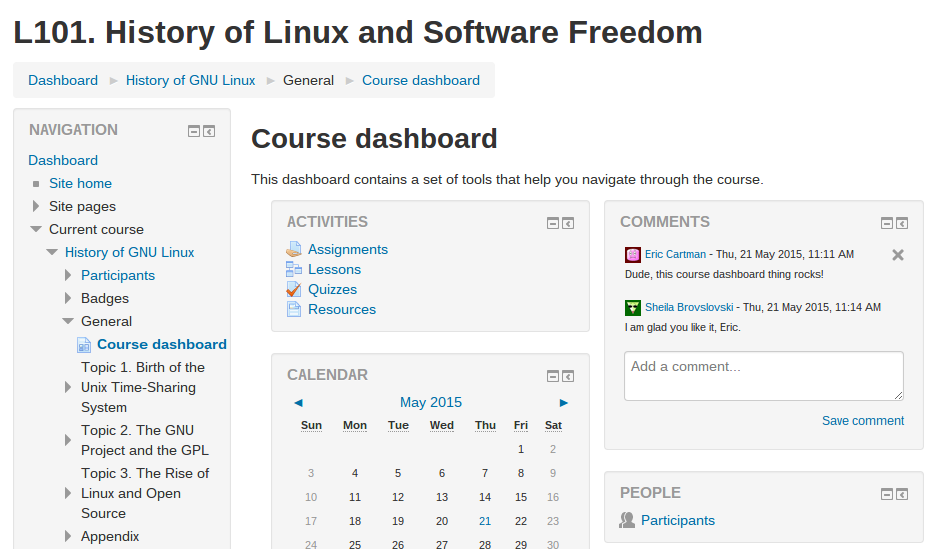
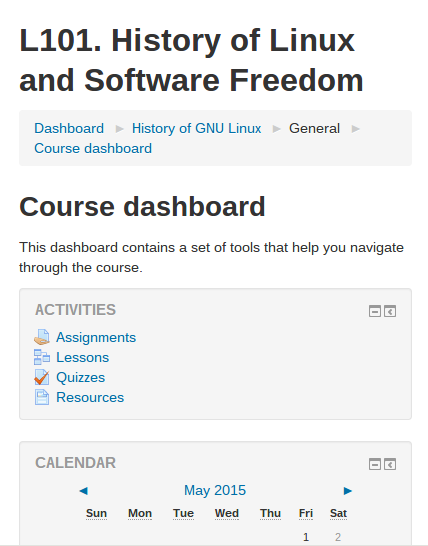
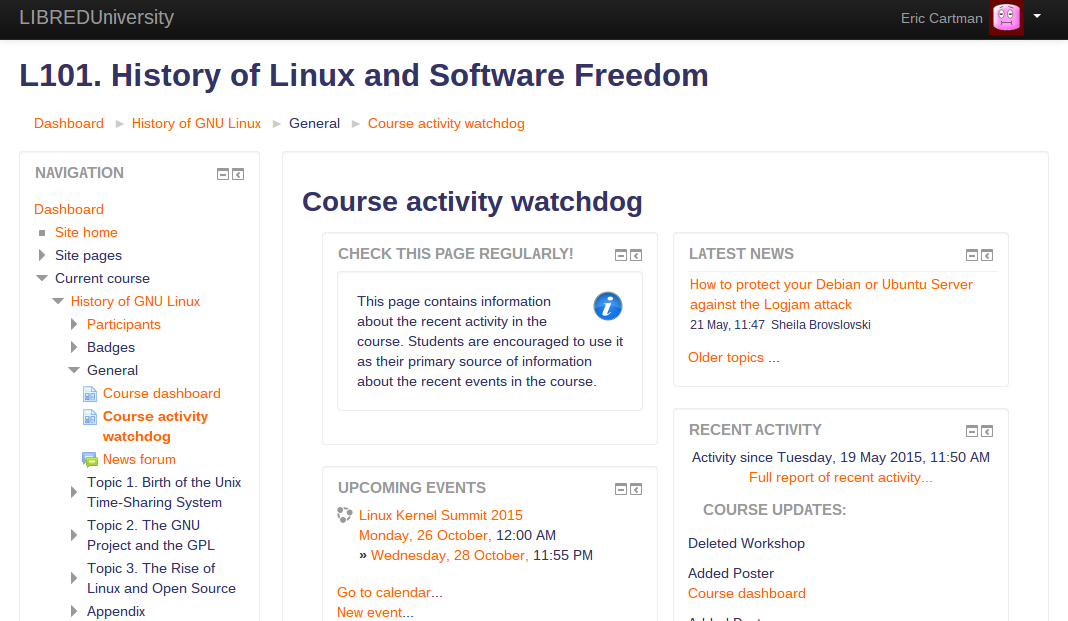
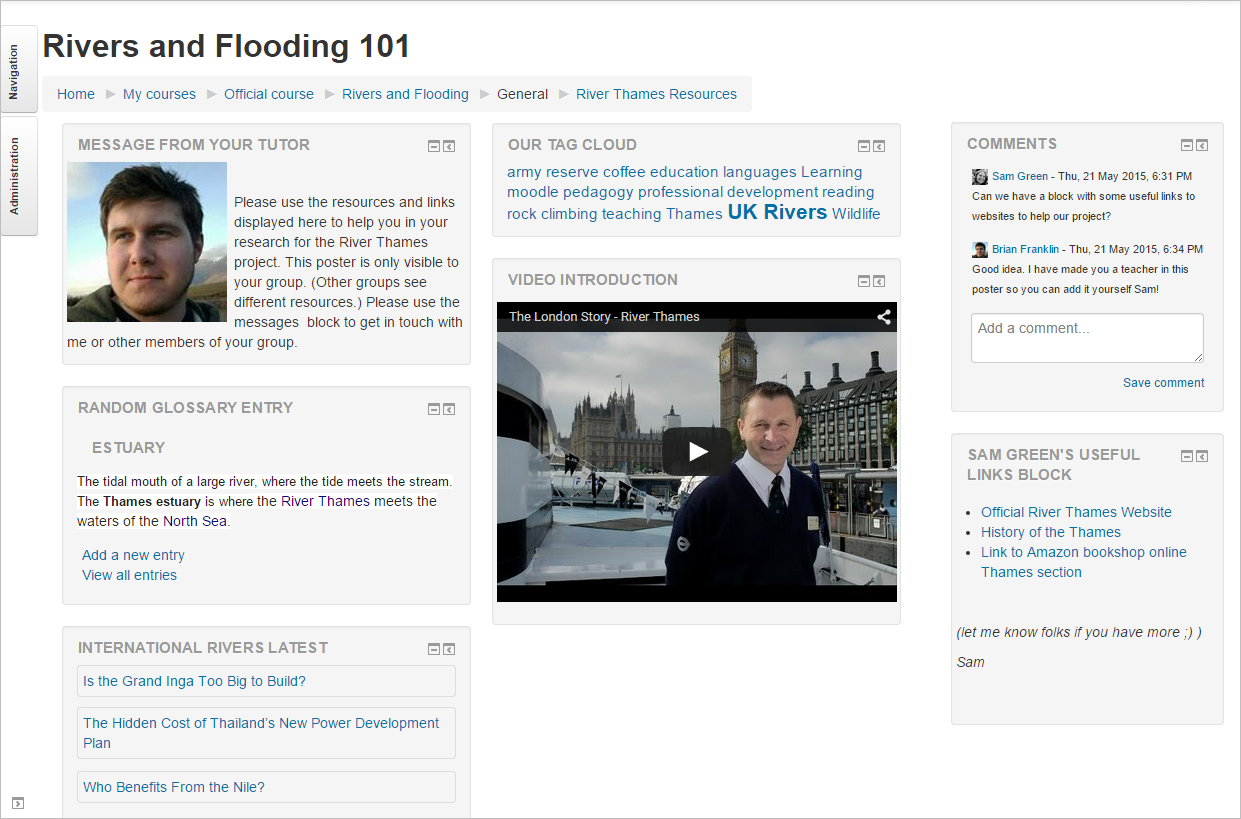
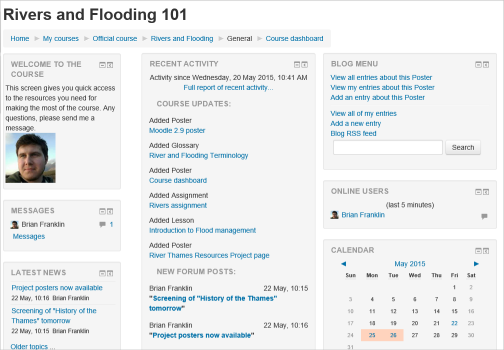
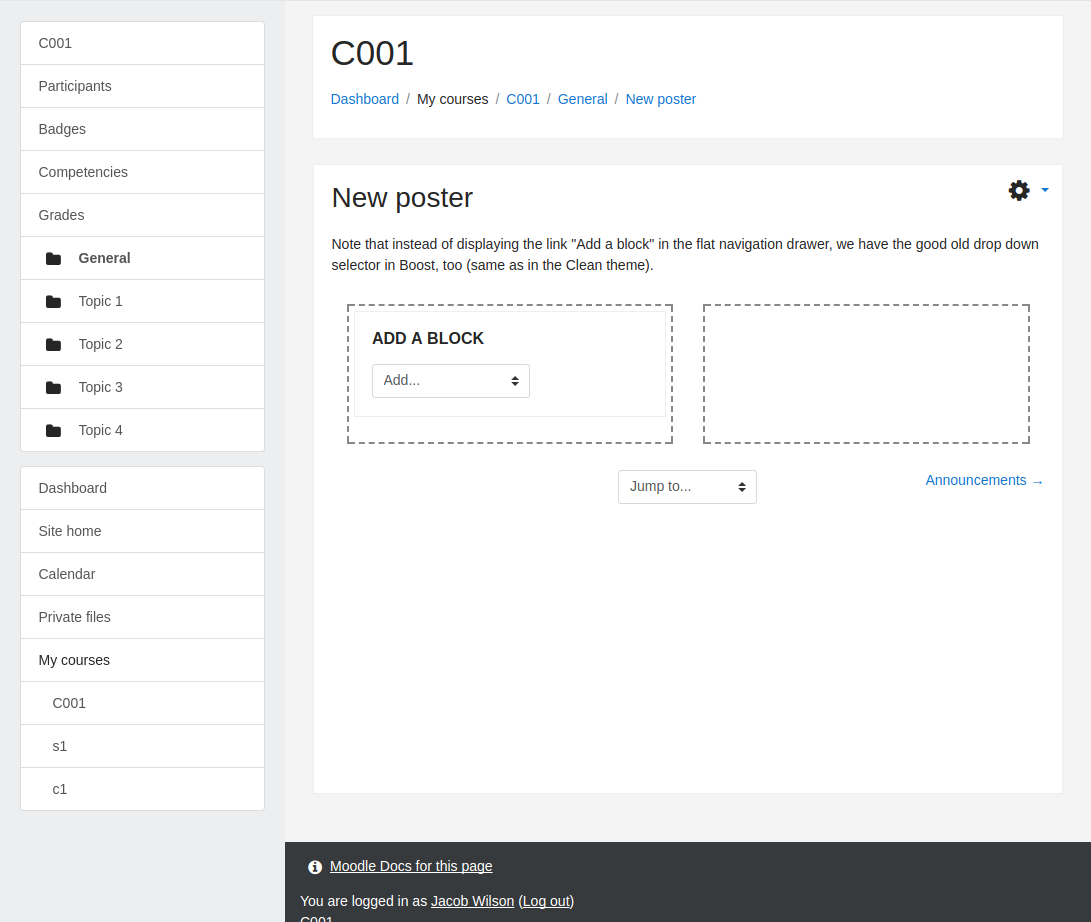
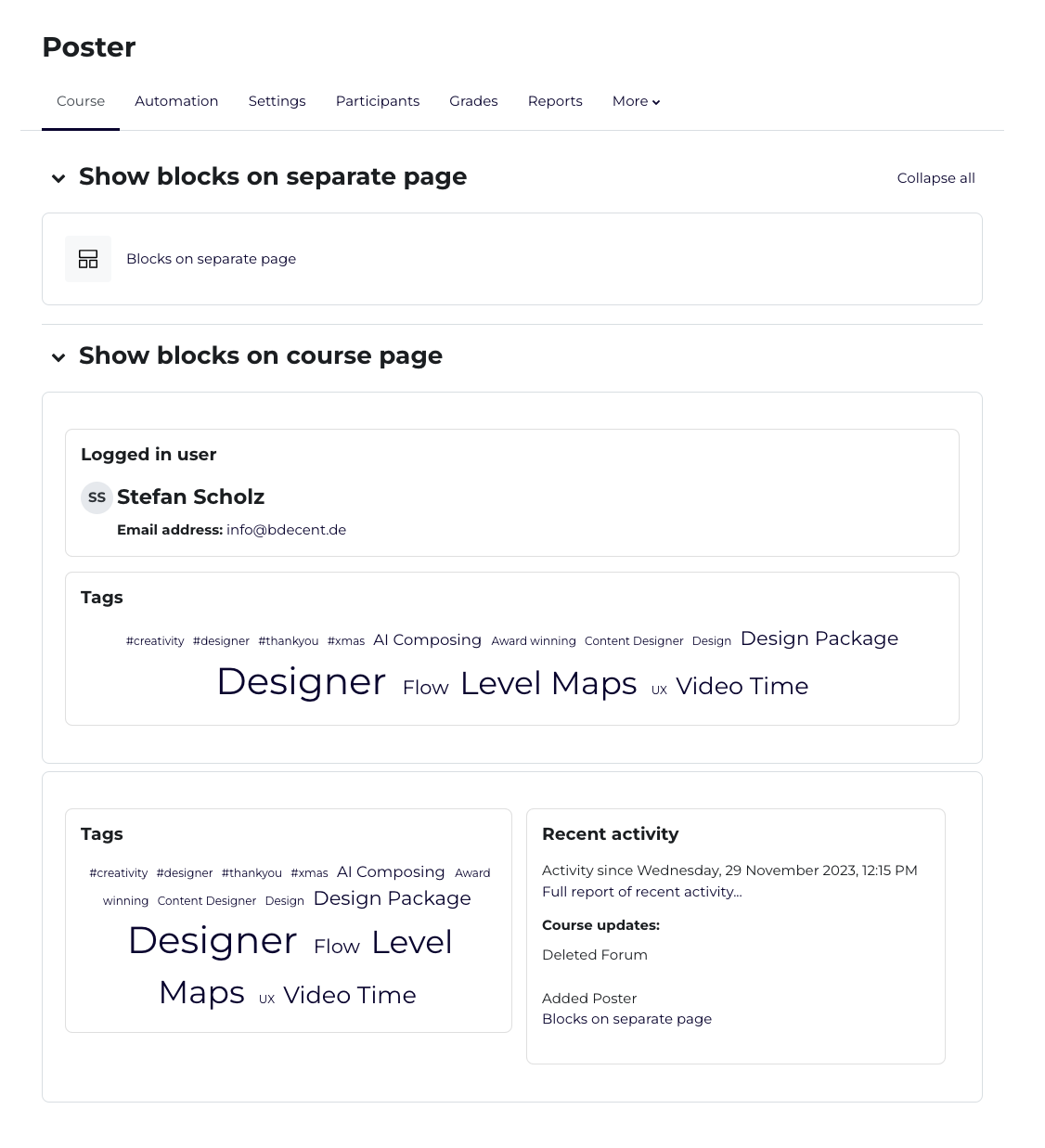
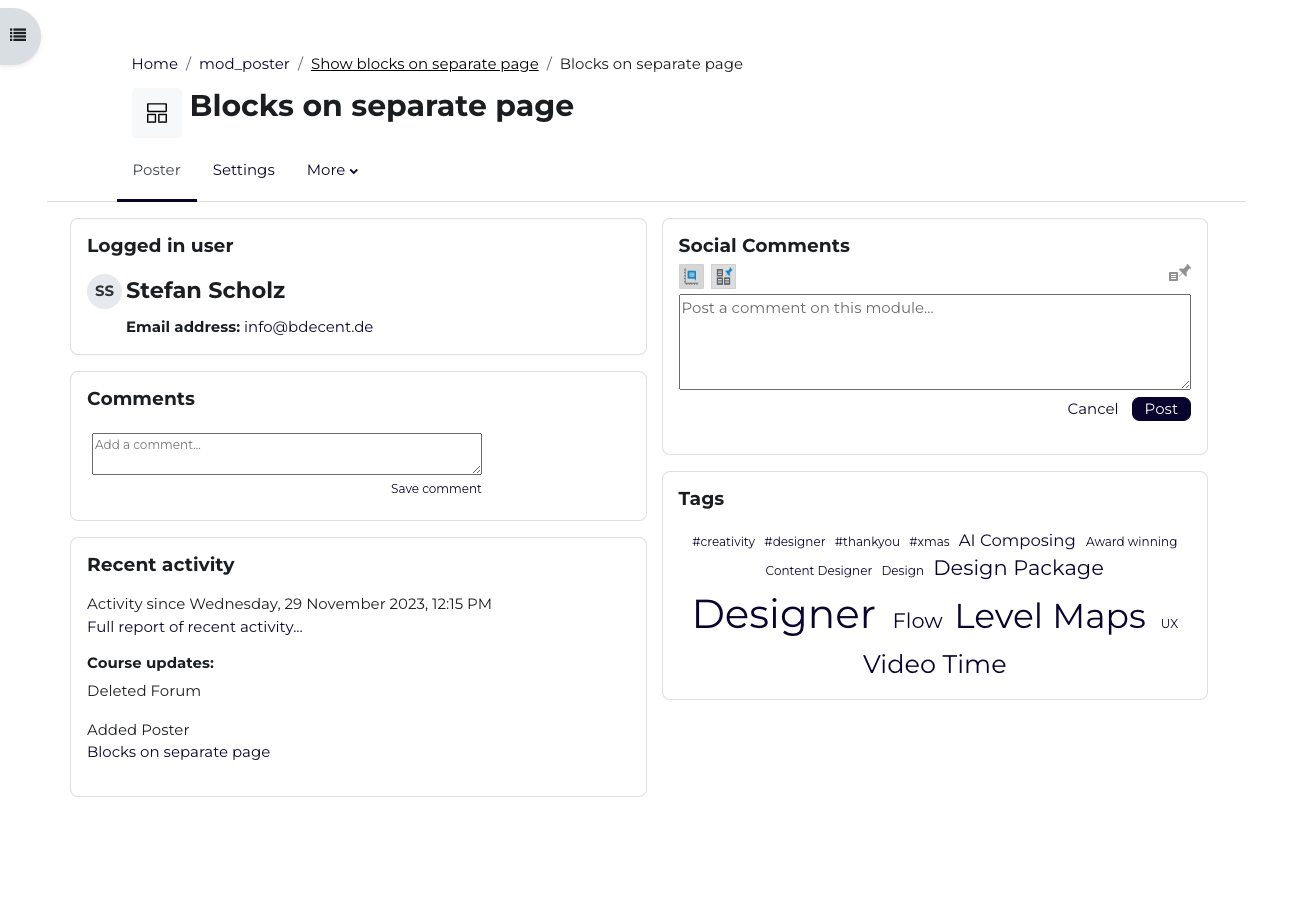
Poster is a resource activity module allowing to create a web page. What makes this module unique is that the contents of the poster page is composed of Moodle blocks (such as HTML block, Calendar block, Latest news block etc.). It provides yet another place within the course where blocks can be put without polluting the course front page.
Comments
Comments are no longer open for new posts. Existing comments remain available to read.
super plugin
I use the EduHub theme and I have nethertheless a little problem.
Each Word of my Blocks titles begin by a majuscule like " Do You Know Moodle?"
Did you already meet this problem?
Thanks
Tom
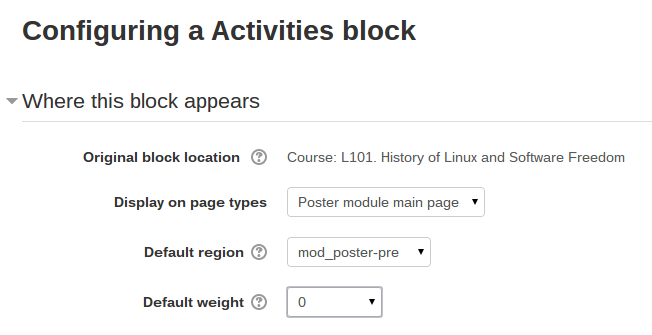
Hi Magnus. Sorry if the description is not clear. That text refers to https://docs.moodle.org/en/Block_settings#Adding_a_block_to_a_page
Well, most themes simply do not display the right/left side column if there is no block placed into that region. Is not that your case, too?
Hi Dan. Sorry I am a bit confused about the question. What does "Standard Blocks Layout feature" refer to? Am I right it is some custom setting of your site theme?
Firstly, great plugin. I think any tools that can 'de-clutter' a course page are very useful, and I like the way this one works.
I have a question though.
How should one manage blocks for non-course pages such as the Gradebook? We have always used just one column for Blocks on the right and I would like to make use of Posters as a 'Course Homepage' but by turning on the Standard Blocks Layout feature it seems to also affect pages such as the Grade Book, now adding Blocks to the left. This may cause a bit of confusion to our students.
Any advice on how to go about managing this, or is it a necessary trade-off?
Thanks in advance.
It can't be used on the dashboard page as that one does not allow activities/resources to be put on it.
Feature request logged in anticipation
Thanks John. It's not trivial in all its consequences. But please feel free to report a feature request in the plugin's tracker and we can eventually come up with a solution.
Yes. Generally it is the theme that should control where the blocks are displayed. Alternatively I think it might be doable via custom course format. But the theme is definitely a cleaner way.