
Restriction by course completion
Maintained by
Renaat Debleu
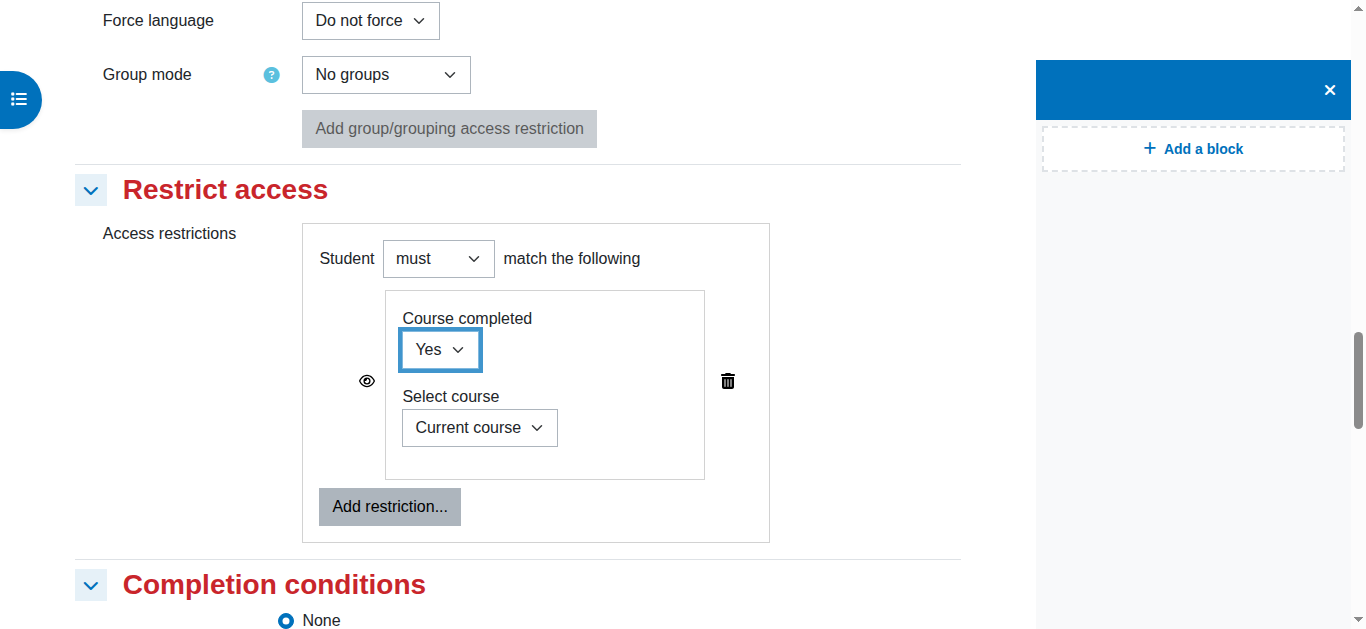
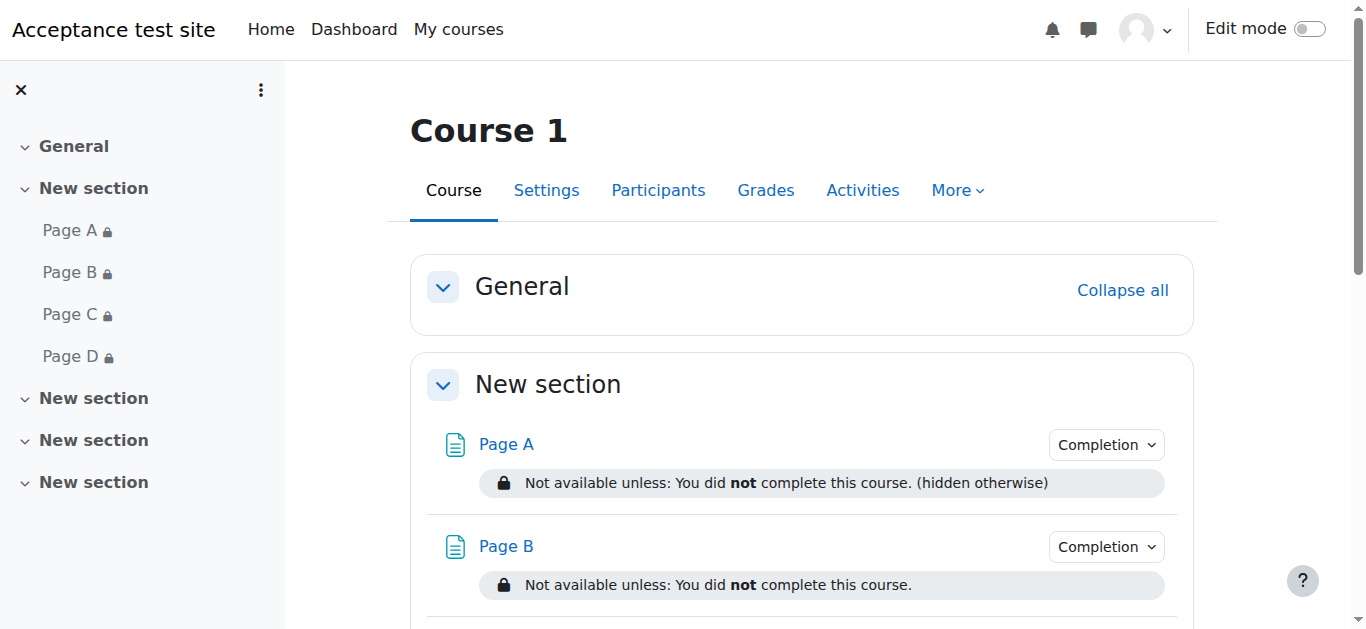
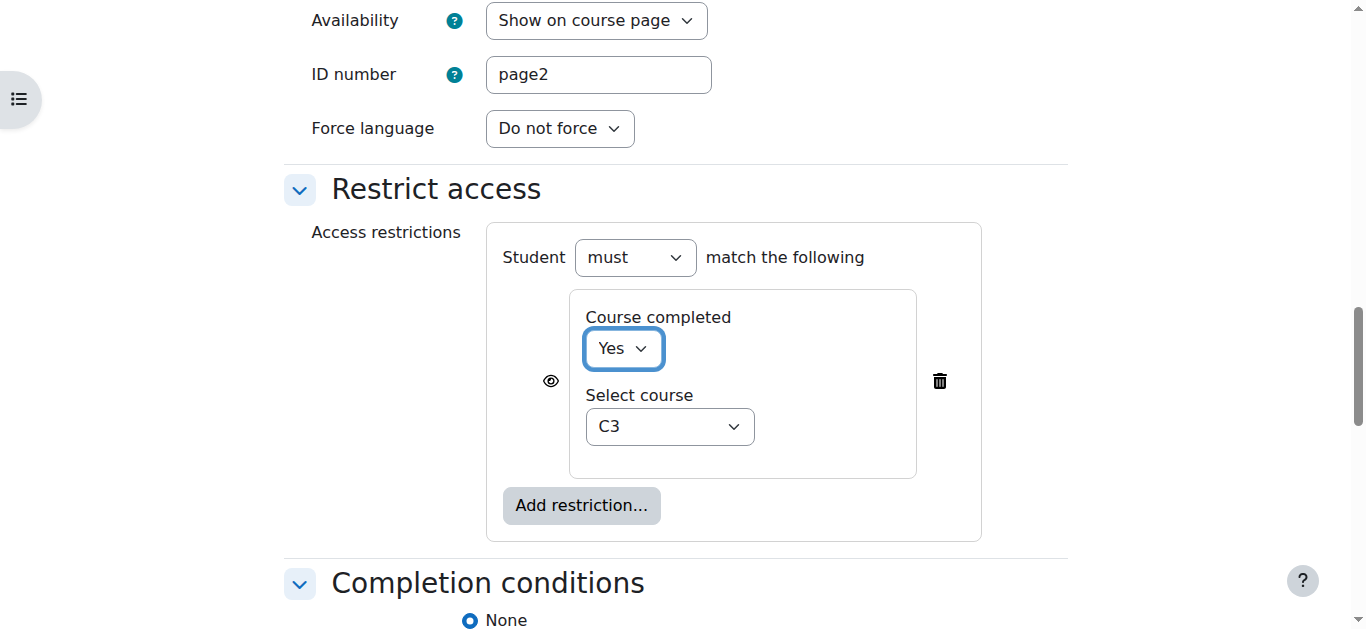
Restrict module and section access based on course completion.
Comments
Product ratings and reviews are coming to Moodle Marketplace. Until then, existing comments remain available to read, but new posts have been disabled.
So technically, it is possible to modify those 2 strings using language customisation. But the change of the list_root_and string will reflect on ALL availability restrictions....
Just wondering if I am able to change the wording that automatically appears when I restrict access to a certificate.
At the moment, "Not available unless: You completed this course." appears. I'd like to change this wording to "Currently unavailable." Is this possible? If so, how do I change it?
Thanks
Briar
Thanks for your help. It was indeed a cron job issue and now it's working perfectly. Great plugin, thanks for sharing your work!
Briar
There is a difference between the activity completion report and the course completion report. Are both reports showing the first module completed?
This plugin does not change or add course completion settings, it only reads course completion info, and based on this information, restricts access. It uses the same information as the course completion report, so as long as this report is not showing the course as completed, the plugin will keep on restricting access to your certificate.
First of all, course completion is not instantly, it is done in the background with the Moodle cron job. So it can take some time between the completion of an activity and the completion of the course. Therefore, if the cron job is not running, your course will never be marked as completed.
Perhaps the best way to check if the course completion is working, add the condition 'Manual completion by others' in an OR condition and, in the course completion report, mark the student manually as he/she completed the course. When you wait some time (depending on your admin from 1 minute up to 1 hour), the course will be marked as complete for this user. As a result, the certificate will also be visible for the person.
Greetings,
I've installed your plugin but can't get it to work. I installed in Moodle 2.7.
I have a course with 2 modules/activities in it.
First module is a URL to view.
Setting on this is: Show activity as complete when conditions are met - student must view activity to complete it.
Second module is certificate.
Setting is: restrict access - Student must match the following - completed course - yes
For the course itself:
Setting is: Course completion - activity completion - URL
When tested:
When a user completes the URL activity, the activity is shown as complete, but NOT the course. Obviously the user is still not able to access the certificate, despite having completed the URL activity.
Any help would be much appreciated!
Thanks
availability conditions restricts access to modules and activities. Restrict access to courses should be done using a enrolment plugin.
You can give access to course 2, but restrict availability to some modules. In your case, I would brew something like this:
Course 1 & 2 : Enable course completion tracking on the course settings page (course/edit.php)
Course 1 : Configure course completion so the grade of the two quizzes are part of the condition Course grade (course/completion.php)
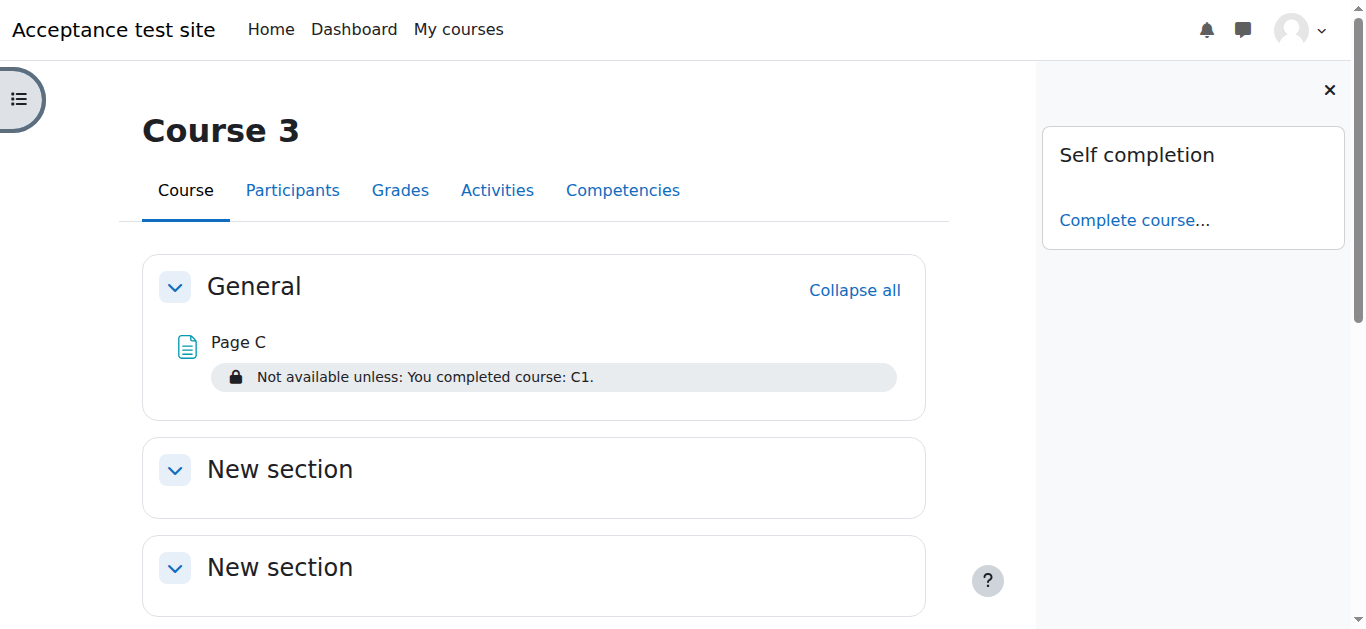
Course 2 : Configure course completion and select course 1 in the condition Completion of other courses (course/completion.php)
Course 2 : Add for a/each module the Restriction by course completion
As a result, Course 1 will be completed when the 2 quizzes have grades above 50%, When this happens, course 2 will also be completed and each restricted module will become available for the participants.
I am using 3.0 but i am unable to restrict course 2. in course 1 there are 2 quiz and i want to course 2 will be active if user pass course 1 with quiz mark more then 50%. i was set all the things but i am unable to restrict course 2. Clement Prudhomme how you do it, Can you please help me?
Thanks in Advance
++
I want to make sure how to install the plugin of availability to moodle? (where are the plugin path of moodle ? )
Thank you.
the completion of other courses is a whole different matter and would complicate things greatly. My biggest concern would be speed, because the plugin should work also on a system with hundreds of courses. But it is a good idea for another availability condition plugin.
R
I like your plugin a lot. Thanks for sharing! Do you think the plugin could also check the completion of other courses?
Fritz
Thanks for the plugin submission. It installed without any errors on my Moodle27 test instance. I created two courses and set Completion Tracking and Course completion and added a few activities and setup completion. I don't have much experience using completion, but it seemed to work as expected.
There are a few PhpDoc problems (see link above) that you should address.
You'll have to wait for an approver to give this the final OK.
Carl