
CodeRunner
Maintained by
Tim Hunt, Richard Lobb
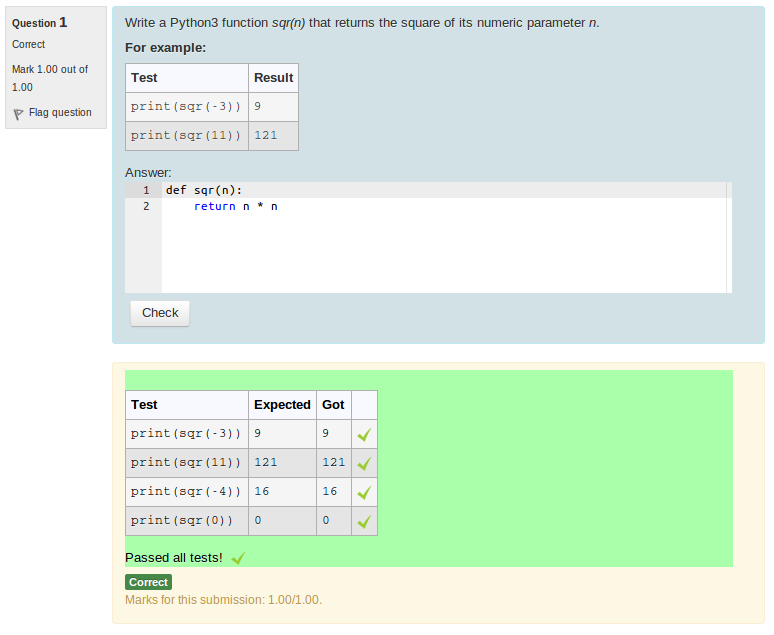
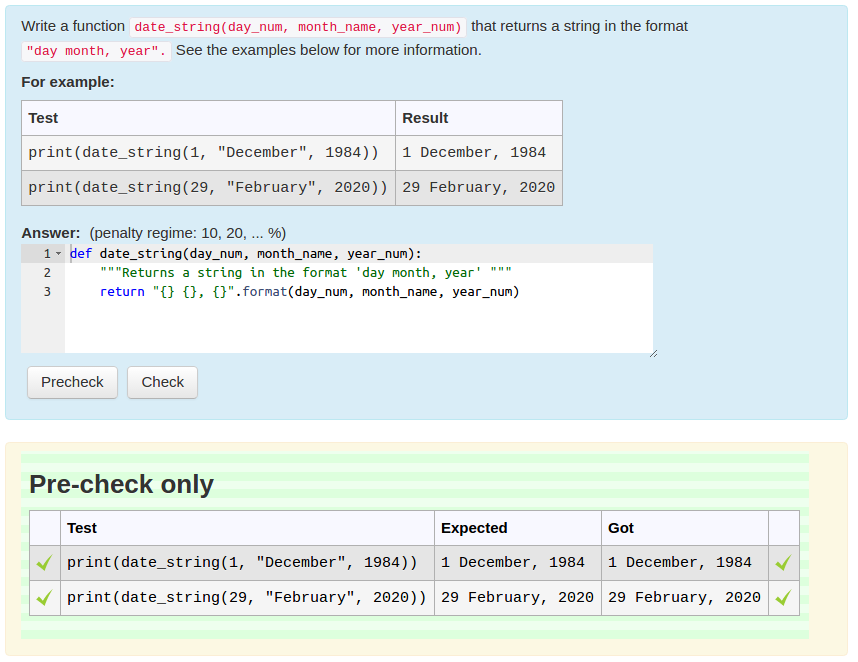
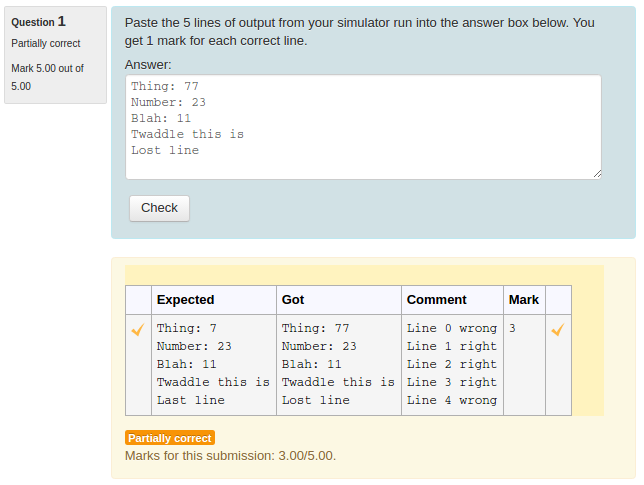
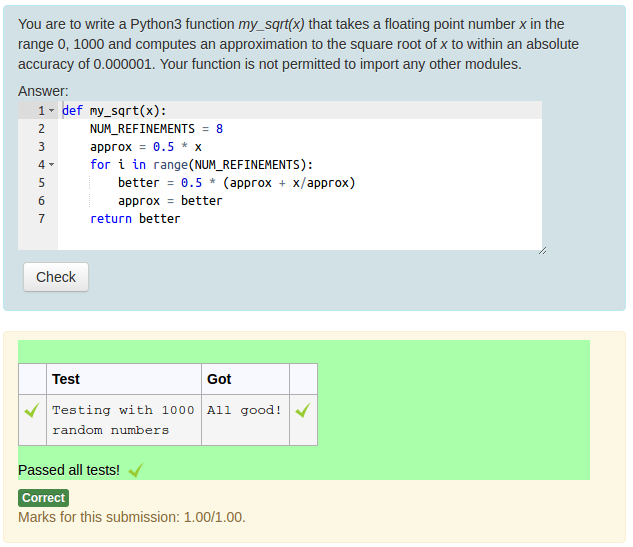
A question type that allows question authors to set programming questions in which the student answer is code in some programming language, which is graded by running it. More generally it can handle any question to which the answer is text that can be graded by a computer program written by the question author.
Comments
Comments are no longer open for new posts. Existing comments remain available to read.
[pluginname,qtype_coderunner]
/question/type/coderunner
2020012500 Additional Missing from disk!
Similar errors are there for many other plugins including Attendance etc. whiever were not supported for 3.9.
I clicked then on "Upgrade Moodle Database Now"
it stppoed at
Plugin "mod_attendance" is defective or outdated, can not continue, sorry.
More information about this error
×Debug info: Missing version.php
Error code: detectedbrokenplugin
×Stack trace:
line 750 of /lib/upgradelib.php: plugin_defective_exception thrown
line 565 of /lib/upgradelib.php: call to upgrade_plugins_modules()
line 1917 of /lib/upgradelib.php: call to upgrade_plugins()
line 711 of /admin/index.php: call to upgrade_noncore()
I removed attendance by removing its older and so on for every plugin including coderunner and then it installed fine.
Later when i try to reinstall coderunner i get the error I sent earlier.
I upgraded to 3.8 with no issues
However when I upgraded to 3.9 It showed coderunner along with several other plugins to be missing on disk errors and would not continue the installation. At that point of time i thought on uninstalling coderunner and later to reinstall. So I uninstalled coderunner and then the upgrade went fine. Later when I tried to reinstall, it gave that error.
Can you explain in some detail please:
1. What was your starting point? i.e. which version of Moodle did you have installed, what OS was it on, and what version of CodeRunner was installed within it (if any)?
2. What upgrade sequence did you follow to get to the above situation?
Upgrading to new version
qtype_coderunner
Error writing to database
More information about this error
×Debug info: Table 'moodle.mdl_question_coderunner_options' doesn't exist
DELETE FROM mdl_question_coderunner_options WHERE questionid = ?
[array (
0 => '38844',
)]
Error code: dmlwriteexception
×Stack trace:
line 489 of /lib/dml/moodle_database.php: dml_write_exception thrown
line 1686 of /lib/dml/mysqli_native_moodle_database.php: call to moodle_database->query_end()
line 1977 of /lib/dml/moodle_database.php: call to mysqli_native_moodle_database->delete_records_select()
line 67 of /question/type/coderunner/db/upgradelib.php: call to moodle_database->delete_records()
line 43 of /question/type/coderunner/db/upgradelib.php: call to delete_existing_prototypes()
line 342 of /question/type/coderunner/db/upgrade.php: call to update_question_types()
line 692 of /lib/upgradelib.php: call to xmldb_qtype_coderunner_upgrade()
line 1917 of /lib/upgradelib.php: call to upgrade_plugins()
line 711 of /admin/index.php: call to upgrade_noncore()
Before doing anything else, I suggest rebooting the server and listing all the moodle database tables to confirm that the table really is missing.
If that table is missing, all existing CodeRunner questions are irretrievably broken. Do you have a backup of your server? If so, I suggest going back to that backup and carefully repeating the upgrade instructions at https://docs.moodle.org/39/en/Upgrading
Upgrading to new version
qtype_coderunner
Error writing to database
More information about this error
×Debug info: Table 'moodle.mdl_question_coderunner_options' doesn't exist
DELETE FROM mdl_question_coderunner_options WHERE questionid = ?
[array (
0 => '38844',
)]
Error code: dmlwriteexception
Any help will be welcome
will you propose an update soon for Moodle 3.9 ?
Regards
First of all, thanks a lot for your help.
1. At what stage in the update did the site break - i.e. what was the GUI action or shell command that led to that outcome?
When I go on the "Plugin overview "page, "Available update", I click on "Install this update". I then get the "Confirmation page" (Downloading qtype_coderunner ... OK Validating qtype_coderunner ... OK [Warning] Target location already exists and will be removed […] Validation successful, installation can continue). I click on "Continue" then … 500 error
2. What are the details associated with the 500 error? [You might need to check in the Apache error log, /etc/apache2/error.log on Linux, to find out.]
Well, strange but no message in log
3. Were you installing any other plugins or making any other changes to your site at this time?
I have a few plugins installed, but of course I update them one at a time
4. What OS is your Moodle site running?
Raspian buster (debian 10 for raspberry)
A precision (I found this morning): not all the site is broken. But the installation lead to an 500 error page
1. At what stage in the update did the site break - i.e. what was the GUI action or shell command that led to that outcome?
2. What are the details associated with the 500 error? [You might need to check in the Apache error log, /etc/apache2/error.log on Linux, to find out.]
3. Were you installing any other plugins or making any other changes to your site at this time?
4. What OS is your Moodle site running?
I had a version 3.6.1 of your plugin installed on a moodle v3.7. It was working well.
The system said there was an update to do but when I did so the update broke my site (error 500).
I tried to update moodle to 3.8 and try again to update the plugin : but there again same problem.
I wanted to desinstall then reinstall but there is no "button" to desinstall…
Can you help me ?