
Media collection
Maintained by
Adam Olley
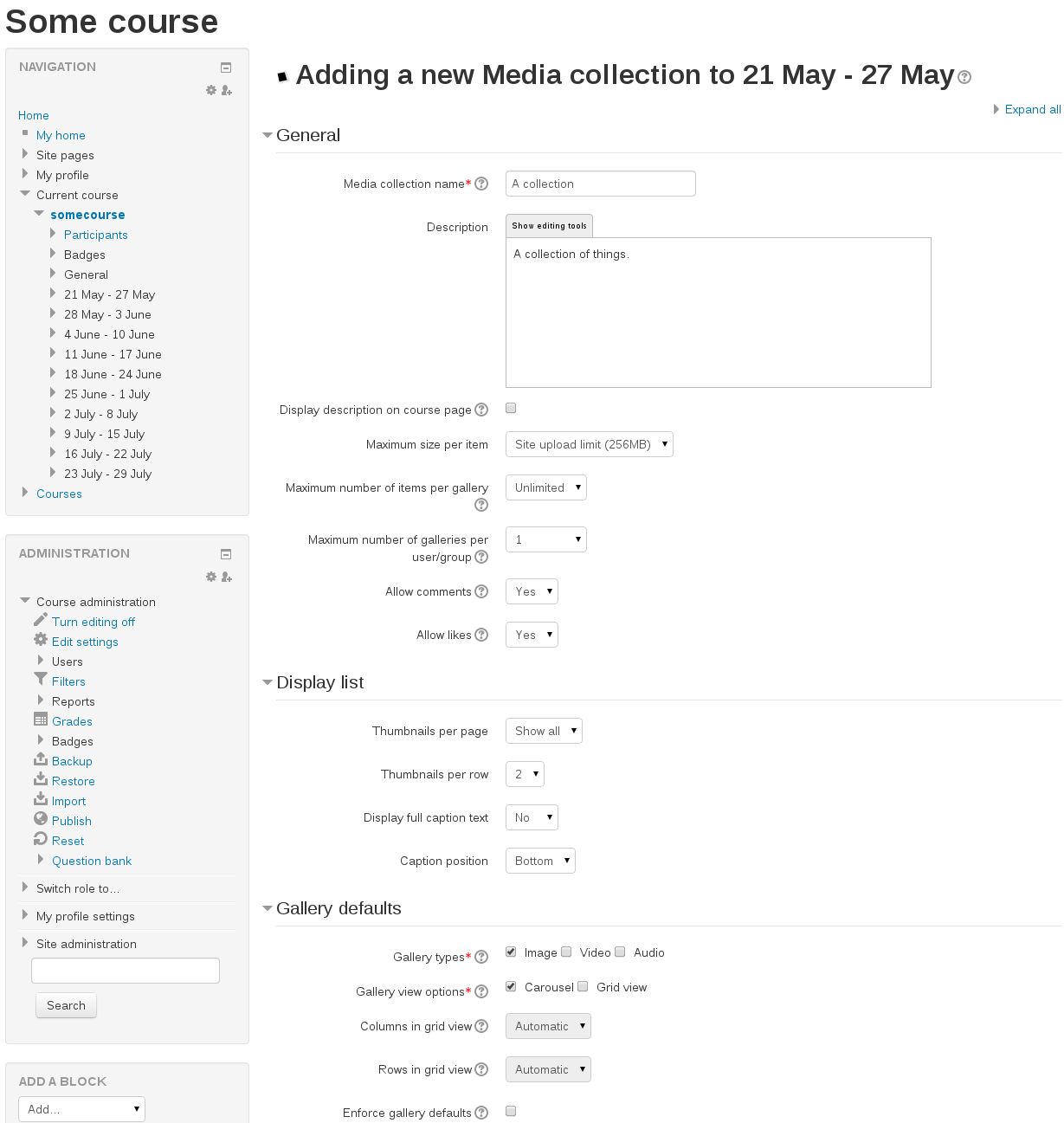
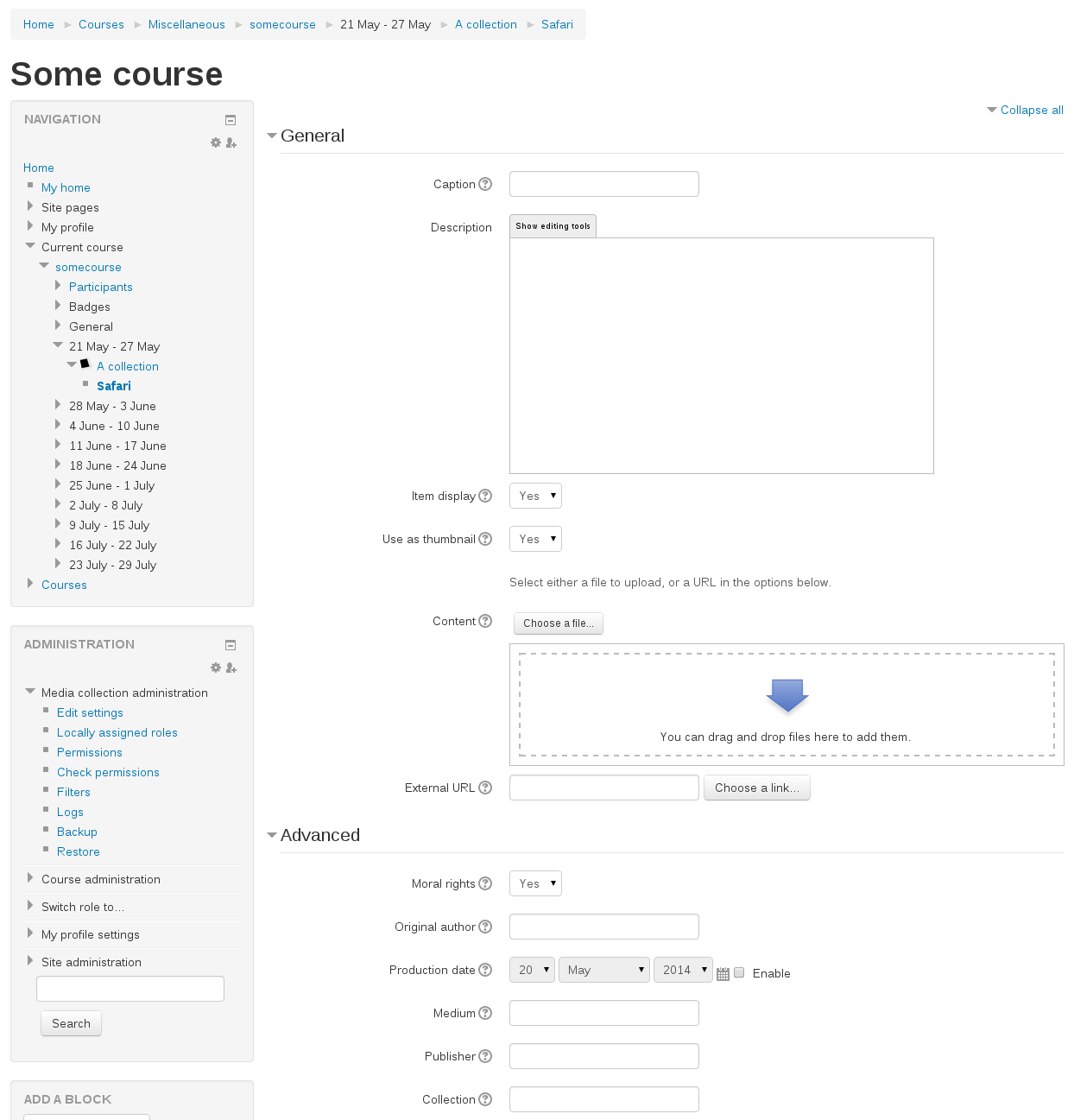
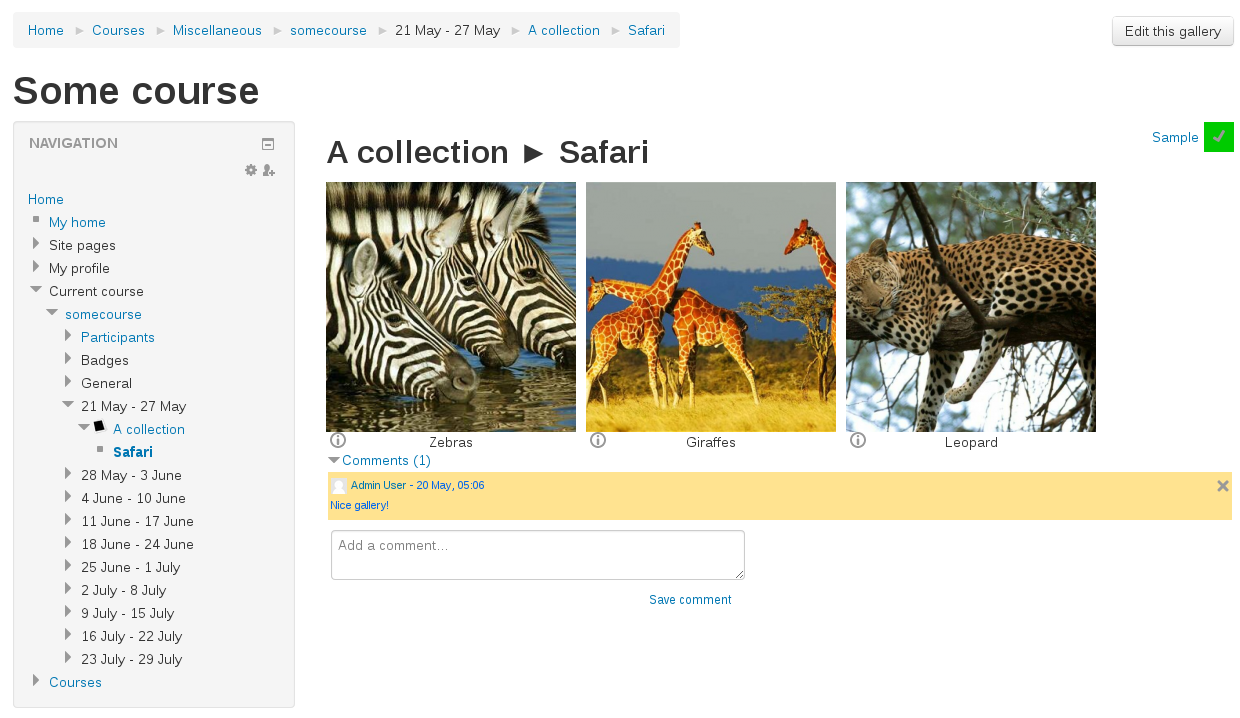
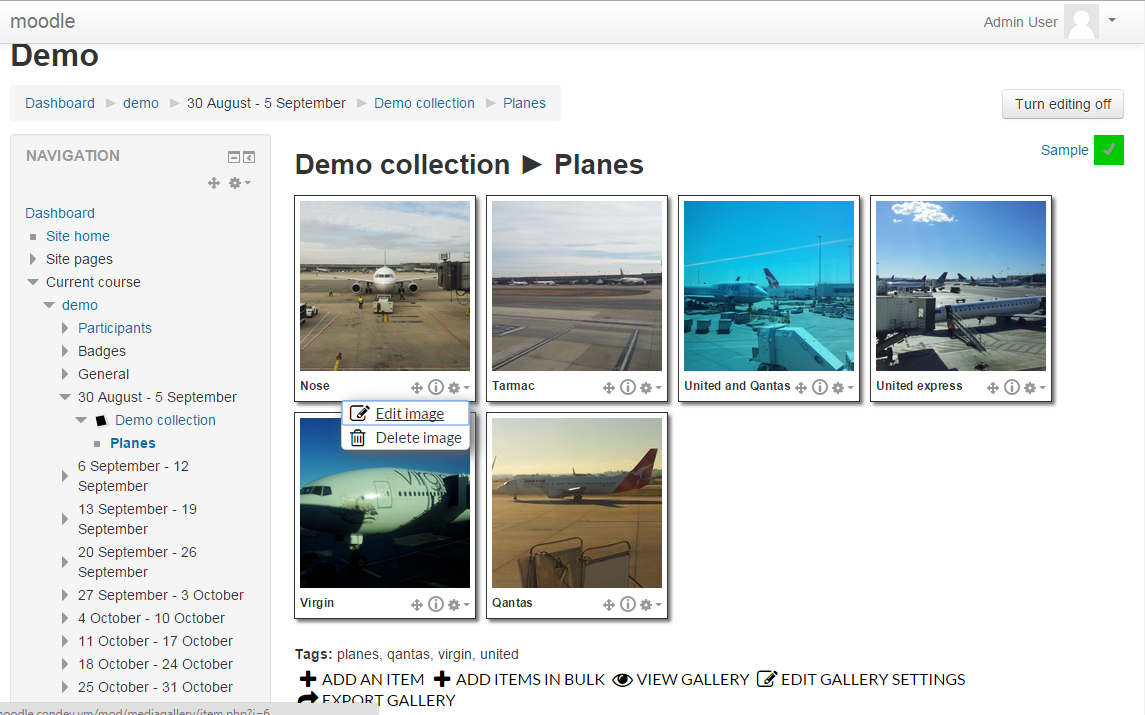
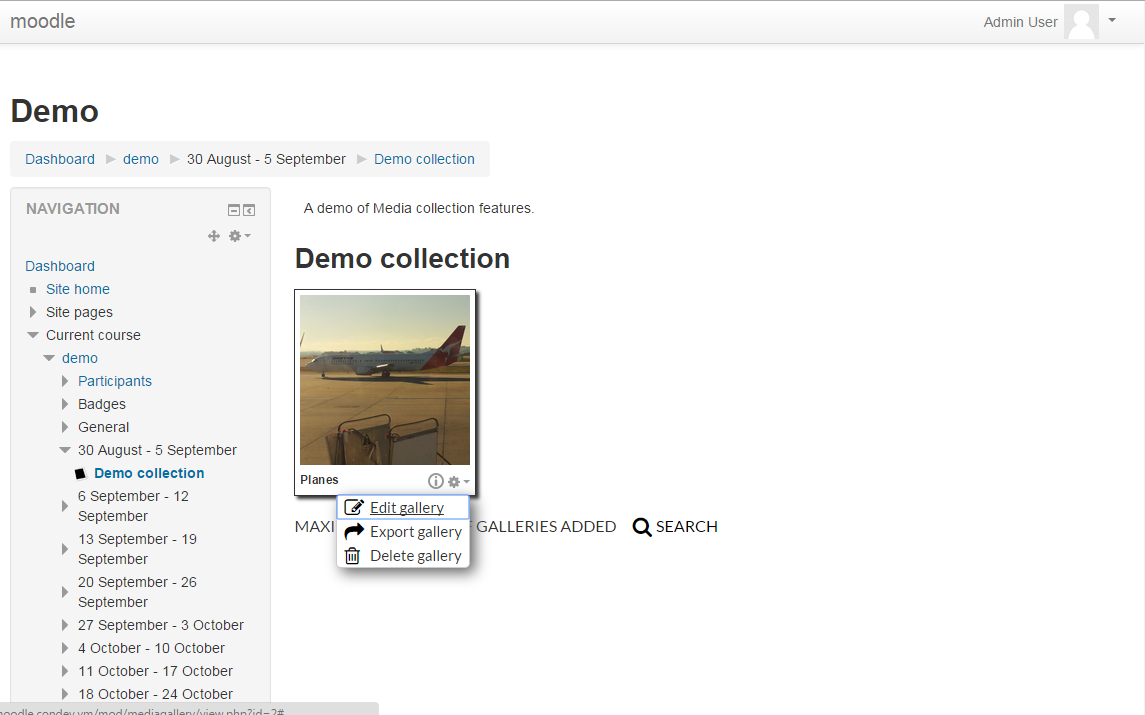
This plugin allows instructors/teachers to create a space for students to submit "galleries". These galleries can be based on images, audio or video.

Comments
Comments are no longer open for new posts. Existing comments remain available to read.
I've just updated the version available which should resolve that upgrade issue. Let me know if you still have problems.
Debug info: Unknown column 'objectid' in 'mdl_mediagallery_gallery'
ALTER TABLE mdl_mediagallery_gallery ADD mode VARCHAR(10) CHARACTER SET utf8 COLLATE utf8_unicode_ci NOT NULL DEFAULT 'standard' AFTER objectid
Error code: ddlexecuteerror
Any ideas how to get around this?
It's a custom repository, whilst parts of the code refer to it, it shouldn't have any effect on your actual use of the plugin when you don't have it.
If it's showing up anywhere in the interface - let me know as it shouldn't be.
What is "theBox" in this plugin ?
Daniel
Maybe the moodle-mod-mediagallery-mediabox.js will be more concise.
* Change 'gallery type' to 'gallery focus'. Rather than forcing a gallery to only display one content type in the main and lightbox areas with all other content as supporting files, gallery focus lets you set a default focus for the gallery, and then the user viewing is able to toggle between audio/image/video being the focus.
* Tags: You'll be able to add tags to collections, galleries and items.
* Collection types: a collection activity will be able to be set to 1 of 4 types.
** Instructor collection - only instructors can create galleries/items.
** Contributed collection - all users can create galleries/items - but this collection can't be used with the assign submission plugin.
** Assignment collection - users can only see their own galleries - and can be used for an assign submission.
** Peer reviewed collection - users can see each others galleries - and can be used for an assign submission.
* Gallery modes. Two modes you can pick from when making a gallery.
** Standard - the same as now.
** YouTube - only accepts youtube videos as items.
Unfortunately it doesn't have ratings for individual items right now. Its definitely something that might be added in future though.
I've pushed up a small hotfix for that to both github and here. Looks like it's some php syntax I used that isn't compatible with earlier version of php than what I was using when I wrote it. Let me know if it doesn't work for you.
Thanks for that. I have just downloaded the latest version and installed on my Moodle 2.6.4. When I tried to add the activity to my course, I got the following error
Parse error: syntax error, unexpected T_OBJECT_OPERATOR, expecting ')' in /opt/lampp/htdocs/moodle264/mod/mediagallery/classes/item.php on line 496
Richard
I've uploaded an update. It fixes the bug you described and also adds the ability to select files from within your collections/galleries from within the file picker.