Stash
Maintained by
Adrian Greeve, Frédéric Massart ⭐
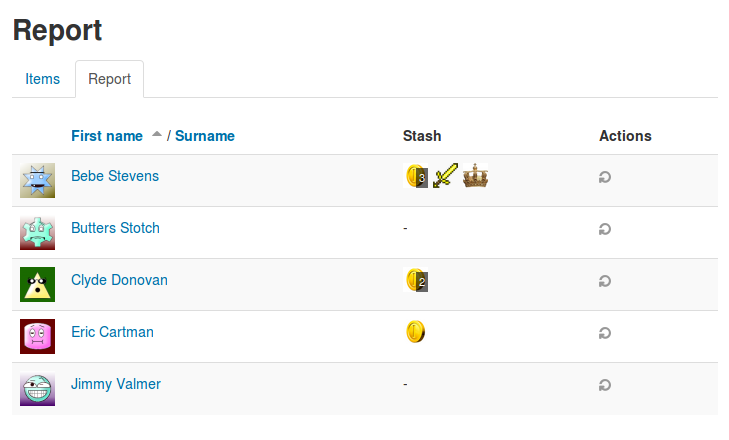
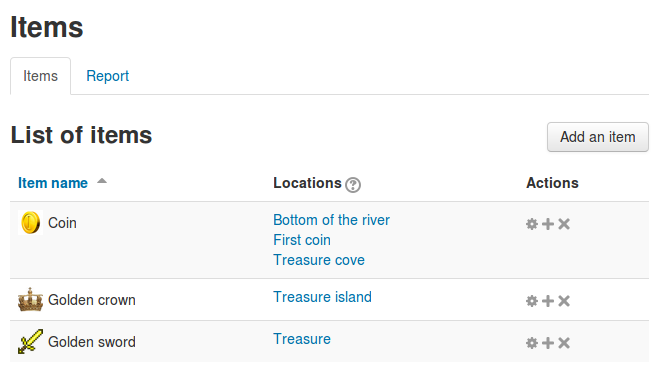
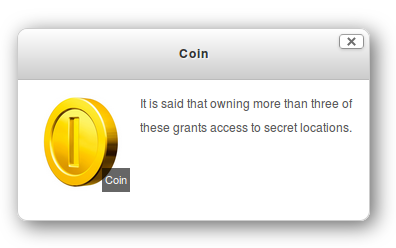
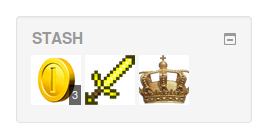
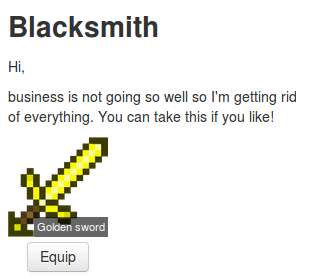
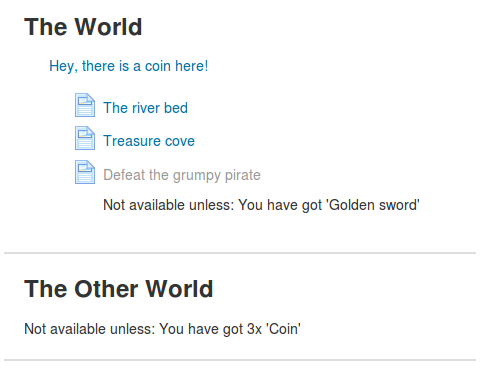
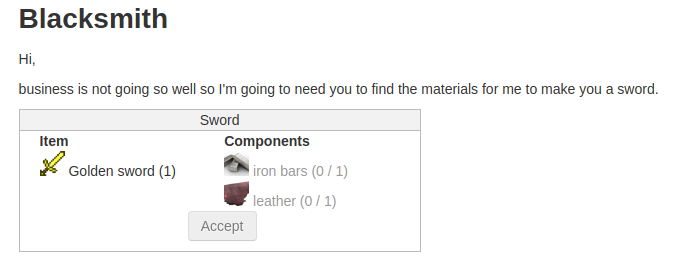
Add an inventory of items to your course and let your students find items by exploring the activities. #game #gamification
Comments
Comments are no longer open for new posts. Existing comments remain available to read.
Great plugin.
I set up one item to be picked up once (supplies:1) in one location. It appears when the condition is satisfied. But if the item isn't picked up or one day pass, it "disappears" or doesn't appear until I reset it--what I usually do is to set the interval to any time (10 minutes, 1 hour) and then save it.
The same thing happens if I have a scarce item to be picked once in different locations.
Thank you for any help.
Just a question : I saw a trade option ; I created a trade (a object for an other) but when I test it as a student I don't see where I can trade my objects ?
Regards,
Which theme are you using? If you are using Snap, because of the unique way it shows pages in-line, the Stash filter isn't active on the main course page. If you manually create a link to the page (e.g. "Enter HERE to pick up treasure!" and create a hyperlink to the page), then students can pick up the Stash item since the shortcode filter can parse the code.
Hope that helps.
. I just copy and paste the code into the page. This is my first block_stash. :'(. The page is available when I mark a lesson as finished. So, it suppossed that student gets in and take the reward. That's all. Is the code right? I saw in the video other instructions in javascript.
The only thing that I can think of that would result in the above code not being changed is that the filter has been disabled. As an administrator go to Site administration > Plugins > Filters > Manage filters - and check that "Shortcodes" is active.
Can you also describe what a simple page is? Does it have an editor when you are adding text to it? Is block_stash working in other areas?
Your plugin is awesome, adds an interesting gamification to the courses, but now we have a problem, on a test course of our Moodle 3.8 platform. After a student pick-ups all the items, the items don't appear for other students and our admin account, only after change the config of limited item, then appear again.
Were you using version 1.3.1 or earlier before upgrading to 1.3.3? I suspect that after uploading stash to the latest version, that the site hasn't run the upgrade code and that is why you are seeing this error. Please log in as the administrator (or contact the administrator) and kick off the site upgrade.
Please let me know if that hasn't fixed your problem.
Debug info: Unknown column 'i.amountlimit' in 'field list'
SELECT i.id AS itemid, i.stashid AS itemstashid, i.name AS itemname, i.maxnumber AS itemmaxnumber, i.detail AS itemdetail, i.detailformat AS itemdetailformat, i.amountlimit AS itemamountlimit, i.currentamount AS itemcurrentamount, i.timecreated AS itemtimecreated, i.timemodified AS itemtimemodified, ui.id AS useritemid, ui.itemid AS useritemitemid, ui.userid AS useritemuserid, ui.quantity AS useritemquantity, ui.timecreated AS useritemtimecreated, ui.timemodified AS useritemtimemodified
FROM mdl_block_stash_user_items ui
JOIN mdl_block_stash_items i
ON i.id = ui.itemid
WHERE ui.userid = ?
AND i.stashid = ? AND ui.quantity IS NOT NULL
[array (
0 => '49034',
1 => '30',
)]
The course is 100% inaccessible, with an "Error reading fro database" message". I'm running the latest Moodle v3.8.3+ and the latest (apparently?) version of Stash. Any assistance is appreciated.
Thank you for the bug report. We will have a new version by the end of this week with a fix for this message. Unfortunately I think that this message hides a deeper issue that we are unaware of at the moment. Can you tell us what message you get once you have upgraded to the new version?
If you have access to the code then you can make the changes listed here - https://github.com/FMCorz/moodle-block_stash/commit/0d4fe778bf157237a1e34d1130eb16e4d42d49a5