Stash
Maintained by
Adrian Greeve, Frédéric Massart ⭐
Add an inventory of items to your course and let your students find items by exploring the activities. #game #gamification
Comments
Comments are no longer open for new posts. Existing comments remain available to read.
Sorry about the inaction of late. I've been extremely busy trying to prepare for the GDPR compliance required later on this year.
Wanted to report and verify that Carlos solution worked for adding non-editing teachers to a course--fantastic!
Small bug report: I tried resetting a course to get ready for a new semester, and it looks like Stash does not have Course Reset implemented yet (not clearing out the Stash items and locations, but rather clearing out old students and items acquired). Not a big deal, but something to implement as Stash is used more and more by teachers around the world!
Thank you!
Thanks for sharing your enthousiasm! I believe that Adrian and I already discussed the complexity for non-editing teachers to use the plugin. I'm confident that we will simplify this in a future release.
Thanks for sharing your solution!
Stash currently prevents the non-editing teacher role from working (they will get an error message and can not access your course). There are also small conflicts with the amazing Snap theme from Moodlerooms, but it is not a big deal (I think it is how Snap deals with blocks--menu navigation doesn't work but the breadcrumb trail does--not a big deal once you train teacher).
Overall, Stash is the BEST plugin for gamification of your course because it is so brilliantly implemented to allow for teacher creativity with the Trade and Availability tools for conditional access! Thank you!
Wanted to report that backup and restore worked perfectly on a Moodle 3.2 instance with 2 very large courses (over 250MB) with several hundred activities, many Stash objects, Trades, and conditional access to activities via the Stash availability plugin...AWESOME set of tools for gamification! Can't wait to see what kind of creative things people come up with the Stash set of tools!!
Wow--thanks for your quick reply!
I was testing out seeing if my course would restore to another server with all of my Stash items / swaps / snippets intact, and I double-checked that all 3 of the Stash plugins (block, availability, and snippet filter) were the same versions. However, after performing the restore, my Stash block shows up empty.
This is a rather large course (over 270Mb) with over 20 Stash items and several trades, so it is pushing the limits!!! I will try again and restore only a small section of the course to a blank course to see if that makes a difference and report back....
Thank you again for sharing your great work with the Moodle community--I don't think there is any other tool quite like Stash out there for gamification and it's adds some much needed fun to our courses!!!
Thanks for the kind messages.
Backup should be working, we are distributing a backup of one of our demo course in the description of the plugin here above and it seemed to work whenever we tried to restore it in other sites. Note that you must have the same suite of plugins installed on the other sites.
Could you describe a bit more what you are experiencing?
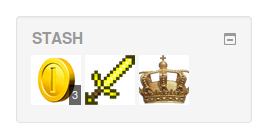
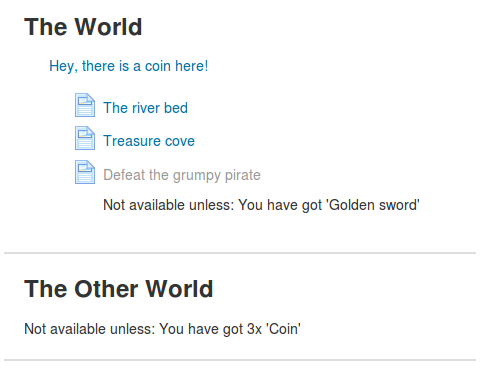
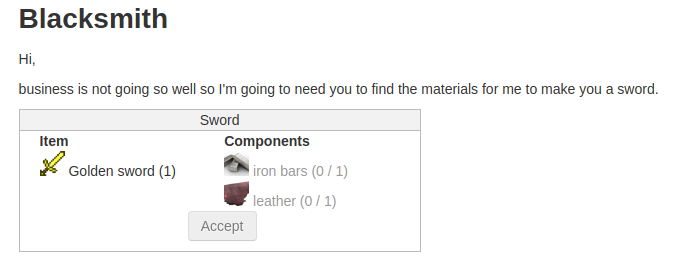
Just wanted to leave positive feedback that the new Stash Block, Stash Availability, and Stash snippet filter works together flawlessly and allows teachers to be quite creative with their courses (e.g. find 3 Gold Coins to trade in for a Gold Key which can than unlock an answer key or a new section of the course)....
Quick question: I was trying to test out backing up and restoring my course between servers, and it didn't look like the Stash block supported that function yet....or I might be missing a setting...
Any chance this is already implemented and I missed a checkbox, or can we request this as a future feature?
Thanks for sharing all your great work with the Moodle community!
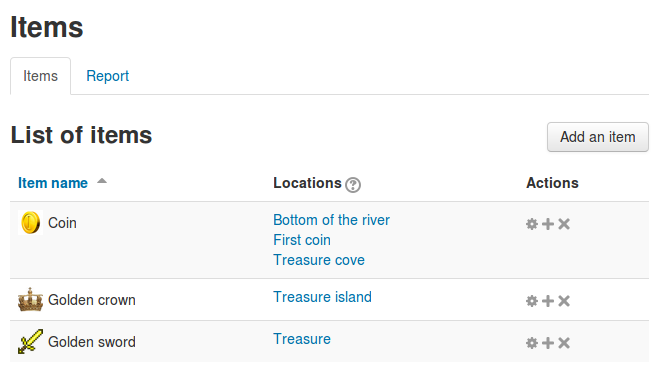
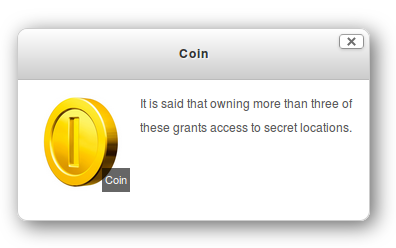
A nice addition would be to change the size of the dropped items. Right now I'm using coins which are displayed pretty large (50 px wide or so?). Changing the image resolution does not make a difference in how large they are displayed.
Making them smaller and less vissible would enhance the search effort.