
My Courses
Maintained by
Learning Works, Mathew May 🇳🇿, Jeremy FitzPatrick
This block provides an alternative user dashboard for learners.
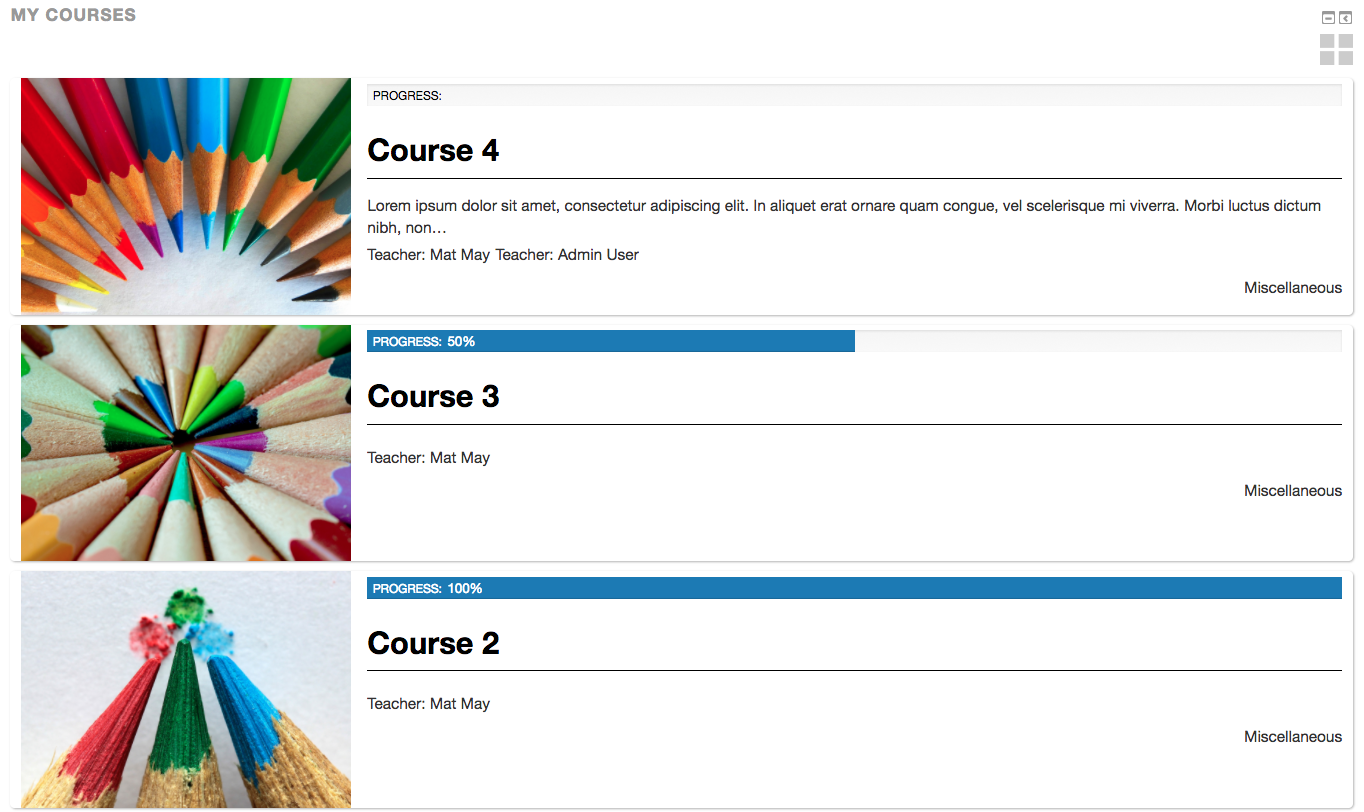
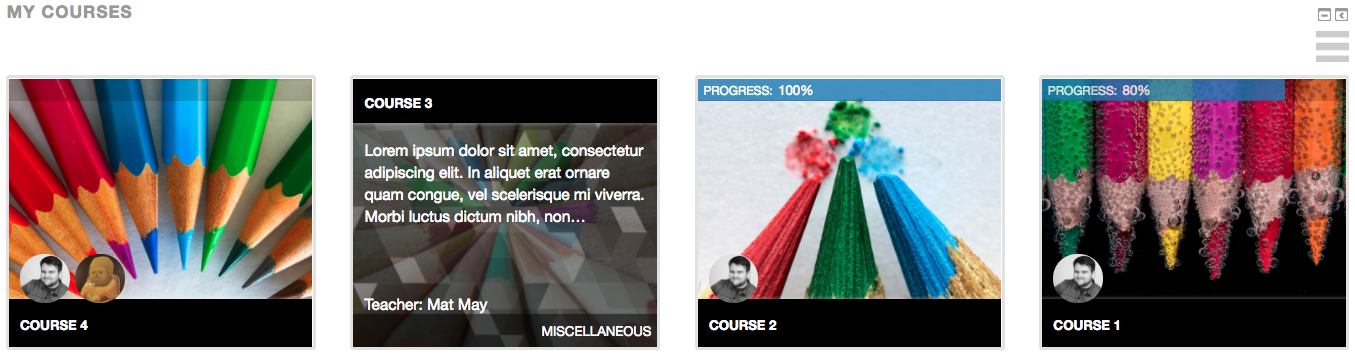
Comments
Comments are no longer open for new posts. Existing comments remain available to read.
Thank you and congratulations on a great plugin !
The only limit I could find is that the course summary section does not support multilang filters : I would really like it if users could read the course summary according to their preferred language, (in this case, either French, English or Mandarin Chinese). Is there any way you could do something about this ?
Thanks for helping,
Best,
Yannick
PS : see how languages mix on this screenshot, (French-speaking user with Mandarin Chinese text) : https://drive.google.com/file/d/15u4XV0Up7rigkAkoe3rJTWx4B4WVEa3X/view?usp=sharing
I installed a clean 3.1 with adaptable and found that the block is working as expected.
However if the block is not on the list of addable blocks check out this line to allow you to place it anywhere in the site: https://github.com/learningworks/moodle-block_lw_courses/blob/master/block_lw_courses.php#L112
Regards,
Matt
When I put the block lw courses in my course. If I log in as a manger then https://prnt.sc/itao20 I see it normally but when I log in as a student, I see this https://prnt.sc/itame3
Who can help me with this problem?
Is it possible that the students and teacher's dashboard has this appearance by default to avoid that a user that is not an admin can create the block?
Thank you.
In that scenario would the course that has the meta link enrolment method still be shown to the learner or the origin of the enrolment?
We currently have no plans to implement this feature but if you wanted to submit a feature request on the github issue tracker and tag it as an enhancement we may look at this in the future.
https://github.com/learningworks/moodle-block_lw_courses/issues
Many thanks,
If you install the latest version of the block the lang string when selecting blocks has been changed. Hopefully it should mitigate the issue you are facing.