Collapsible Topics format
Maintained by
Jean-Roch Meurisse
Warning: since sections collapsing behaviour is now integrated into Moodle core, this plugin will not be maintained for Moodle 4.x
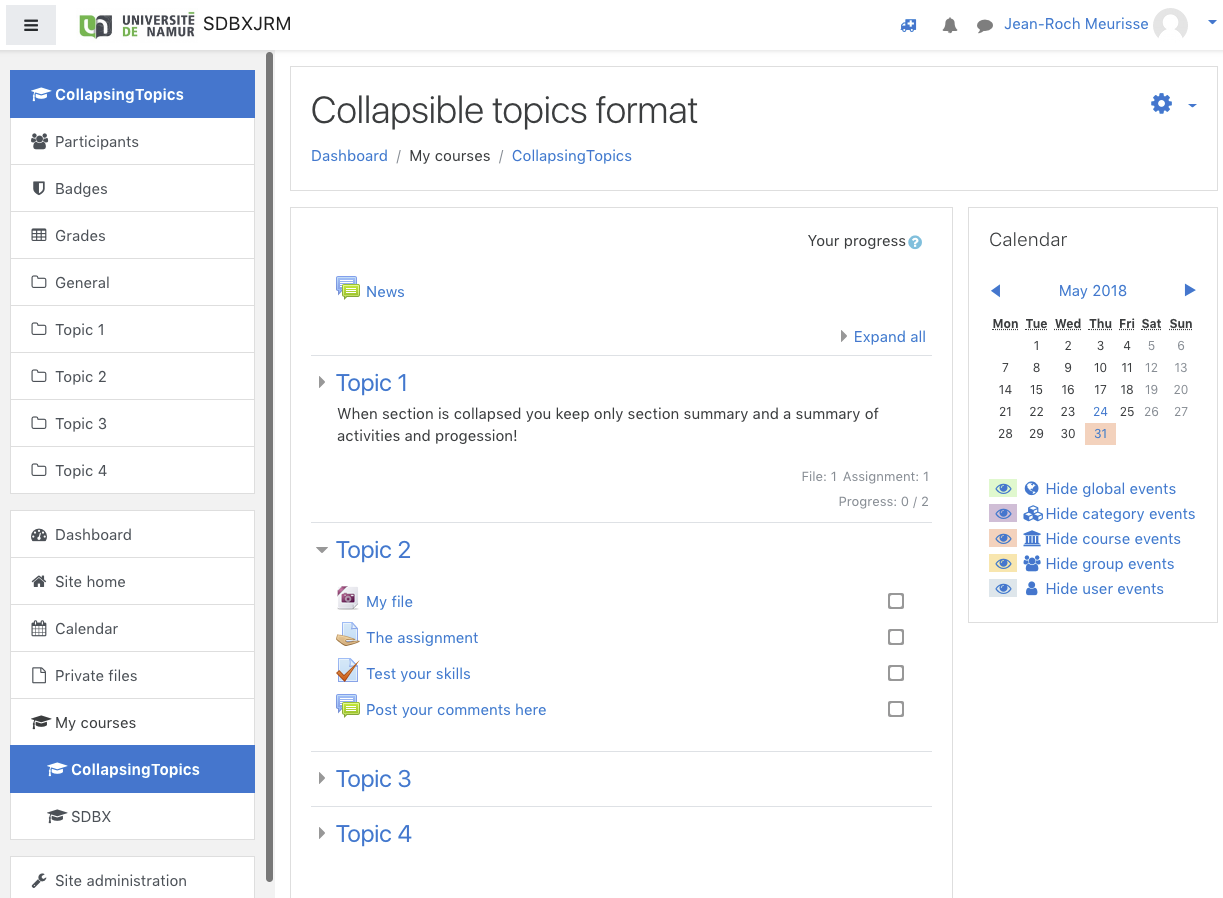
The collapsible topics format is a clone of the core topics format that adds collapsing behaviour to sections in order to reduce page size.
Comments
Comments are no longer open for new posts. Existing comments remain available to read.
will you release an update of your great plugin for Moodle 3.10 in the near future?
Thanks
Fee
To achieve that you have just to comment condition at line 214 in renderer.php
Regards
Jean-Roch
I have installed your "Collapsible Topics format" moodle plugin in my moodle setup and facing one issue with it.
Issue:
On student dashboard it is not displaying progress bar for all topics, only displaying for unrestricted activities topics.
PDF: https://tinyurl.com/yje7n39y
I want to display progress bar for all topics with restricted activities. Just like it is dispalying for admin user when course editing off.
PFA: https://tinyurl.com/ygxzu5rc
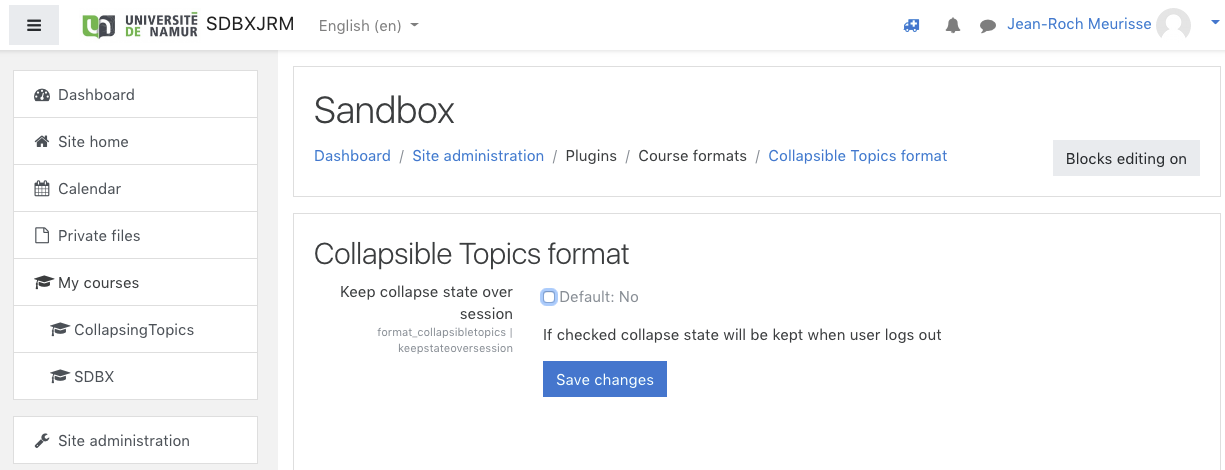
Course format settings
PFA: https://tinyurl.com/ygeb3l38
Tell me the solution for above issue and also coding changes in plugin files.
Thanks
Mangesh
I cannot reproduce your issue. Make sure that you have the proper version of both fordson and collapsibletopics (3.9)
Otherwise, check for errors in the browser console and open an issue at https://github.com/cellule-tice/moodle-format_collapsibletopics/issues/
Is there an issue with Moodle 3.9 collapse? It seems like in order for it to work to view activities, you have to keep selecting "Expand All" at the top. It has never done this. I'm using the Fordson Theme. Should I turn it off in the theme settings integration?
Unfortunately, I cannot reproduce your problem, neither on 3.7 nor 3.9. I do not have access to a 3.8 for the moment. Could you check javascript console for any errors and if any report that in the bug tracker?
Cheers
Thank you so much for making and sharing this plugin! I am glad I found it, it just so very useful...
I love the plugin's elegance and simplicity. However, two things you might consider adding are:
• the possibility to hide the activity summaries (I've done that on my instance using CSS),
• the option to only open one section, i.e. an open section closes when another is opened (c.f. plugin collapsed topics, I don't now how hard implementation would be).
Thanks again,
Florian
First off, thank you for making this plugin! We are not able to use the other Collapsed Topics since it's additional CSS is conflicting with our theme.
We're using Moodle 3.5, so I installed the 3.6 version of the plugin. We have run into a CSS problem. If I try to edit an activity or resource near the bottom of a section, the Edit dropdown menu does not extend below the section/topic, which means most of the menu gets cut off.
It looks like this is being caused by an overflow:hidden rule on a parent div (specifically, the rule targets the .collapse class). However, that seems to be the rule that allows the topics to collapse and "hide", so I can't change it. I'm guessing there's a CSS trick that would allow the dropdown menu to display outside the parent container despite the overflow rule on the parent, but I haven't figured it out yet. Thanks for any suggestions!
Can you confirm?
Sorry for answering late, but with the current situation all or our ressources are dedicated to transtion to full distance learning and examination in our University following the Covid-19 confinement.
Could you check the javascript console for any errors?
Could you also open an issue on https://github.com/cellule-tice/moodle-format_collapsibletopics/issues please?
I will investigate the issue asap
Regards