
Event Reminders
Maintained by
Isuru Madushanka Weerarathna
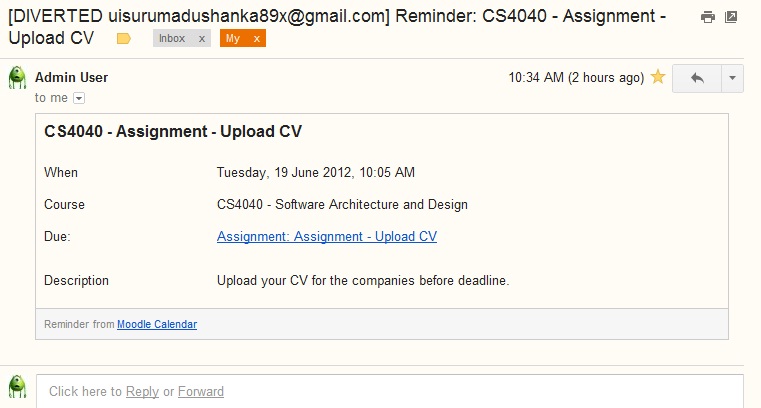
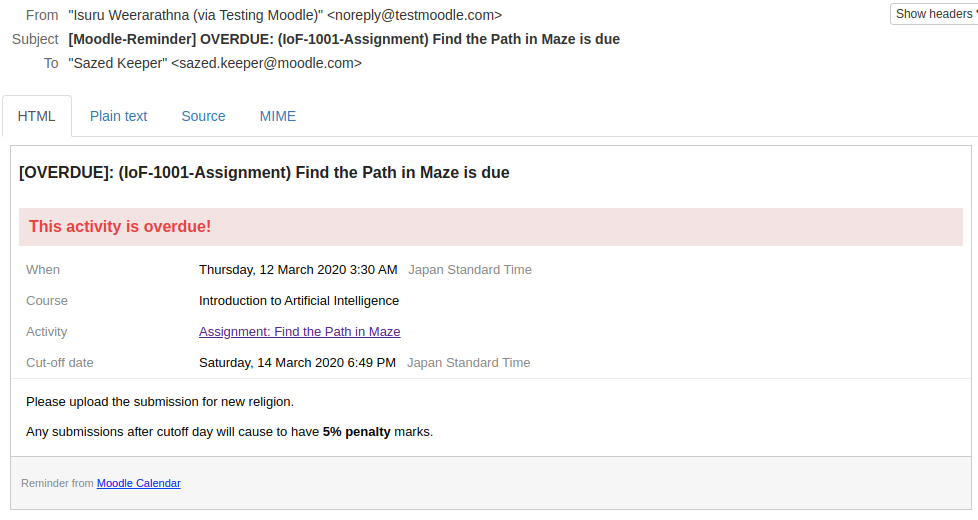
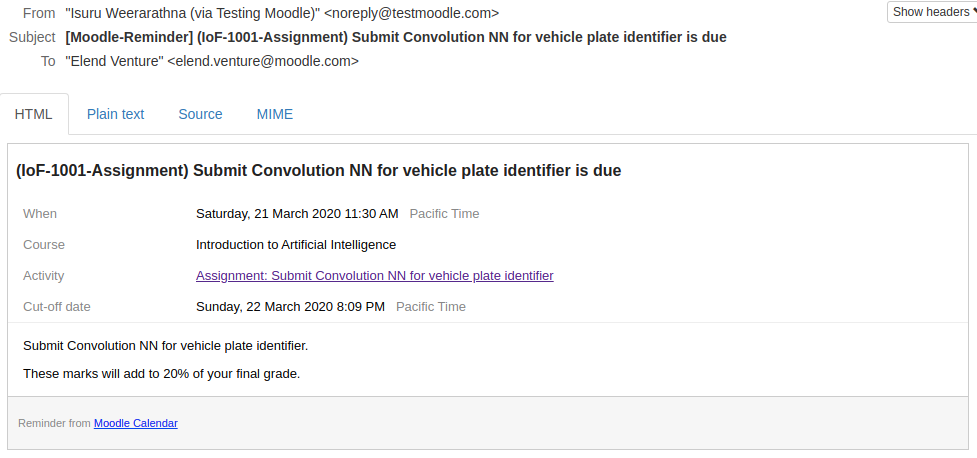
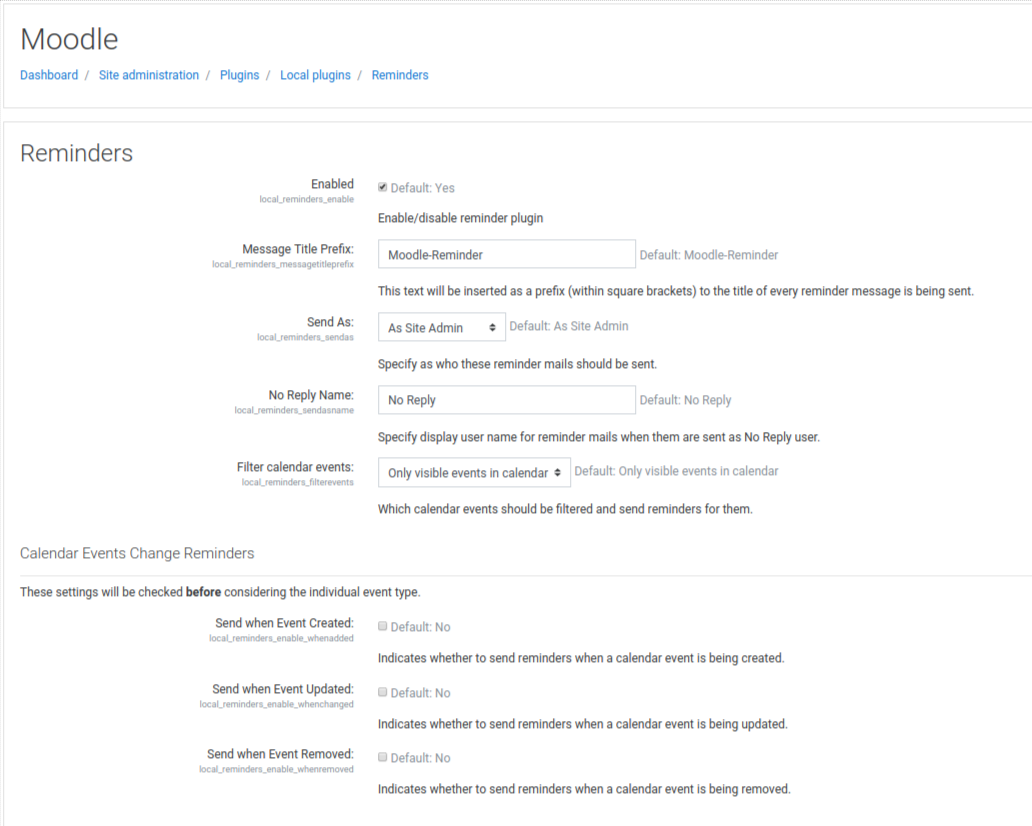
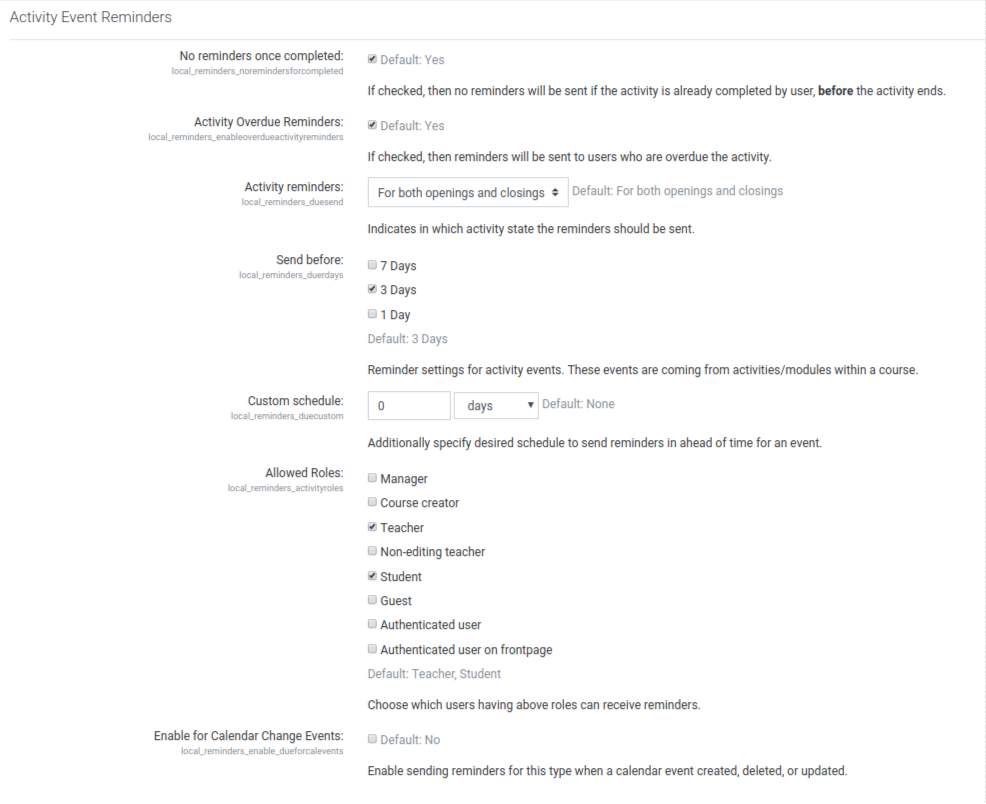
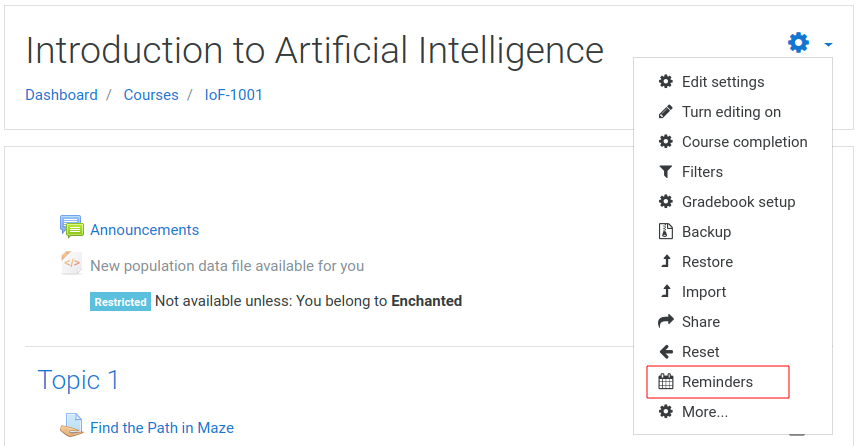
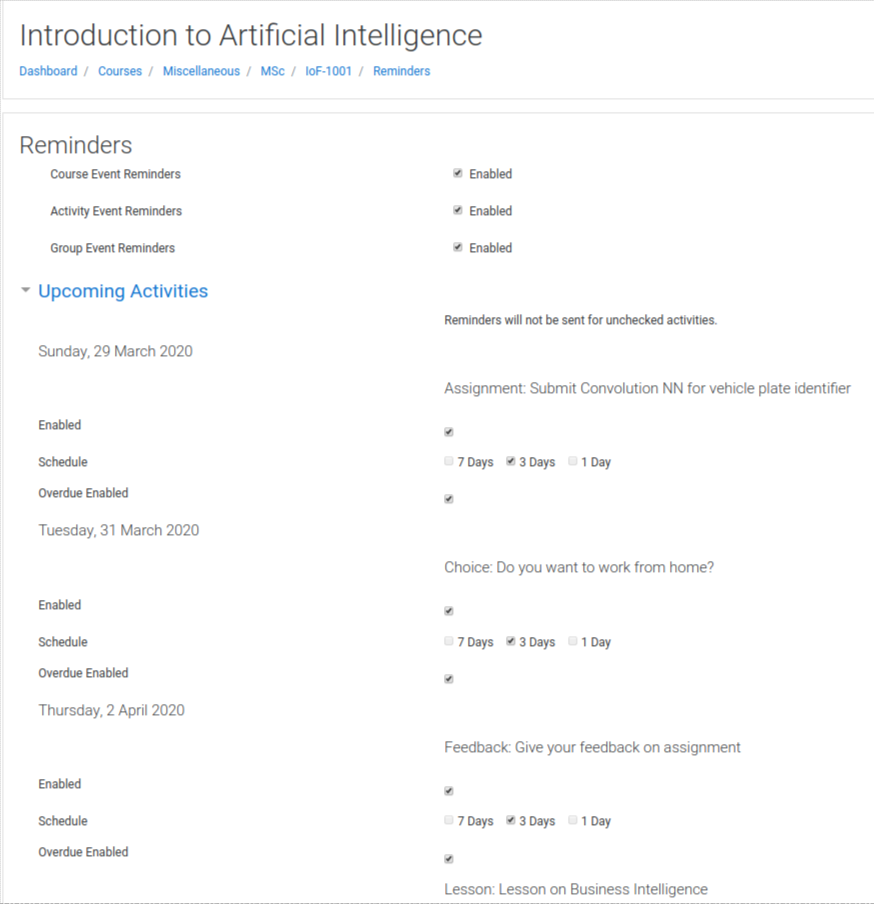
This plugin will automate sending reminders for calendar events.
Comments
Comments are no longer open for new posts. Existing comments remain available to read.
Not in the current version.
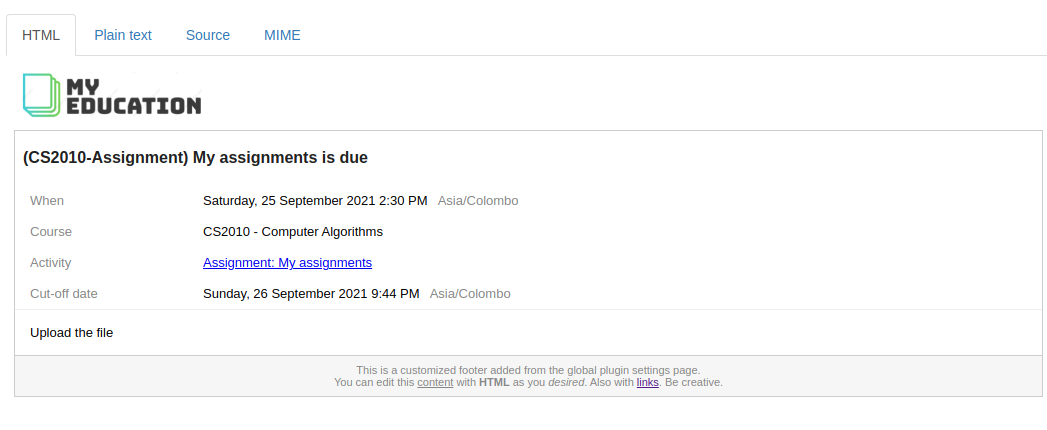
Since we thought that an email content should only have minimum but necessary content, we ignored the description initially and provided a link to the event in the email.
In short, you have to add a desired schedule in line 47 and append that constant in to line 124 in lib.php file to check for a custom schedule.
And also you may want to edit settings.php file to appear custom schedules on configuration page.
I'm still unable to get this to work. Is there any other hints? I basically swapped the 24*3600 to 1*60. I'm not concern about how it 'looks', just that it notifies at around the time when the activity (i.e. quiz) opens. I should mentioned that I was getting the 1 day notification without any issues. Thanks.
Yes, students will receive an email regardless of completed/passed. The reason is that, the plugin is suppose to send reminders as long as there is a calendar event exist for a particular event. Even if a student completed the quiz, there still will be a quiz event in the calendar. So he/she will still receive a reminder.
I understand this is quite a feedback I received for sometime and will be considered a possibility of implementing this as a new feature in a future release. Fingers crossed.
This should work with v3.3 as far as I know there is no significant api changes which affects the operation of plugin.
You may use plugin latest version.
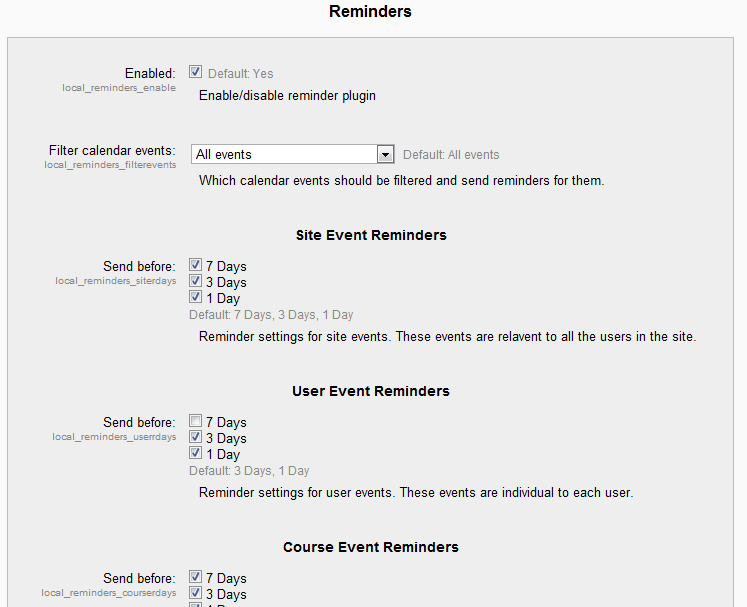
Currently the reminders work only for 1,3,7 days ahead, and there is no way to have a custom schedule from configuration unless you can modify the the code. Those days were carefully selected at the beginning of plugin development considering a reasonable reminder schedule for everyone.
In short, you have to add a desired schedule in line 47 and append that constant in to line 124 in lib.php file to check for a custom schedule.
And also you may want to edit settings.php file to appear custom schedules on configuration page.
I will consider this as a feature for a future release.
Thanks.
I thought this could be done using profile specific settings as shown in here. https://docs.moodle.org/27/en/Messaging_settings#User_profile_settings
However, currently the plugin does not support a profile/activity specific configurations to tweak out which messages should he/she receive, which I need to consider technical aspects of it in terms of how to do it.
The latest plugin v1.5 should work in Moodle 3.1.