Unicheck Plagiarism Checker Plugin icon

Unicheck Plagiarism Checker Plugin

Maintained by Aleksandr Kostylev
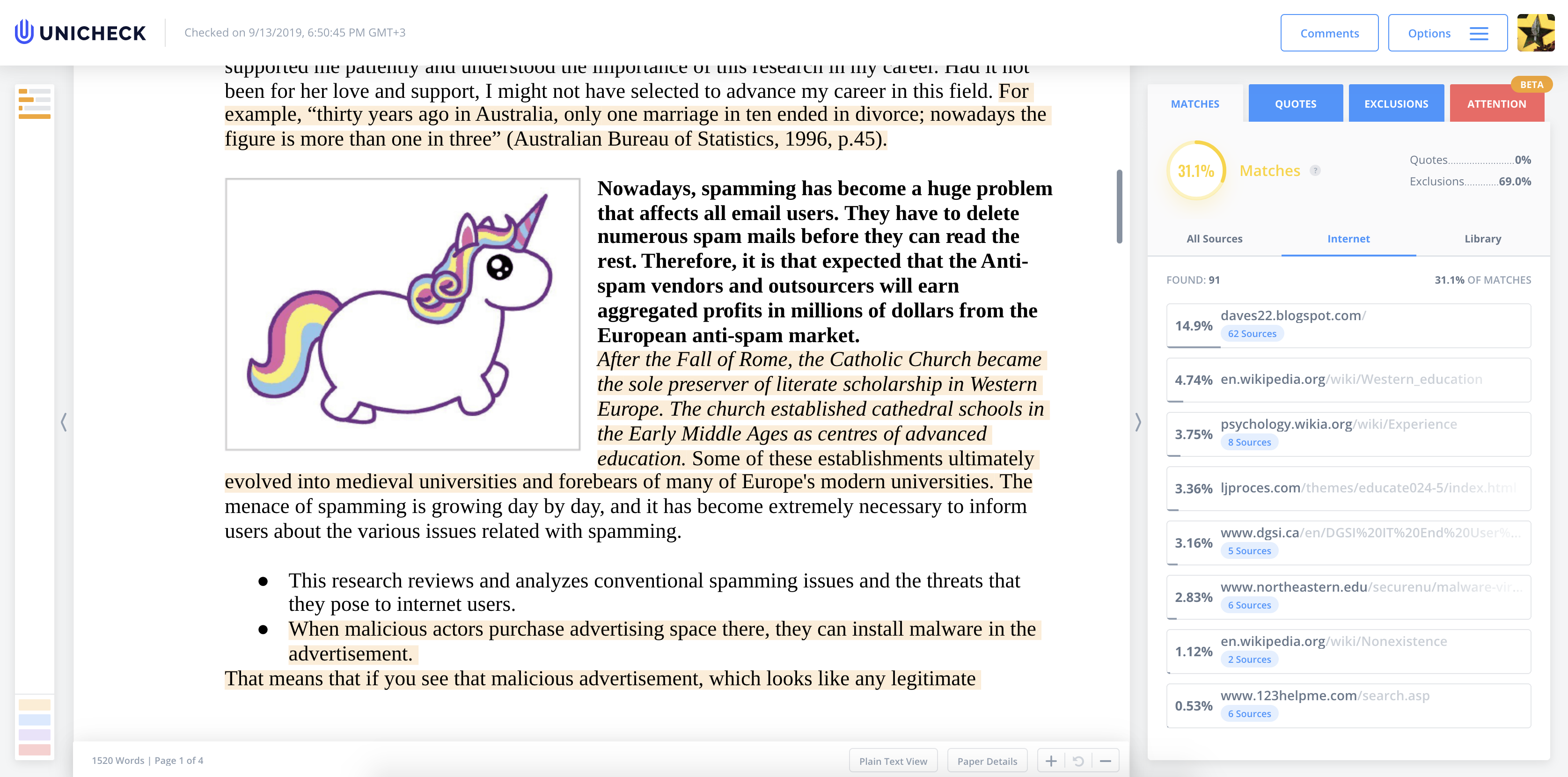
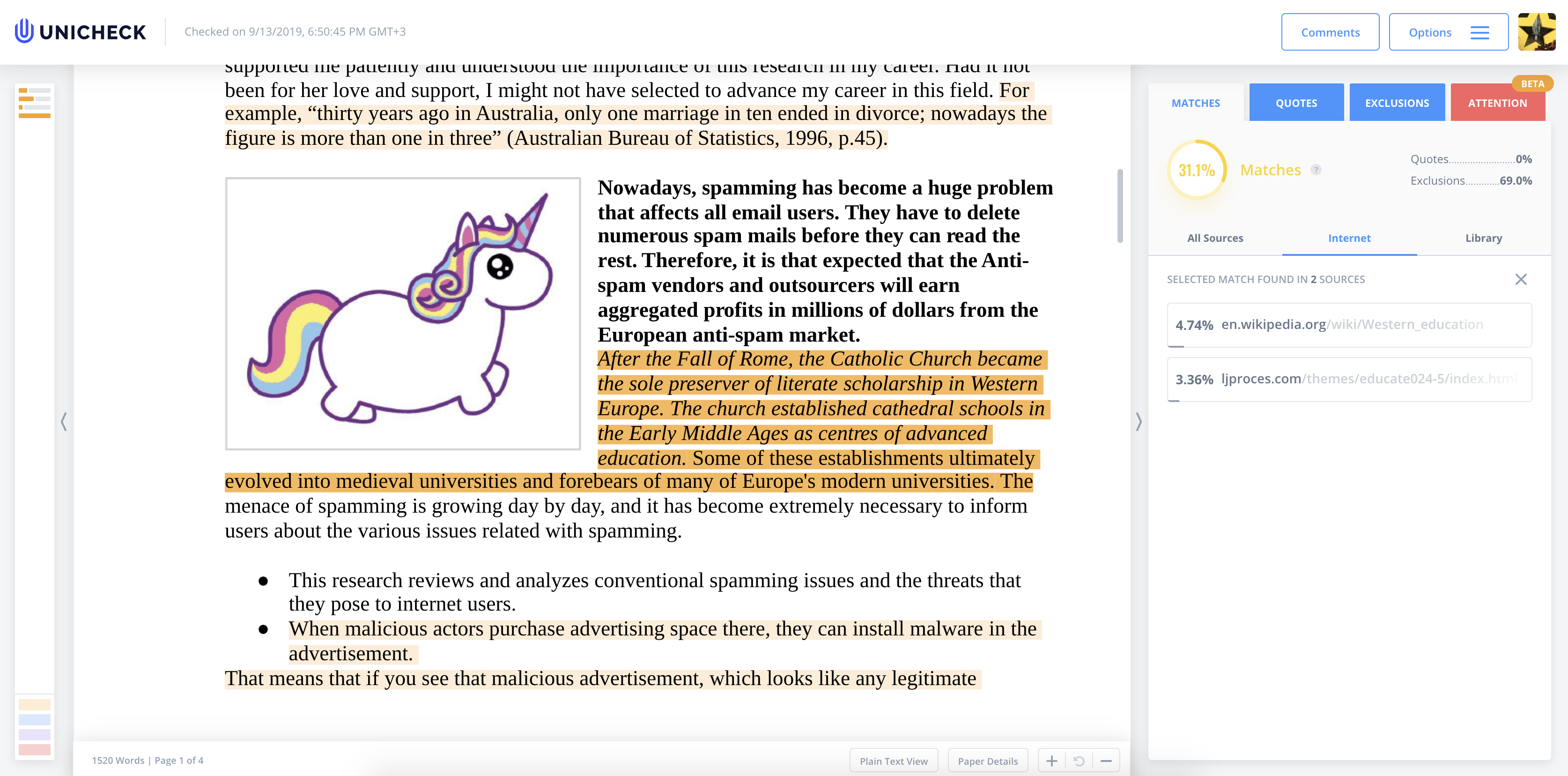
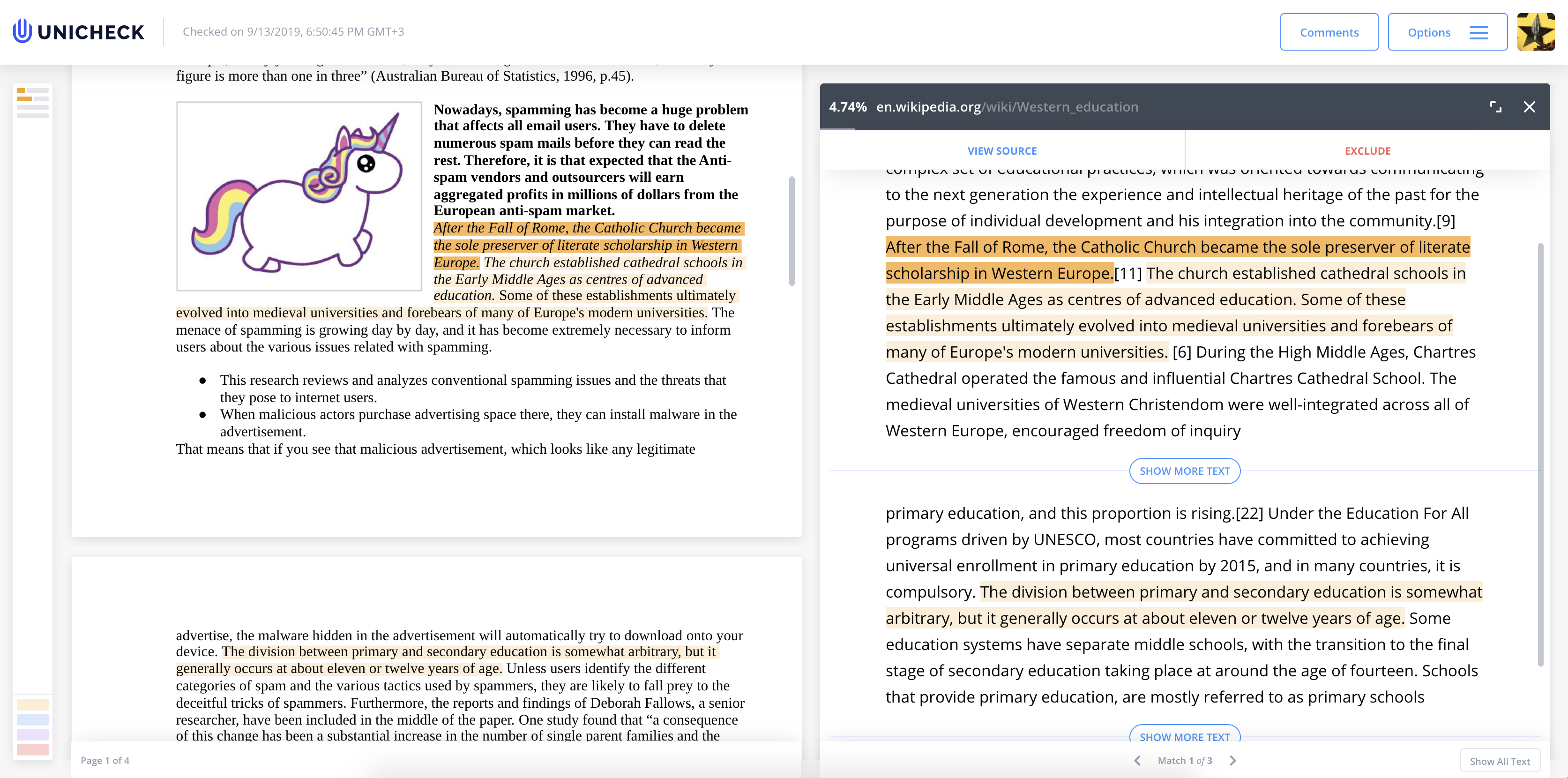
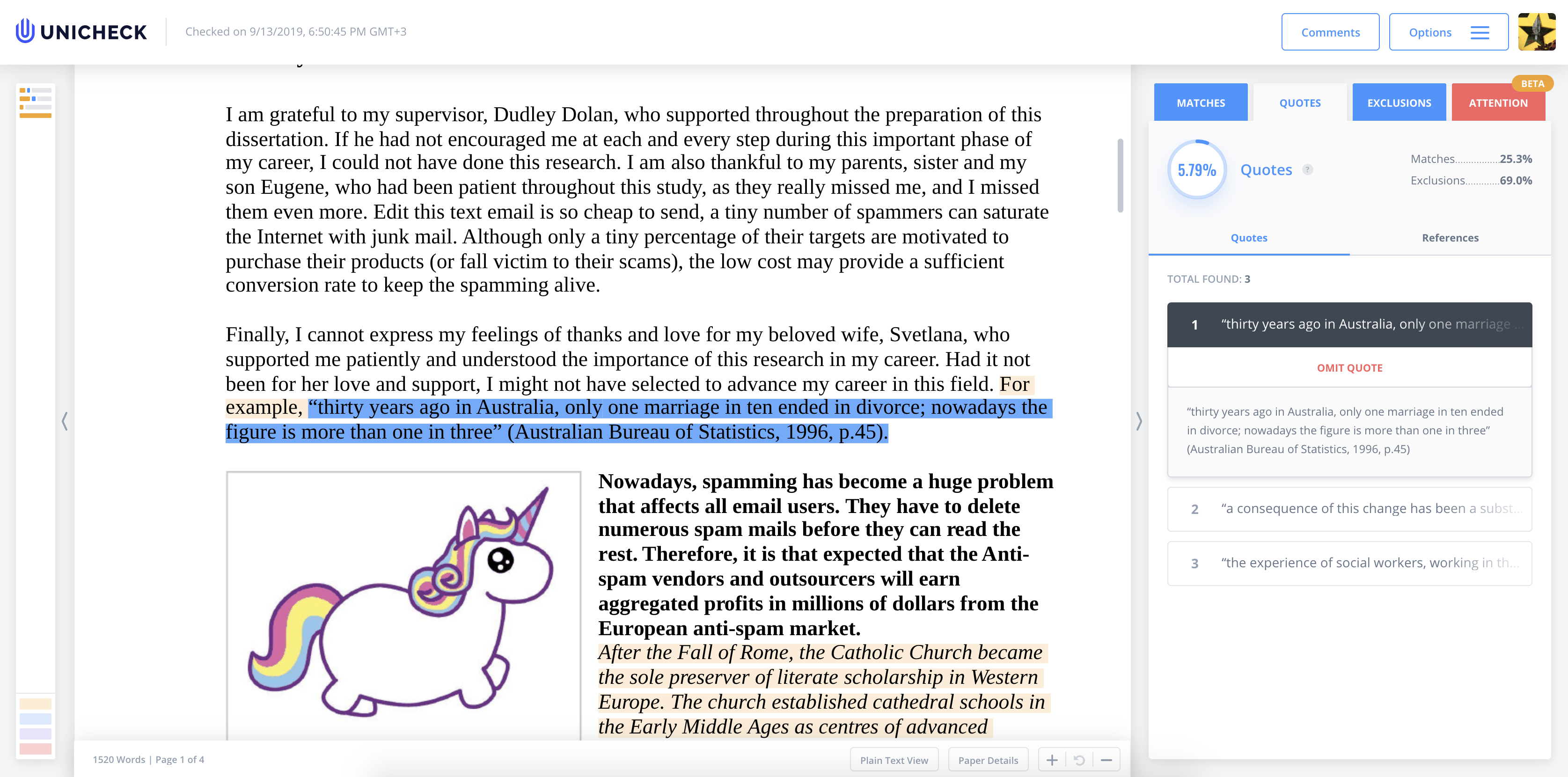
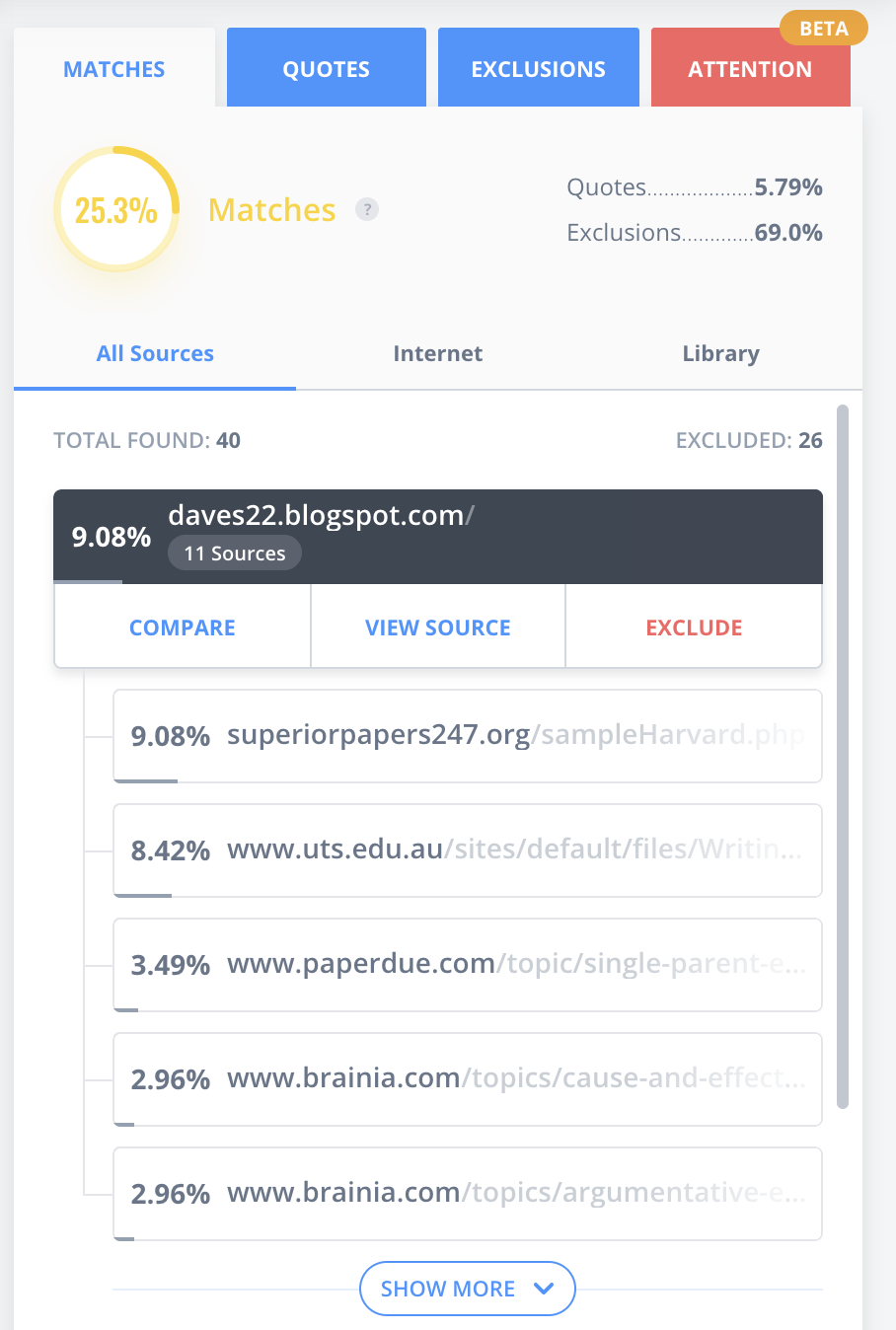
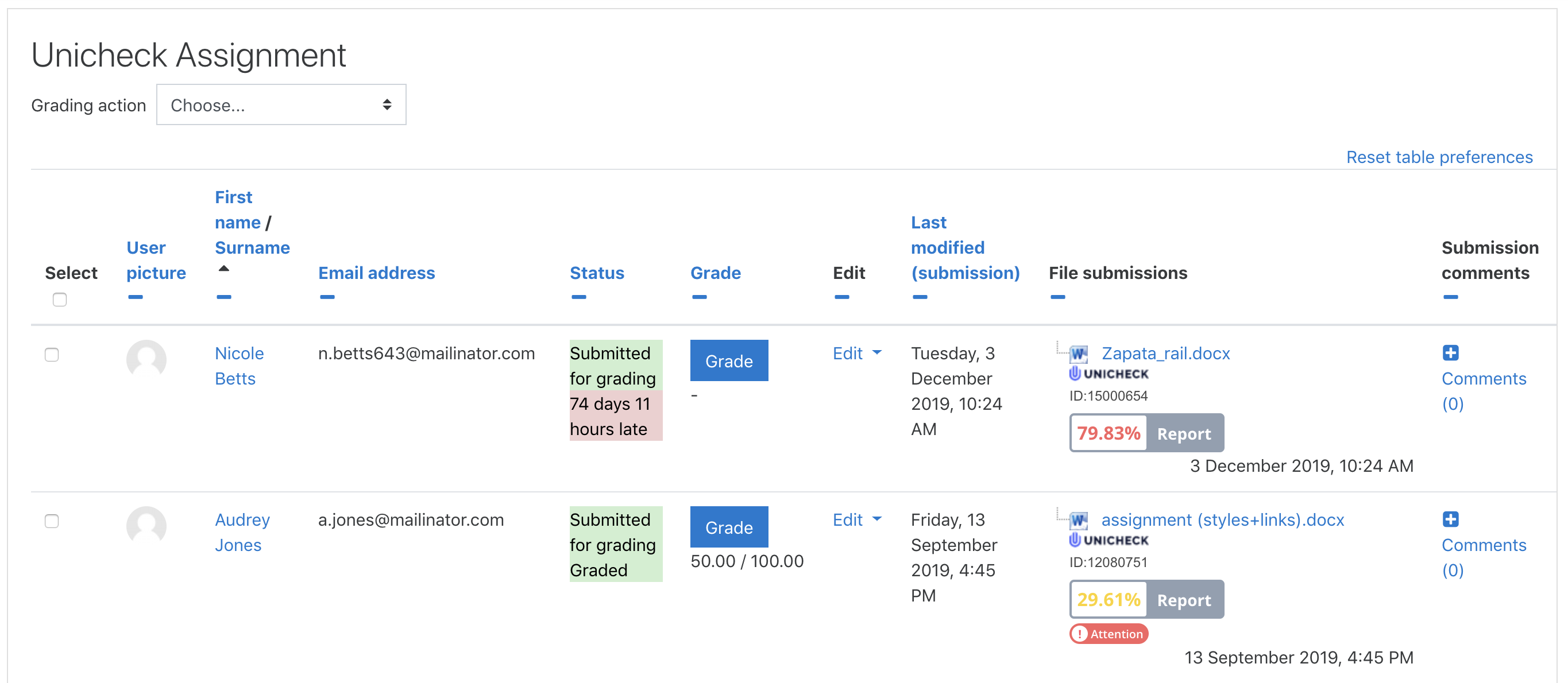
Designed based on educators’ feedback, Unicheck is a plagiarism detection engine helping educators spot plagiarism. To start using the app, please register at https://unicheck.com or get in touch with the sales team at sales@unicheck.com. It takes a few minutes to set-up your account and get the ball rolling. This plugin integrates with assignment, forum and workshop activities in Moodle to check user-submitted content for plagiarism.
Price option: Free

Supports Moodle 2.7-4.1 See all versions
Latest release: 3 years ago
Installations: 132
Downloads (last 90 days): 60

Frankenstyle name: plagiarism_unicheck
Plagiarism

Comments

Comments are no longer open for new posts. Existing comments remain available to read.

Unicheck plugin can be used only with an Institutional Unicheck account. (In such an account, you should have an "integration" tab in your account with a Moodle icon on it). While you use an individual account, you may upload files in bulk using zip/rar to your Unicheck account and run a bulk check. Also, you can install the Google Docs add-on and use Unicheck in the Google Document while working on it. Piloting Unicheck is free, so you may suggest a free test for your administrator.
Hi!
The message to familiarize the students always appears. Also when the activity does not have unicheck activated. I think this behavior is not what is expected. If the activity does not have unicheck activated, this message should not appear.
It appears even if the activity does not have the unicheck option activated from the administration.
I've created an issue on your GitHub. (https://github.com/unicheck/moodle-plagiarism_unicheckcorp/issues/103)
After upgrading to Moodle 3.9, this error now pops up "The setting plagiarism:unicheck_use is deprecated. Use plagiarism_unicheck:enabled" instead
https://prnt.sc/u55fln
Please advise. Thanks.
Hello Jithu Thomas! Unicheck supports two types of the check through the Internet (web) and through the Institution Library (works collected through the submission once Unicheck has been activated). Unicheck has an option to import university existed Databases to improve the search. Unicheck provides their clients an option to decide, Unicheck Moodle Plugin contains a setting that allows you to switch through the Search types - Internet, Library, or Library + Internet.
If you have a K-12 or Institution Unicheck account you will be able to find setup instruction into the Integration section. If you have personal or business account you will need to contact us. You can use contact form on the website or chat on the main Unichek website.
@jolie Kulsar, Unicheck plugin can be used only with Institutional Unicheck account. (In such account, you should have an "integration" tab in your account with a Moodle icon on it). While you use an individual account, you may upload files in bulk using zip/rar to your Unicheck account and run a bulk check. Also, you can install Google Docs add-on and use Unicheck in the Google Document while working in it. Piloting Unicheck is free, so you may suggest a free test for your administrator.
I maintain my own unicheck account, my institution does not. How can I use the add on?
Thanks for sharing this i was looking for it
Hi Terri, Unicheck can check any random document if you have an account. All institutions who use Moodle plugin have Unicheck Admin account which allows that - for admin and instructors.
Is there a way to check only against documents within my Moodle site?
Hello @lourdes cid, yes, Unicheck plugin detects similarity with works uploaded by students within the Moodle platform. It also checks Forum posts and Workshop assignments. Besides, you can check uploaded submissions in real-time one by one or all submitted work at once. In addition, Unicheck compares against a Unicheck database (private DB for every institution). Admin and instructors can contribute new content to this private database.
Hello, is it unicheck capable of detecting plagiarism between works uploaded within the Moodle platform or just compares with the web?
Hi Jolie, I'm a Product Manager at Unicheck. Yes, we will check the course hero documents. Please, keep in mind that this applies to "open content", a content which is accessible on the web-site without login/password. Coursehero and some other sites disallow vendors to scan documents which are "hidden" behind the login.