Multiblock
Premium Certified Partner
Maintained by
Catalyst IT
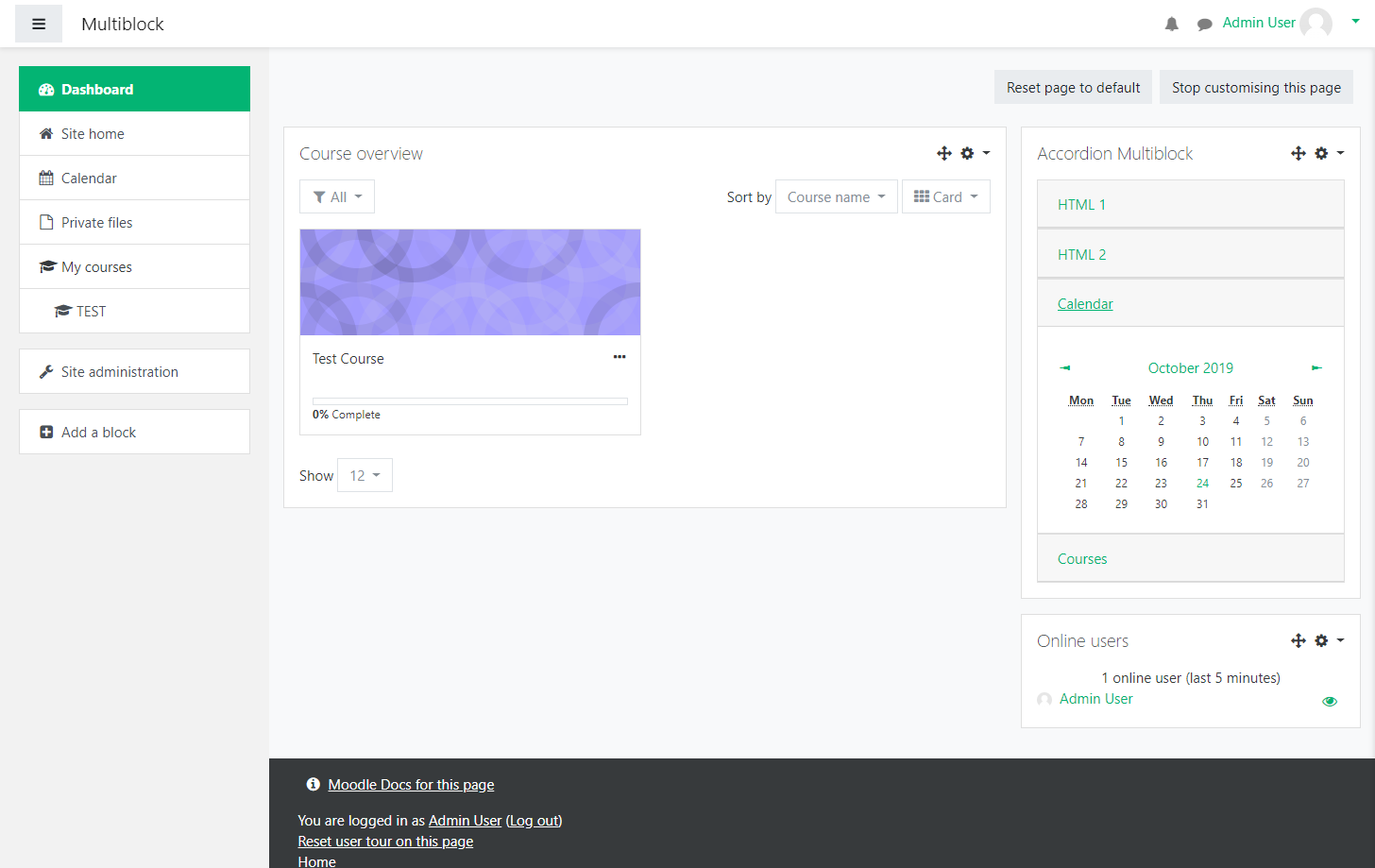
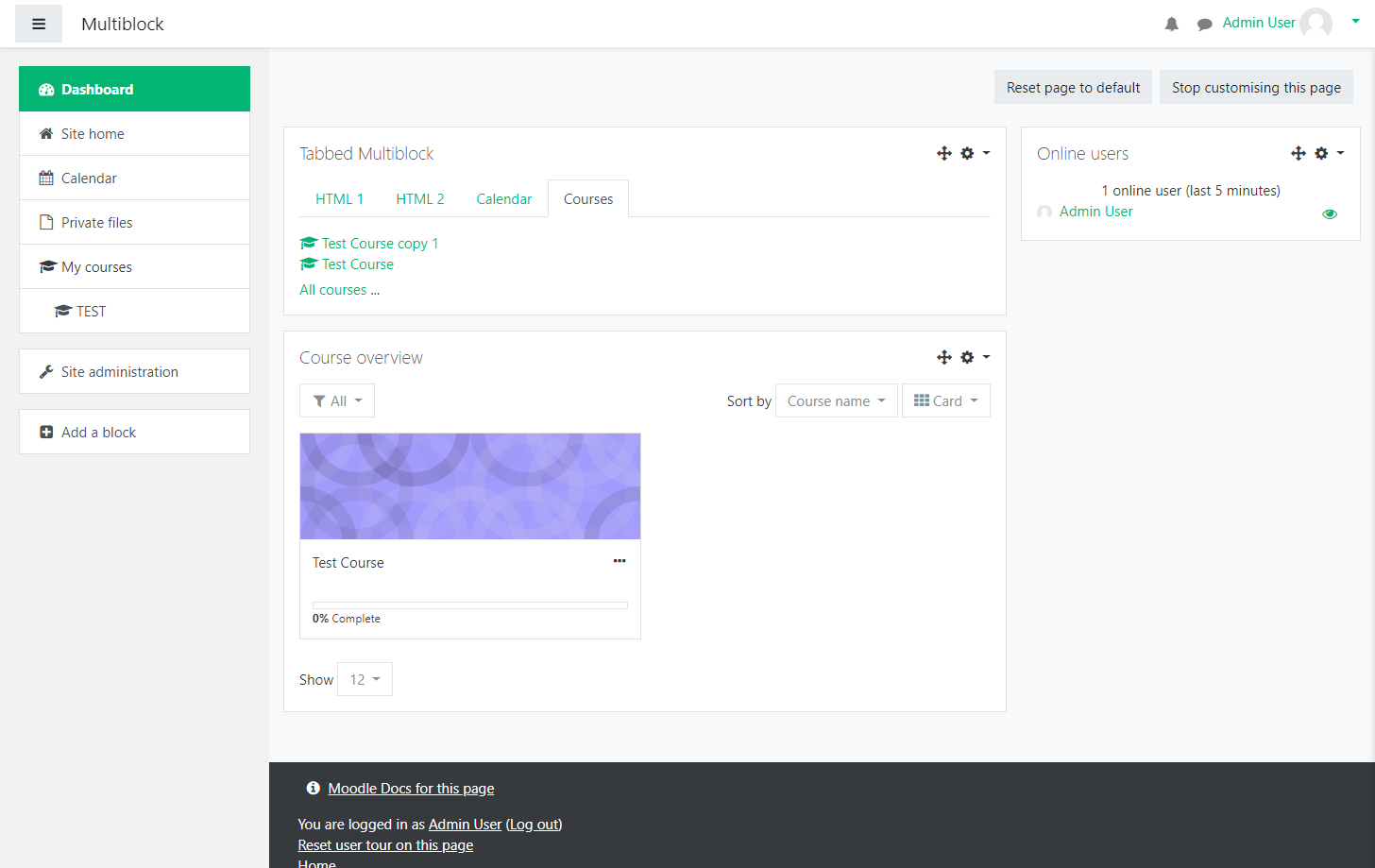
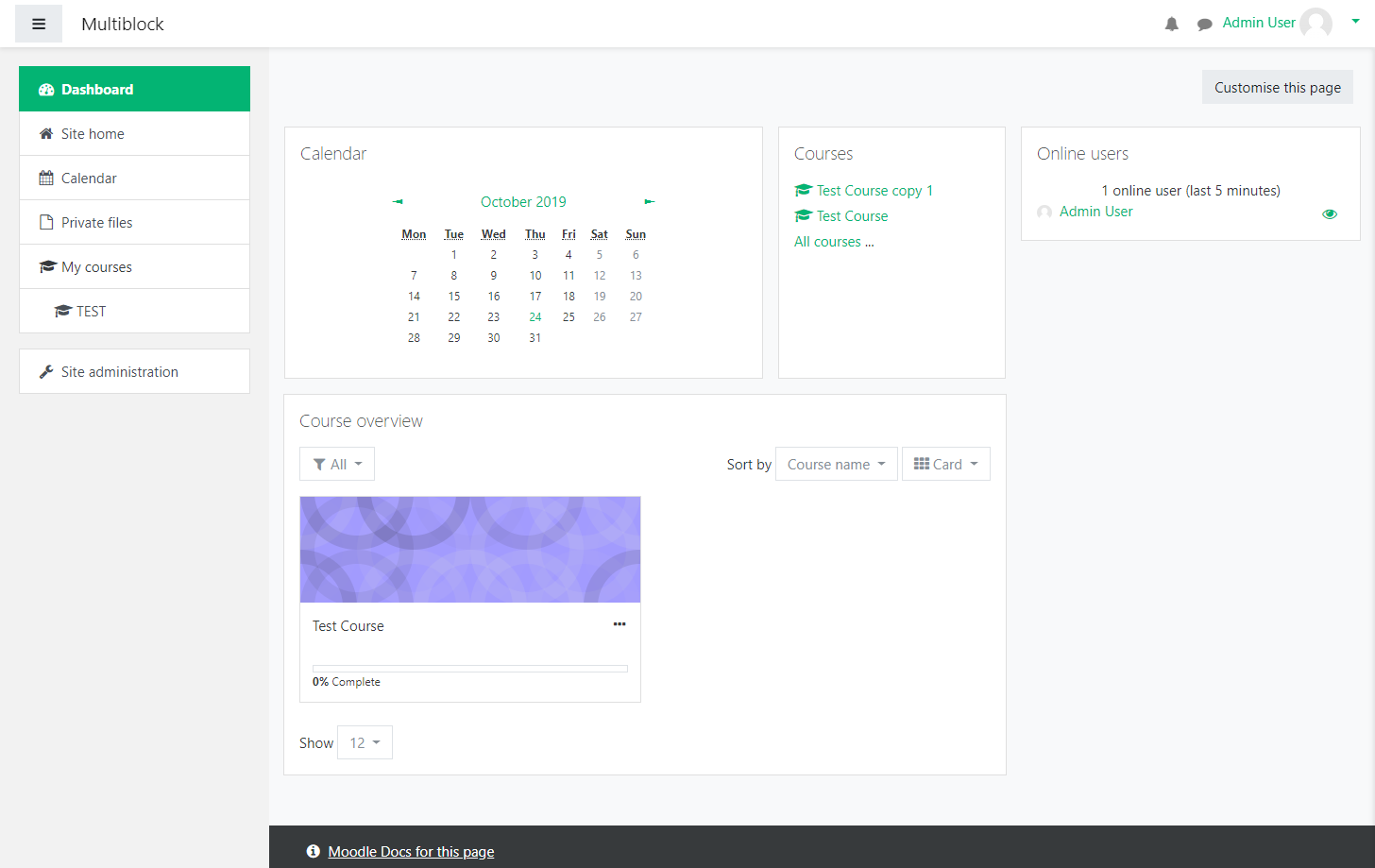
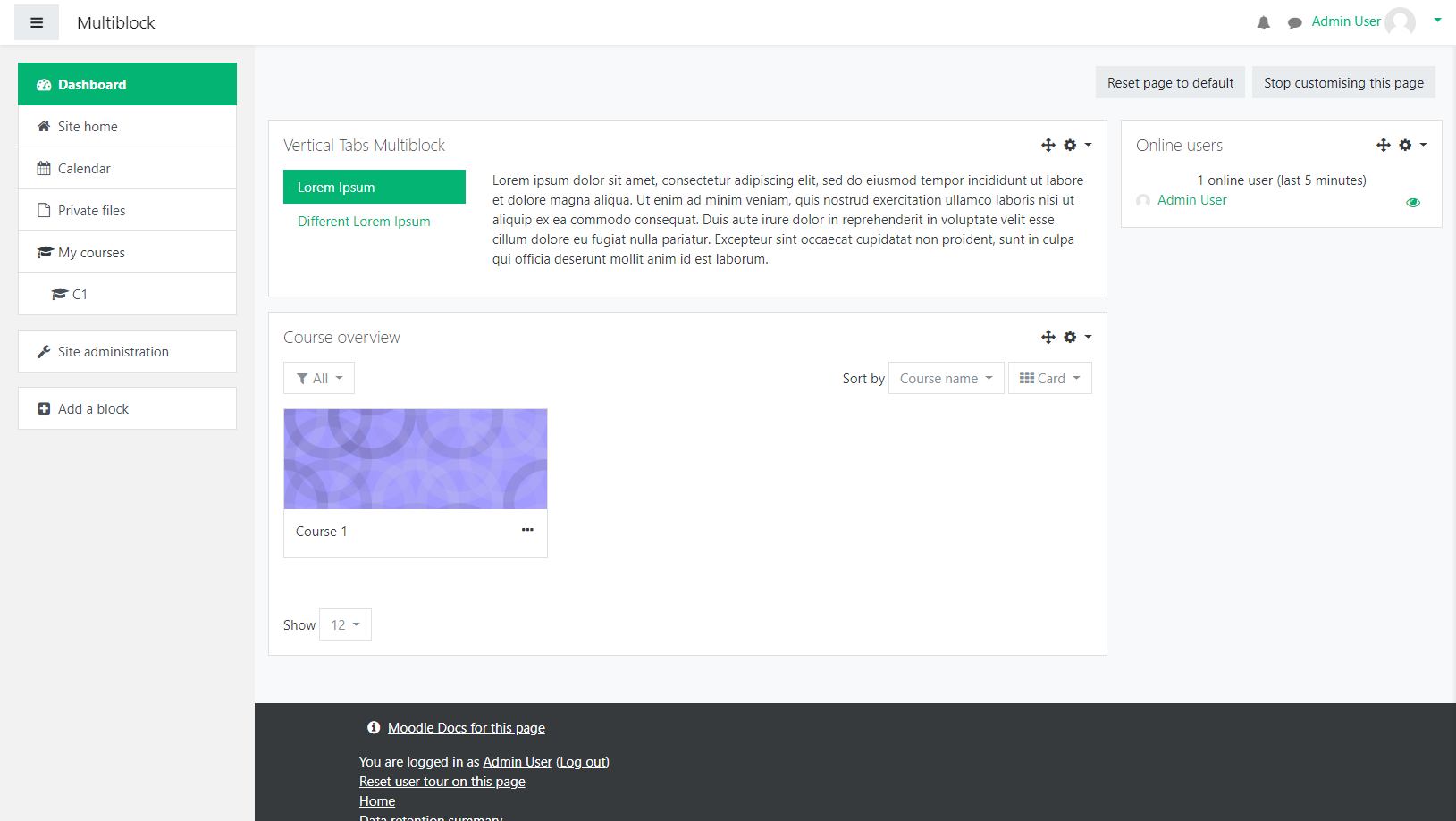
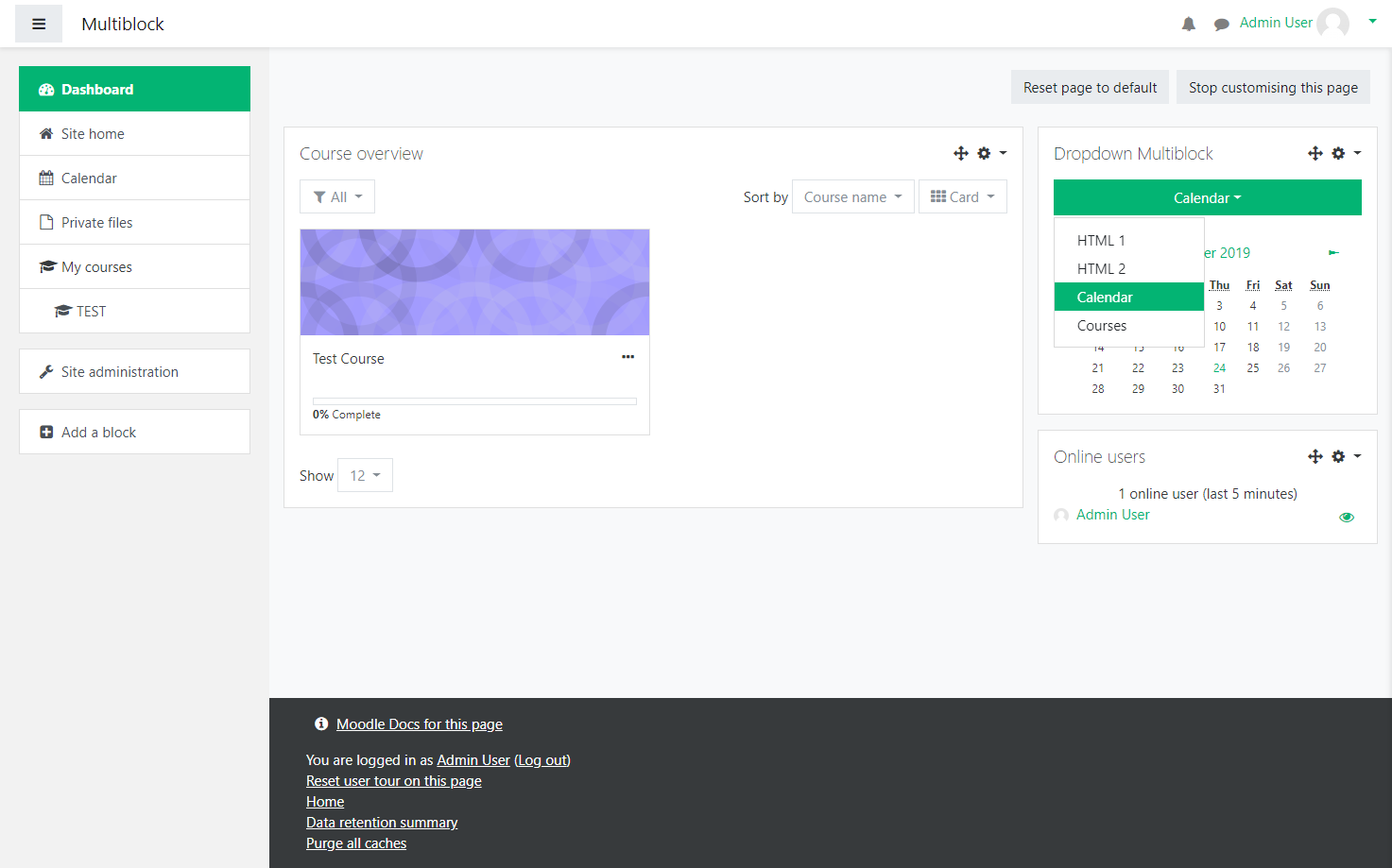
Using Multiblock you can collect all those blocks together and use 'one block's
worth' of space and put all those blocks into the one space with one of several
layouts, whether it's tabs or an accordion, or something else. Several preset
layouts are bundled with Multiblock.
Comments
Comments are no longer open for new posts. Existing comments remain available to read.
1. Go to personal Dashboard.
2. Turn editing on.
3. Select Add a block.
4. Select Multiblock.
5. Select Actions menu (gear icon) and then select Configure Multiblock block.
6. Go to Multiblock presentation style menu and select Columns: 2 equal.
7. Select Save changes.
Result: Only the Split and delete block option is displayed in the Actions menu.
We would like to upgrade Moodle to 3.11. Is Multiblock working well with Moodle 3.11?
Daniel
Bregards - Kenneth
Firstly - great plugin. Really tidies things up!
It's generally working fine - apart from on the home page. When I try to manage the blocks I get the error message: Can't find data record in database table course.
Is it designed to be used on the Home Page? We're using 3.8 and Lambda theme.
Thanks - Dan
@Michael: what does it say is outdated? I've just installed it on 3.9.1 using the exact download from this site, v1.3.2 of the plugin and it installed without warnings as I would expect. Do you have screenshots or a more detailed error message? I'm not sure what it could be saying is outdated; the same code works on 3.5 through 3.9.1 (though I haven't tested it on 3.9.1+ or Workplace 3.9.x yet) and it doesn't declare any dependencies.