
OpenID Connect
Premium Certified Partner
Maintained by
Enovation Dev Team, Lai Wei, Patryk Mroczko
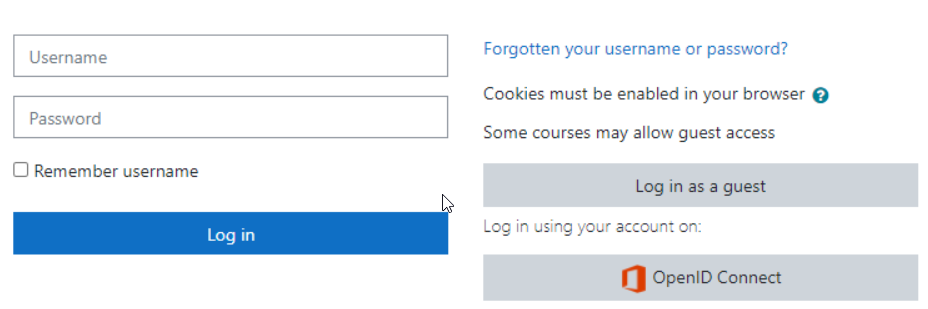
The OpenID Connect plugin provides single-sign-on functionality using configurable identity providers.
Comments
Product ratings and reviews are coming to Moodle Marketplace. Until then, existing comments remain available to read, but new posts have been disabled.
I updated a working moodle 5.0.3+ with oidc to 5.1 anf got the error : "Authentication plugin oidc not found."
I made all possible tests but didn't solve this.
oidc doesn't work with an update to moodle 5.1.
Of course I set apache doc root to folder 'public' as needed by 5.1.
Any experience or solution ?
Thanks for anby help.
where in Moodle do I make sure that users who have never logged in their user accounts are created and under OIDC AUTHENTICATION exclusively when we turn off SAML? Where is that setting in Moodle Manage Authentication, OIDC and Microsoft 365 Integration local plugins? In SAML, we can do that and there is a setting. Where is the OIDC similar operation to it ?
is this correct?
I have installed Moodle version 4.5.3 with the OpenID Connect plugin (https://moodle.org/plugins/auth_oidc).
Authentication works perfectly and I have no apparent problems.
However, the refresh token code was missing in the plugin, so I coded it myself.
Once I had installed my updated plugin, I noticed that my OIDC server (Keycloak) wasn't receiving any token renewal requests.
So I deduce that Moodle itself renews the token without going through the authentication system (OIDC in my case).
Do you know how to force OIDC to refresh the token?
Thanks for your help
[Ticket from https://moodle.org/mod/forum/discuss.php?d=468069]
I found the solution with some help:
On the "Sync settings page" of the Microsoft 365 Integration module I have to check 2 checkboxes:
- Update accounts in Moodle for users in Microsoft Entra ID
- Perform a full sync each run
The defualt run time is 2:00 am, but you can run manually on Scheduled tasks: Sync users from Microsoft Entra ID
After this, the missng profile fields were successfully updated
Microsoft Graph seems to be set up well, but still the profile fields set on the Field mapping page do not appear in the Moodle profiles. Anyone have any ideas? TIA
When using "Microsoft identity platform (v2.0)" IdP type, use v2.0 endpoint, e.g.
https://login.microsoftonline.com/common/oauth2/v2.0/authorize
Thank you for the plugin!
We attempted to connect Keycloak with Moodle 4.2.2+ (Build: 20230822) using this plugin.
We have taken the following steps:
1- We created the client in Keycloak.
2- We set the redirect URI (provided by the plugin) in Keycloak.
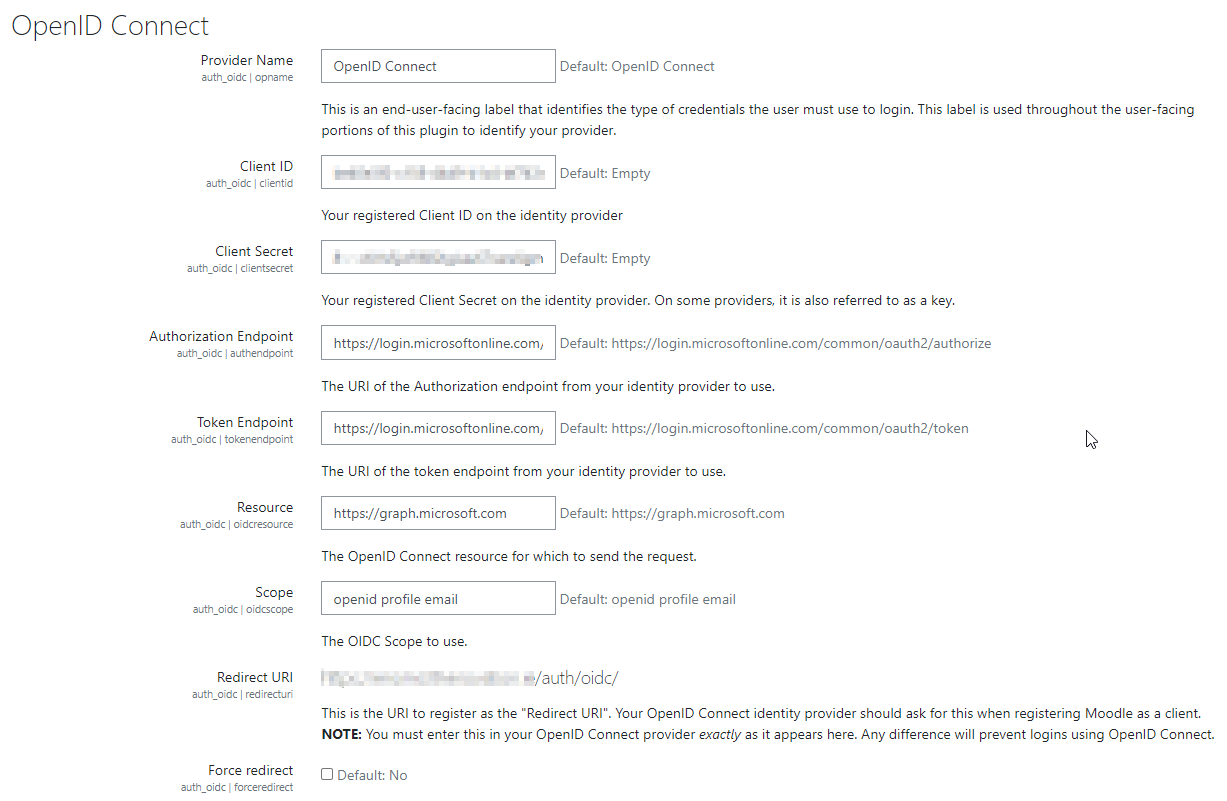
3- In the plugin settings, we configured the authorization endpoint, token endpoint, resource, identity provider (IdP) type: other, and client secret.
4- We tested logging in. We were able to log in using OpenID, which directed us to Keycloak. However, when it attempted to redirect to Moodle, we encountered the following error:
403 Forbidden
You don't have permission to access this resource.
Additionally, a 404 Not Found error was encountered while trying to use an ErrorDocument to handle the request.
Could you please help us?
2022041905 of open id connect everything works perfectly.
With the new version of Moodle 4.2 and the specific open id connect plugin for Moodle 4.2 nothing works anymore. The version of the Opne Id connect Plugin that does not work is this: 4.2.2 ; 2023042410
Activity ID: 55b79301-a33f-43fa-0646-0080010000ad
Relying party: test.formazione-polizia.ti.ch
Error details: MSIS9223: Received invalid OAuth authorization request. The received 'client_id' is invalid as no registered client was found with this client identifier. Make sure that the client is registered. Received client_id: 'https://test.formazione-polizia.ti.ch/auth/oidc/'.
Node name: f7ab8949-9558-457d-8280-11bf8f605f8d
Error time: Tue, 14 Nov 2023 18:45:35 GMT
Cookie: enabled
User agent string: Mozilla/5.0 (Windows NT 10.0; Win64; x64; rv:109.0) Gecko/20100101 Firefox/119.0
Can anyone help me? Thank you
I wonder if the plugin could be used for Clever SSO integration into Moodle?
Kateryna