
MS Teams Meeting
Maintained by
Andreas Riepl, Robert Schrenk, Zentrum für Lernmanagement
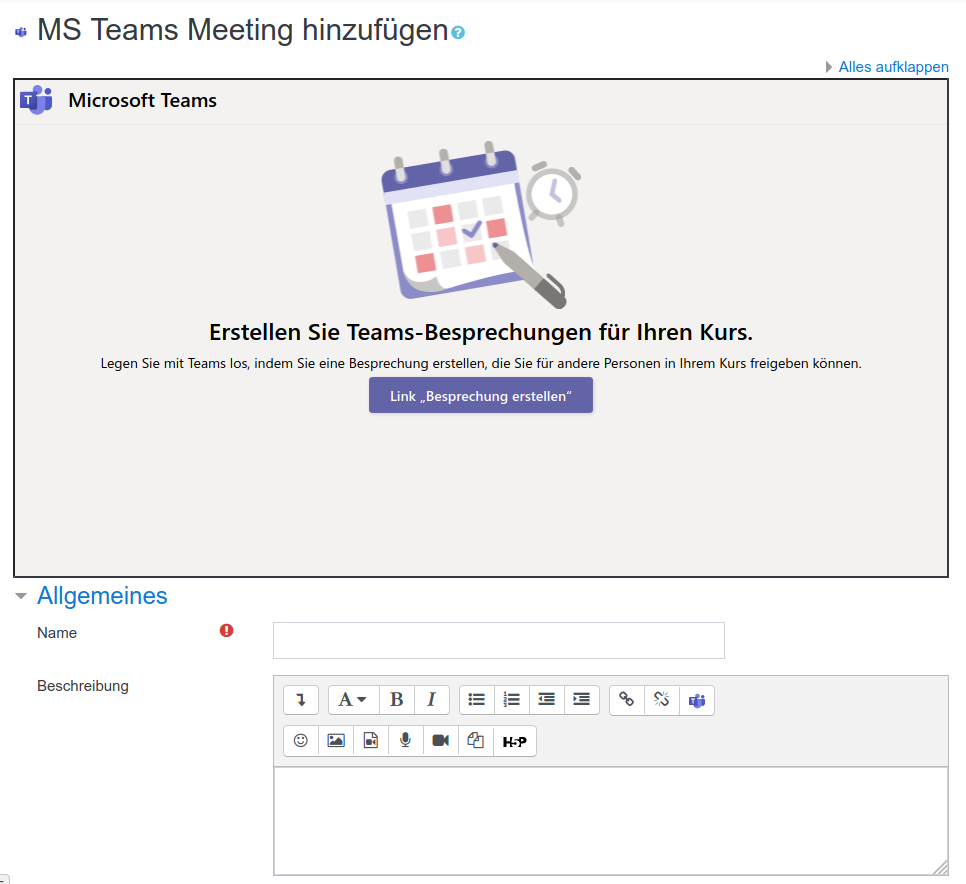
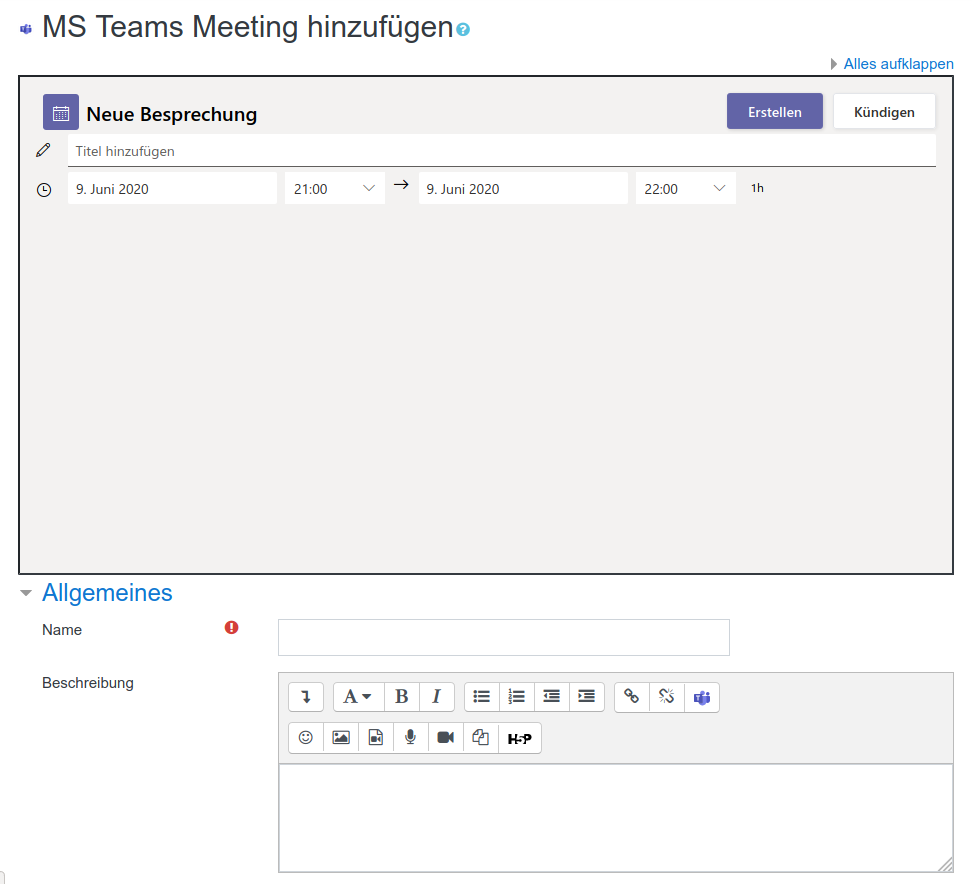
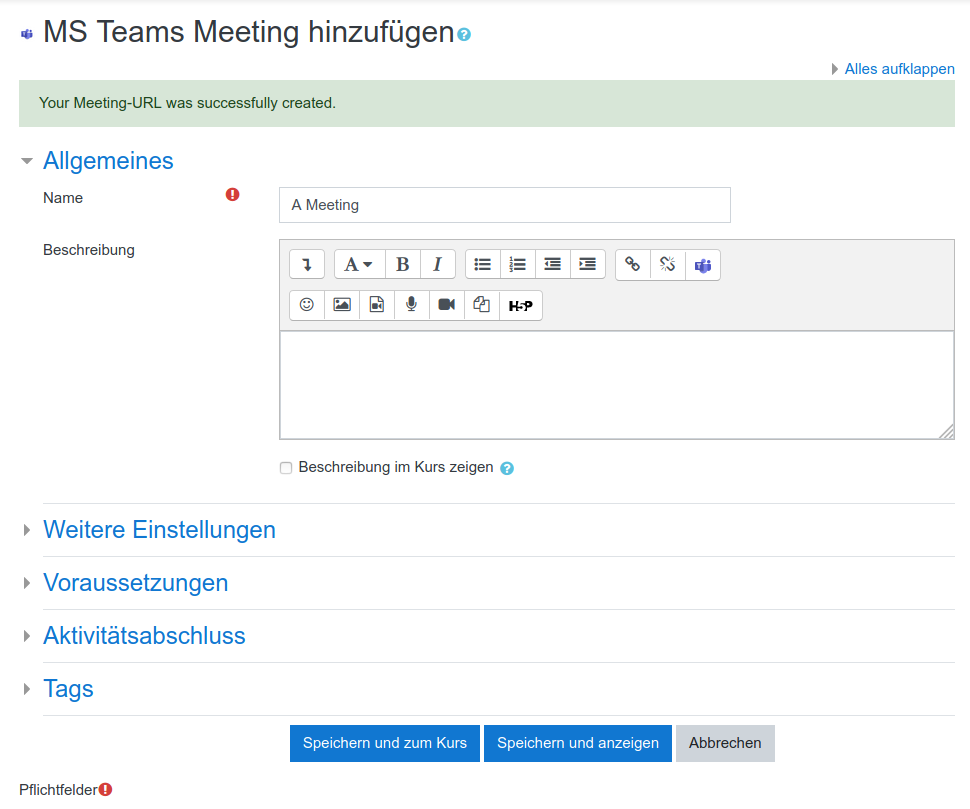
Using this activity plugin you can schedule Microsoft Teams Meetings directly from inside your Moodle courses.
Comments
Comments are no longer open for new posts. Existing comments remain available to read.
tiny_teamsmeeting resolved the “Not found” error, but only for the manager role. It does not work for the editing teacher role, even after configuring and granting permission in the role management section for editingteacher.
You have to install the tiny_teamsmeeting plugin too.
https://moodle.org/plugins/tiny_teamsmeeting
After installation the "not found" error should be resolved.
I'm having a similar issue as above with the latest version of the plugin: 1.6 (2025060500) in Moodle 5.0.X
This is the error I'm having when creating a meeting inside moodle with the iframe:
"Not Found
The requested URL was not found on this server.
Additionally, a 404 Not Found error was encountered while trying to use an ErrorDocument to handle the request."
However, I can create meetings directly through the URL (https://enomsteams.z16.web.core.windows.net) without any problem so there might be something wrong when catching the URLs inside moodle.
I’m using version 1.6 of the plugin in Moodle 4.5.x.
I changed the App Meetings URL parameter, but when I try to create a meeting, I get the following error: "File not found". What’s going on? Any suggestions?
The ssl Certificate seems to work again.
Nevertheless the new url should be:
https://enomsteams.z16.web.core.windows.net
We will change the plugin to use this url by default.
Existing installations need to change it manually.
we just published a new version on github which doesn't need the atto editor anymore. This version should also work in moodle 5.0
https://github.com/center-for-learning-management/moodle-mod_msteams
Later we will also publish it here on moodle.org
this looks like a similar issue here: https://github.com/enovation/moodle-atto_teamsmeeting/issues/38
have you configured the block correctly? also try an incognito window to access the meeting.
Please try again. If the problem persists, check with your IT administrator to ensure you have the proper permissions."