
moofactory Notifications
Maintained by
LMS Factory
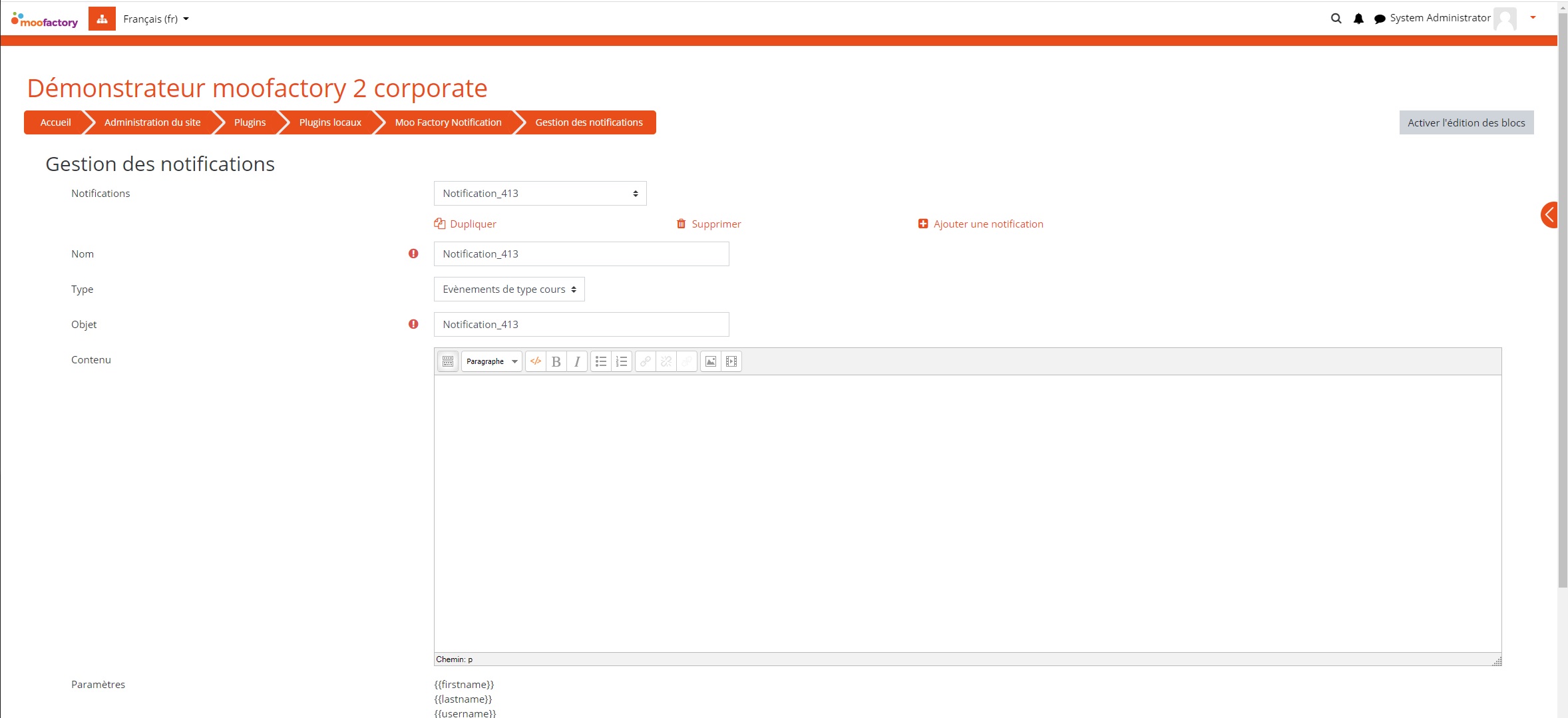
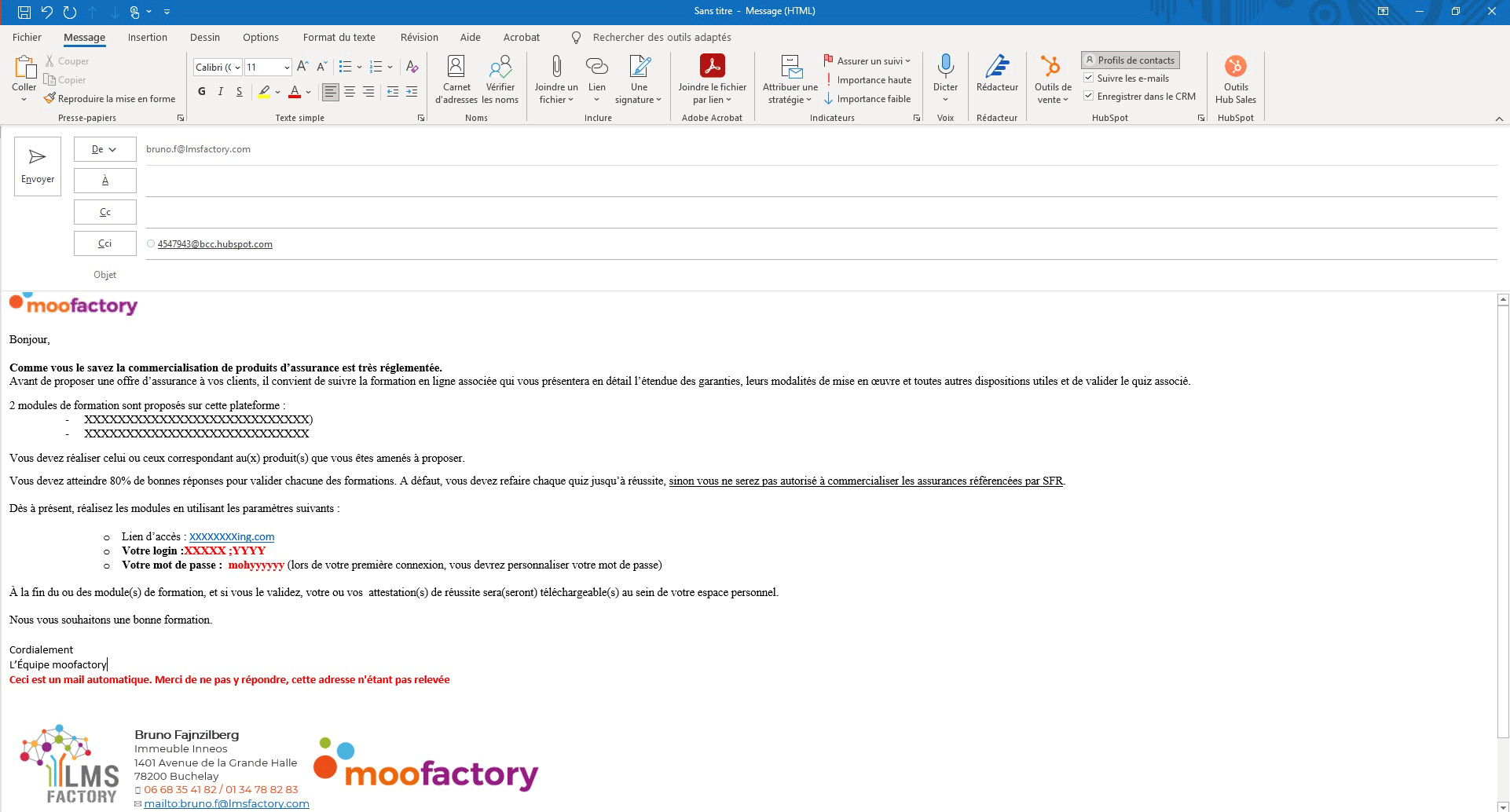
moofactory-Notifications is a plugin that allows to send customized and personalized e-mails for course registrations, reminders for calendar events or non-connection.
Comments
Comments are no longer open for new posts. Existing comments remain available to read.
When installing the plugin and managing it, it shows me the following error, could you help me
I have moodle 4.2
Excepción - Undefined constant "id"
Error code: generalexceptionmessage
line 42 of \local\moofactory_notification\managenotif.php: Error thrown
After installing the plugin, the access screen shows the following in each course:
Enrollments to this course: No
Notification used: INSCRIPCION CURSO
Non-access to this course: No
Notification used: Non accès aux cours par défaut
Events link to this course: No
Take into account access restrictions to activities: No
Ignore "date" type restrictions: No
Ignore "group" type restrictions: No
Notification used: Evènement de cours par défau
How to correct this incident?
the plugin is natively transleted in French and English
If you dont use these langage package, the french will be by default
It has been also translated in different langage https://moodle.org/plugins/local_moofactory_notification/translations
Would you tell me in wich langage is your LMS ?
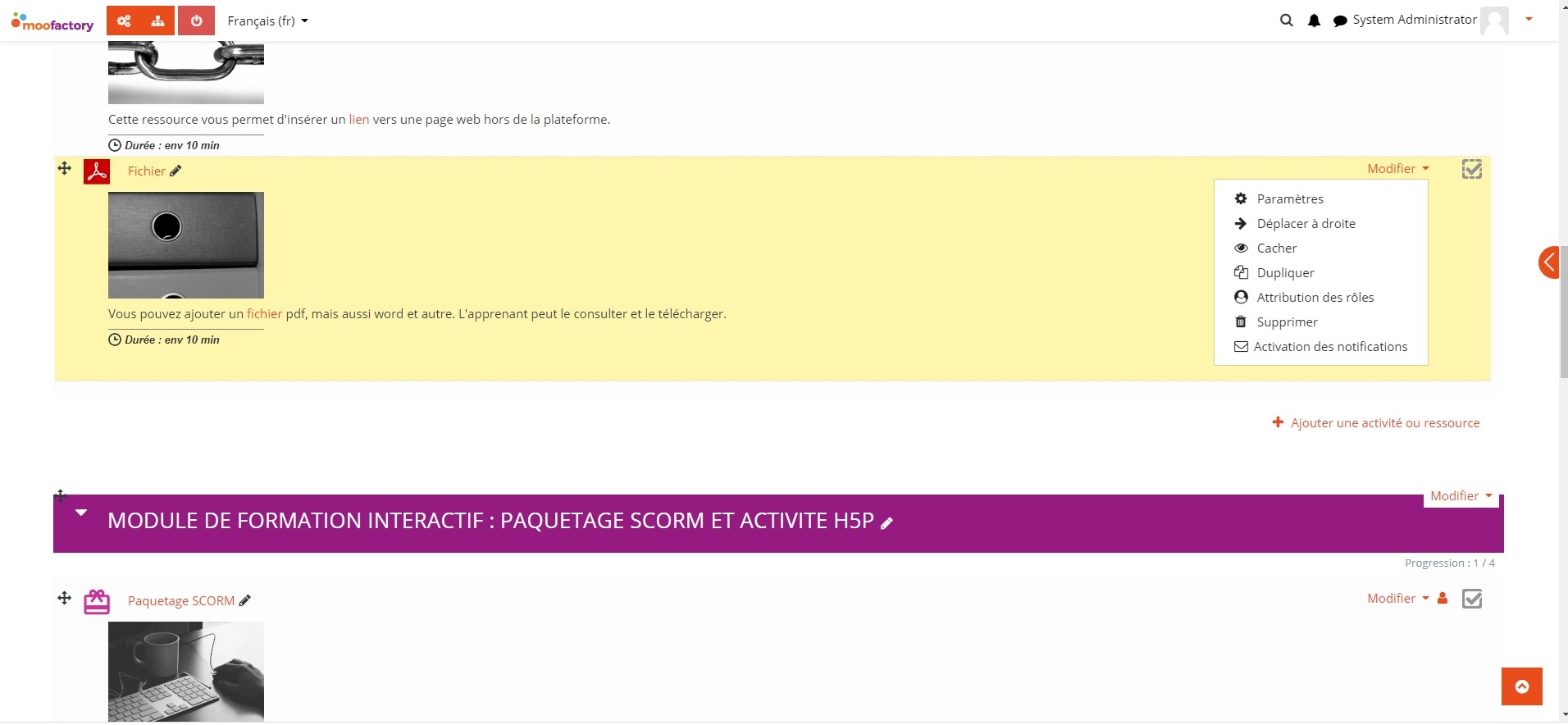
Secondly you go in course setting and in the section "notifications you'll find the way to set up notification for non acces to the courses
Best regards
Bruno
Enrolments to the course: No
Non-access to the course: No
...
Would you please guide me with the correct settings? Thank you.
Problem was on sending emails configs, so after check it and config it correctly, plugin works.
Thx a lot!
First of all did you checked the crontab execution ?
checked the fact that your platform correctly send email by using /admin/testoutgoingmailconf.php
if yes to these prerequisite
please check the task's log
\local_moofactory_notification\task\send_coursesaccess_notification
\local_moofactory_notification\task\send_coursesenroll_notification
\local_moofactory_notification\task\send_coursesevents_notification
\local_moofactory_notification\task\send_siteevents_notification
are they correctly executed ?
best regards
Bruno
I can't do it work, I don't know what I am doing wrong.
Did this already:
1.- Activate enrollment by default in the plugin settings
2.- Activate Courses enrollments in plugin settings.
3.- Activate on course settings
Now, when i did a manual enroll, it doesn't send any notification, neither Moodle or email.
Help please.
The only way to "turn this off" is to hide it with a n additionnal css rule
Best regards
bruno
we really appreciate your plugin. It's at large working very well and proving quite some help with the administration of our courses.
We are using the boost theme and since upgrading to Moodle 4, we have noticed that the course preview in my courses and when listing all available courses does show the notification settings above the course summary for all type of site users.
Is there a possibility to turn this off?
Many thanks for your help,
Holger