
Ouriginal plagiarism plugin
Maintained by
Jesús Prieto López
With more than three decades of knowledge and expertise, Ouriginal delivers cutting-edge technology in the field of text-matching and plagiarism prevention. Their software helps enhance the potential of students to think originally, saves time for teachers when evaluating assignments, and assists corporations preserve their reputations.
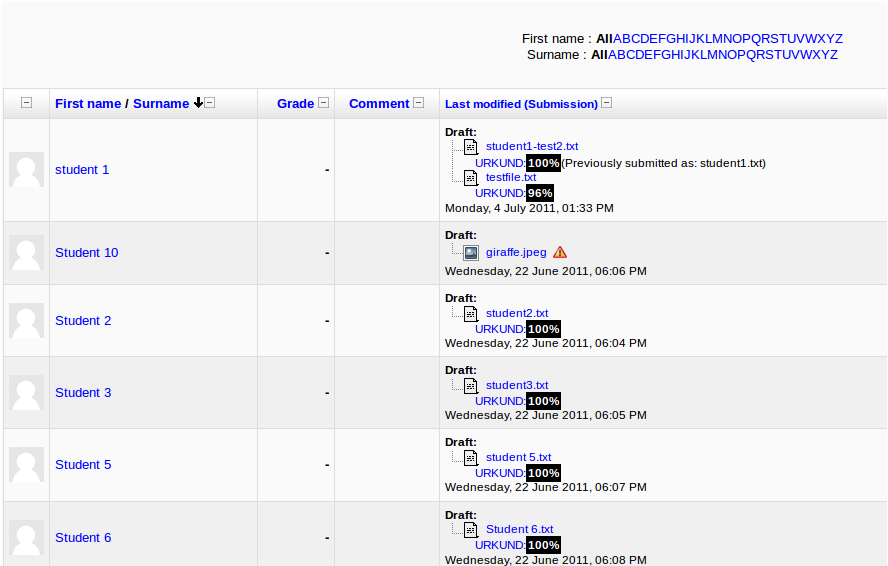
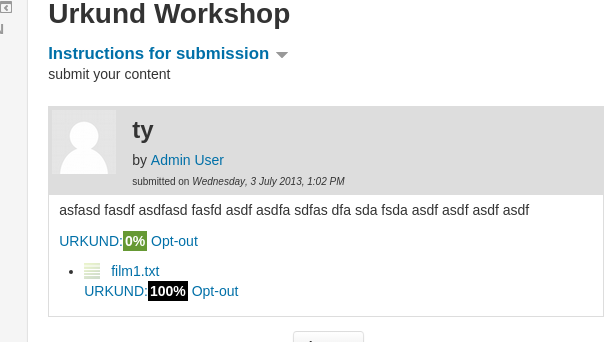
Comments
Comments are no longer open for new posts. Existing comments remain available to read.
Go to Admin > Advanced Features and find the setting “Enable plagiarism plugins” - make sure the box is ticked.
The Plagiarism plugin settings don't appear in the plugin list unless step 1 is followed.
https://docs.moodle.org/en/Plagiarism_Prevention_URKUND_Settings#Global_Configuration_of_URKUND
Especially item 1.
Your solutions is really good as the single user only will need to write his/hers receiver address once.
on load of form it should check the users own user preferences for the receiver address, if that is blank it should use the site level default.
when saving the form if the receiver address is not blank it will save the "current" receiver address into the users preferences so that next time it will use that address. If the site level default setting changes after the user has already entered an activity that has URKUND enabled and they create a new activity it will not use the new site level default as it will be loading the address from the users own preference table. Hopefully that makes sense - I'm pretty busy at the moment but will see if I can reproduce this sometime in the next few weeks.
I'm working at the same faculty as Simon H. and have the same problem with the Urkund plugin.
We are using Moodle 2.7.1+ (Build: 20140814)
1. Urkund default reciever adress in admin settings is empty
2. Teacher A creates an assignment, activates urkund plugin for the assignment and inserts his Teacher A urkund reciever adress
3. Teacher B creates an assignment some minutes later. The urkund plugin is disabled but when looking at the urkund plugin in that assignment Teacher B will find Teacher A's urkund reciever adress prefilled.
4. Teacher B enables the urkund plugin and is overwriting Teacher A´s adress with his own adress
5. Next time someone create an assignment, the reciever adress will be prefilled with Teacher B´s reciever adress
Conclusion:
1.The "latest" inserted urkund reciever adress is prefilled for all other following users of the activity. Even if I have a predefined receiver adress in the admin settings, - the "latest" inserted urkund receiver adress will overwrite the predefined settings
Suggested when using assignment with urkund:
1. If Urkund reciever adress is NOT predefined in the admin settings - the reciever adress field in each new assignment should be empty - nothing should be prefilled
2. If Urkund reciever adress is predefined in the admin settings - the reciever adress field in each new assignment should be prefilled with the reciever adress which is predefined