
WebUntis Integration
Maintained by
Andreas Riepl, Robert Schrenk, Zentrum für Lernmanagement
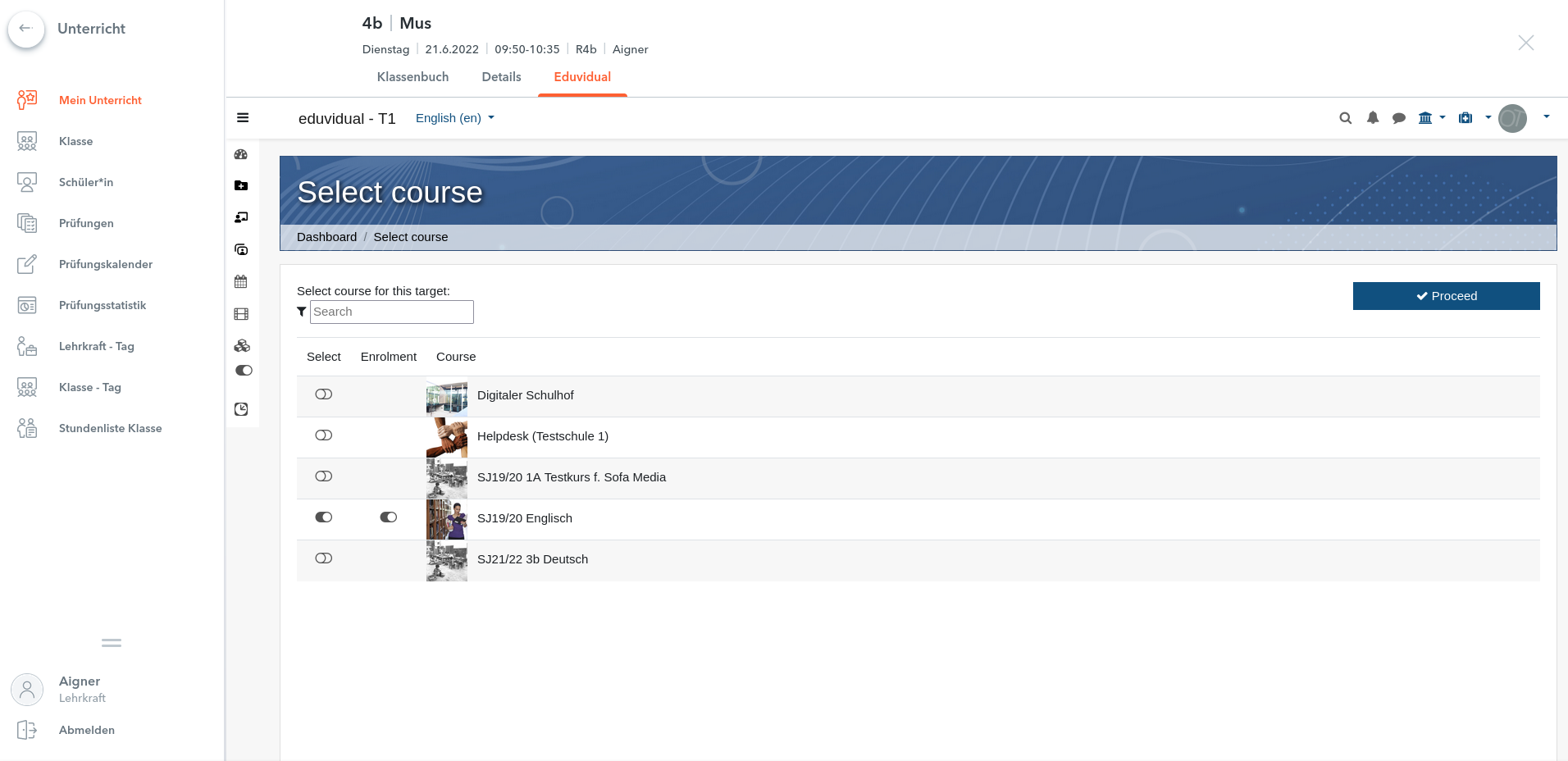
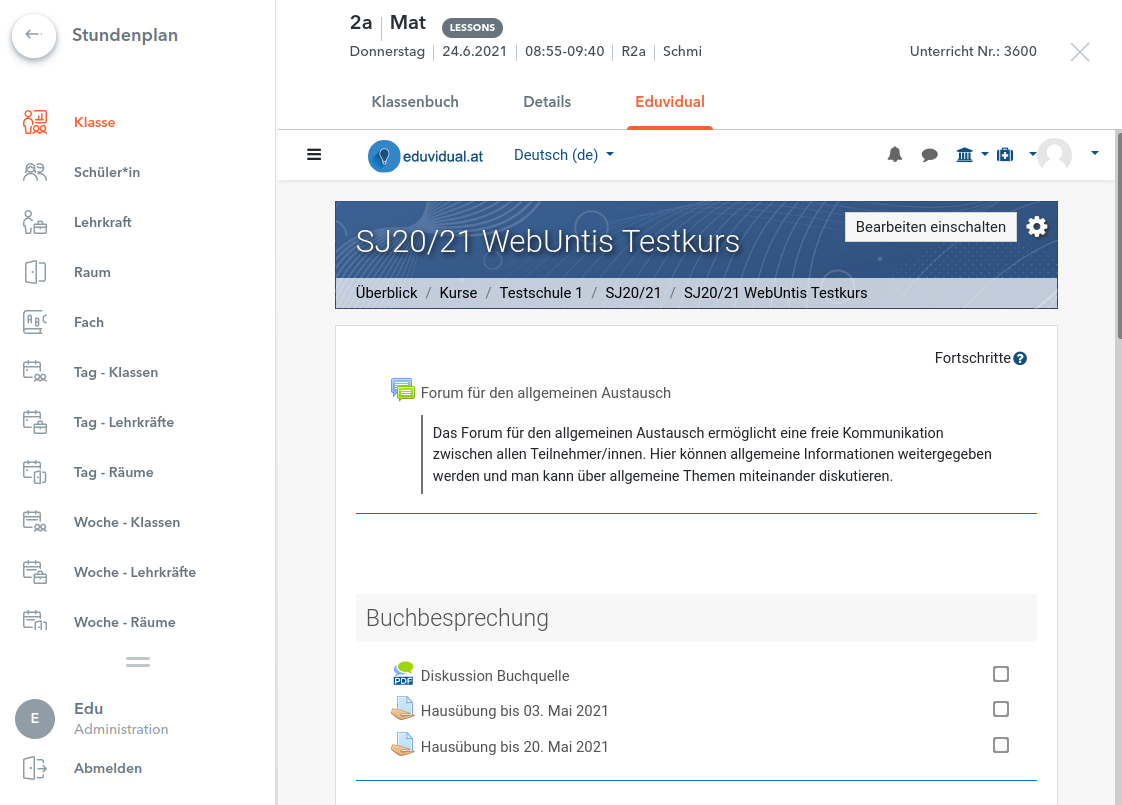
This plugin allows an integration of Moodle with WebUntis from Untis GmbH. WebUntis is a class management schedule tool for schools.
Comments
Comments are no longer open for new posts. Existing comments remain available to read.
Viele Grüße
currently there are no plans for further development of this plugin.
Best regards
We use the Webuntis plugin in Moodle 4.4.3 and receive the following error message. Callback before_standard_html_head in local_webuntis component should be migrated to new hook callback for core\hook\output\before_standard_head_html_generation.
Is there a plan to update the plugin to Moodle 4.4?
Best regards
Friedhelm
Wenn man allerdings die Datei /local/webuntis/classes/usermap.php editiert, kommt man einen Schritt weiter:
if (substr($_SERVER['PHP_SELF'],-31) != '/local/webuntis/landinguser.php')
Sollte gehen...
gibt es eine Möglichkeit die beiden public keys für Integration und Produktion selbst herauszufinden?
Es gibt scheinbar diese beiden Environments dafür...
https://help.untis.at/hc/de/articles/4403351094034
---
Environments
Stage WebUntis (WU_URL) External API Provider (EAP_URL)
Integration https://tom.integration.webuntis.dev/ https://api.integration.webuntis.dev/
Production https://{host}.webuntis.com/ https://api.webuntis.com/
---
Wenn ich von dort die Keys auslese und mit den in moodle hinterlegten vergleiche, passen keine zueinander!?
[Thu Jul 14 17:38:09.024438 2022] [php7:notice] [pid 17268] [client 213.208.138.146:46485] Verification of signature failed using public key of production
[Thu Jul 14 17:38:09.024554 2022] [php7:notice] [pid 17268] [client 213.208.138.146:46485] Verification of signature failed using public key of integration
Tiptop!
Also das war jetzt auch das einzige wo ich mir noch ein Problem vorstellen konnte. Hatte auch extra die Keys dem Kollegen geschickt zum Abgleichen...müssen wir wohl nochmal genau hinsehen.
Vielen Dank erstmal für die tolle Hilfe!
In den logs hab ich jetzt mal folgendes gefunden:
...
213.208.138.146 - - [14/Jul/2022:21:11:05 +0200] "POST
/local/webuntis/credentials.php HTTP/1.1" 428 5879 "-"
"Apache-HttpClient/4.5.13 (Java/11.0.13)"
213.208.138.146 - - [14/Jul/2022:21:11:14 +0200] "POST
/login/index.php/local/webuntis/credentials.php HTTP/1.1" 200 10583
"-" "Apache-HttpClient/4.5.13 (
Java/11.0.13)"
95.117.83.155 - - [14/Jul/2022:21:11:31 +0200] "GET
/login/index.php/local/webuntis/index.php?tenant_id=xxxxxxxx&school=sbs-fachinformatik
HTTP/1.1" 200 10
257 "https://ajax.webuntis.com/" "Mozilla/5.0 (Windows NT 10.0; Win64;
x64; rv:102.0) Gecko/20100101 Firefox/102.0"
...
Ich bin mir nicht sicher was genau ich da jetzt sehe... Das eine ist die webuntis IP, aber da gibt es zwei POST versuche, einer mit Code 428 error und der andere mit 200 OK .
Die andere IP ist scheinbar irgendeine dynamische Telefonica IP. Da werden ja scheinbar wirklich credentials übergeben (die id habe ich mal mit xxxxxxx ersetzt), aber in moodle wird nichts eingetragen unter tenants.
Noch irgendwelche Tipps?
Vielen Dank für die schnelle Rückmeldung!
Also ein Kollege zuständig für webuntis und ich für moodle. Also der webuntis Kollege hat die Anleitung befolgt die es in der untis Hilfe dazu gibt.
Er hat also Moodle in webuntis als Plattform hinzugefügt.
Aber in moodle kann ich unter
Plugins / Lokale Plugins / WebUntis / Tenants
Keine Zeile finden. Es klappt also nicht mit der Übergabe der credentials?
Die Pfade in moodle sollten passen.
Liegt in /var/www/moodle/local/webuntis/credentials.php
Die Rechte auf die Files sind 644. Muss da was angepasst werden oder sonst was in moodle aktiviert werden damit das klappt?
Es etwas schwierig mit der Abstimmung gerade da ich im Krankenstand bin...
Aber ich hoffte auf einen guten Hinweis was man da falsch machen kann ;)
was genau bedeutet "der webuntis kollege hat dann den entsprechenden Link zum Moodle konfiguriert"? Man muss Moodle in WebUntis als Plattform hinzufügen. Dabei werden credentials an Moodle übermittelt. Man sollte in der Website-Administration unter Plugins / Lokale Plugins / WebUntis / Tenants eine Liste aufrufen können, in der diese Credentials zu sehen sind.
LG