
Molsimilarity
Maintained by
Céline Pervès, Louis Plyer, Gilles MARCOU, Célien Jacquemard
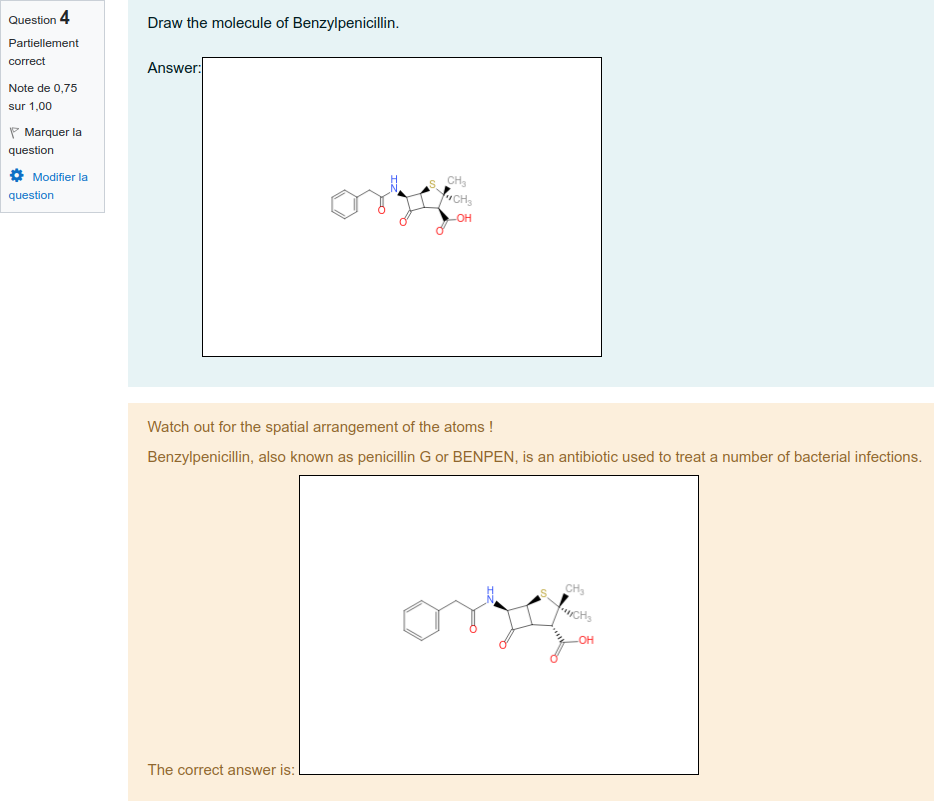
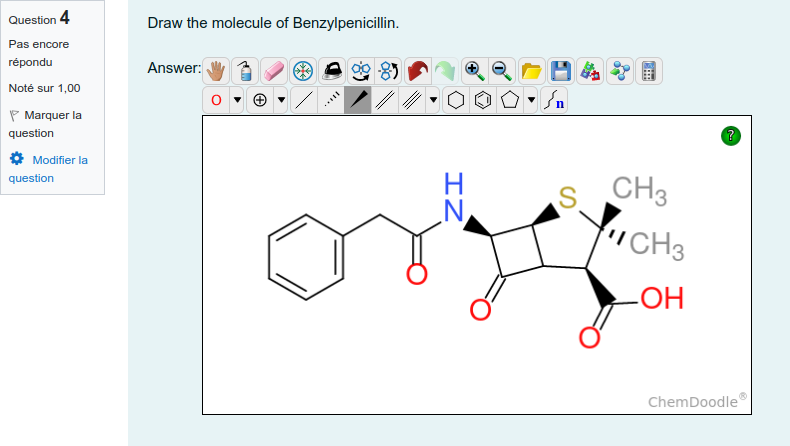
Moodle plugin allowing the teacher to ask a chemistry related question by drawing the expected answer. The student will answer by drawing the response.
Comments
Comments are no longer open for new posts. Existing comments remain available to read.
What is the command line used to launch ISIDA server
What are the different parameters entered in molsimilarity plugin general settings (serverurl,...)
What did you put in curl settings curlsecurityblockedhosts and curlsecurityallowedport
Error while testing the connection:
Error code : 7.
Error message : Failed to connect to localhost port 9080 after 0 ms: Couldn't connect to server.
what coud be reason ?
Error message : The URL is blocked.. means internal Moodle curl don't let pass ISIDA server request
=> you have to set curlsecurityblockedhosts and curlsecurityallowedport in administration -> Security -> HTTP security, this enabling Moodle curl to request ISIDA Server
On top of that isisi url set in plugin settings must'nt finish with a slash
I'm going to put in README file
i have problem with app,
Error while testing the connection:
Error code : 0.
Error message : The URL is blocked..
settings:
ISIDA Server Url: localhost:9090
ISIDA Server KEY: PutYourOwnKeyHere
plugin not working.
Moodle v4.4
- C-atoms are hidden and can't be made visible. (Or I didn't find the option)
- H-atoms will be added automatically to Heteroatoms. (e.g. O)
I really enjoy this plugin. Thanks again.
Best regards,
Ramon
- It allows to make mistakes without warning you (e.g. 5 bonds on C). This makes it great for teaching and exams.
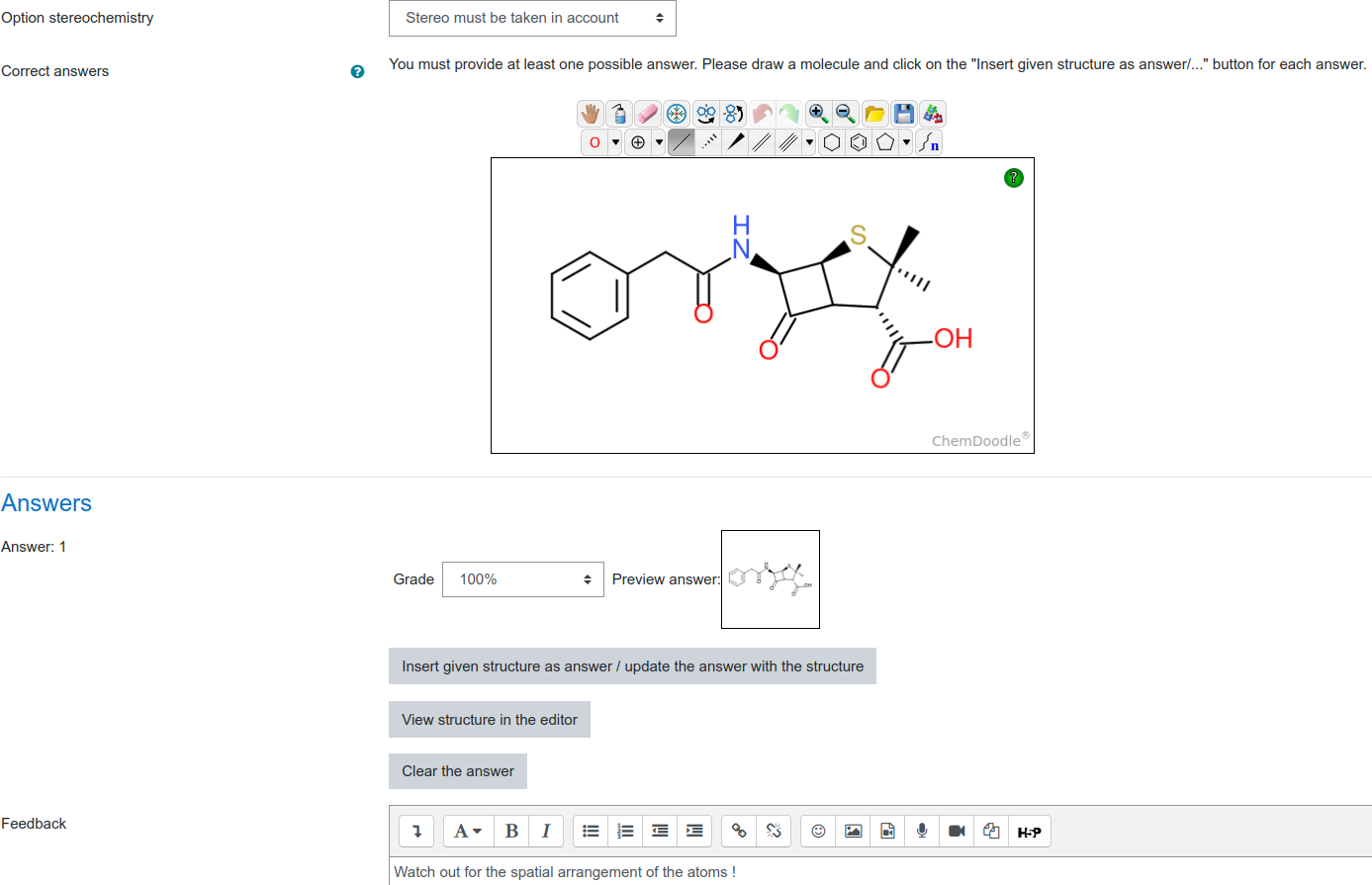
- Stereochemistry will be checked. Wow!
- Radicals and lone pairs can be drawn. And will be checked. Also no limit to them and also to the charges.
- The right answer can be drawn or imported. Makes it very easy to set up new questions.
- The drawing interface is simple and easy to understand.