
AI Text to questions generator
Maintained by
Yedidia Klein, Ruthy Salomon
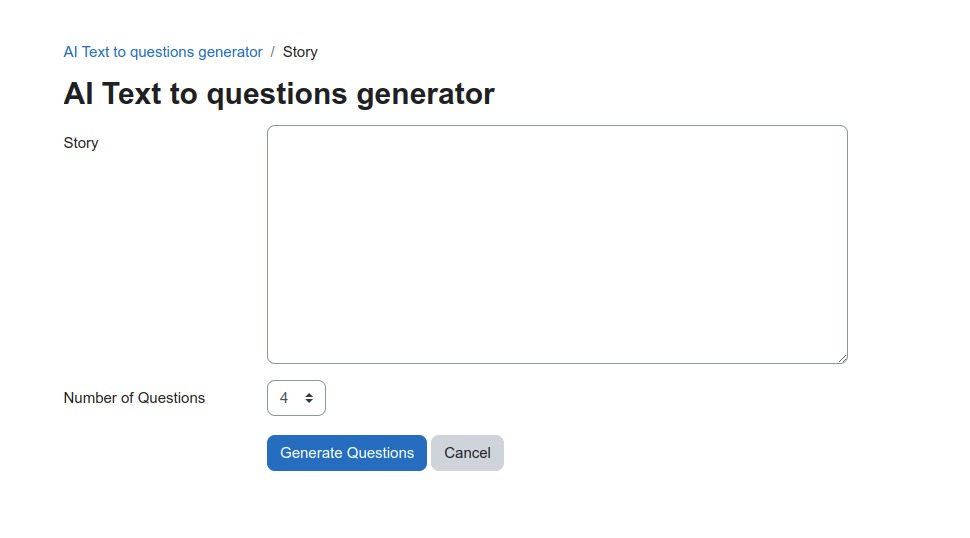
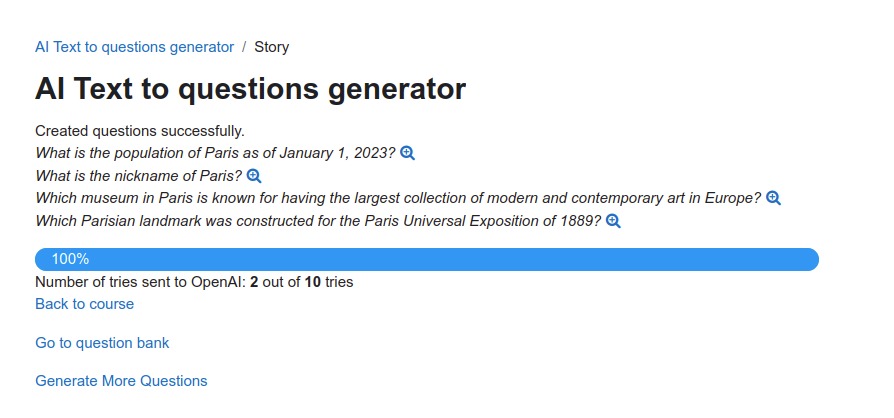
A local plugin that is accessible from course top menu, that generates question on a given text using OpenAI ChatGPT.
Note that Open AI API key is required for using this plugin.
Comments
Comments are no longer open for new posts. Existing comments remain available to read.
a) None of the new prompts created for new types of questions end up written in the databank (is it a limit of the plugin or a problem of Moodle 4.4?)
b) If users are allowed to change the prompt, we never had a positive answer in return, even if the change is super small.
Anybody with the same problem?
I noticed two mistakes of translation.
(1)Settings page
"OpenAI API Key (local_aiquestions | key)" area and "Model ( local_aiquestions | model)" area have same description.
The description is for API key area. Models description are missing.
(2)In Course administration menu
Menu items name for call this plugin is "AIに関する質問", it means "Question about AI” in Japanese.
This notation doesn't make sense.
For example, how about changing it to "AIを使用して質問を作る", it means "Create questions with AI"?
Would that work with this plugin?
The API is subject to a charge. After payment, the question creation worked.
But the plugin seems to access an old version of ChatGPT. Angela Merkel is still German Chancellor. The newer versions are also subject to a fee. It's probably no longer so easy to access them.
I created a key, which was possible without any problems. Then I added it to the plugin and tried to create questions in Moodle. It shows me that there have been ten attempts to create a key, but unfortunately no questions are created. Why does it not work?
I am using Moodle 4.3.3 (Build: 20240212)
Ralph
i am using this api call from an ip based non SSL server.
Does anybody had the same issue? Do we need to have a proper domain name and/or ssl in order to use this plugin?
Help is needed.
"
We have determined that you are using OpenAI services in ways that violate our policies.
Due to this breach we are halting access to our products immediately for the account associated with the email nvvnravi@hotmail.com. Common reasons for breach include violations of our usage policies or accessing our services from an unsupported location. You may also wish to review our Terms of Use.
If you believe this is in error and would like to appeal, please contact us through our help center. We will review your appeal and will contact you if we reinstate your access.
Best,
The OpenAI team
I have the same problem with Moodle 4.1.
I have set cron correctly - it works. I have also installed other AI plugins that work with the api key.
Could it have something to do with the PHP version? I don't get any error message.
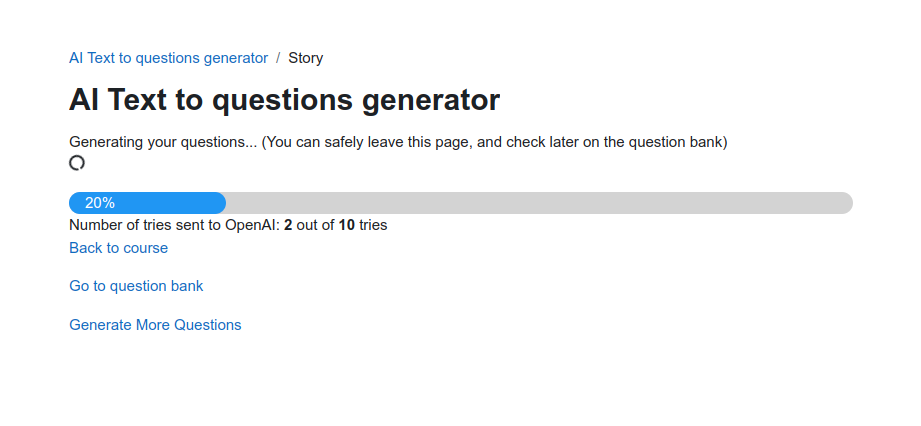
It just loads all the time, "Number of tries sent to OpenAI: 0 out of 10 tries" .
I have also tested it with a new api key. I am not using chatgpt 4.0
Thank you for your help.
try to access [moodle_address]/admin/settings.php?section=local_aiquestions_settings