Cloze question editor icon

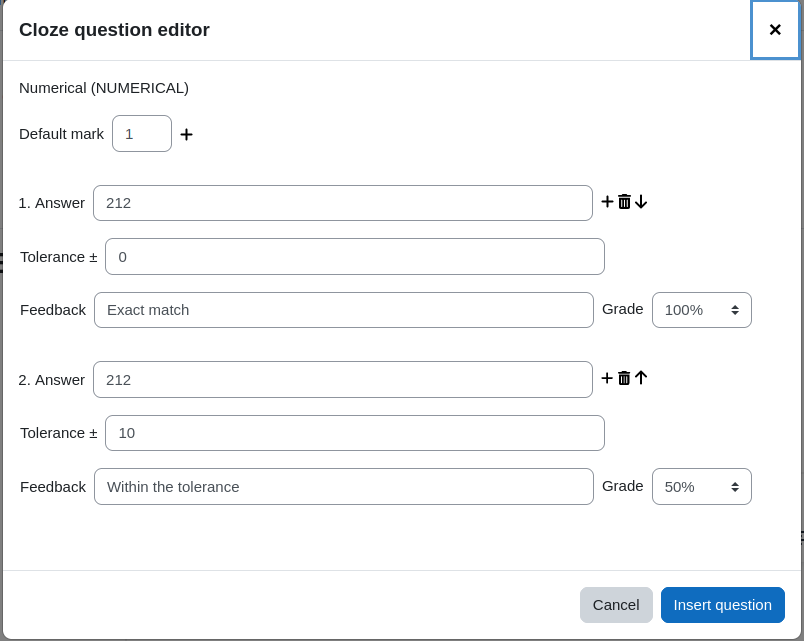
Cloze question editor

Maintained by Stephan Robotta
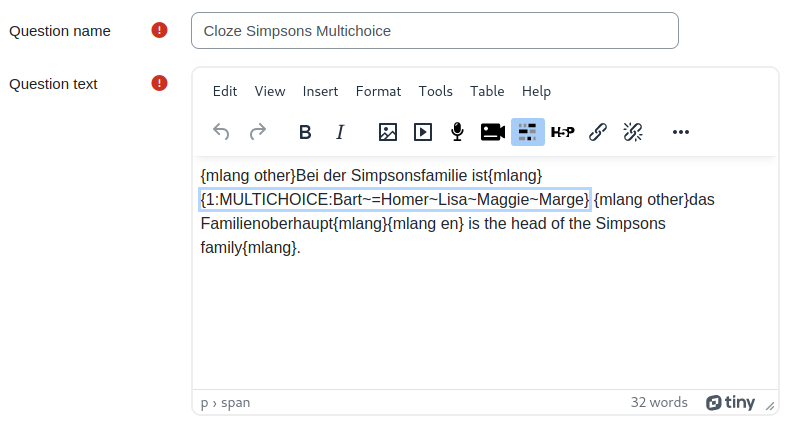
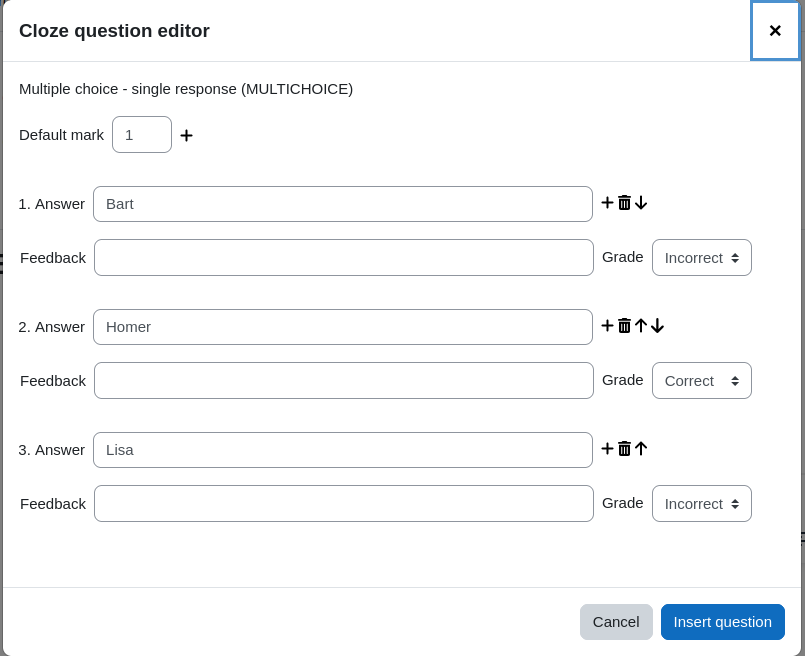
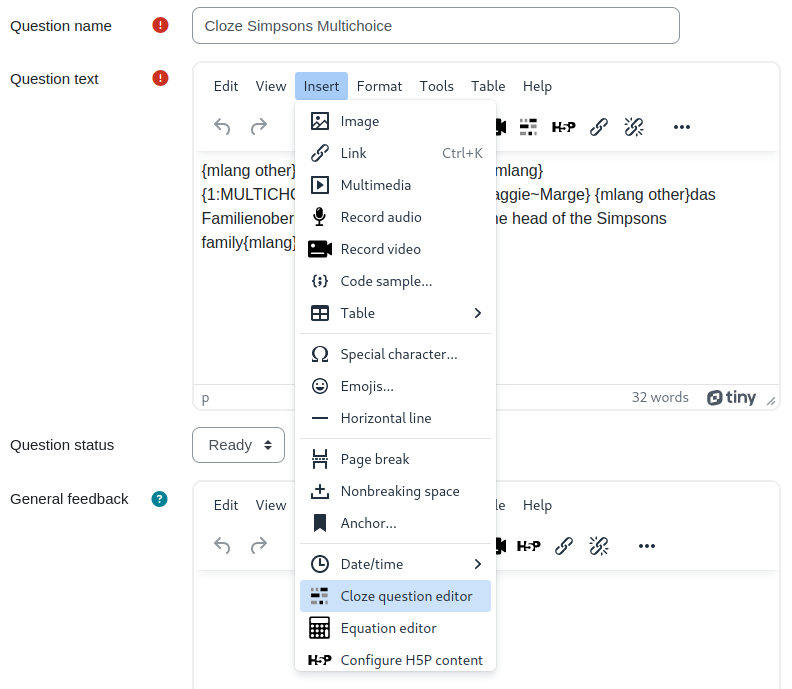
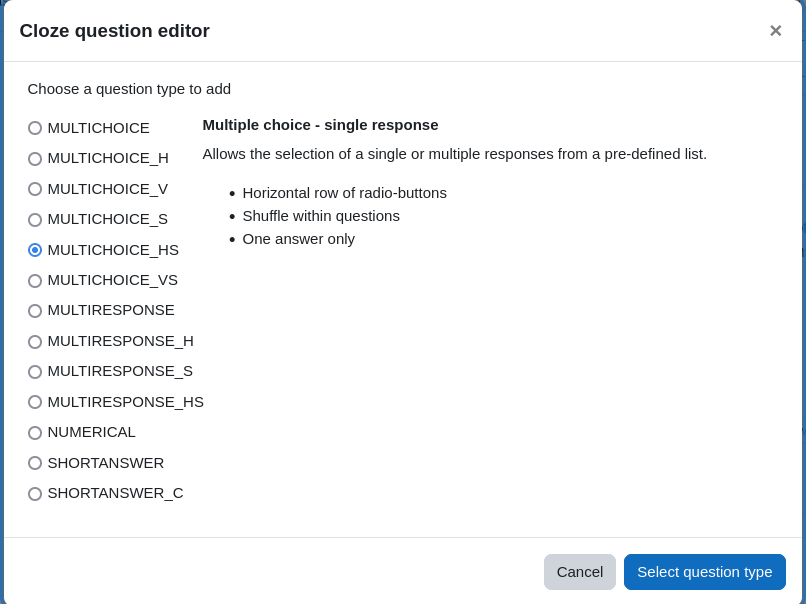
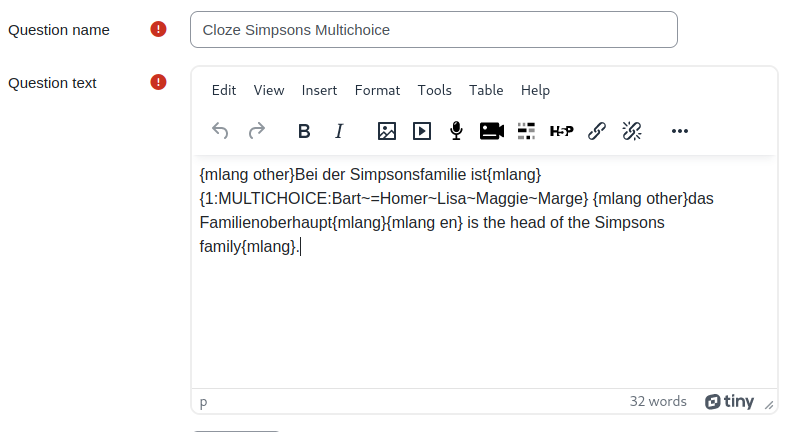
Make it easy for users to create cloze question types via the TinyMCE editor.
Price option: Free

Supports Moodle 4.1-5.2 See all versions
Latest release: 2 months ago
Installations: 2246
Downloads (last 90 days): 976

Frankenstyle name: tiny_cloze
TinyMCE

Comments

Product ratings and reviews are coming to Moodle Marketplace. Until then, existing comments remain available to read, but new posts have been disabled.

I've installed this plugin on Moodle 4.1.14+ (Build: 20241011) , and i had alredy nstalled the plugin TinyMCE (legacy) ::: tinymce_clozeeditor that have a toolbar botton, I hade to uninstall tiny_cloze because generate en error in SITE Administration - USERS -Add user (Exception - Class 'question_bank' not found)
Hi Luca, are you sure that you have tried on a question text field when defining a cloze question? In any other textfield the button will not appear. In case you did, could you please check the developer console and report any error that you see?
Thank you, Stephan
Hi, I installed the plugin and I have TinyMCE 6.6.2 editor, but, the cloze editor icon is not showing. (Moodle 4.3.5)
You're reading my mind, Stephan smile These next two improvements in version 1.8 (https://moodle.org/plugins/pluginversion.php?id=33030) were on my list, too, but I thought I'd rather wait a while before requesting smile . Brilliant stuff - thanks a lot again !
Excellent! Thanks Stephan!
Great ! Thanks Stephan for this update in version 1.7 . Very best, Przemek.
Hi Przemek and Joseph,
The current main branch should now include the desired feature that the selected text is taken for the first answer field.
Best regards, Stephan
I agree with Przemek Kaszubski that that would be a welcome improvement!
Hi Przemek,
I will have to test and compare the behaviour of the cloze plugin in tiny vs. atto. If I can restore/change the behaviour so that it creates more comfort for the user, I will do so.
Best regards, Stephan
Hi, thanks for this plugin. I've just tested it under Moodle 4.3. One problem - in comparison to the Atto version - is that it drops (and deletes) the highlighted gap in the text instead of taking and inserting it as the (first) right answer into the popup editor. Such "automation" used to be a considerable time-saver in Atto, and now our users will have to be very cautious about inserting gaps into texts. Is it possible to add the said feature to this Tiny version of the Close editor?
Approval issue created: CONTRIB-9321