Wallet Enrolment (coupons, payments and all needed restrictions)
Maintained by
Mohammad Farouk
ALL IN ONE ENROLMENT PLUGIN.
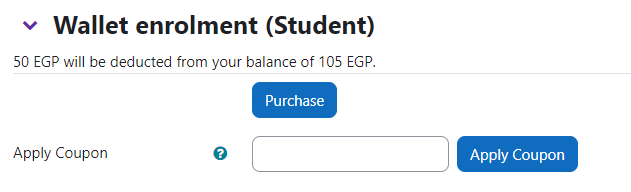
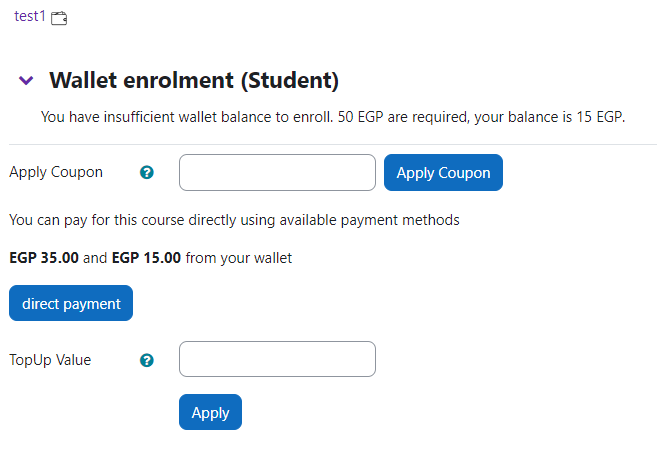
This enrollment method allow users to enrol themselves into courses using wallet credit.
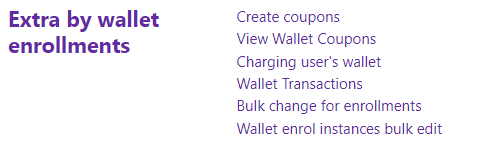
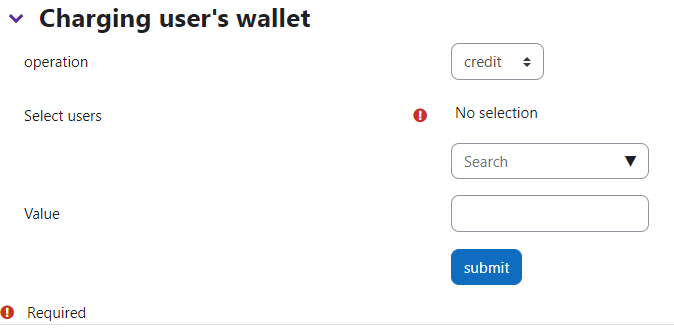
(manual charging wallet, charging by payment, coupons, discounts, cashback, awards, referrals, woocommerce connection, other course enrol restrictions, cohort restrictions, use availability condition plugins for restrictions and more).
It simply provide your moodle site with ecommerce solution to sell courses and control the price.


Comments
Comments are no longer open for new posts. Existing comments remain available to read.
Please report an issue here with steps and details to help me debugging this issue
https://github.com/fmido88/moodle-enrol_wallet/issues
Check these points:
1- There is an active payment account on the site.
2- this account choosed in the wallet enrolment settings page as default account to charge the wallet.
3- you are seeing the user's profile as the user'em self not as admin.
4- There is a check box in the topping up form for agreement of terms, all top up options are hidden until the user check agree
If these steps not worked please open an issue in https://github.com/fmido88/moodle-enrol_wallet/issues
Provided with screenshots of what happening.
Firstly, well done for what seems a great plugin. I am not sure if I am having a senior moment but when viewing a student user profile, there are no boxes available to top up the wallet via payment gateway. Am i missing something?
Thanks
But still, I am getting error while purchasing course. I am still getting the "A required parameter (id) was missing."
Hey chyntori Tori, The problem about writing on db is due to precision of number field, and this problem should be solved in the last update too.
Provide steps, version on plugin and moodle also screenshot of the error messages with enabled debugging messages
I tested with two accounts and one always get the course and the other always get the error. The credits get substracted while didn't get enrolled. Please help.
I think this is because referral program is disabled from settings. try to enable it from enrol wallet admin settings page.
First: I'll check this bug in more link for referral page
Second: Yes there is a conditional discount for topping up, you can set them up from the setting page