
HTML Bootstrap Editor (Tool)
Maintained by
Gustavo Bazzo, Étienne Roy, Yvon Quémener, RÉCITFAD Service national, Emile Jacques
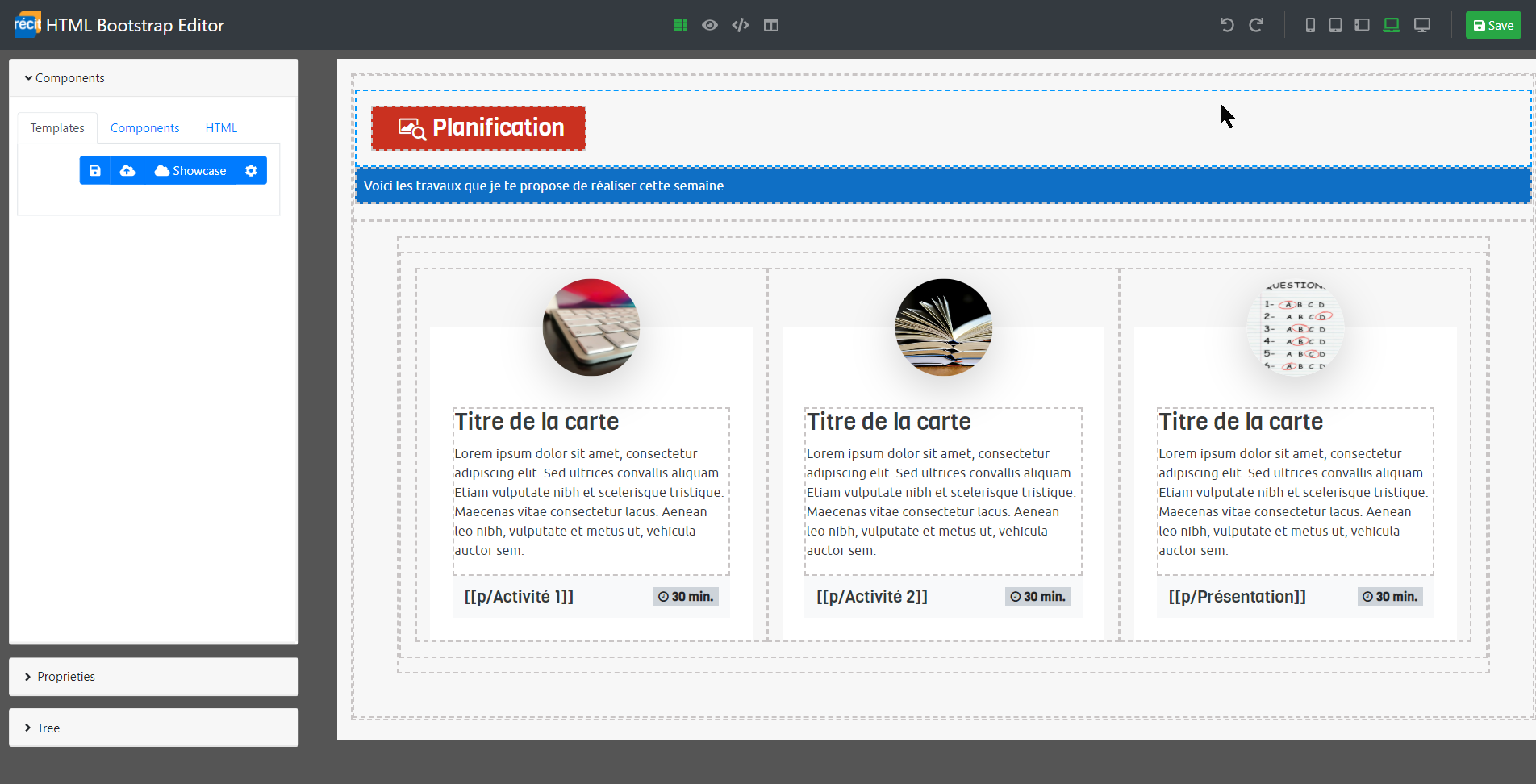
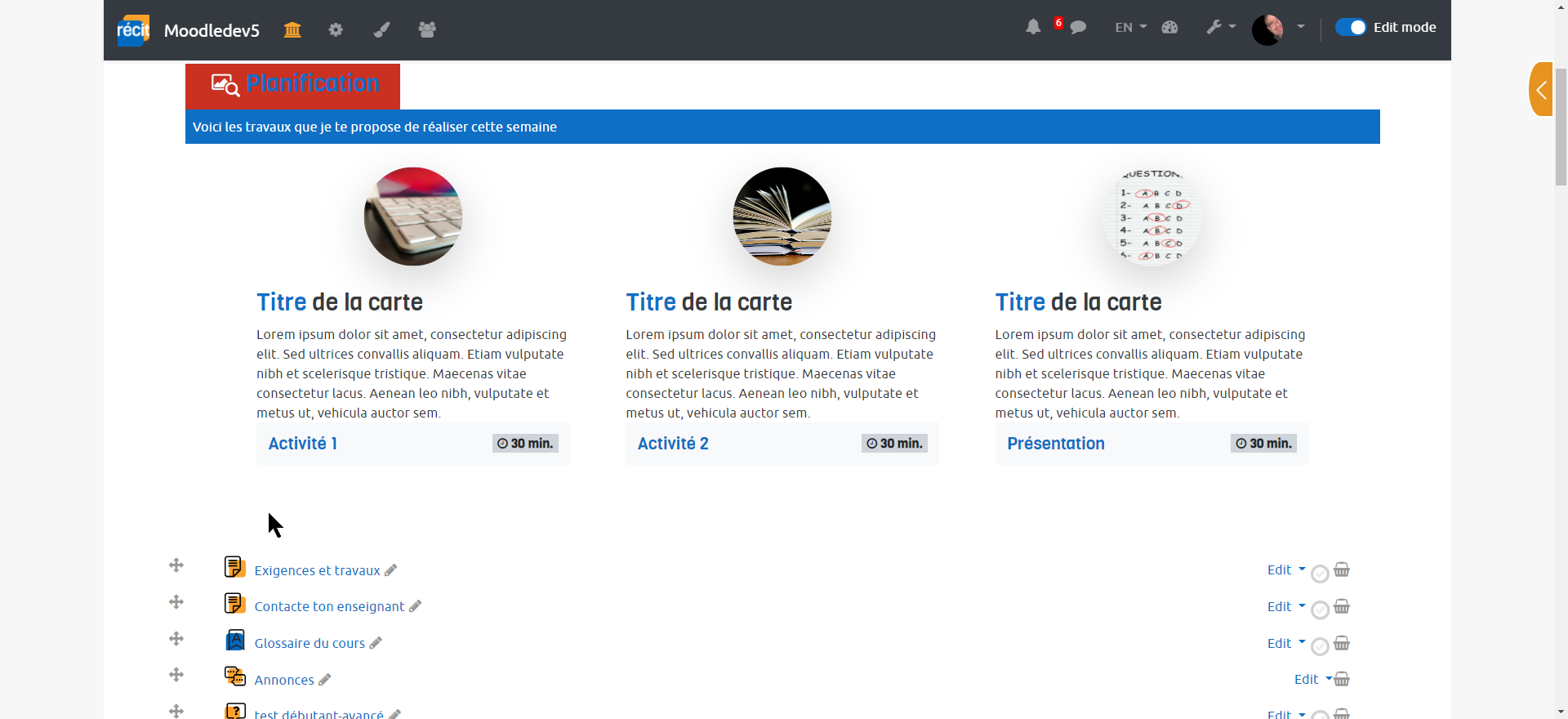
The HTML Bootstrap editor RECIT makes it possible to create a much more attractive and ergonomic layout.

Comments
Comments are no longer open for new posts. Existing comments remain available to read.
Yes, this plugins is in the RECIT's pack for Moodle 4.5 and can be downloaded here: https://github.com/SN-RECIT-formation-a-distance/.github/blob/main/wiki/releases/plugins-recit-moodle-4.5_25_mars_2025.zip
Kind regards.
We have released a beta version of HTML Bootstrap Editor for TinyMCE:
https://github.com/SN-RECIT-formation-a-distance/moodle-tinymce_htmlbootstrapeditor/releases/tag/v1.0.0-beta
Thanks
The latest versions of both plugins work fine.
First it is necessary to install this one https://moodle.org/plugins/tool_htmlbootstrapeditor
Then the Atto button: https://moodle.org/plugins/atto_htmlbootstrapeditor
Please note that only the following versions of Moodle are supported so far: 3.9, 3.10, 3.11, 4.0, 4.1
We are currently working on these 2 new plugins to upgrade them to Moodle 4.5.
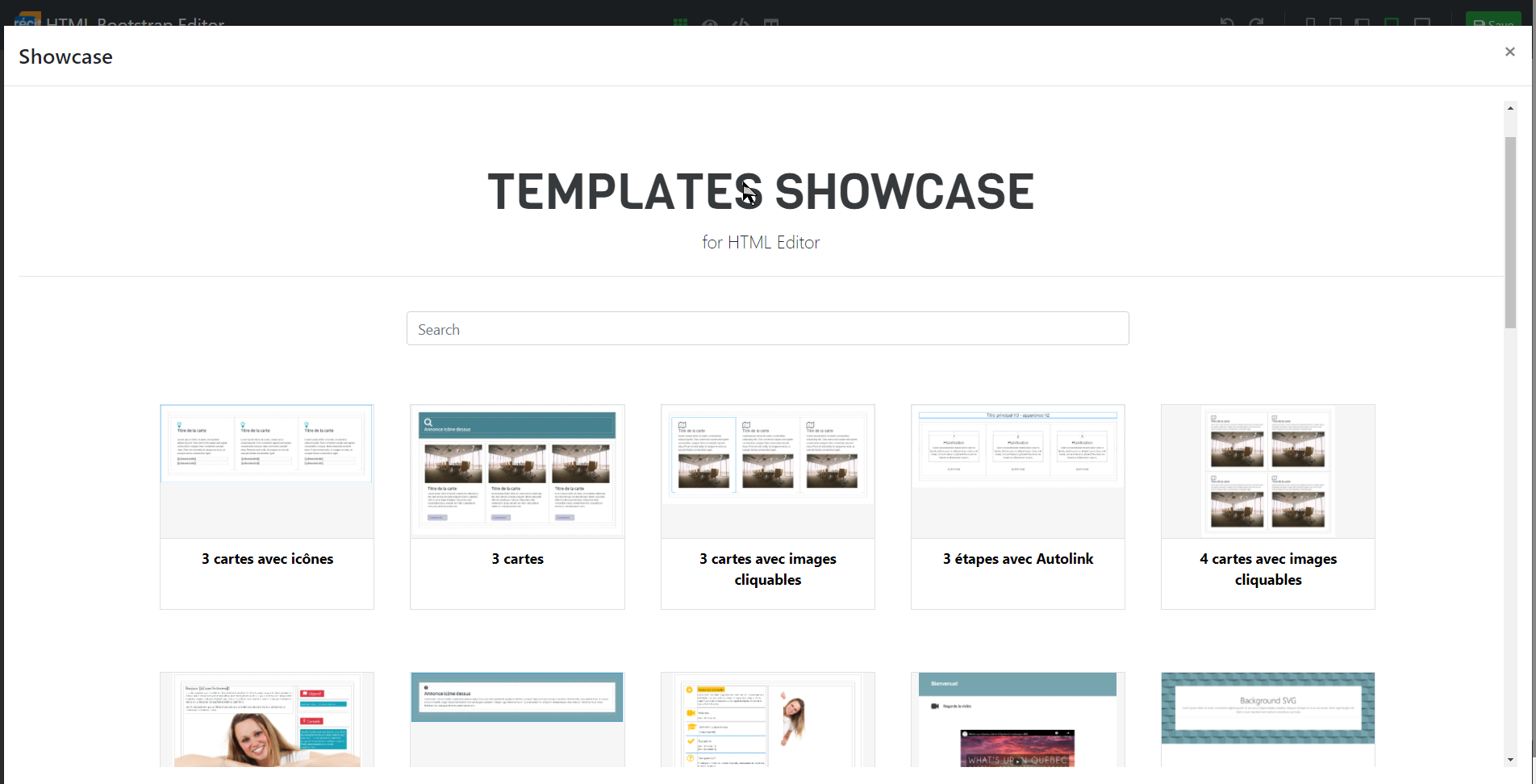
Here is how you can have your own showcase:
We use GitHub Actions to generate our showcase and upload it to GitHub Sites.
To do this yourself, you can fork the project and then go to your project settings.
In the 'Pages' section, configure the name of your page.
Once that's done, you can commit a new template and the GitHub page will be generated automatically.
https://github.com/SN-RECIT-formation-a-distance/html-bootstrap-editor-showcase
Thank you for your comment.
Yes, we plan to ensure continued compatibility with these upcoming Moodle releases.
We are now working for Moodle 4.5 and TinyMCE editor.
Kind regards,
According to the MoodleHQ roadmap, there is a planned gradual transition to Bootstrap 5, which will no longer use Popper v1.x but instead will adopt Popper v2.x, a version that is not compatible with Bootstrap 4. The upcoming Moodle versions will include incremental upgrades, culminating in Moodle 5, which will be fully based on Bootstrap 5 and Popper v2.x.
In light of these changes, I would like to inquire if you are planning to update your plugin to ensure continued compatibility and service with these upcoming Moodle releases?
Thank you for your attention to this matter. I look forward to your response.
Best regards,
Boris
Thank you for your comment.
Not yet, we are working on it.
Thank you for your comment and for reporting this issue.
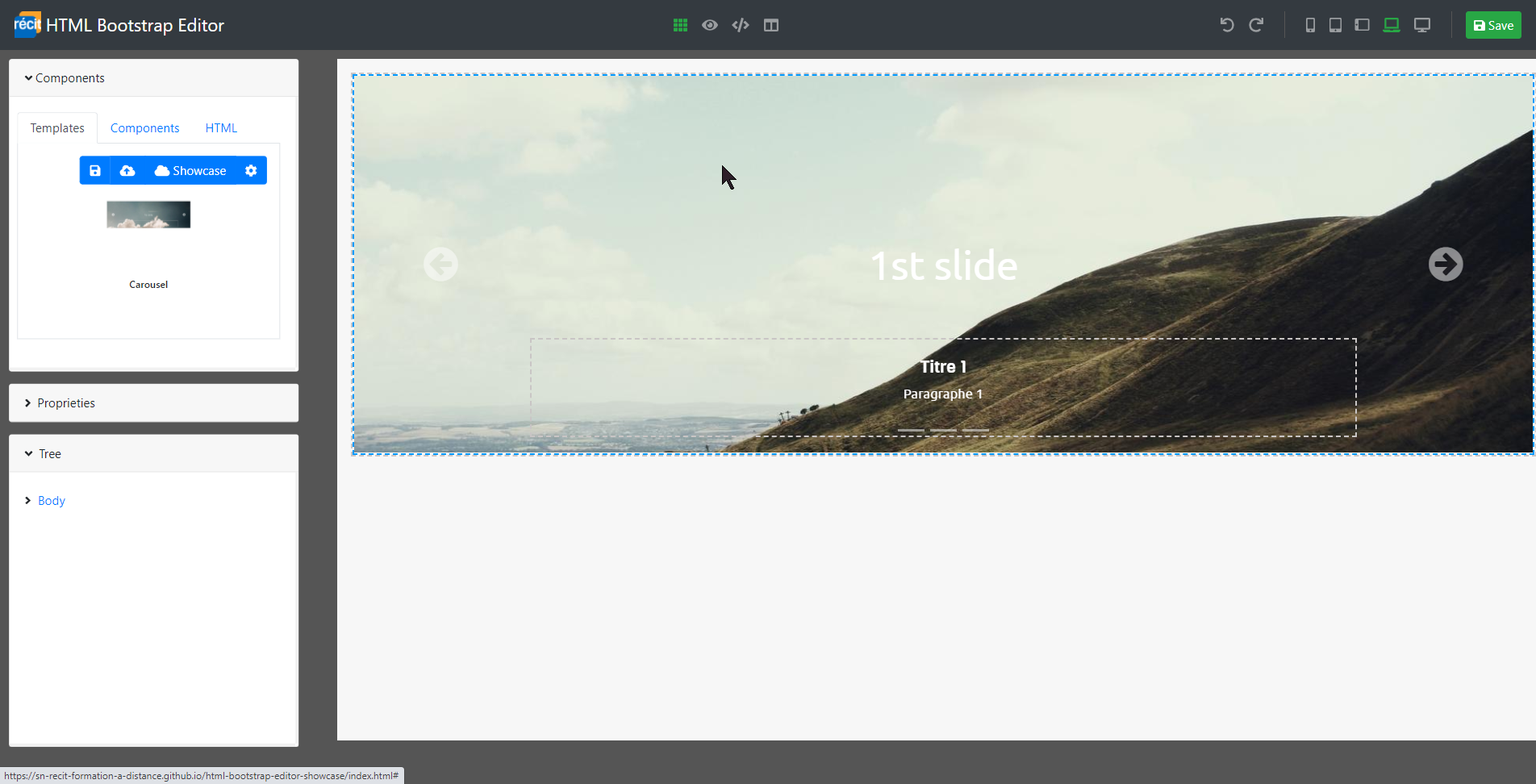
Actually, when there are more than one Bootstrap carousel in the same page, we need to adjust the id and data-target attributes.
The editor does not yet have a fonction to do this via interface, so it has be done in the source code.
Here is how to do it: on your second carousel, find the id "carouselInd" and replace it to "carouselInd2". Do the same for the other attributes (in the same second carrousel) data-target.
I think that there is a bug with the caroussel. When I put two on the same course there is only the one that is first in the section that works correctly. Do you know if it's because I configure it badly ?
Once again thank you for the good work !
is this tool pass penetration tests?
Thank you for your comment.
Unfortunately, so far we don't have dates to support Moodle 4.2