Timestat
Maintained by
Elearnity Team
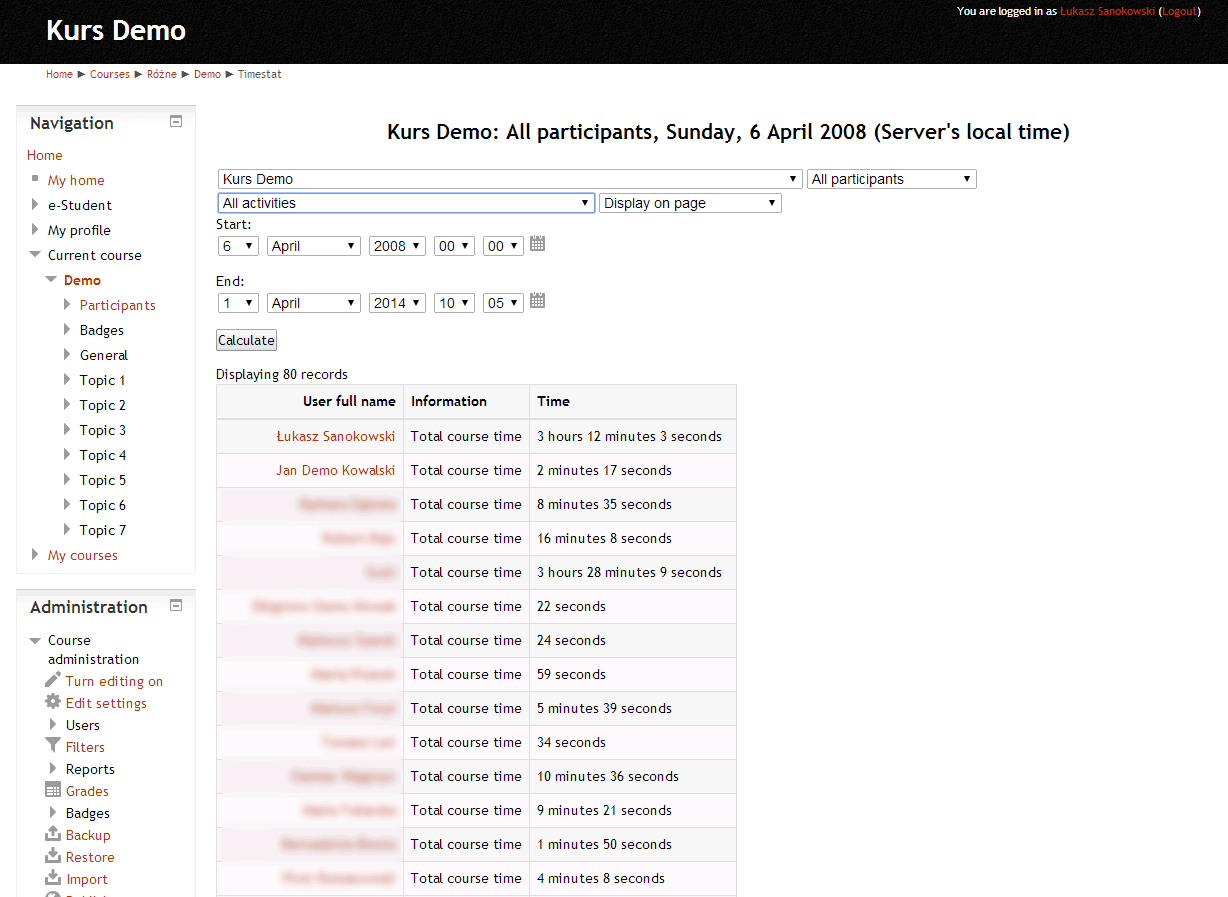
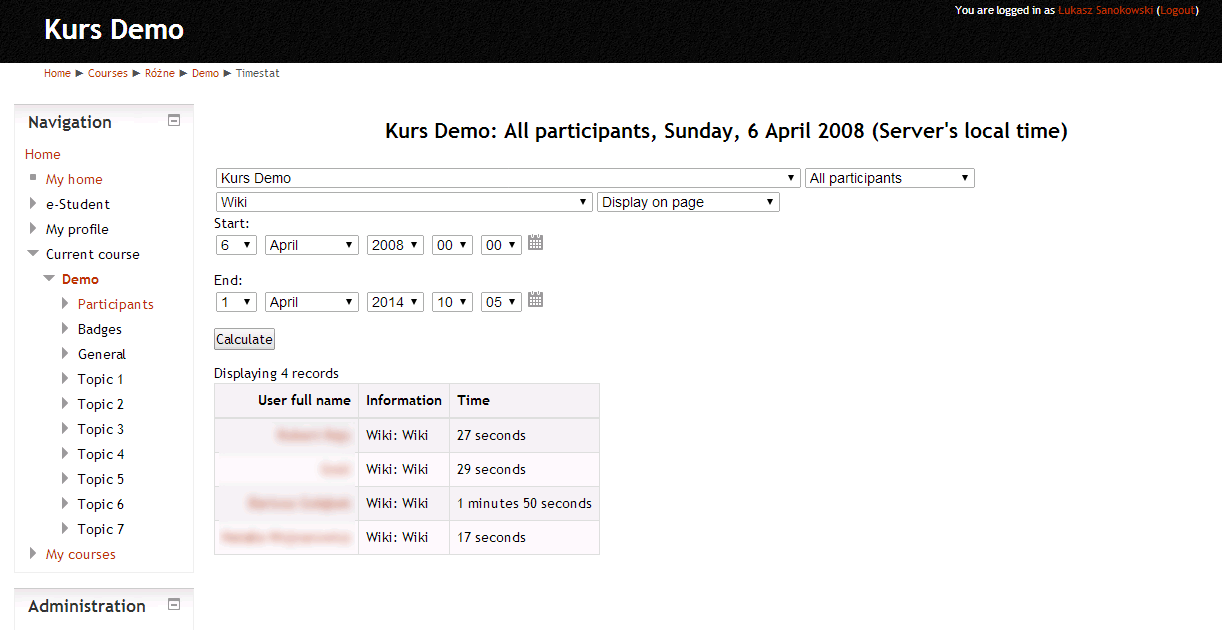
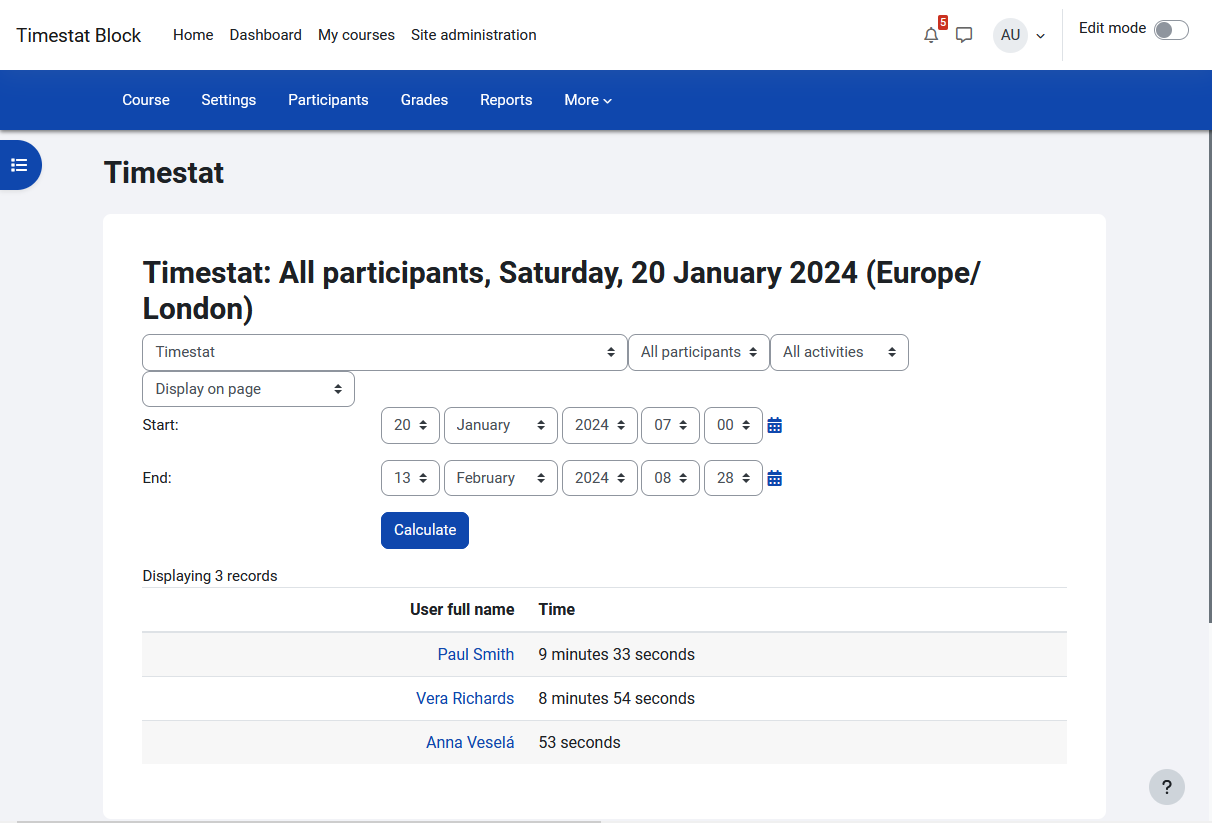
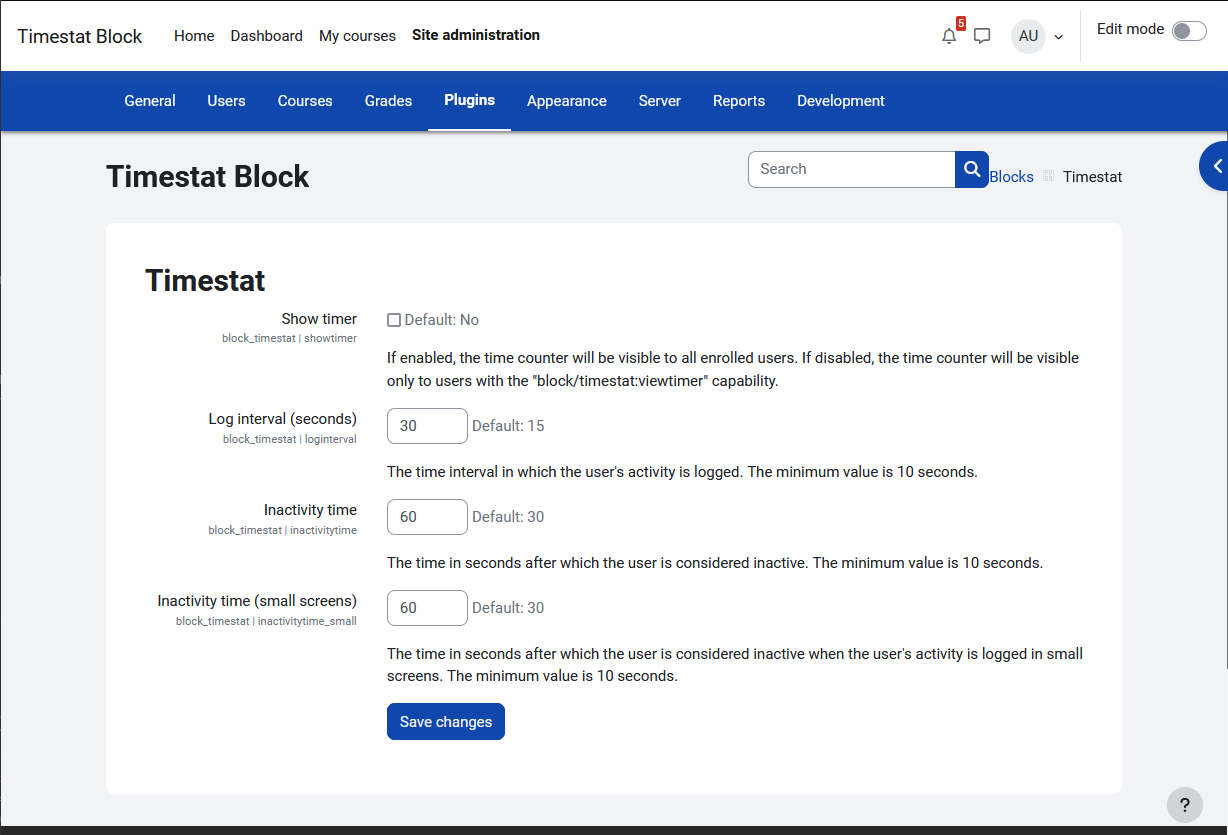
Timestat block measures users real activity time. Time is increased only when Moodle tab is active in browser.
Comments
Comments are no longer open for new posts. Existing comments remain available to read.
I am using Moodle 2.8 and installed Timestat(release 1.2.1) and I have added it to one course and it is displaying all records correctly.
But when user logins to to LMS it is directing user to http://localhost/moodle/blocks/timestat/update_register.php?id=2921&time=22 URL and it displays blank page.
Why this is happening? Am I missing something?
Thanks,
Komal.
https://tracker.moodle.org/browse/CONTRIB-5930
It appears the following line from timestatlib.php
$sql = 'SELECT max(id) FROM {log} WHERE userid=? and course=?';
does not return the correct id
So when one accesses an Activity (not a resource) from the course page, max(id) does not return the id pointing to the Activity, but the one before,pointing to the Course view, therefore even though one is on the acitvity page, the time gets increased for the log pointing to the course page view .
Now, the crazy thing is that if one accesses the Activity from the Upcoming Activities block, then everything works normally.
I think that the problem is occurring because the DB log for the activity gets created AFTER outputrenderers.php runs
require_once($CFG->dirroot.'/blocks/timestat/lib/timestatlib.php');
Thank you, Lukasz!
After running a few tests, and checking the DB logs for Timestat, I can confirm that there is a problem with the reporting by Timestat.
Checking the html source for activities page, reveals that the >> start_of_url << is malformed and points to the wrong log item, therefore time spent on Activities gets logged in the wrong item in the DB.
Lukasz, you can use the same test server I did set up for you, enter the SAMPLE COURSE, and test Timestat for the 2 Resources and 2 Activities I have in that course.
Thank you
Additionally, a 500 Internal Server Error error was encountered while trying to use an ErrorDocument to handle the request.
Apache/2.2.31 (Unix) mod_ssl/2.2.31 OpenSSL/1.0.1e-fips mod_bwlimited/1.4 Server at elearning.mofp.pt Port 80
Does anyone knows the solution?
Best regards.
César Teixeira
Thanks Lukasz
I had never have this problem which occur during logging in, and I need more details.
I am using Moodle 2.8 and installed Timestat and added Timestat block to one course and made following changes to moodle/lib/outputrenderers.php
changed following function:
public function standard_end_of_body_html() {
global $CFG;
// This function is normally called from a layout.php file in {@link core_renderer::header()}
// but some of the content won't be known until later, so we return a placeholder
// for now. This will be replaced with the real content in {@link core_renderer::footer()}.
$output = '';
if (!empty($CFG->additionalhtmlfooter)) {
$output .= "\n".$CFG->additionalhtmlfooter;
}
$output .= $this->unique_end_html_token;
require_once($CFG->dirroot.'/blocks/timestat/lib/timestatlib.php'); //added this line
return $output;
}
But We I click on calculate I am getting this errors with no records are getting displayed:
Class 'textlib' has been renamed for the autoloader and is now deprecated. Please use 'core_text' instead.
line 102 of \lib\classes\component.php: call to debugging()
line ? of unknownfile: call to core_component::classloader()
line 207 of \blocks\timestat\locallib.php: call to spl_autoload_call()
line 190 of \blocks\timestat\index.php: call to block_timestat_report_log_print_mnet_selector_form()
Am I missing something?
Thanks!
I installed Timestat and everithing is fine about reporting, but the plugin creates problems at login. I get xxxx/blocks/timestat/update_register.php?id=43318&time=8 and it just hangs there.
Can you help me?
I use version 2.6.
Thanks in advance
Stefania
This block works with Legacy Log only.