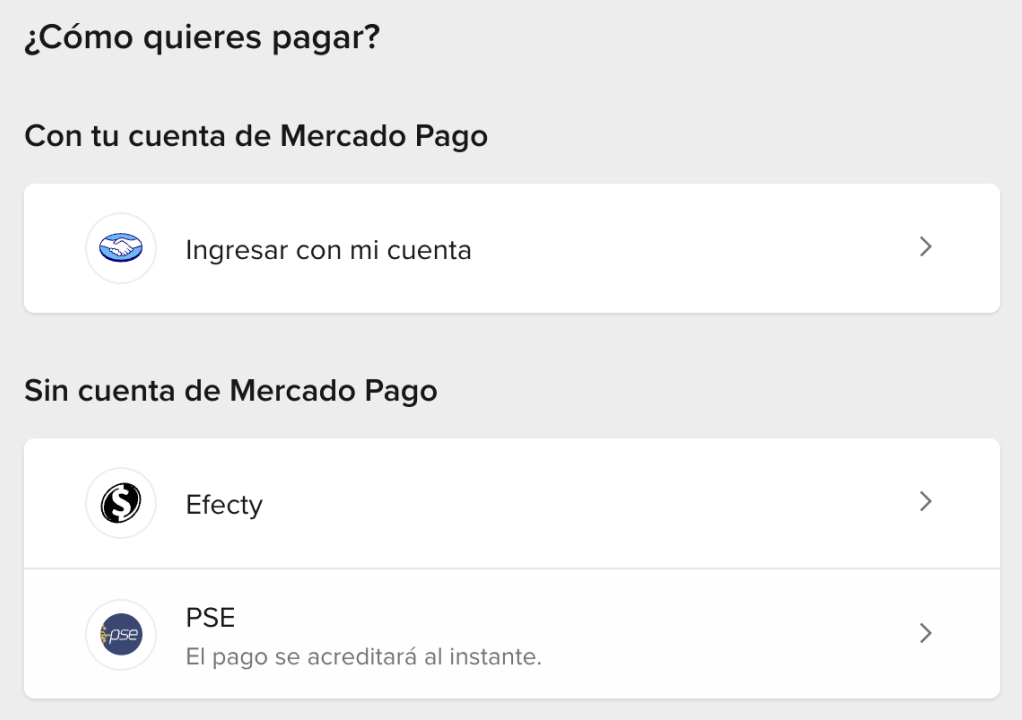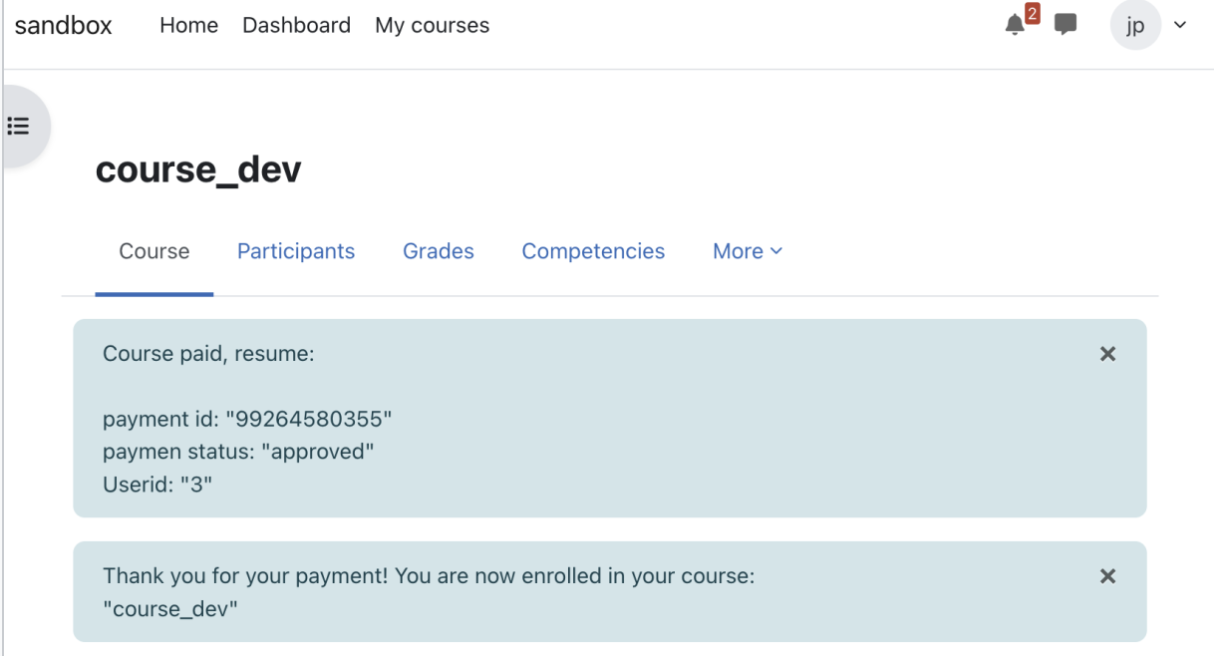
Enrolment in Moodle using Mercadopago payment gateway for paid courses
This plugin helps admins and webmasters use mercadopago as the payment gateway.
mercadopago.co is one of the most commonly used payment gateways in India offers considerable number of features unsupported by other payment gateways like Paypal. This plugin has all the settings for development as well as for production usage. Its easy to install, set up and effective.
Supported Versions 4.0 4.1 4.2 4.3 4.4 4.5
Installation Guidence :
Login to your moodle site as an "admin user" and follow the steps.
Upload the zip package from Site administration > Plugins > Install plugins. Choose Plugin type 'Enrolment method (enrol)'. Upload the ZIP package, check the acknowledgement and install.
Go to Enrolments > Manage enrol plugins > Enable 'mercadopago' from list
Click 'Settings' which will lead to the settings page of the plugin
Provide merchant credentials for mercadopago, select the checkbox as per requirement. Save the settings.
Select any course from course listing page.
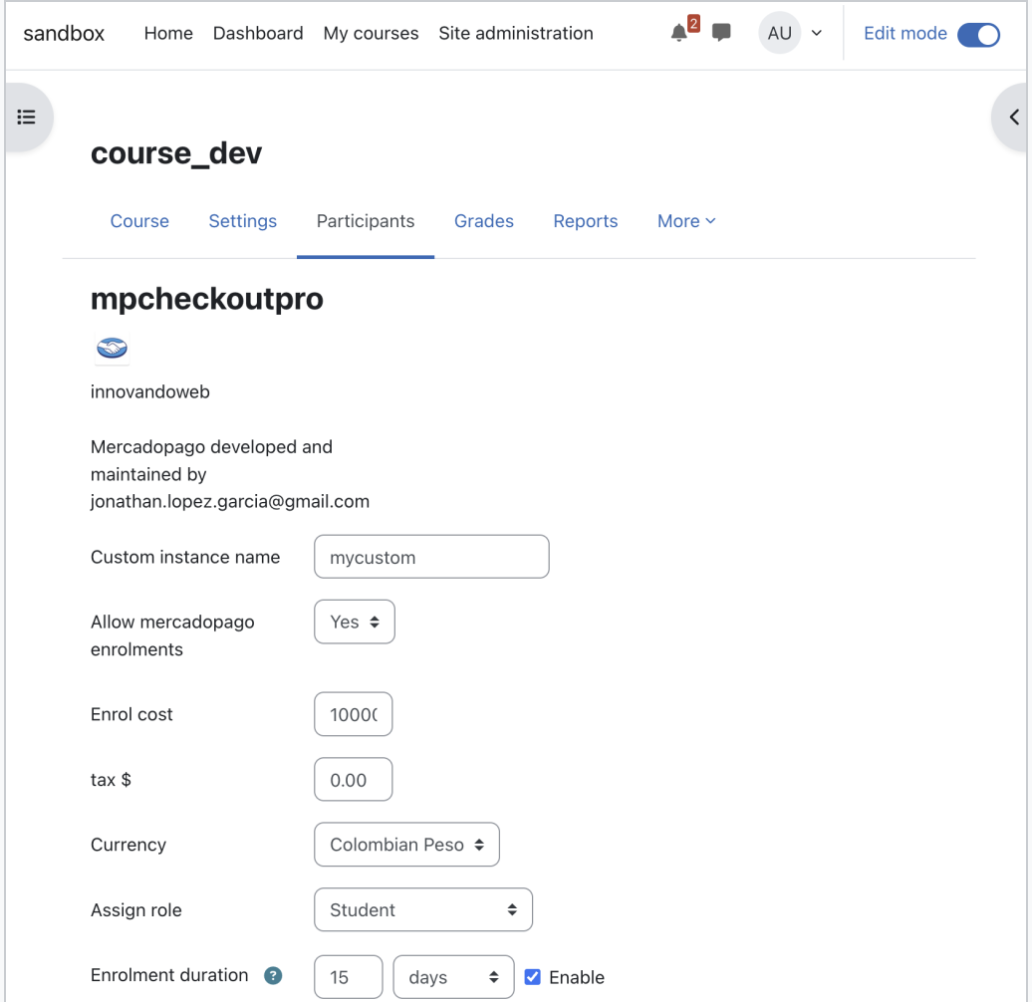
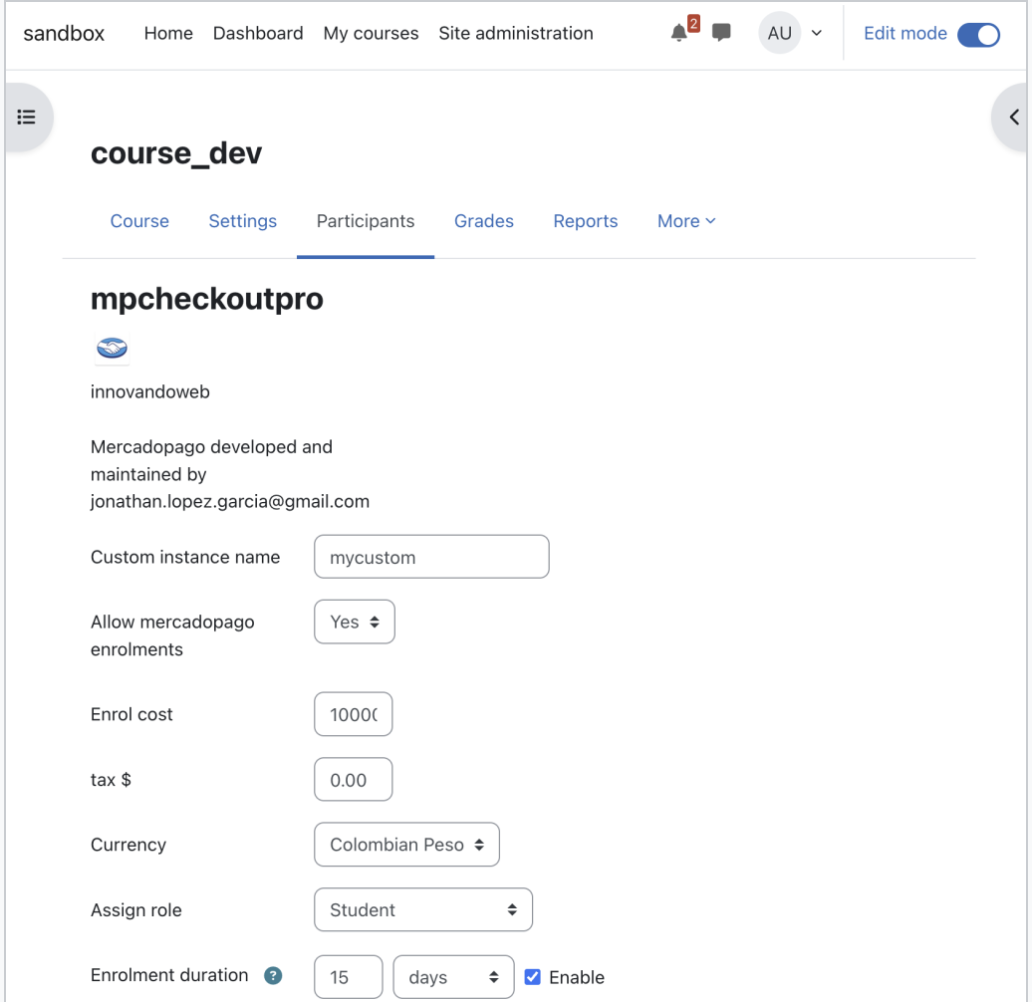
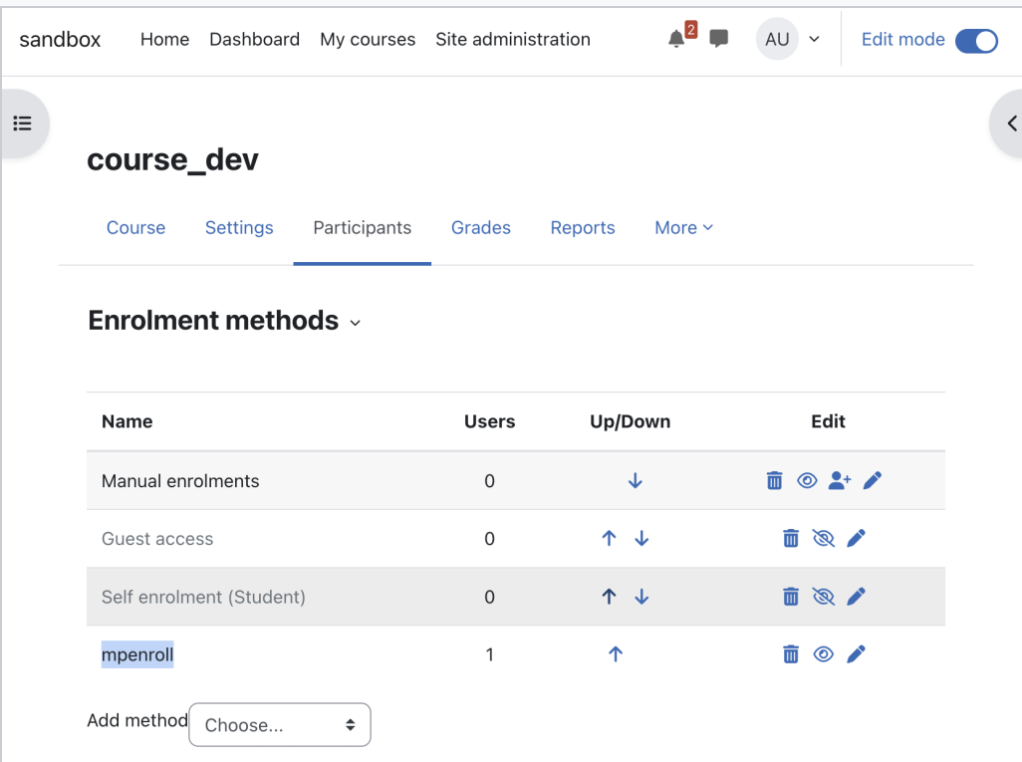
Go to Course administration > Users > Enrolment methods > Add method 'mercadopago' from the dropdown. Set 'Custom instance name', 'Enrol cost' etc and add the method. If require you may also set enrolment period.
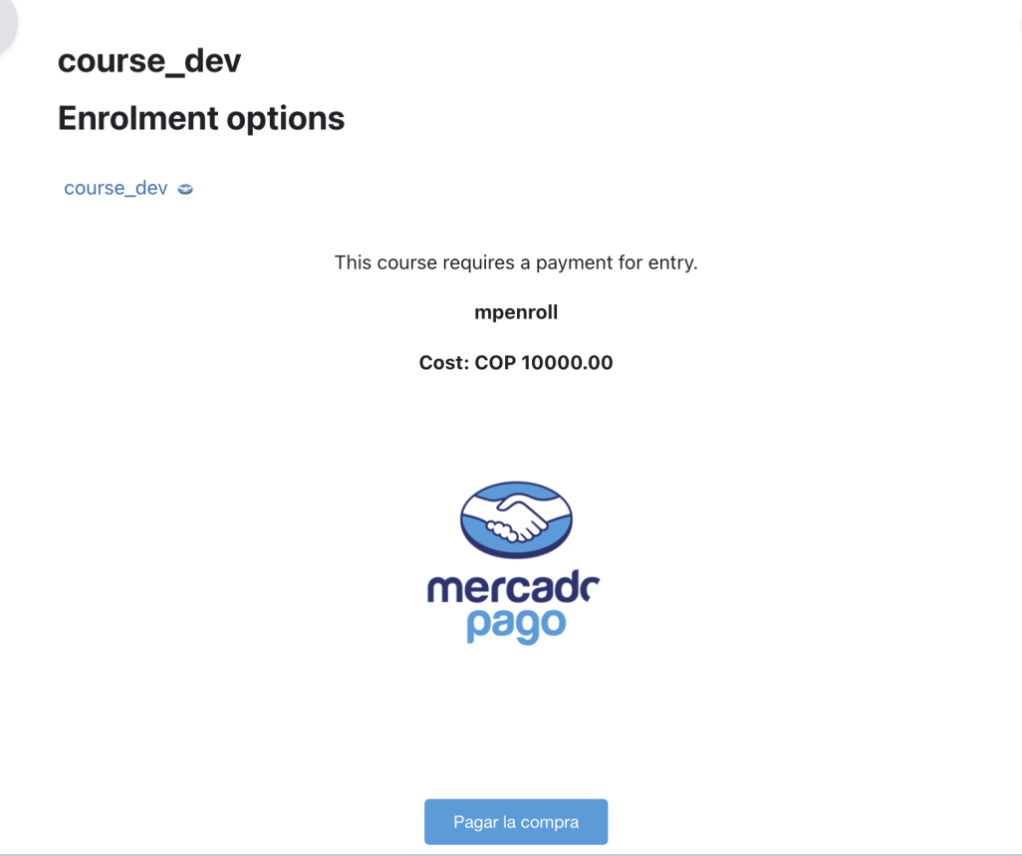
This completes all the steps from the administrator end. Now registered users can login to the Moodle site and view the course after a successful payment.
License
Copyright (C) 2019 Jonathan E. López G.
2019 Jonathan López jonathan.lopez.garcia@gmail.com
This program is free software: you can redistribute it and/or modify it under
the terms of the GNU General Public License as published by the Free Software
Foundation, either version 3 of the License, or (at your option) any later
version.
This program is distributed in the hope that it will be useful, but WITHOUT ANY
WARRANTY; without even the implied warranty of MERCHANTABILITY or FITNESS FOR A
PARTICULAR PURPOSE. See the GNU General Public License for more details.
You should have received a copy of the GNU General Public License along with
this program. If not, see http://www.gnu.org/licenses/.