
360° feedback
Maintained by
Jun Pataleta
A simple 360° feedback activity plugin for Moodle.
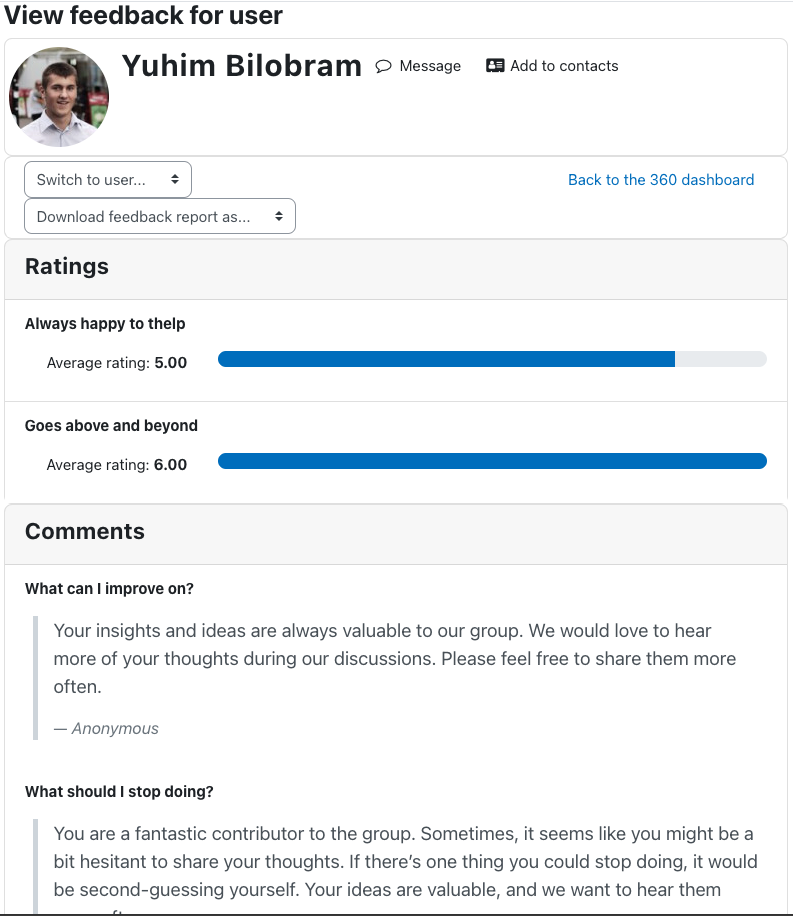
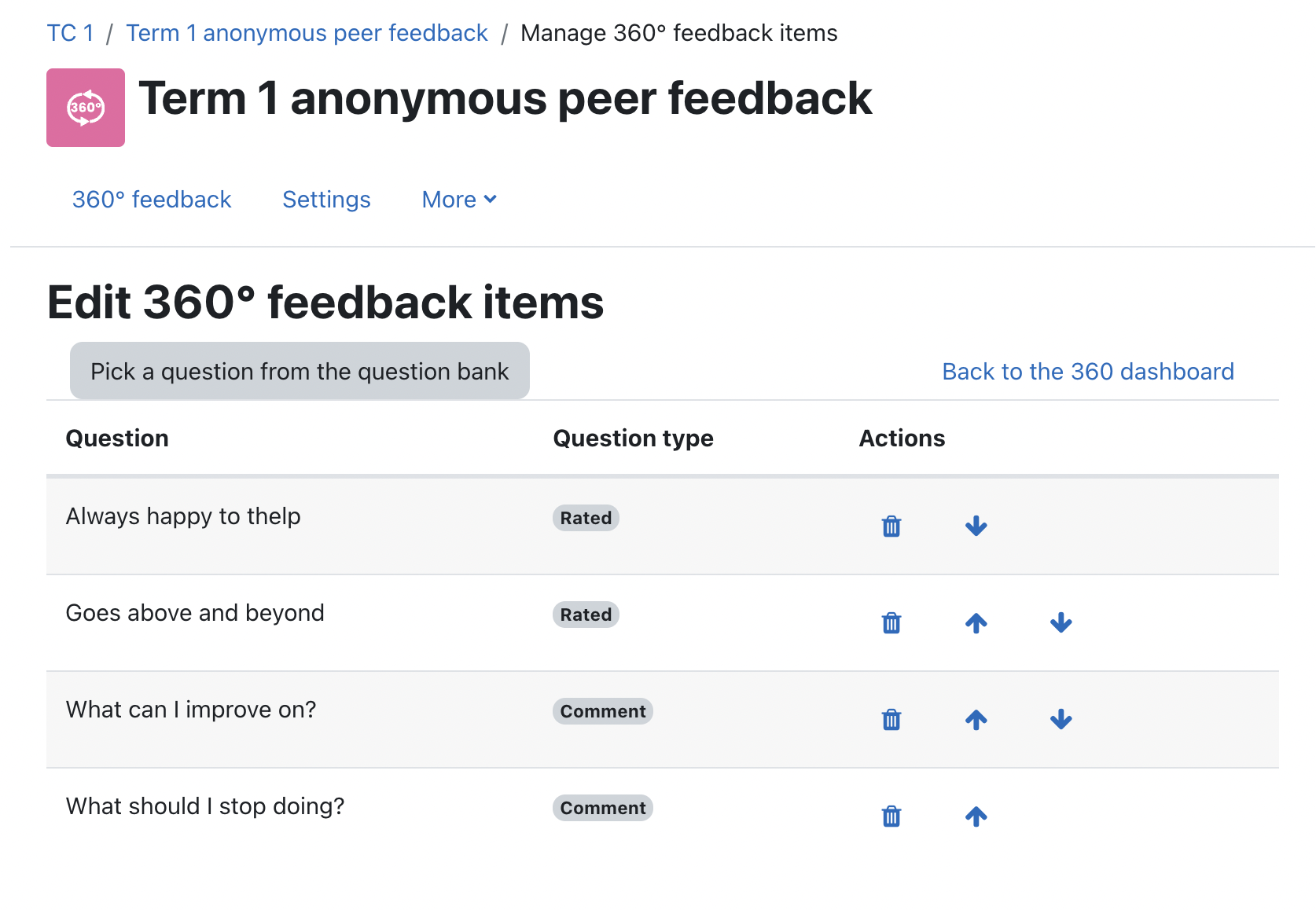
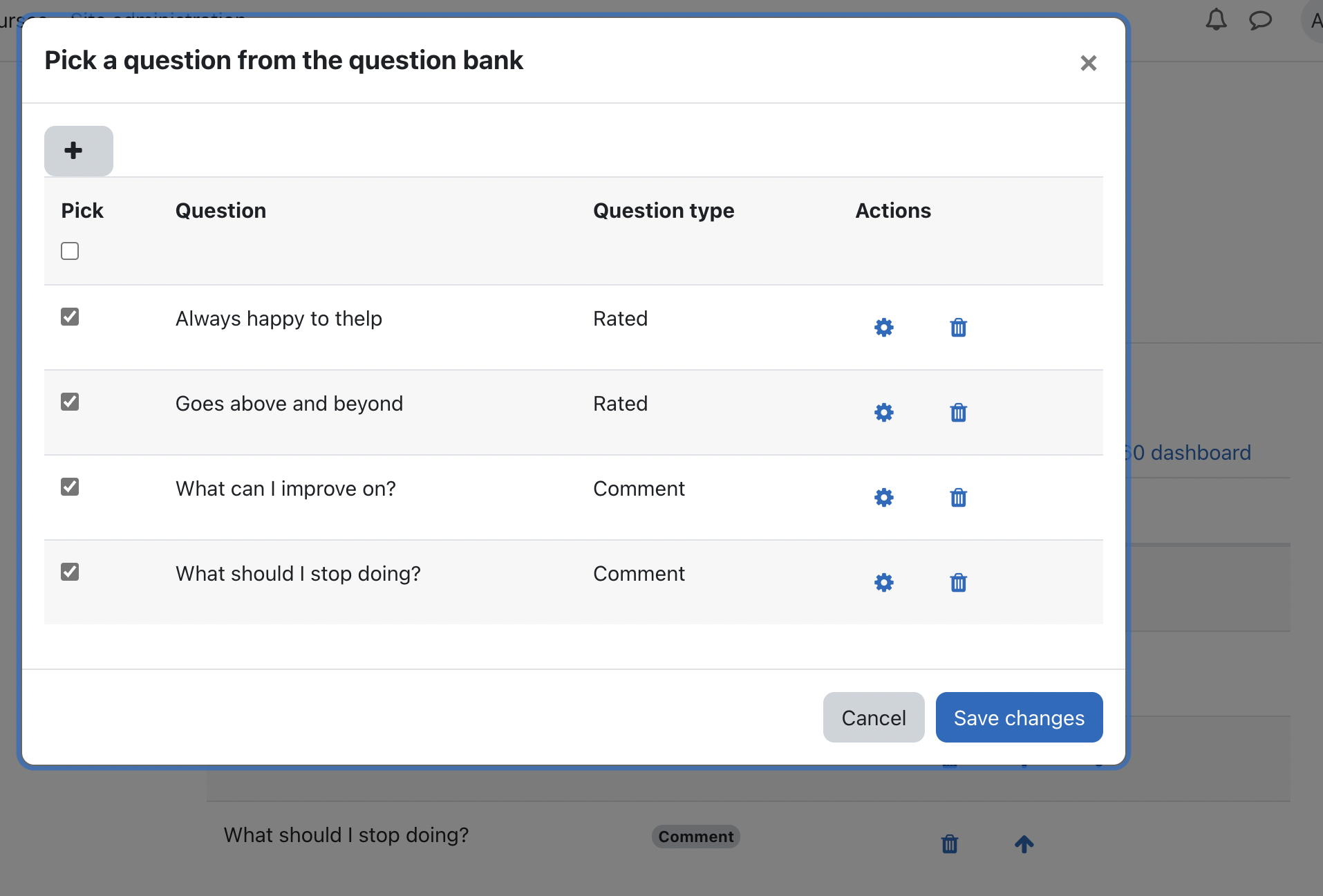
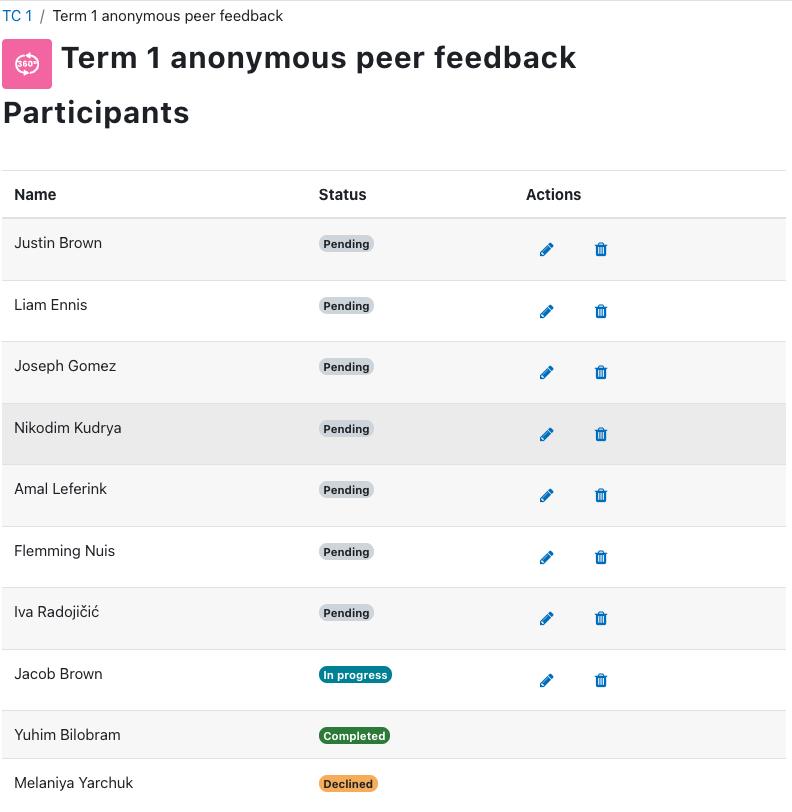
Comments
Comments are no longer open for new posts. Existing comments remain available to read.
I find this plugin so useful when I need to evaluate collaborative work in the classroom.
Is there a way to use the student ratings in the Grades settings?
Or at least export the entire group to a single Excel file?
Thanks for your help.
Thanks!
Maybe also you know, are there possibilities to include user mail in report? Or maybe automatically change (or add) file (excel report) name to user mail (by default file name include user name_surname.
There's no functionality for teachers/administrators to edit/delete user responses.
There's also no option to anonymise responses for non-anonymous feedback. You'll need to set your feedback activity as an anonymous feedback when you create your 360-degree feedback activity.
Is it possible to edit (delete?) submitted responses by user? I just can't find it..
And is it possible make already submitted responses non-anonym (with names/surnames) - make it anonymous?
"God" permission on site already exist.
Regards,
Arthur
Are you asking if they would be able to provide feedback to the same user again if they had already provided feedback for that same user before? If that's what you're asking, the answer would be "Not really".
- If the feedback activity is set to "Anonymous", users will only be able to provide feedback to another user once.
- If it's a non-anonymous feedback activity, users will be able to edit their feedback for the other user. But they will not be able to create a new feedback response record for the same user.
Hope this helps.
Also may I ask, if 360 feedback allows one user to submit multiple feedback ratings?
That's a good question and an interesting use case. Unfortunately, the plugin does not have a functionality that allows the selection of specific participants for the feedback activity. Perhaps what you can probably try is to do the following:
1. Create a group in the course that includes your desired participants
2. Set the group mode of the 360 feedback activity to "Separate groups"
3. Add an access restriction to the 360 feedback activity so that it can only be accessed by the group you created.
I hope this helps.
Many thanks! Kind regards, Tian
Very interesting and useful plugin!
I have two ideas :
1) I think it will be interesting to have the possibility to sort users by role (if there are many users it's difficult to know "who is who" and "who does what").
2) When we export in excel file, allowed one comment by lines in order to be able to better modify and better design the document for printing. I think, as it is said yet, it will be interesting to allow global export (all users in one file).
Thank you!
Best regards
Awesome Plugin.
it possible to change the scale from 6 to 5. (reduce the score)?
That is, a 1 to 5 rating scale (report and feedback insert)
Thank you very much.
Regards
Thanks for your support of this plugin.
Cheers!
I built this query that shows the detail per student and question, maybe it can be used by someone to perform a different analysis than the one presented by the block.
It is my first time in these forums, and I do not know if it is correct to put this type of information here.
Thank you all.
Select prefix_threesixo.name f360_name,
prefix_course.fullname course_full_name,
prefix_threesixo_question.question question_desc,
CASE prefix_threesixo_question.type
WHEN 0 THEN 'Valuada'
WHEN 1 THEN 'Comentario'
ELSE prefix_threesixo_question.type
END question_type,
concat(ufrom.firstname, ' ', ufrom.lastname) response_fromuser,
concat(uto.firstname,' ',uto.lastname) response_touser,
prefix_threesixo_response.id response_id,
prefix_threesixo_response.value response_grade
From prefix_threesixo,
prefix_course,
prefix_threesixo_item,
prefix_threesixo_question,
prefix_threesixo_submission,
prefix_threesixo_response,
prefix_user ufrom,
prefix_user uto
Where prefix_threesixo.course = prefix_course.id
And prefix_threesixo_item.threesixo = prefix_threesixo.id
And prefix_threesixo_item.question = prefix_threesixo_question.id
And prefix_threesixo_submission.threesixo = prefix_threesixo.id
And prefix_threesixo_response.threesixo = prefix_threesixo.id
And prefix_threesixo_response.item = prefix_threesixo_item.id
And prefix_threesixo_response.fromuser = prefix_threesixo_submission.fromuser
And prefix_threesixo_response.touser = prefix_threesixo_submission.touser
And prefix_threesixo_response.fromuser = ufrom.id
And prefix_threesixo_response.touser = uto.id
Order by prefix_threesixo_response.id