Students' Custom Group
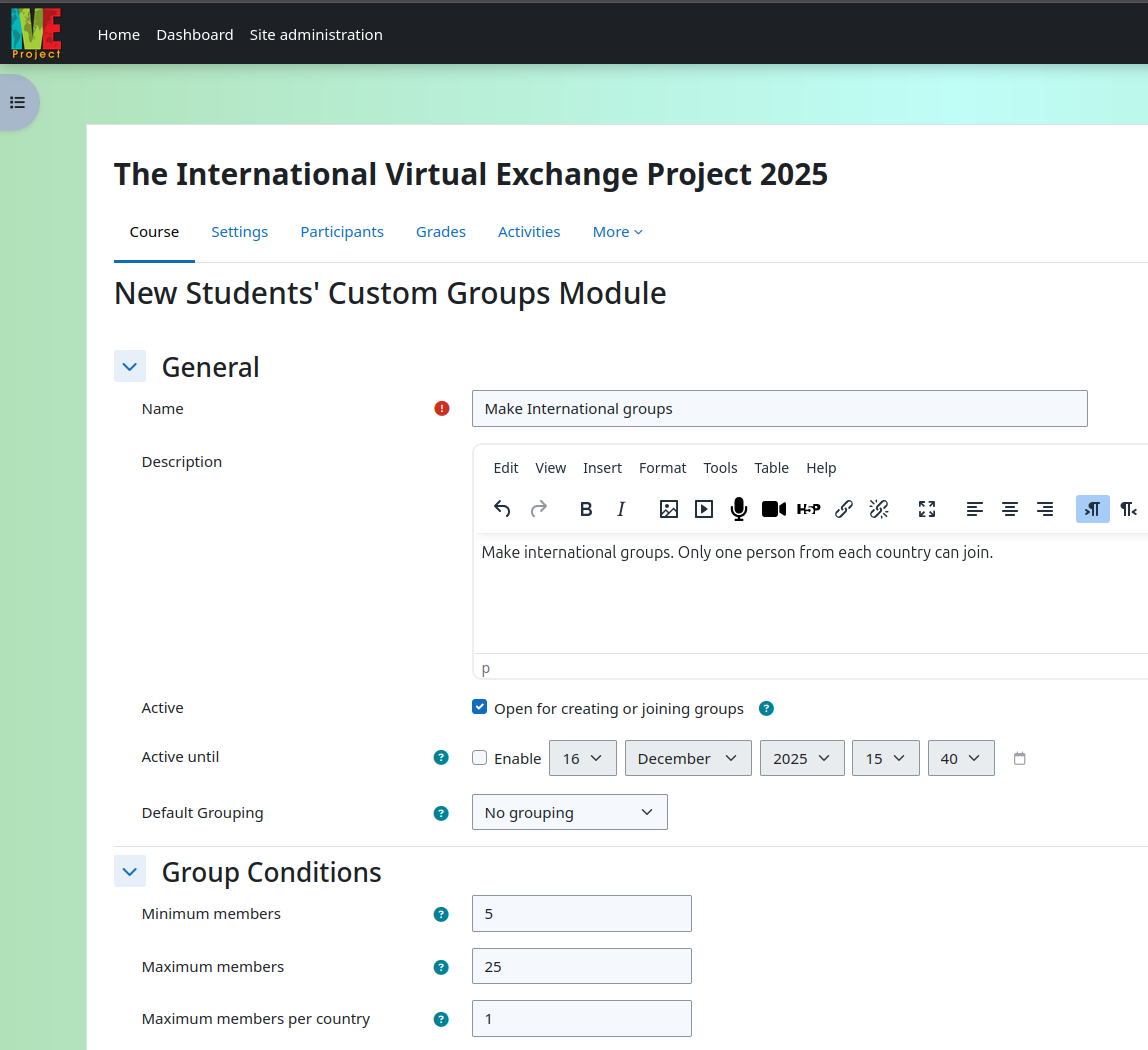
This plugin allows course participants to name, create and/or join a group, and
also gain a link to the group invitation. It also allows teachers to set min/max
numbers of group members and, further, can limit the number from each country
participating.
Course managers and teachers may want participants/students to create their own
groups rather than have to assign them themselves. This plugin allows participants/students
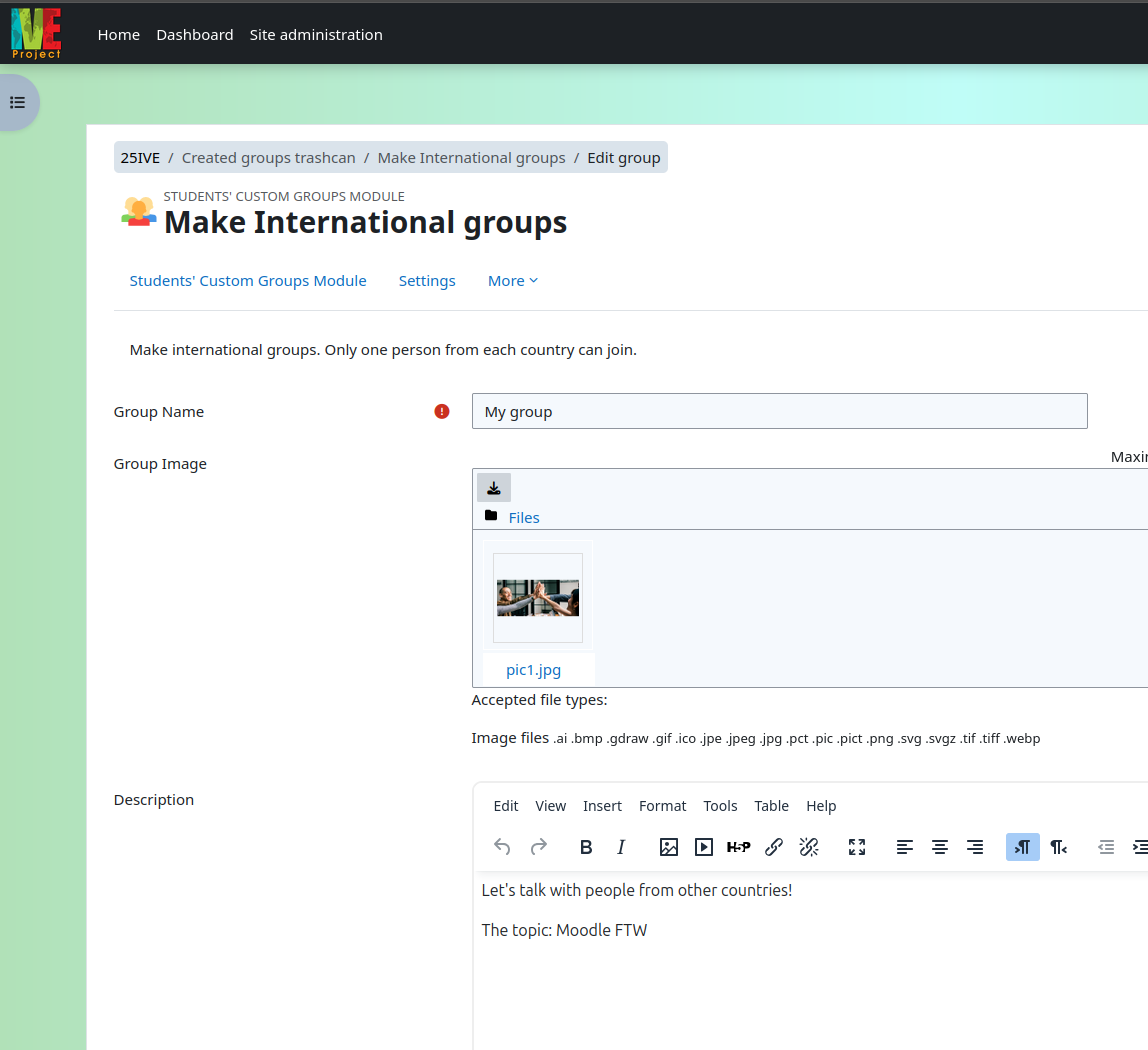
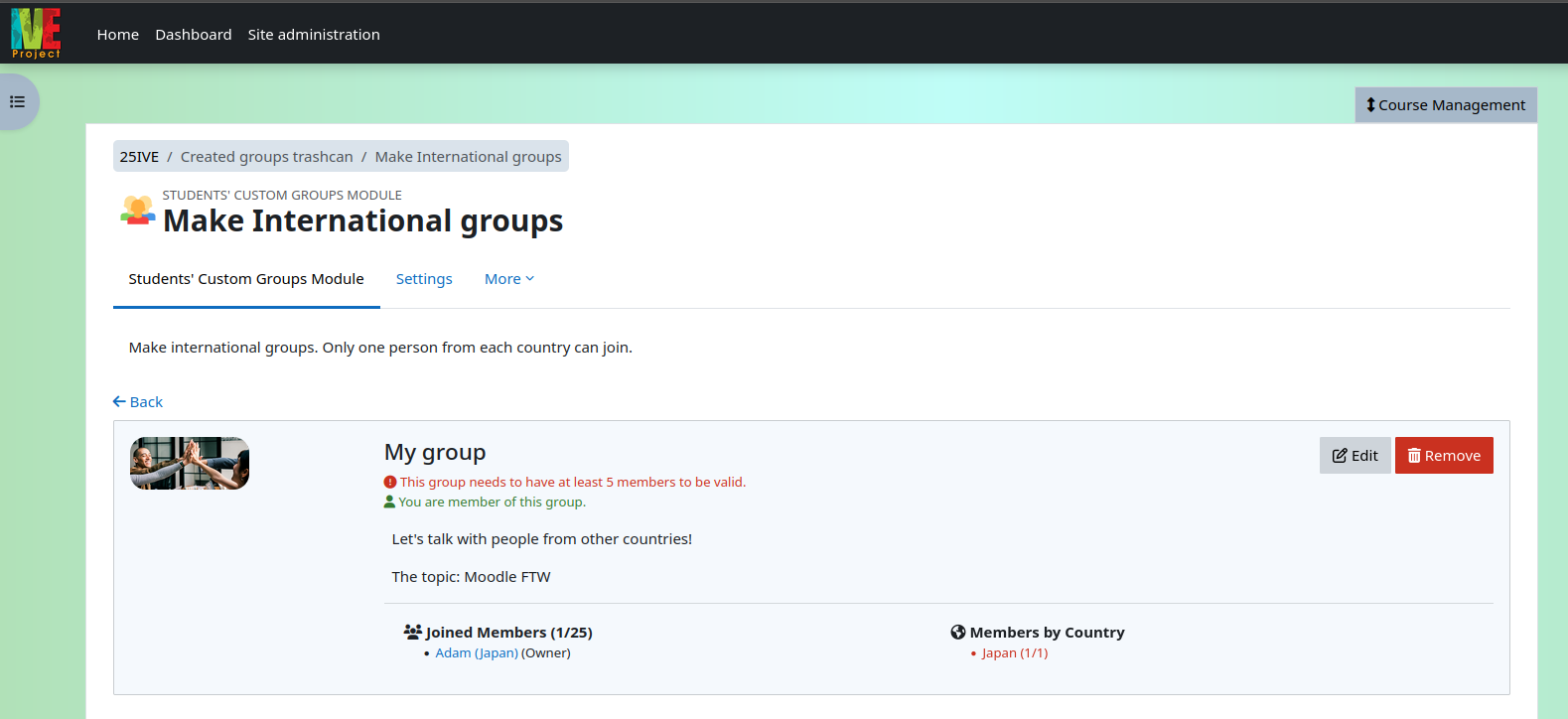
to easily either create a group or join one that has been created by another participant/student.
The manager/editing teacher clicks the "add an activity or resource" button when edit mode is on.
They choose the "Students’ custom group module", and then add any information / restrictions
they wish to include. Once saved, the module becomes visible to participants. Participants
can then either click "create group" or click on the "join group" button next to those that
have been created. At this stage students can only be a part of one group. Once the group
creation period – set by the teacher – arrives, the teacher clicks "Apply groups to course"
and all the groups are created. The teacher can put all the groups into a single grouping
via the initial settings if required.
This plugin was originally made to enhance the group making functionality for the International
Virtual Exchange Project (IVEProject). In the IVEProject there are 3,000+ students from multiple
countries coming together to exchange messages and collaborate on tasks in a Moodle site. This
plugin solves the problem of enabling students to form smaller diverse groups for more personal
international exchange.
Installing via uploaded ZIP file
- Log in to your Moodle site as an admin and go to Site administration >
Plugins > Install plugins.
- Upload the ZIP file with the plugin code. You should only be prompted to add
extra details if your plugin type is not automatically detected.
- Check the plugin validation report and finish the installation.
Installing manually
The plugin can be also installed by putting the contents of this directory to
{your/moodle/dirroot}/mod/customgroups
Afterwards, log in to your Moodle site as an admin and go to Site administration >
Notifications to complete the installation.
Alternatively, you can run
$ php admin/cli/upgrade.php
to complete the installation from the command line.
License
2023 Ponlawat Weerapanpisit ponlawat_w@outlook.co.th
This program is free software: you can redistribute it and/or modify it under
the terms of the GNU General Public License as published by the Free Software
Foundation, either version 3 of the License, or (at your option) any later
version.
This program is distributed in the hope that it will be useful, but WITHOUT ANY
WARRANTY; without even the implied warranty of MERCHANTABILITY or FITNESS FOR A
PARTICULAR PURPOSE. See the GNU General Public License for more details.
You should have received a copy of the GNU General Public License along with
this program. If not, see https://www.gnu.org/licenses/.