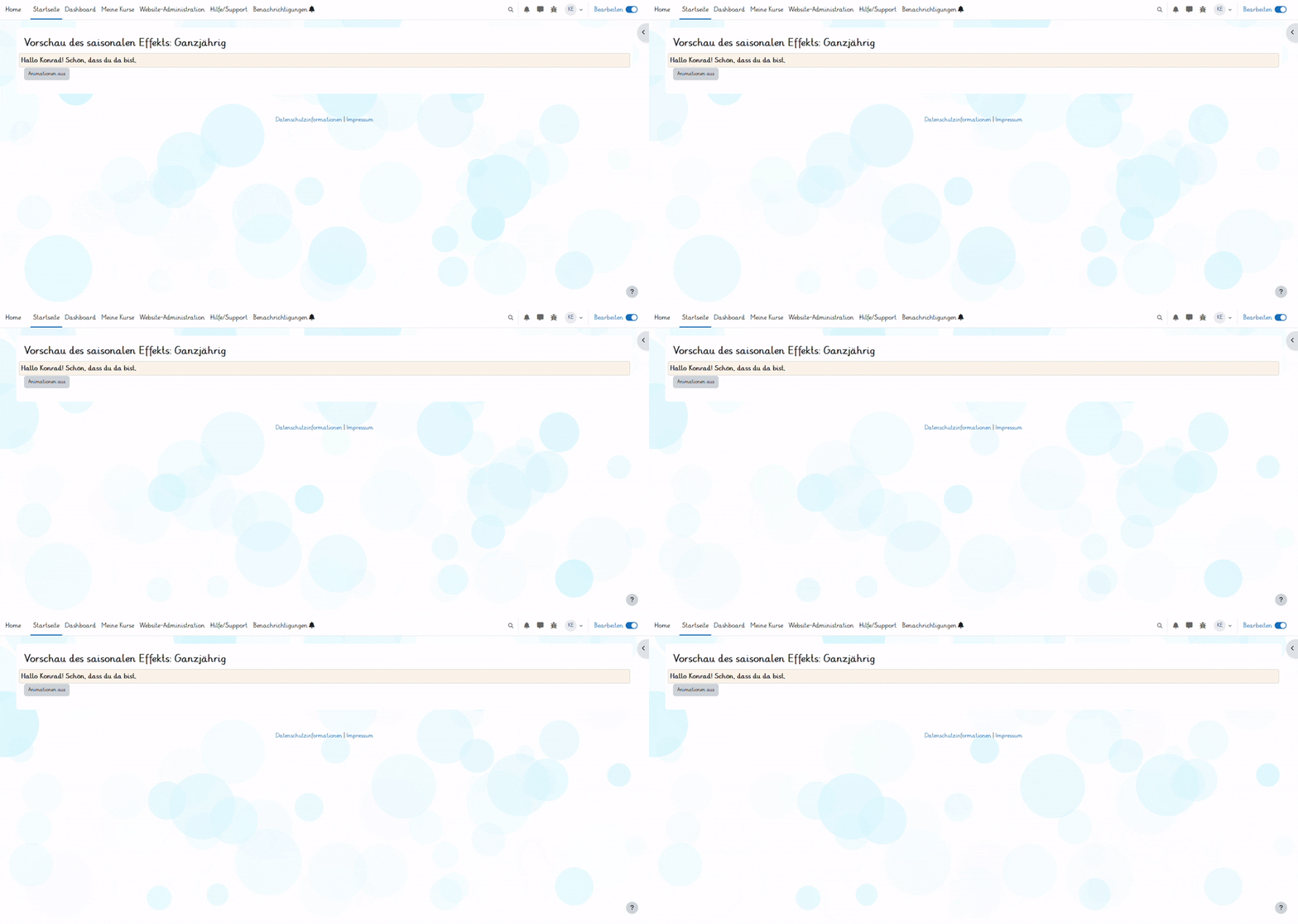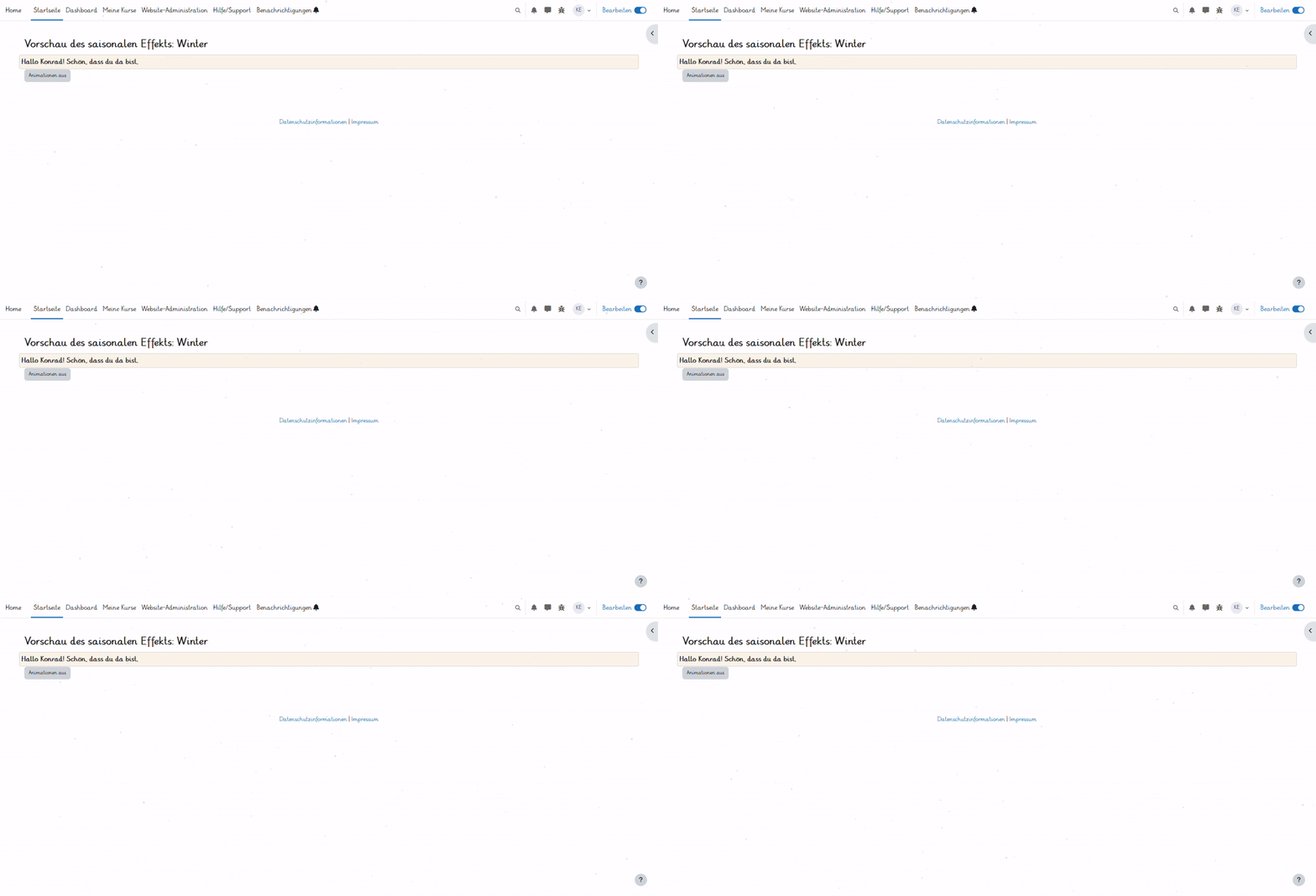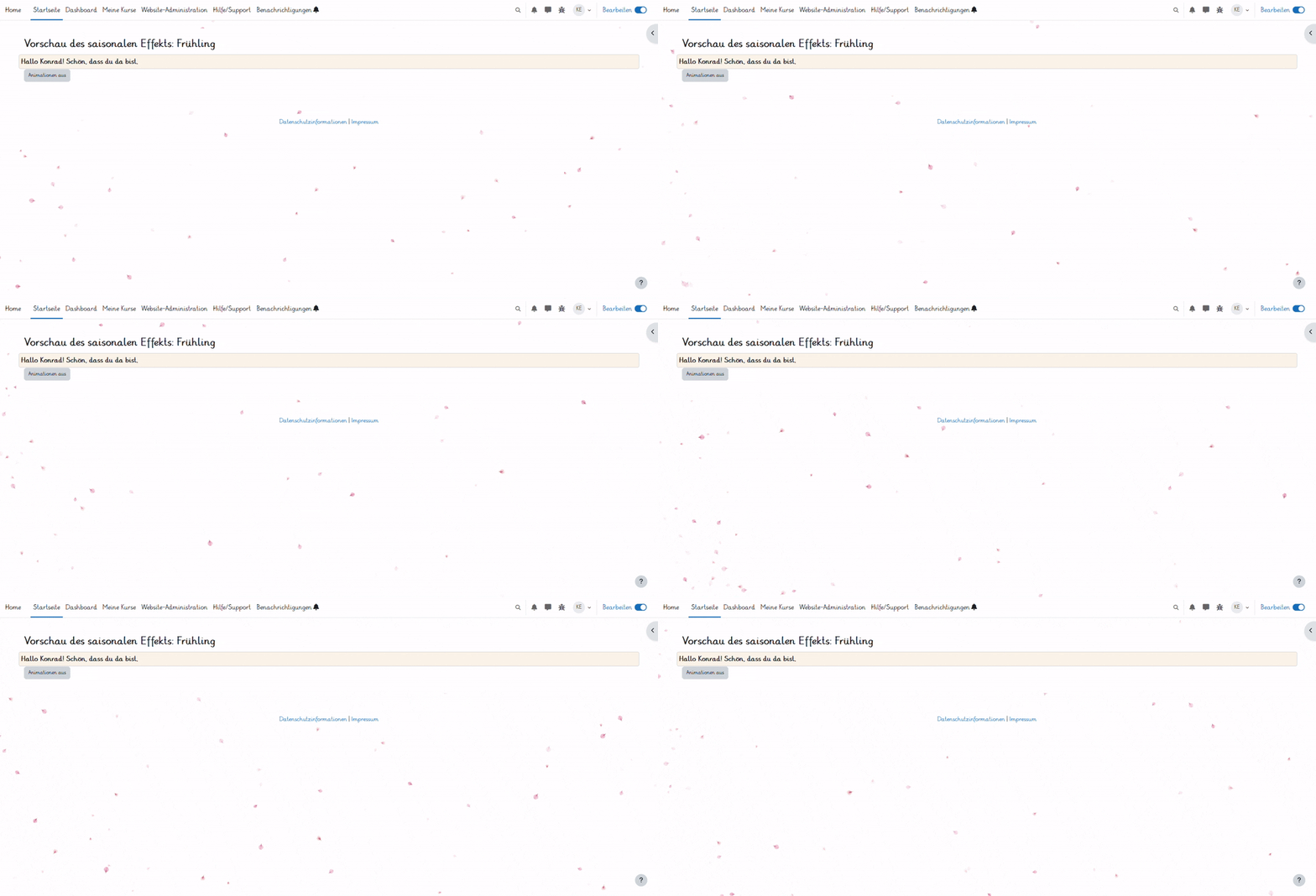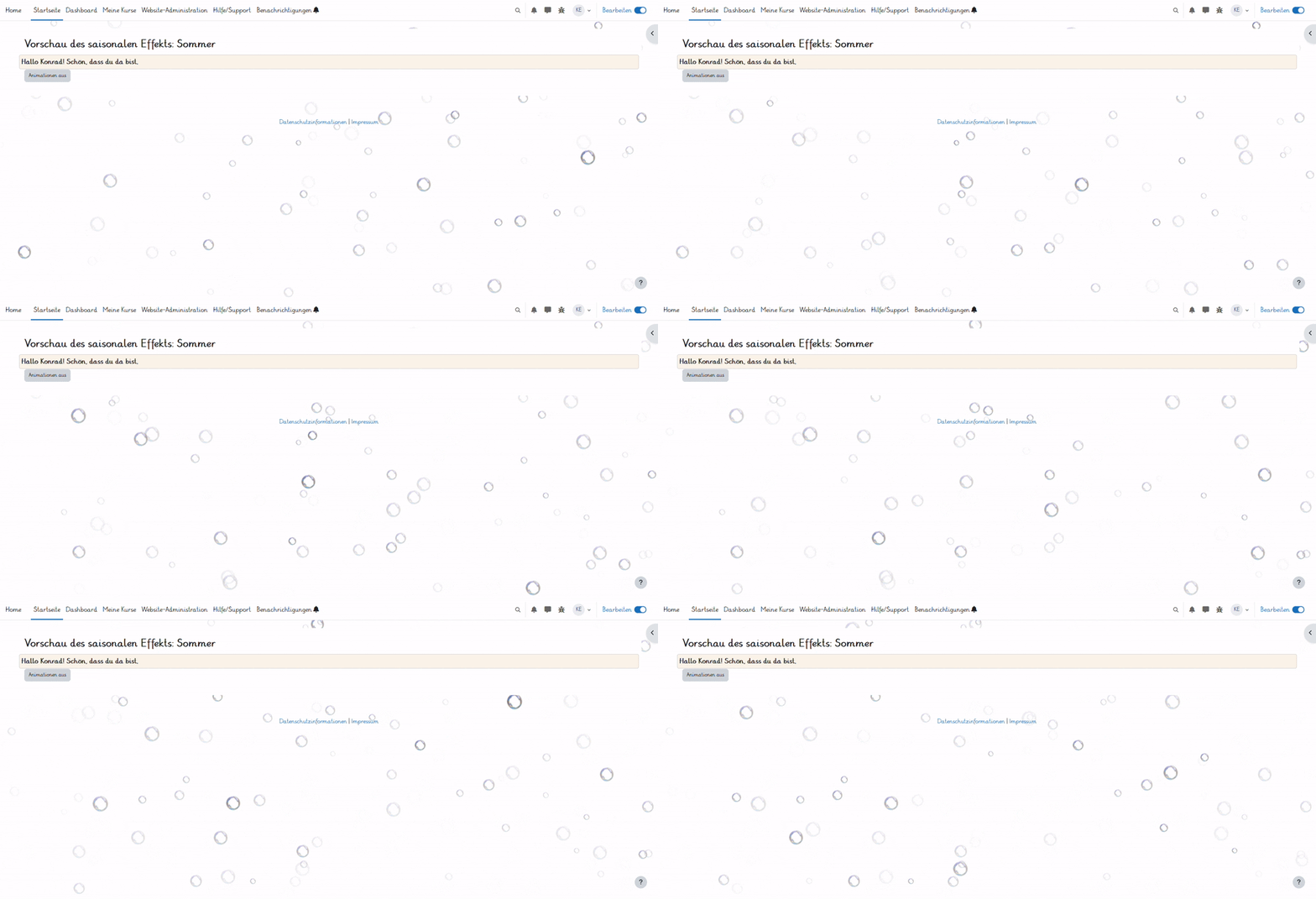
Seasonal Animations
Versions
Current version
v2.1.1 (2026062002)
v2.1.1
Plugin type: Local plugins
Frankenstyle component name: local_oc_seasonal_animations
Version build number: 2026062002
Version release name: v2.1.1
Maturity: Stable
Supported Moodle versions: 4.5, 5.0, 5.1, 5.2
Repository URL (Git): https://github.com/oncampus/moodle-local_oc_seasonal_animations
Repository branch:
Repository tag: v2.1.1
Issue/bug tracker URL: https://github.com/oncampus/moodle-local_oc_seasonal_animations/issues
Seasonal Effects
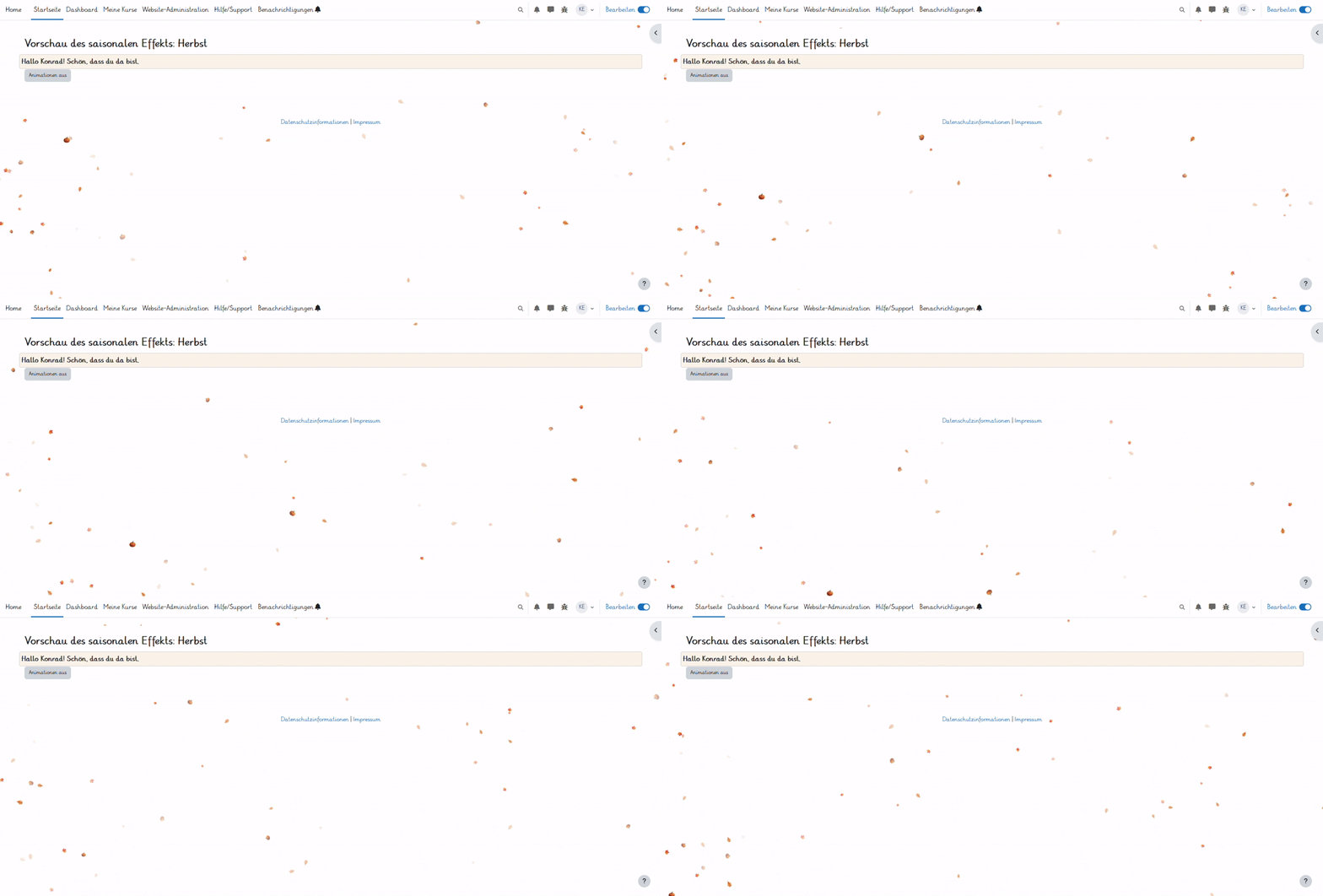
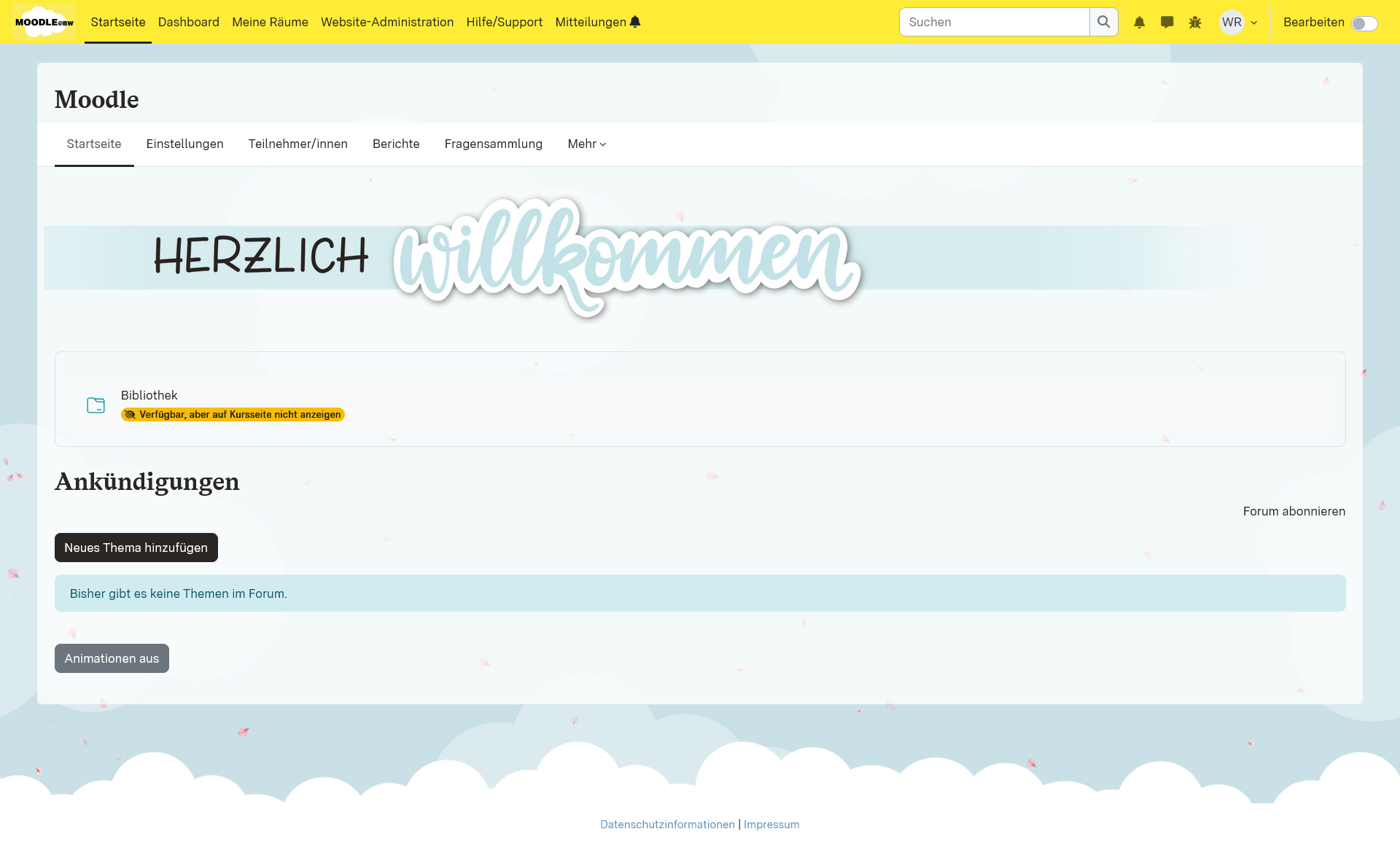
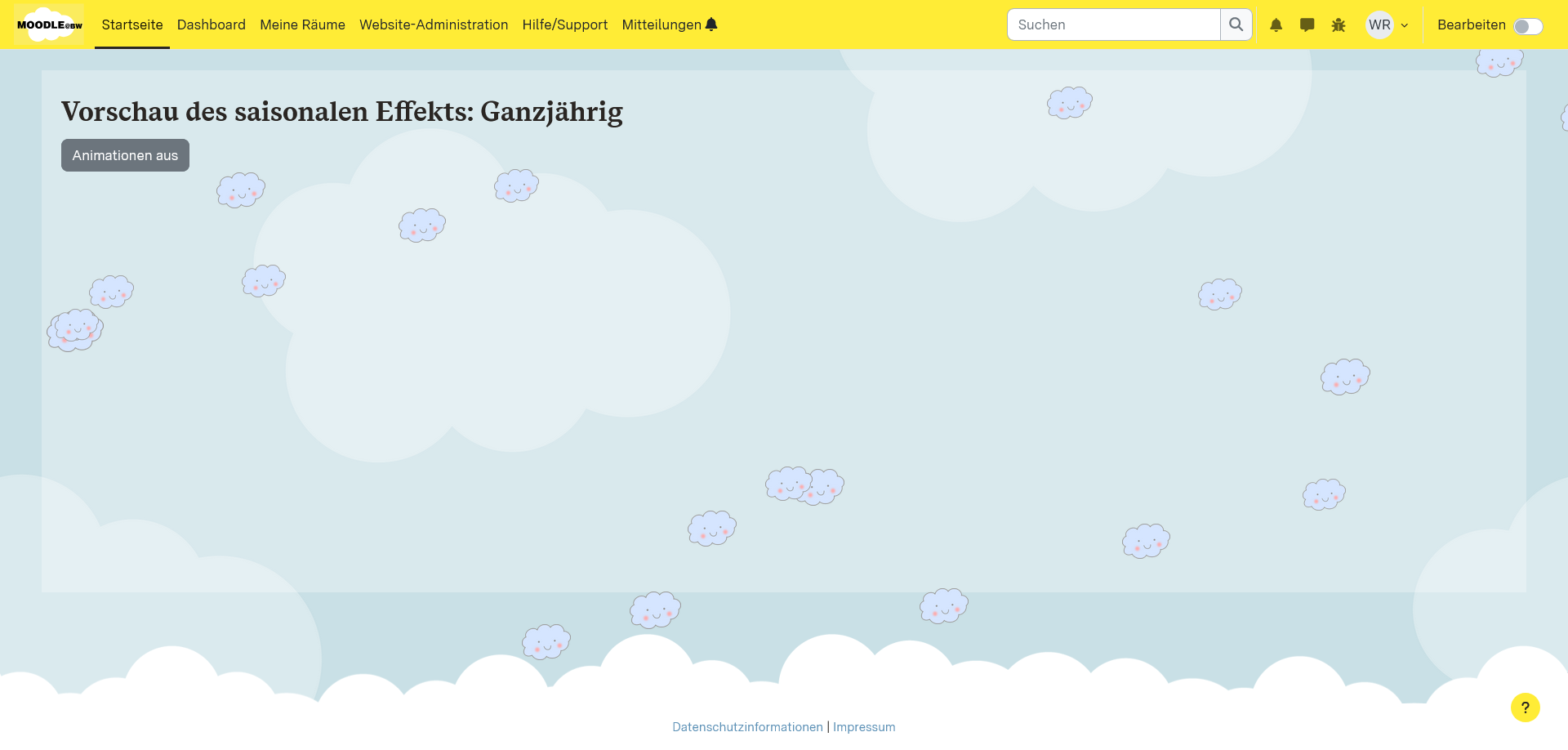
Seasonal Effects is a local plugin for Moodle that displays animated visual particle effects (e.g. snow, leaves, sunbeams) on the home page and dashboard. It can automatically adjust to the season or be configured manually.
Features
- Automatic visual effects depending on the season (spring, summer, autumn, winter)
- Configurable start positions
- Corner (Multiple random, single and distance)
- Totally random
- Configurable particle types:
- snowflakes
- custom images
- Configurable Animation modes:
- movement (including rotation)
- fade in/out
- Configurable particle properties
- number
- size
- colour
- speed
- and more
- Toggle button to activate/deactivate effects per user
Installation
- Clone the repository into the directory:
/local/oc_seasonal_animations
- Open
Website Administrationor run:
php admin/cli/upgrade.php
to complete the installation.
Requirements
No external dependencies.
Configuration
After installation, the plugin can be configured via the following path:
Website-Administration ' Plugins ' Lokale Plugins ' Saisonale Effekte
The plugin offers a separate settings page for each season:
- All year round (Seasonless)
- Spring
- Summer
- Autumn
- Winter
There you can set your own values for behaviour, particles and start position.
There is also a global option:
- Enable season change: Automatically changes the active season based on the month.
Tip.
To enhance the look you can use custom css to let the important couse elements
stand out in front of the effect
.btn-secondary {
z-index: 3;
position: relative;
}
.activity-item {
z-index: 3;
position: relative;
}
.more-nav {
position: relative;
z-index: 3;
}
.coursebox {
position: relative;
z-index: 3;
background-color: #fff;
}
.block-add {
z-index: 3;
position: relative;
}
.block {
z-index: 3;
}
General
- Enable effects: Turns the effect on or off for the respective season.
- Particle count: Number of particles visible at the same time.
- Particle type: Choose between image or snow.
- Start position: Random position or from an anchor point at the edge.
- Behaviour: Particles move (including rotation) or fade in/out.
- Z-index layer: Defines whether particles appear in front of or behind other content.
Image particles
- Upload image: Use your own PNG, JPG or GIF file as a particle image.
- Size: Random range (min/max), e.g. 10;50.
- Transparency: Range for the starting opacity of the particles.
Snow particles
- Colour: Hex value for snow colour (e.g. #ffffff).
- Size: Random range.
- Transparency: Start transparency between 0 and 1.
Movement behaviour
- Edge boundary: Distance from the edge at which particles are repositioned.
- Horizontal & vertical speed: Basic movement in pixels per frame.
- Rotation speed: Rotation rate in degrees.
- Random variations: Sine-based speed modifiers.
Fade behaviour
- Fade speed: Speed of fade-in/fade-out per frame.
Anchor start position
- Start pages: Defines at which screen edges particles appear.
- Distance from edge: Area in pixels from the edge to the start position.
Usage
The plugin is active on:
- Home page (
site-index) - Dashboard (
my-index)
A button for toggling the animation is displayed. Users can disable animations for their session.
Season preview
Admin preview of a specific season type:
/local/local_oc_seasonal_animations/preview.php?season=winter_
Available values: seasonless_, spring_, summer_, autumn_, winter_
Rights
None available.
Cron jobs
None available
Web services
None available
Licence
This plugin is licensed under the GNU General Public Licence v3.0.
Credits
Autor: Konrad Ebel (konrad.ebel@oncampus.de)
© 2025, oncampus GmbH
v2.1.0 (2026042002)
v2.1.0
Plugin type: Local plugins
Frankenstyle component name: local_oc_seasonal_animations
Version build number: 2026042002
Version release name: v2.1.0
Maturity: Stable
Supported Moodle versions: 5.2
Repository URL (Git): https://github.com/oncampus/moodle-local_oc_seasonal_animations
Repository branch:
Repository tag: v2.1.0
Issue/bug tracker URL: https://github.com/oncampus/moodle-local_oc_seasonal_animations/issues
- Use routing system
- New enum for seasons
v2.0.0 (2026042001)
v2.0.0
Plugin type: Local plugins
Frankenstyle component name: local_oc_seasonal_animations
Version build number: 2026042001
Version release name: v2.0.0
Maturity: Stable
Supported Moodle versions: 5.2
Repository URL (Git): https://github.com/oncampus/moodle-local_oc_seasonal_animations
Repository branch:
Repository tag: v2.0.0
Issue/bug tracker URL: https://github.com/oncampus/moodle-local_oc_seasonal_animations/issues
Seasonal Effects
Seasonal Effects is a local plugin for Moodle that displays animated visual particle effects (e.g. snow, leaves, sunbeams) on the home page and dashboard. It can automatically adjust to the season or be configured manually.
Features
- Automatic visual effects depending on the season (spring, summer, autumn, winter)
- Configurable start positions
- Corner (Multiple random, single and distance)
- Totally random
- Configurable particle types:
- snowflakes
- custom images
- Configurable Animation modes:
- movement (including rotation)
- fade in/out
- Configurable particle properties
- number
- size
- colour
- speed
- and more
- Toggle button to activate/deactivate effects per user
Installation
- Clone the repository into the directory:
/local/oc_seasonal_animations
- Open
Website Administrationor run:
php admin/cli/upgrade.php
to complete the installation.
Requirements
No external dependencies.
Configuration
After installation, the plugin can be configured via the following path:
Website-Administration ' Plugins ' Lokale Plugins ' Saisonale Effekte
The plugin offers a separate settings page for each season:
- All year round (Seasonless)
- Spring
- Summer
- Autumn
- Winter
There you can set your own values for behaviour, particles and start position.
There is also a global option:
- Enable season change: Automatically changes the active season based on the month.
Tip.
To enhance the look you can use custom css to let the important couse elements
stand out in front of the effect
.btn-secondary {
z-index: 3;
position: relative;
}
.activity-item {
z-index: 3;
position: relative;
}
.more-nav {
position: relative;
z-index: 3;
}
.coursebox {
position: relative;
z-index: 3;
background-color: #fff;
}
.block-add {
z-index: 3;
position: relative;
}
.block {
z-index: 3;
}
General
- Enable effects: Turns the effect on or off for the respective season.
- Particle count: Number of particles visible at the same time.
- Particle type: Choose between image or snow.
- Start position: Random position or from an anchor point at the edge.
- Behaviour: Particles move (including rotation) or fade in/out.
- Z-index layer: Defines whether particles appear in front of or behind other content.
Image particles
- Upload image: Use your own PNG, JPG or GIF file as a particle image.
- Size: Random range (min/max), e.g. 10;50.
- Transparency: Range for the starting opacity of the particles.
Snow particles
- Colour: Hex value for snow colour (e.g. #ffffff).
- Size: Random range.
- Transparency: Start transparency between 0 and 1.
Movement behaviour
- Edge boundary: Distance from the edge at which particles are repositioned.
- Horizontal & vertical speed: Basic movement in pixels per frame.
- Rotation speed: Rotation rate in degrees.
- Random variations: Sine-based speed modifiers.
Fade behaviour
- Fade speed: Speed of fade-in/fade-out per frame.
Anchor start position
- Start pages: Defines at which screen edges particles appear.
- Distance from edge: Area in pixels from the edge to the start position.
Usage
The plugin is active on:
- Home page (
site-index) - Dashboard (
my-index)
A button for toggling the animation is displayed. Users can disable animations for their session.
Season preview
Admin preview of a specific season type:
/local/local_oc_seasonal_animations/preview.php?season=winter_
Available values: seasonless_, spring_, summer_, autumn_, winter_
Rights
None available.
Cron jobs
None available
Web services
None available
Licence
This plugin is licensed under the GNU General Public Licence v3.0.
Credits
Autor: Konrad Ebel (konrad.ebel@oncampus.de)
© 2025, oncampus GmbH
v1.1.1 (2026042000)
v1.1.1
Plugin type: Local plugins
Frankenstyle component name: local_oc_seasonal_animations
Version build number: 2026042000
Version release name: v1.1.1
Maturity: Stable
Supported Moodle versions: 4.5
Repository URL (Git): https://github.com/oncampus/moodle-local_oc_seasonal_animations
Repository branch:
Repository tag: v1.1.1
Issue/bug tracker URL: https://github.com/oncampus/moodle-local_oc_seasonal_animations/issues
Seasonal Effects
Seasonal Effects is a local plugin for Moodle that displays animated visual particle effects (e.g. snow, leaves, sunbeams) on the home page and dashboard. It can automatically adjust to the season or be configured manually.
Features
- Automatic visual effects depending on the season (spring, summer, autumn, winter)
- Configurable start positions
- Corner (Multiple random, single and distance)
- Totally random
- Configurable particle types:
- snowflakes
- custom images
- Configurable Animation modes:
- movement (including rotation)
- fade in/out
- Configurable particle properties
- number
- size
- colour
- speed
- and more
- Toggle button to activate/deactivate effects per user
Installation
- Clone the repository into the directory:
/local/oc_seasonal_animations
- Open
Website Administrationor run:
php admin/cli/upgrade.php
to complete the installation.
Requirements
No external dependencies.
Configuration
After installation, the plugin can be configured via the following path:
Website-Administration ' Plugins ' Lokale Plugins ' Saisonale Effekte
The plugin offers a separate settings page for each season:
- All year round (Seasonless)
- Spring
- Summer
- Autumn
- Winter
There you can set your own values for behaviour, particles and start position.
There is also a global option:
- Enable season change: Automatically changes the active season based on the month.
Tip.
To enhance the look you can use custom css to let the important couse elements
stand out in front of the effect
.btn-secondary {
z-index: 3;
position: relative;
}
.activity-item {
z-index: 3;
position: relative;
}
.more-nav {
position: relative;
z-index: 3;
}
.coursebox {
position: relative;
z-index: 3;
background-color: #fff;
}
.block-add {
z-index: 3;
position: relative;
}
.block {
z-index: 3;
}
General
- Enable effects: Turns the effect on or off for the respective season.
- Particle count: Number of particles visible at the same time.
- Particle type: Choose between image or snow.
- Start position: Random position or from an anchor point at the edge.
- Behaviour: Particles move (including rotation) or fade in/out.
- Z-index layer: Defines whether particles appear in front of or behind other content.
Image particles
- Upload image: Use your own PNG, JPG or GIF file as a particle image.
- Size: Random range (min/max), e.g. 10;50.
- Transparency: Range for the starting opacity of the particles.
Snow particles
- Colour: Hex value for snow colour (e.g. #ffffff).
- Size: Random range.
- Transparency: Start transparency between 0 and 1.
Movement behaviour
- Edge boundary: Distance from the edge at which particles are repositioned.
- Horizontal & vertical speed: Basic movement in pixels per frame.
- Rotation speed: Rotation rate in degrees.
- Random variations: Sine-based speed modifiers.
Fade behaviour
- Fade speed: Speed of fade-in/fade-out per frame.
Anchor start position
- Start pages: Defines at which screen edges particles appear.
- Distance from edge: Area in pixels from the edge to the start position.
Usage
The plugin is active on:
- Home page (
site-index) - Dashboard (
my-index)
A button for toggling the animation is displayed. Users can disable animations for their session.
Season preview
Admin preview of a specific season type:
/local/local_oc_seasonal_animations/preview.php?season=winter_
Available values: seasonless_, spring_, summer_, autumn_, winter_
Rights
None available.
Cron jobs
None available
Web services
None available
Licence
This plugin is licensed under the GNU General Public Licence v3.0.
Credits
Autor: Konrad Ebel (konrad.ebel@oncampus.de)
© 2025, oncampus GmbH
v1.1 (2026030400)
v1.1
Plugin type: Local plugins
Frankenstyle component name: local_oc_seasonal_animations
Version build number: 2026030400
Version release name: v1.1
Maturity: Stable
Supported Moodle versions: 4.5
Repository URL (Git): https://github.com/oncampus/moodle-local_oc_seasonal_animations
Repository branch: MOODLE_405_STABLE
Repository tag: 6faa82f
Issue/bug tracker URL: https://github.com/oncampus/moodle-local_oc_seasonal_animations/issues
Seasonal Effects
Seasonal Effects is a local plugin for Moodle that displays animated visual particle effects (e.g. snow, leaves, sunbeams) on the home page and dashboard. It can automatically adjust to the season or be configured manually.
Features
- Automatic visual effects depending on the season (spring, summer, autumn, winter)
- Configurable start positions
- Corner (Multiple random, single and distance)
- Totally random
- Configurable particle types:
- snowflakes
- custom images
- Configurable Animation modes:
- movement (including rotation)
- fade in/out
- Configurable particle properties
- number
- size
- colour
- speed
- and more
- Toggle button to activate/deactivate effects per user
Installation
- Clone the repository into the directory:
/local/oc_seasonal_animations
- Open
Website Administrationor run:
php admin/cli/upgrade.php
to complete the installation.
Requirements
No external dependencies.
Configuration
After installation, the plugin can be configured via the following path:
Website-Administration ' Plugins ' Lokale Plugins ' Saisonale Effekte
The plugin offers a separate settings page for each season:
- All year round (Seasonless)
- Spring
- Summer
- Autumn
- Winter
There you can set your own values for behaviour, particles and start position.
There is also a global option:
- Enable season change: Automatically changes the active season based on the month.
Tip.
To enhance the look you can use custom css to let the important couse elements
stand out in front of the effect
.btn-secondary {
z-index: 3;
position: relative;
}
.activity-item {
z-index: 3;
position: relative;
}
.more-nav {
position: relative;
z-index: 3;
}
.coursebox {
position: relative;
z-index: 3;
background-color: #fff;
}
.block-add {
z-index: 3;
position: relative;
}
.block {
z-index: 3;
}
General
- Enable effects: Turns the effect on or off for the respective season.
- Particle count: Number of particles visible at the same time.
- Particle type: Choose between image or snow.
- Start position: Random position or from an anchor point at the edge.
- Behaviour: Particles move (including rotation) or fade in/out.
- Z-index layer: Defines whether particles appear in front of or behind other content.
Image particles
- Upload image: Use your own PNG, JPG or GIF file as a particle image.
- Size: Random range (min/max), e.g. 10;50.
- Transparency: Range for the starting opacity of the particles.
Snow particles
- Colour: Hex value for snow colour (e.g. #ffffff).
- Size: Random range.
- Transparency: Start transparency between 0 and 1.
Movement behaviour
- Edge boundary: Distance from the edge at which particles are repositioned.
- Horizontal & vertical speed: Basic movement in pixels per frame.
- Rotation speed: Rotation rate in degrees.
- Random variations: Sine-based speed modifiers.
Fade behaviour
- Fade speed: Speed of fade-in/fade-out per frame.
Anchor start position
- Start pages: Defines at which screen edges particles appear.
- Distance from edge: Area in pixels from the edge to the start position.
Usage
The plugin is active on:
- Home page (
site-index) - Dashboard (
my-index)
A button for toggling the animation is displayed. Users can disable animations for their session.
Season preview
Admin preview of a specific season type:
/local/local_oc_seasonal_animations/preview.php?season=winter_
Available values: seasonless_, spring_, summer_, autumn_, winter_
Rights
None available.
Cron jobs
None available
Web services
None available
Licence
This plugin is licensed under the GNU General Public Licence v3.0.
Credits
Autor: Konrad Ebel (konrad.ebel@oncampus.de)
© 2025, oncampus GmbH
v1.0 (2025071101)
v1.0
Plugin type: Local plugins
Frankenstyle component name: local_oc_seasonal_animations
Version build number: 2025071101
Version release name: v1.0
Maturity: Stable
Supported Moodle versions: 4.5
Repository URL (Git): https://github.com/oncampus/moodle-local_oc_seasonal_animations
Repository branch: MOODLE_405_STABLE
Repository tag: 2346ea7
Issue/bug tracker URL: https://github.com/oncampus/moodle-local_oc_seasonal_animations/issues
Seasonal Effects
Seasonal Effects is a local plugin for Moodle that displays animated visual particle effects (e.g. snow, leaves, sunbeams) on the home page and dashboard. It can automatically adjust to the season or be configured manually.
Features
- Automatic visual effects depending on the season (spring, summer, autumn, winter)
- Configurable start positions
- Corner (Multiple random, single and distance)
- Totally random
- Configurable particle types:
- snowflakes
- custom images
- Configurable Animation modes:
- movement (including rotation)
- fade in/out
- Configurable particle properties
- number
- size
- colour
- speed
- and more
- Toggle button to activate/deactivate effects per user
Installation
- Clone the repository into the directory:
/local/oc_seasonal_animations
- Open
Website Administrationor run:
php admin/cli/upgrade.php
to complete the installation.
Requirements
No external dependencies.
Configuration
After installation, the plugin can be configured via the following path:
Website-Administration ' Plugins ' Lokale Plugins ' Saisonale Effekte
The plugin offers a separate settings page for each season:
- All year round (Seasonless)
- Spring
- Summer
- Autumn
- Winter
There you can set your own values for behaviour, particles and start position.
There is also a global option:
- Enable season change: Automatically changes the active season based on the month.
General
- Enable effects: Turns the effect on or off for the respective season.
- Particle count: Number of particles visible at the same time.
- Particle type: Choose between image or snow.
- Start position: Random position or from an anchor point at the edge.
- Behaviour: Particles move (including rotation) or fade in/out.
- Z-index layer: Defines whether particles appear in front of or behind other content.
Image particles
- Upload image: Use your own PNG, JPG or GIF file as a particle image.
- Size: Random range (min/max), e.g. 10;50.
- Transparency: Range for the starting opacity of the particles.
Snow particles
- Colour: Hex value for snow colour (e.g. #ffffff).
- Size: Random range.
- Transparency: Start transparency between 0 and 1.
Movement behaviour
- Edge boundary: Distance from the edge at which particles are repositioned.
- Horizontal & vertical speed: Basic movement in pixels per frame.
- Rotation speed: Rotation rate in degrees.
- Random variations: Sine-based speed modifiers.
Fade behaviour
- Fade speed: Speed of fade-in/fade-out per frame.
Anchor start position
- Start pages: Defines at which screen edges particles appear.
- Distance from edge: Area in pixels from the edge to the start position.
Usage
The plugin is active on:
- Home page (
site-index) - Dashboard (
my-index)
A button for toggling the animation is displayed. Users can disable animations for their session.
Season preview
Admin preview of a specific season type:
/local/local_oc_seasonal_animations/preview.php?season=winter_
Available values: seasonless_, spring_, summer_, autumn_, winter_
Rights
None available.
Cron jobs
None available
Web services
None available
Licence
This plugin is licensed under the GNU General Public Licence v3.0.
Credits
Autor: Konrad Ebel (konrad.ebel@oncampus.de)
© 2025, oncampus GmbH