
Scheduler
Maintained by
Learnweb – University of Münster, Henning Bostelmann
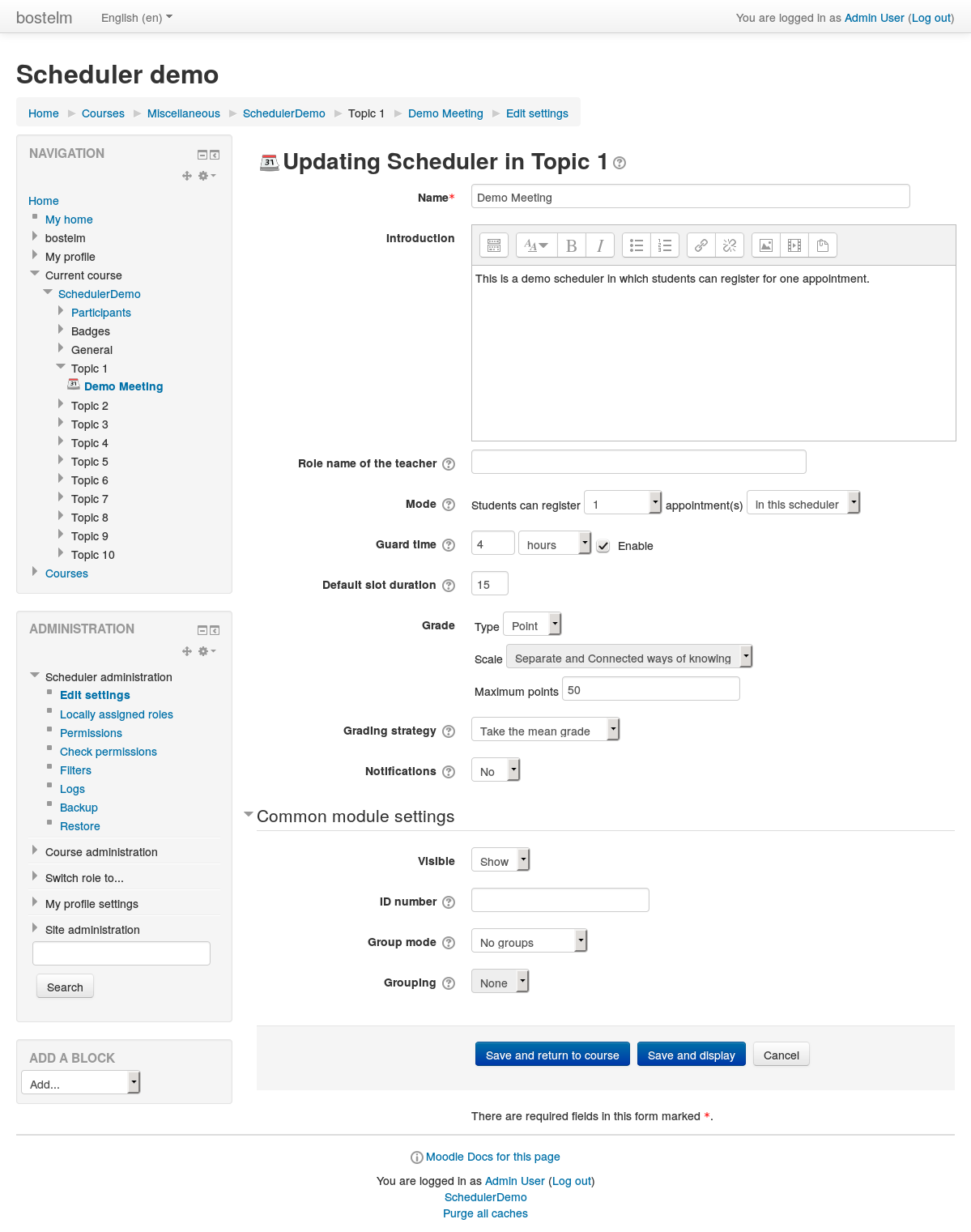
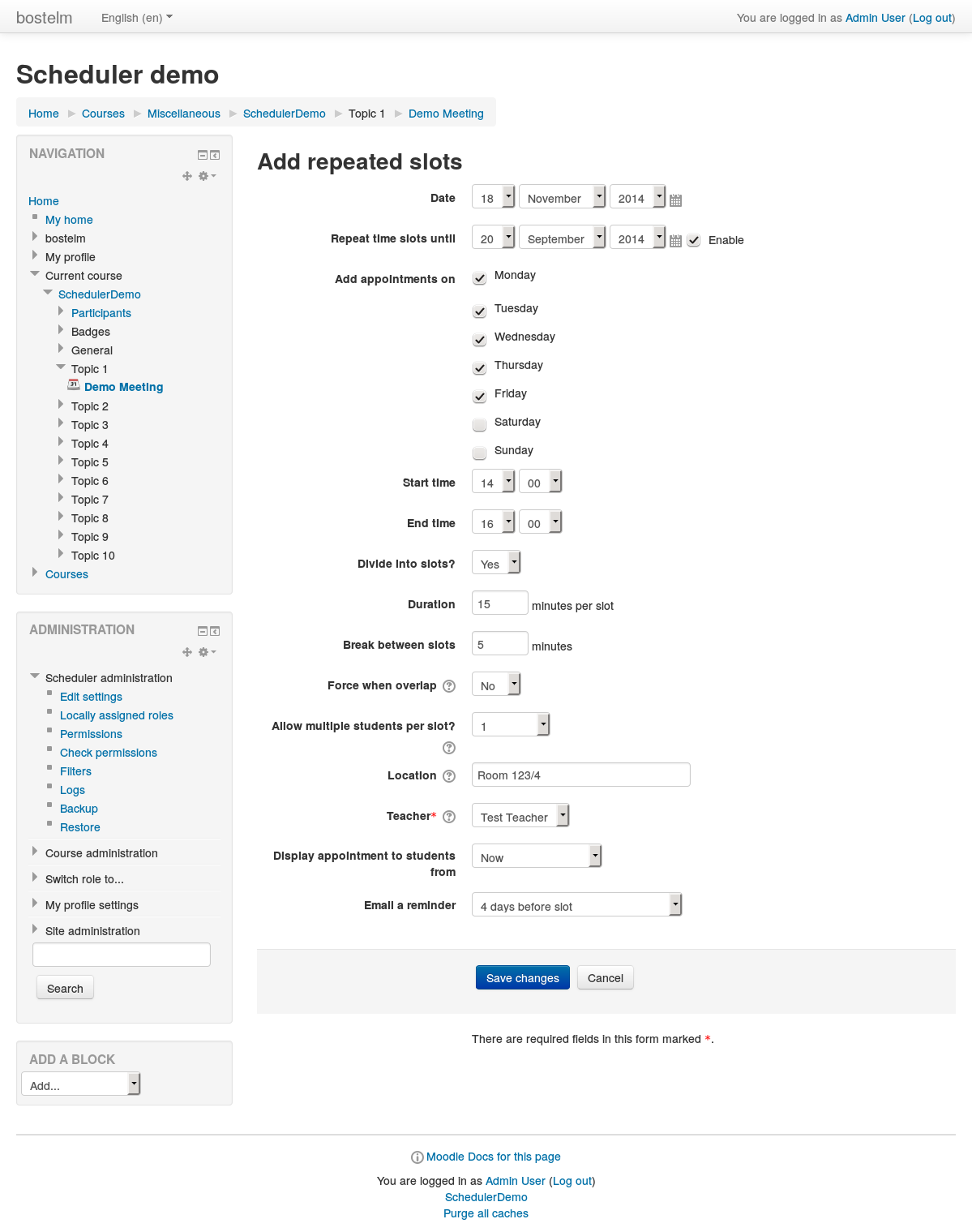
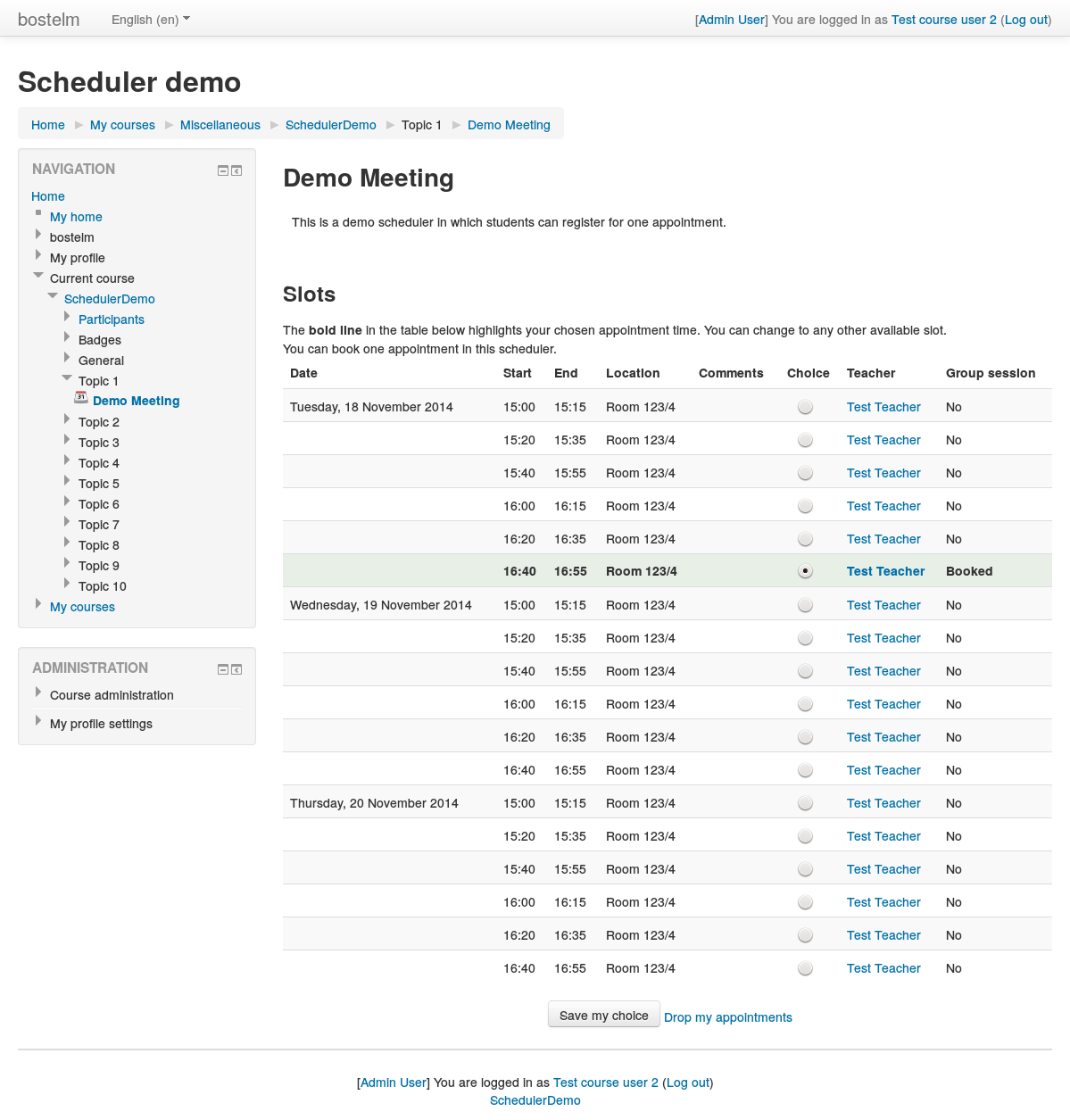
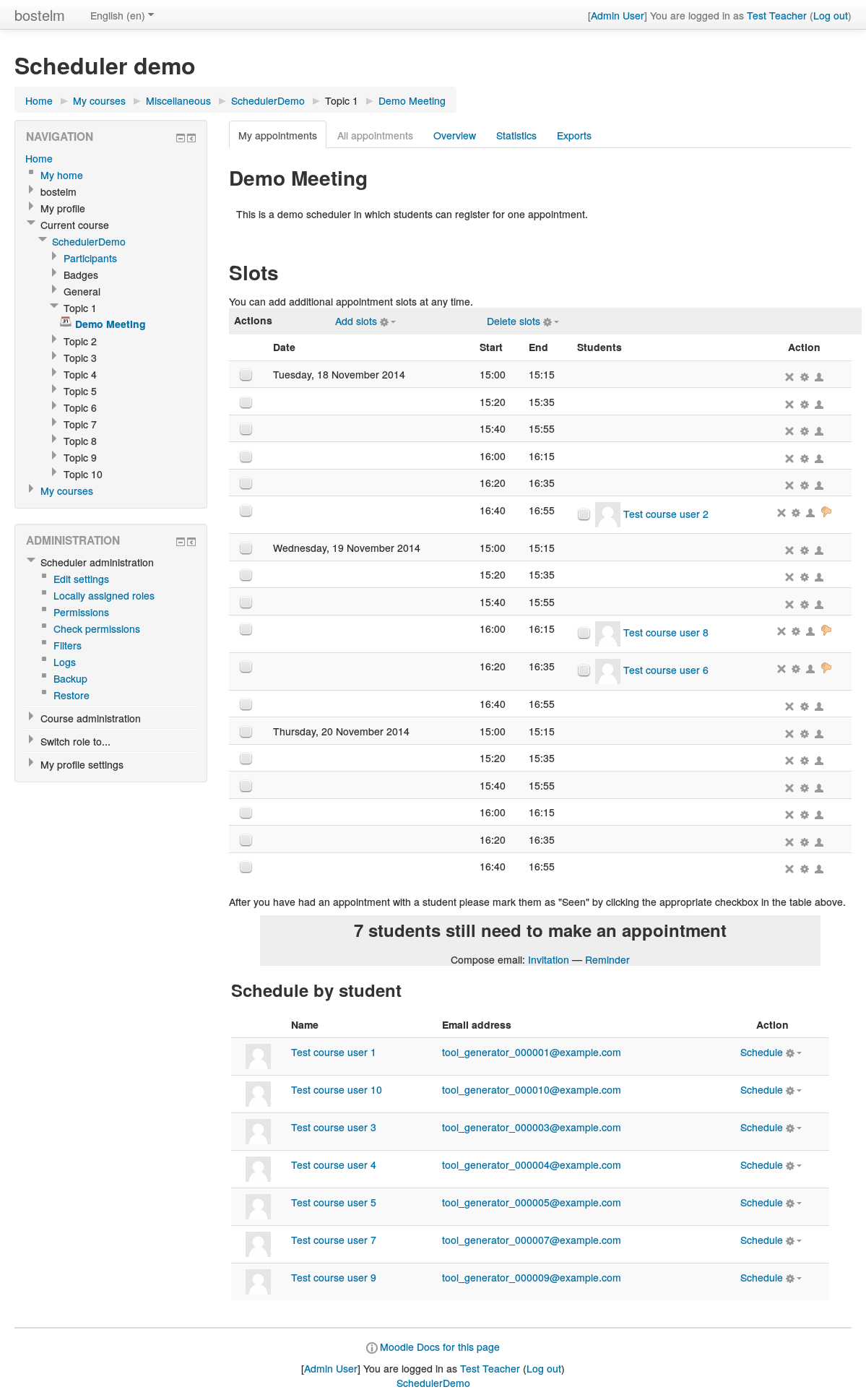
An appointment scheduler for planning face-to-face meetings between teachers and students. Teachers can set up time slots, and students can choose one of these on Moodle.
Comments
Product ratings and reviews are coming to Moodle Marketplace. Until then, existing comments remain available to read, but new posts have been disabled.
Exception - Undefined constant "viewurl"
Thanks, again and again, for this great plugin !
Might I suggest a check in view.php that somehow acknowledges or ignores user references that have no corresponding entry in the user table?
Thank you very much for this plugin. It is widely used on our campus at Acadia University.
error/moodle/invaliduser
This error can occur when Moodle tries to access a user in the Moodle database that does not exist. This can happen when you try to view your student profile in Moodle by manually entering the URL in the address bar of your browser. Example if you type http://yourschool.com/user/profile.php?id=12345 into your browser and the 12345 id does not correspond to the id of your Moodle profile you will get this error.
You should always avoid typing a url directly in the address bar of your browser when you are navigating through your Moodle site. Always use the navigation that is part of Moodle to get around the site.
This leads me to think a user who had signed up for an appointment is no longer in the Moodle database. However, after carefully searching the database, I can find no indication that there are/were any users deleted who are in the scheduler_appointment table. I am able to grab all their particulars from the user table. I can supply my SQL if it helps. I'm currently stumped as to what is causing the error, but it is preventing the Prof from dealing with sessions that are upcoming. BTW, users (with the student role) can access the sessions (slots) and sign up or remove their sign-up. It's the schedule/view.php file that is showing the error.
Is it possible to filter the slots by date in some way in the main page :/mod/scheduler/view.php?id=124&subpage=allappointments&offset=-1&what=view ?
...i was thinking maybe modifying the url with something like &date=11092023
Thanks in advance.
Do to this you may simply take advantage of the "Comments" or "Notes for appointment (visible to student)" fields to paste your link.
thank you for the plugin!
Is it possible to put a clickable link in the location field? We would like to put the link to the personal zoom-meeting-room of our teachers.
Thank you!
We have a slightly unusual requirement of looking for a way to log or Track the Teacher action of Marking or UnMarking the 'Seen' action.
Sometimes Teachers mark students Seen even of they have not, to meet quotas, or having marked them Seen, Unmark to allocate another chance even when it is not allowed by School Administration. So we are exploring if we can control or at least track. User Logs dont seem to profer a solution, Grateful in advance for guidance