
Scheduler
Maintained by
Learnweb – University of Münster, Henning Bostelmann
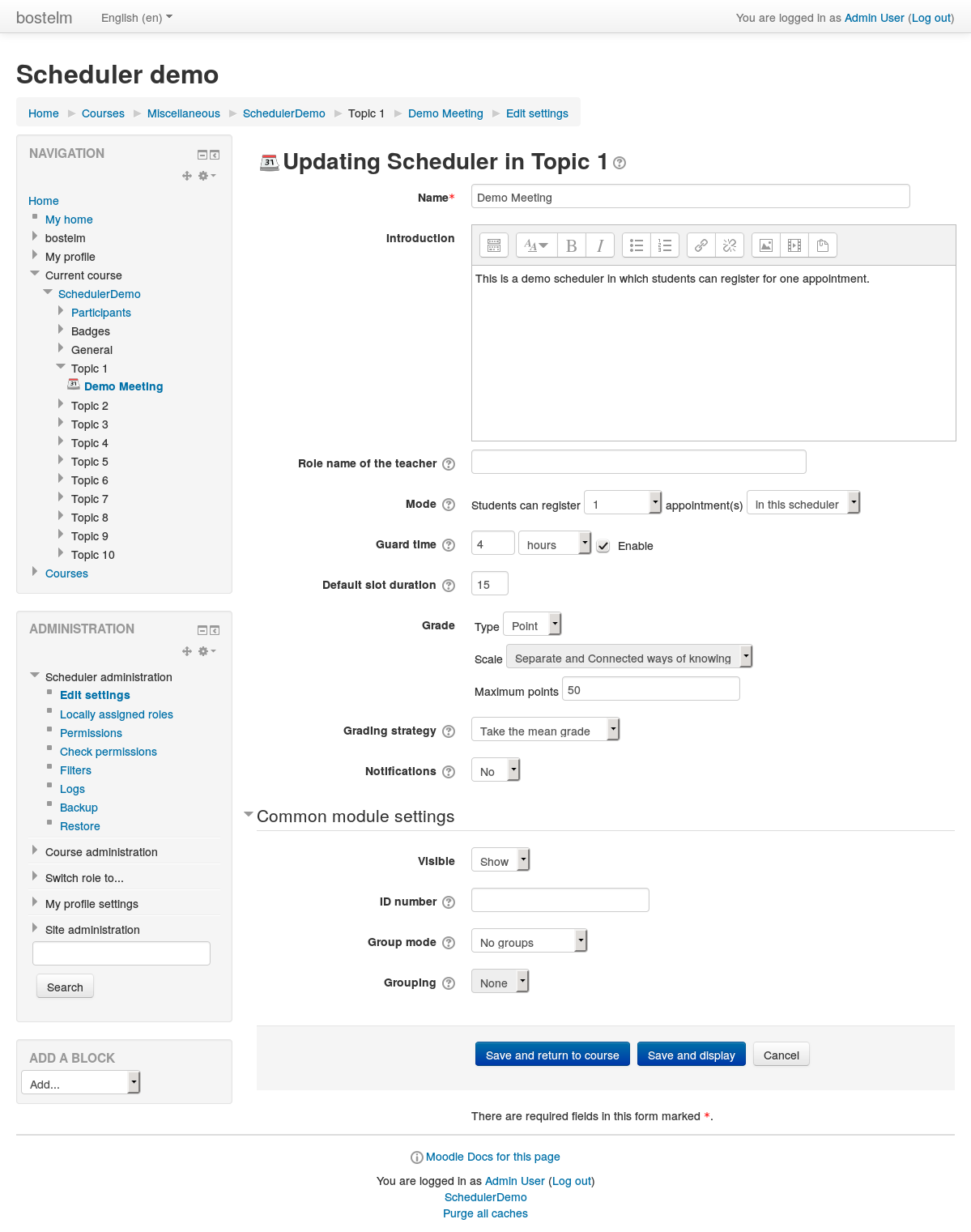
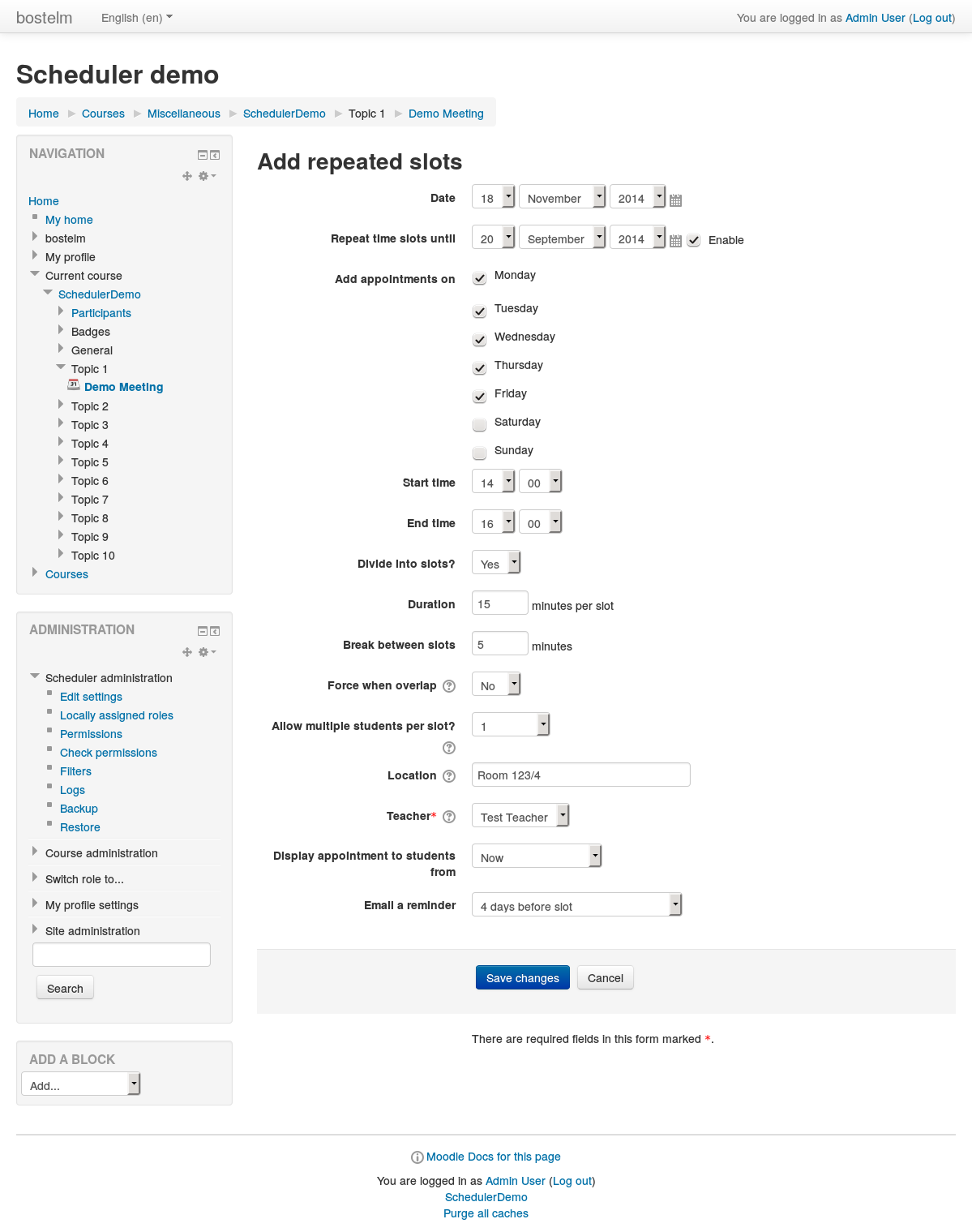
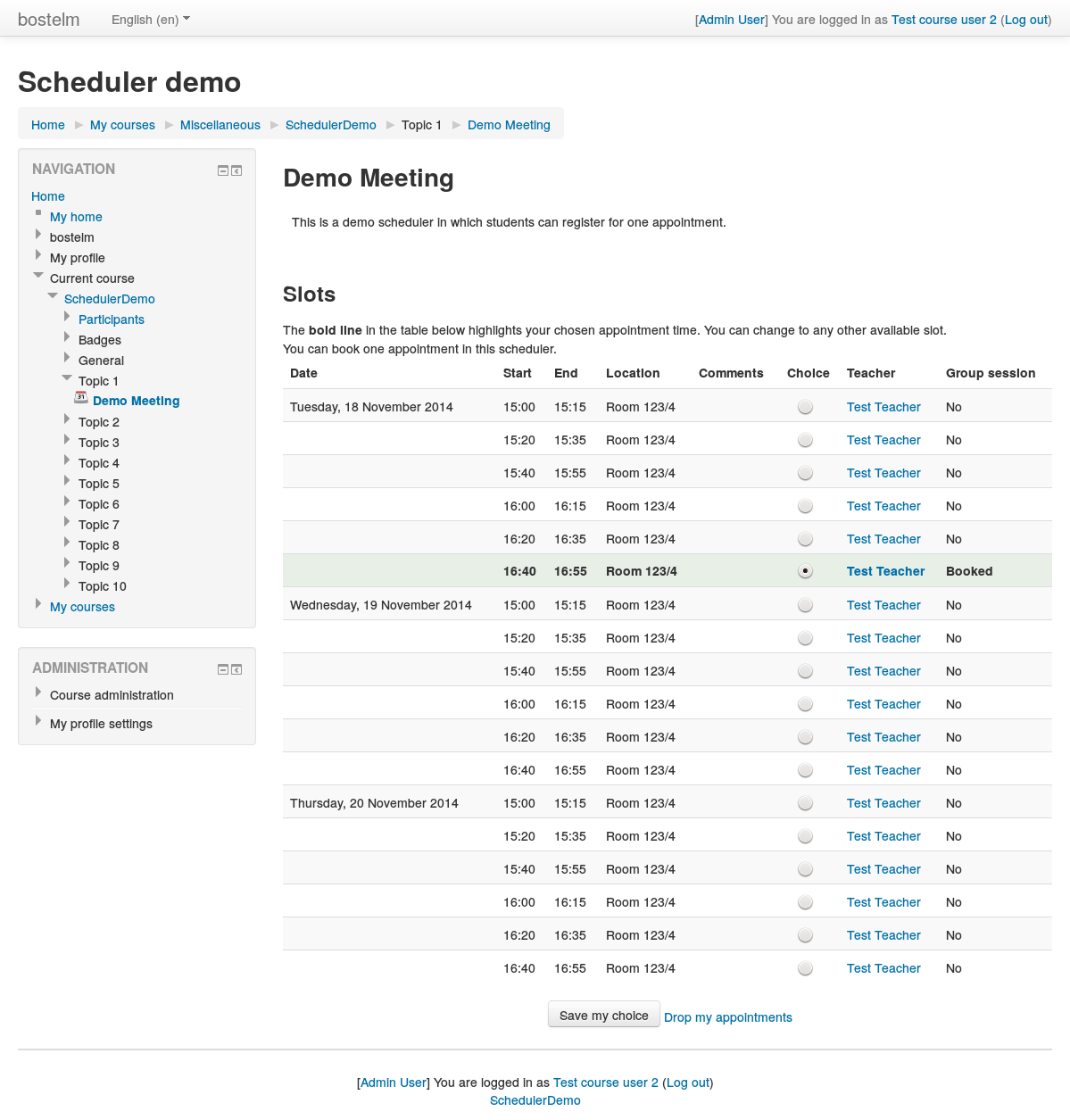
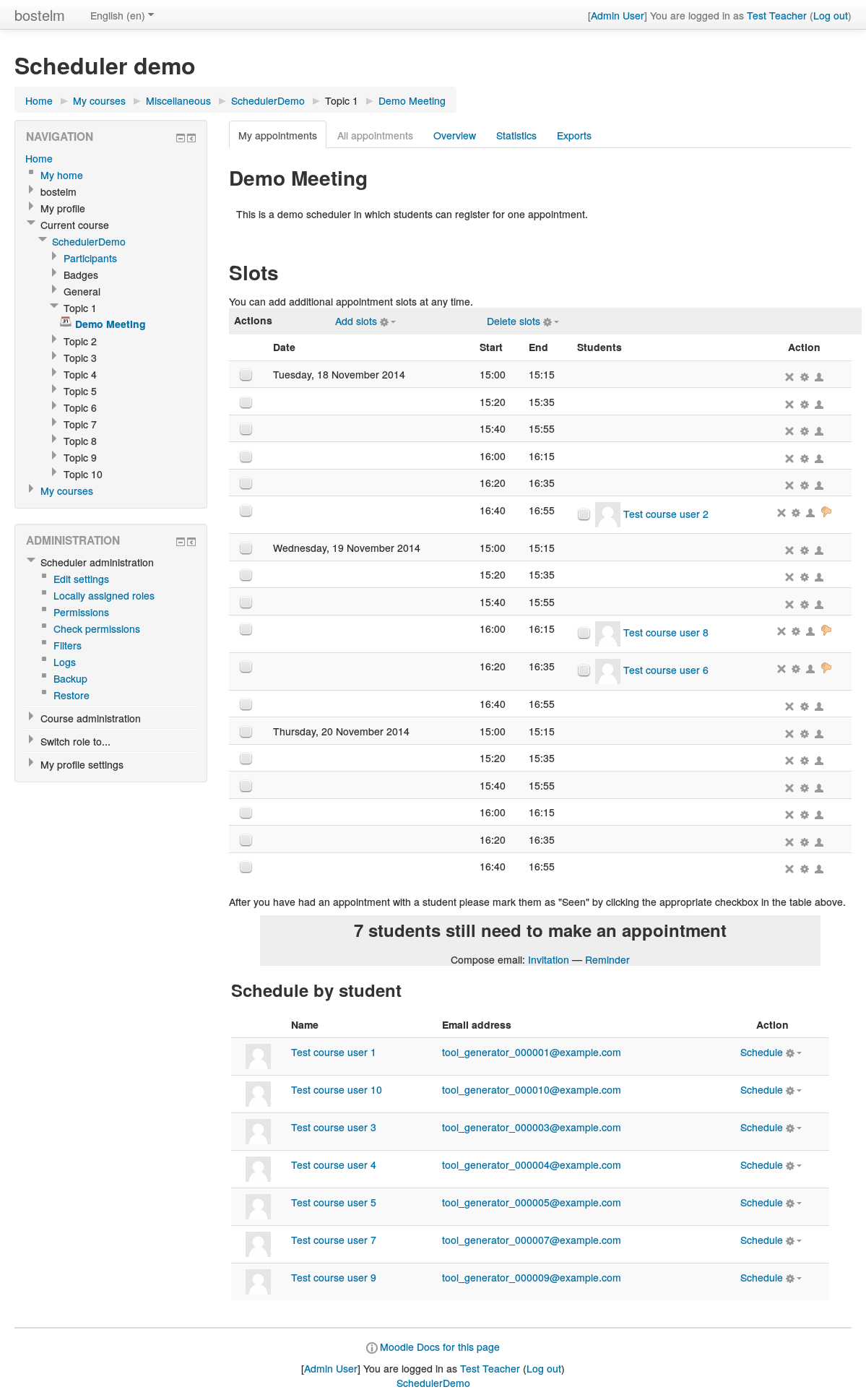
An appointment scheduler for planning face-to-face meetings between teachers and students. Teachers can set up time slots, and students can choose one of these on Moodle.
Comments
Product ratings and reviews are coming to Moodle Marketplace. Until then, existing comments remain available to read, but new posts have been disabled.
Thank you for reading this message. I have a question, the current version of Scheduler can only add people to an appointment upon creation. In the future, will you guys implement a version that you can add people to recurring appointments upon creation? Thank you!
Regards,
Yvonne
I noted an issue...
A teacher in my university uses the scheduler activity to ask students to register for an exam. There is only one slot and over 300 students.
When he wants to edit the slot (url like scheduler/view.php?id=xxx&what=updateslot&subpage=allappointments&offset=-1) the edit form doesn't show (banner and course header are rendered but neither navigation drawer, activity content nor footer).
Any hint?
Cheers
function scheduler_delete_instance($id) { ......
Would like to report a bug since I haven't seen it reported here (as far as I checked). When I delete a Scheduler activity that contains appointment(s), as a result the appointment slot does not get removed from its table.
Thus when create a new appointment in another scheduler activity in the same, if use identical date and time as the deleted one, I will get a conflict error and it doesn't get created unless ignore the conflict which is not preferable . Tested on 3.3
Cheers.
I've just submitted a PR on GitHub to propose an implementation of core_calendar notifications in Moodle 3.3's new core block_myoverview block. Details are in the PR.
Would you mind having a look at it?
Thanks
I have actually never tested Scheduler with so many open slots at the same time (our own use case hardly ever needs more than 100). The limit you see is (likely) either related to the available PHP memory or to a restriction on the database side. I suspect the latter. In that case, only an investigation on your specific database can show what the restriction is and whether a speedup is possible (e.g. by adding a suitable database index).
Thank you for your scheduler package. I have a question. After testing the scheduler package for 4 months, it appears if the slots are more than 10,000 then on the student page (studentview.php), the table of slots would not be displayed and it is actually a big white page under the scheduler name. I know the page dies out because I can see the scheduler name but under it, it is a big white page.
In the file scheduler_instance.php, I know fetch_slot function returns the list of slots that are displayed on student page. I have modified query in function so it only queries slots for next 7 days, this does remedy "a bit" of the query time. My question is, is there another way of query the slots faster?
Thank you!
Kevin
You may let guests see available slots by making the course available to guests. They will see all available slots, but they won't have a "book" button. You may add a comment in the "introduction" section with a link to the login page.
Scheduler is not intended to be used by guests. In order to use Scheduler, users will need to log in with a full user account.
Thank you for your response last time. I have a quick question, it looks like the student view page calls "get_slots_available_to_student" function on scheduler_instance.php file. However, the teacher view page (teacherview.php and teacherview.controller.php) don't use any query functions in scheduler_instance.php. Could you help me identify the query that teacher view page is using? Like what is the name of the function and inside what file. Thank you!