
Scheduler
Maintained by
Learnweb – University of Münster, Henning Bostelmann
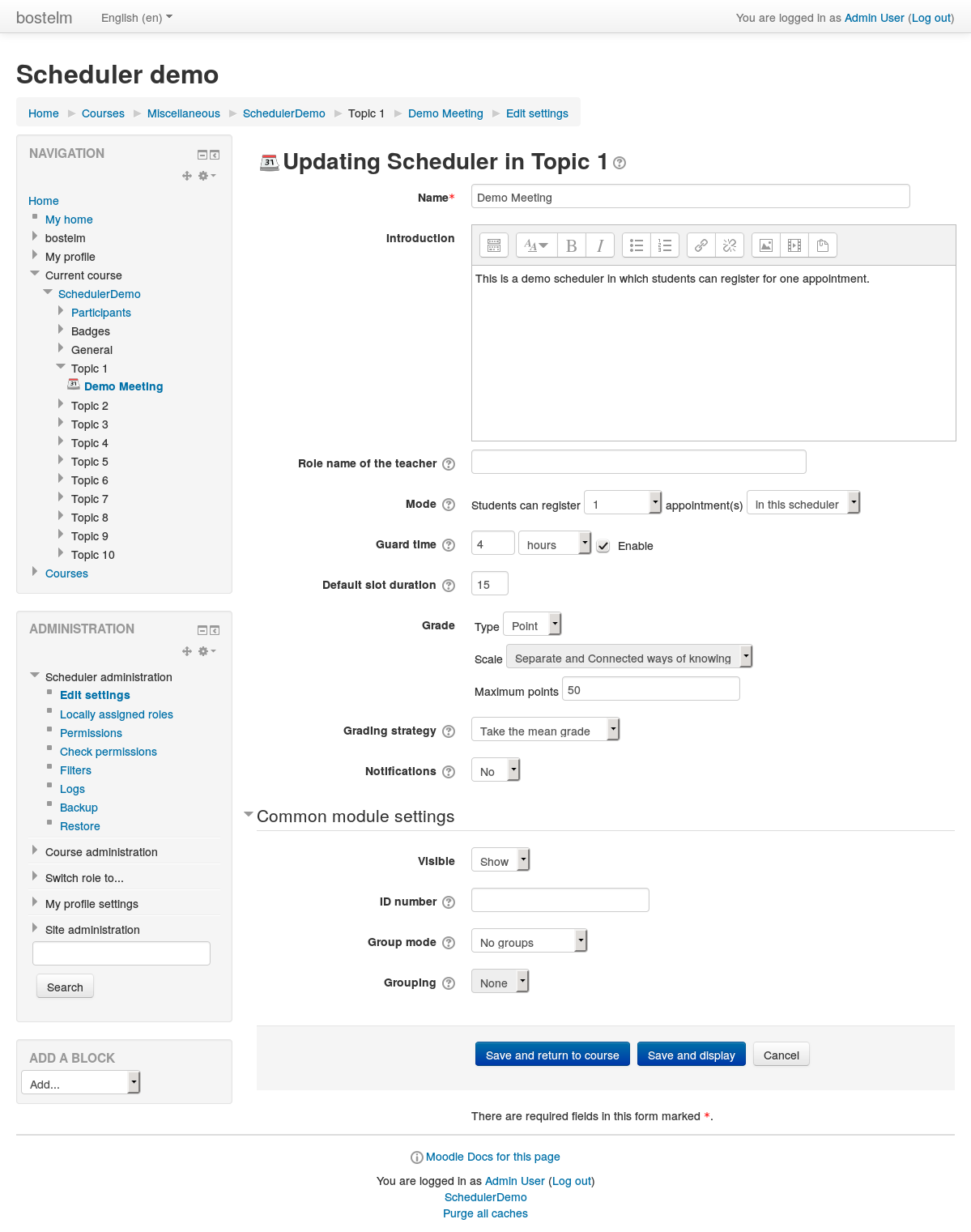
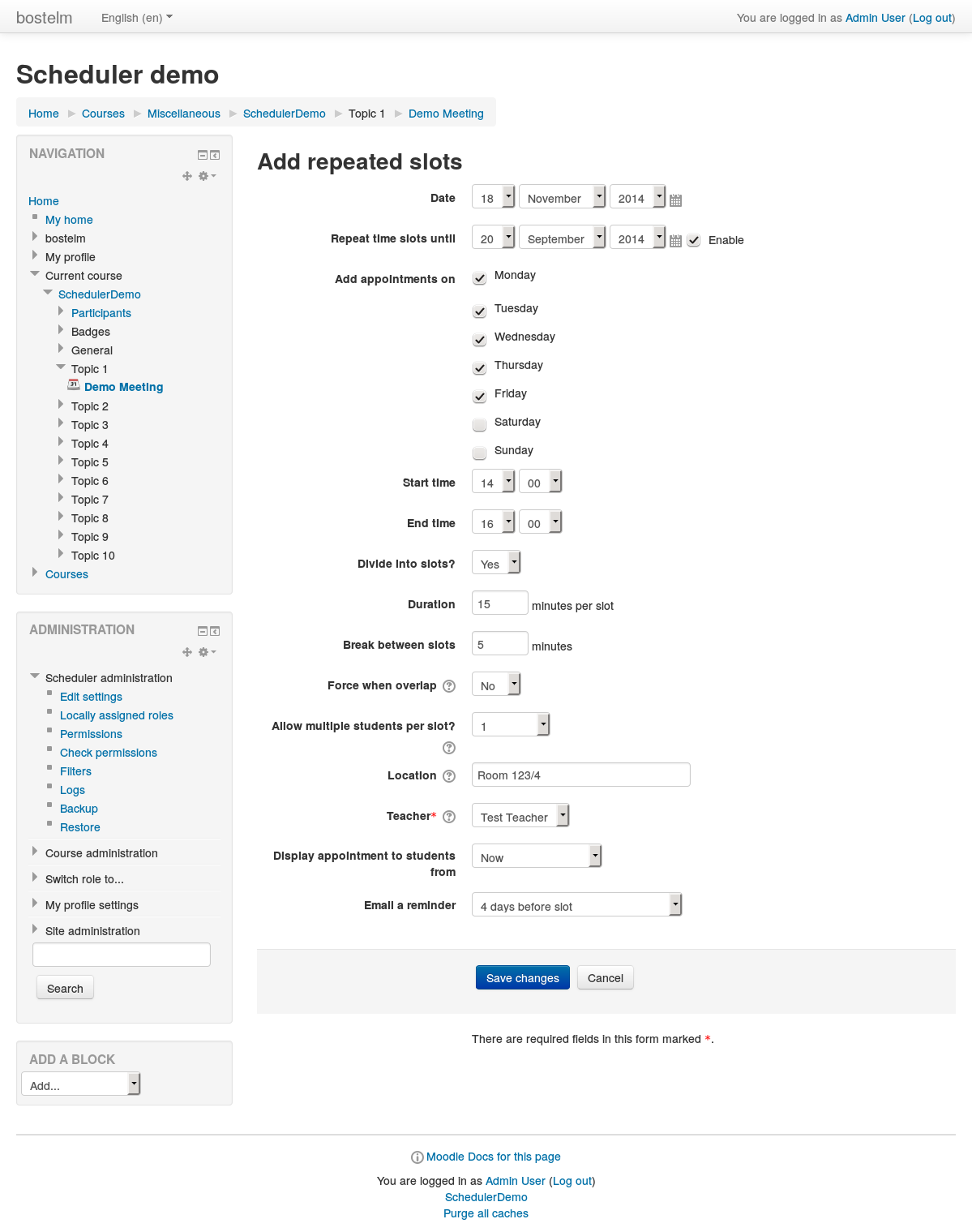
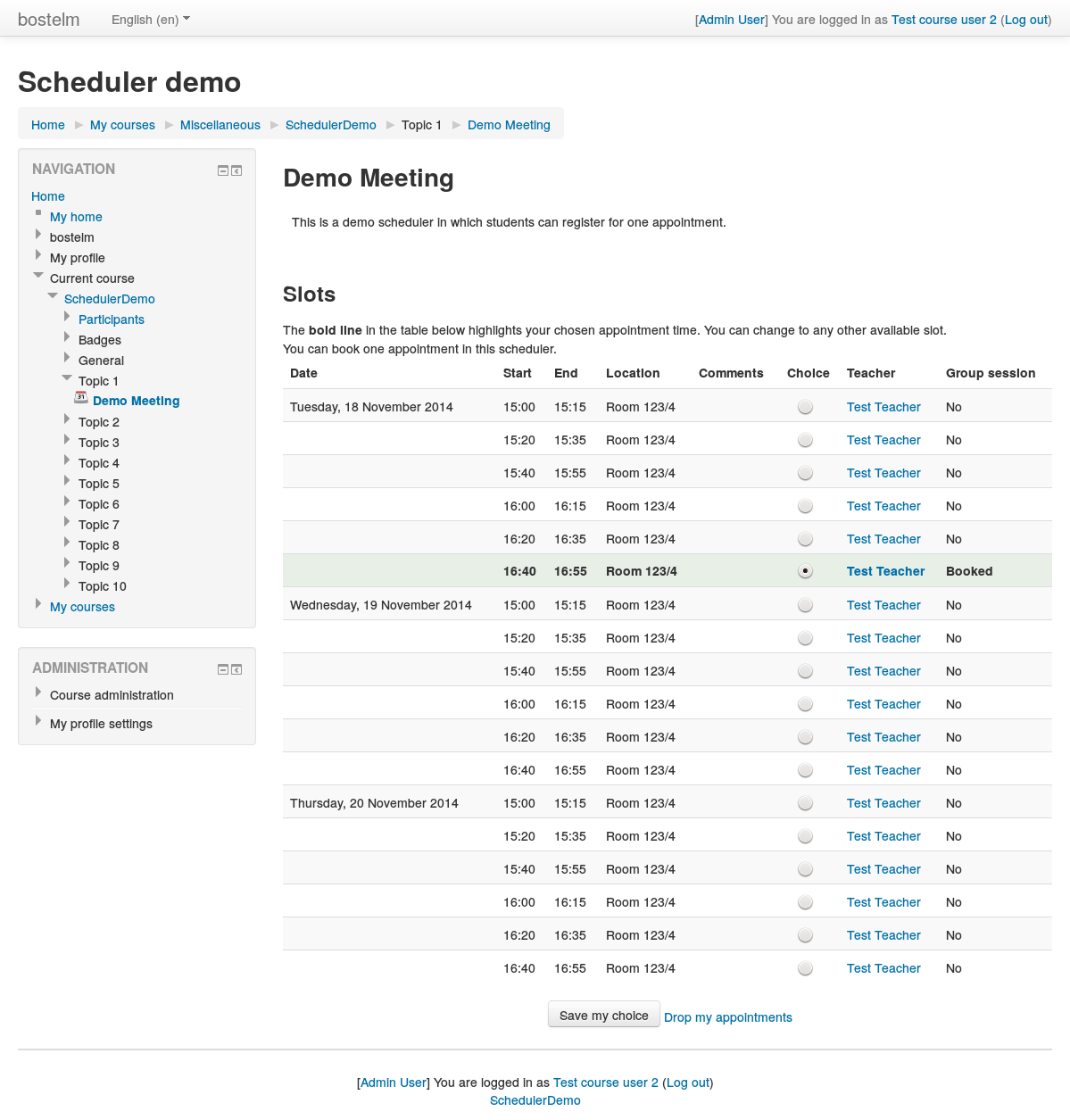
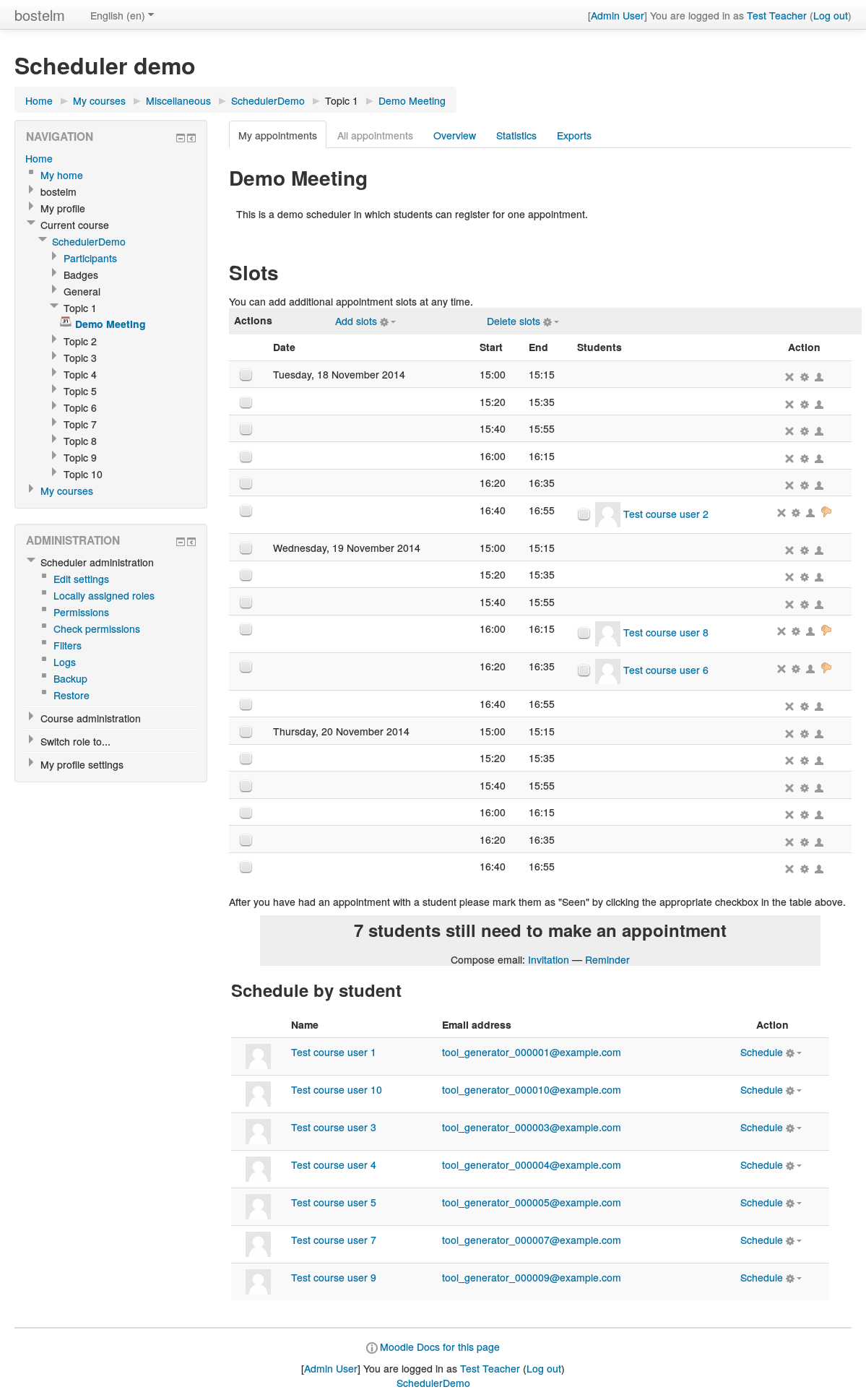
An appointment scheduler for planning face-to-face meetings between teachers and students. Teachers can set up time slots, and students can choose one of these on Moodle.
Comments
Product ratings and reviews are coming to Moodle Marketplace. Until then, existing comments remain available to read, but new posts have been disabled.
Thank you for your response. I have one last question to ask. What php files can I find control of paginator of courses on student view? I am thinking of disabling the paginator. I know it crazy but I am testing a course layout here.
Thank you!
sorting is usually done at the database level, not in the view or the associated renderer. The code that assembles the corresponding SQL queries can be found in model/scheduler_instance.php; see for example the method get_slots_available_to_student().
Thank you for previewing my post. I have a question about scheduler. Which file contains the function that sort the slots before being posted? Sorry I spent 3 hours understanding studentview.php and renderer.php but no progress.
Thank you again!
Thank you for the information. In our somewhat special circumstances, we can't give any other editing permissions to the "secretaries", which is why we need to limit them to view current slots and mark attend/seen only. Consider them "hostile secretaries" ;)
no, that's not possible with the current version of Scheduler. I think the best option would be to give the secretary the "mod/scheduler:manageallappointments" capability, and instruct her to mark students as attended but make no other changes. (It's fairly hard to make other modifications by mistake.)
We were hoping to have a 3rd party, like a secretary, be able to mark "attend" for student appointments. This person would only be responsible for marking attend/seen for students, not putting them into a slot. Is it possible to give them "manage attend only" by cutting up some of the mod/scheduler:manageallappointments?
Thanks for any insights you have!
This is a bit hard to say without knowing the details of your role, however: The first thing you should check is whether the slots actually "belong" to the user you mention, i.e., whether the user is listed as the "teacher" in the slot. mod/scheduler:attend allows only to edit *one's own* slots, not the slots of other teachers. For marking students as seen on *any* appointment, you would need mod/scheduler:manageallappointments . More details here: https://docs.moodle.org/32/en/Scheduler_Module_capabilities .
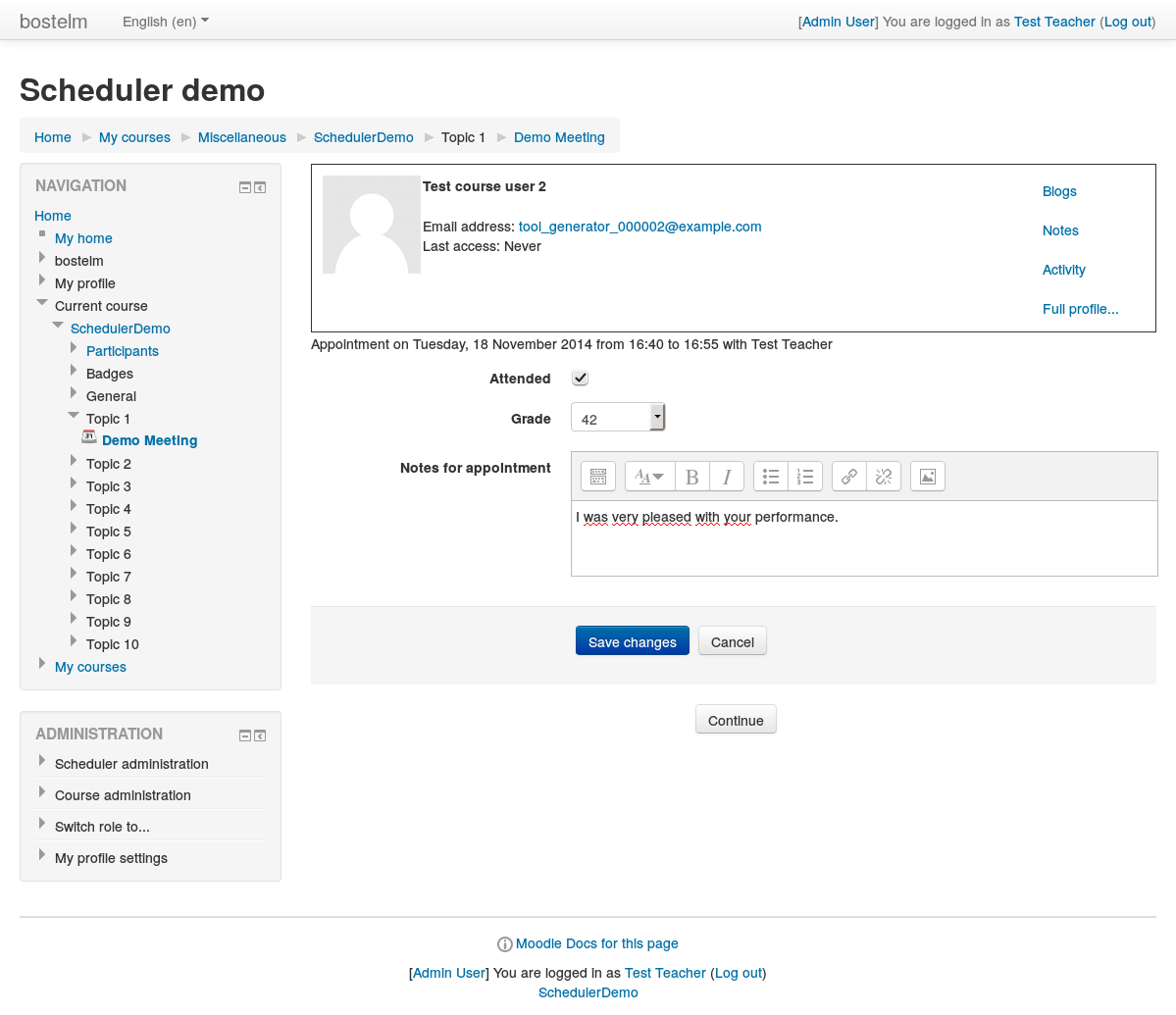
We are trying to create a user role that can ONLY see slots and mark students as 'seen'. While we can limit the view well enough, the setting "attend students" (mod/scheduler:attend) does not seem to grant a user the ability to attend students. Instead, I can only see a tickbox image, instead of an actual tickbox.
Is this a bug, or am I missing a setting?
Best,
Carl D.
good point. I've now limited the number of slots to be deleted to 1000 at a time. I'm just not sure how this problem has built up - even in earlier versions of Scheduler (back to 1.9 in fact), the cron should have deleted old unused slots periodically. It's just that it has been rewritten in the new version.
Best wishes
Henning
scheduler_instance.php
...
$todelete = $DB->get_records_sql($sql, array($now));
if ($todelete) {
$keys = array_keys($todelete);
$emptyslots = array_chunk($keys , 10000);
foreach ($emptyslots as $emptyslot) {
list($usql, $params) = $DB->get_in_or_equal($emptyslot);
$DB->delete_records_select('scheduler_slots', " id $usql ", $params);
}
}
At least for sites like ours where we are still using the older version, the initial problem will be handled.
I installed the most recent 2016100402 and encountered a databse level error. Since we have not upgraded, the cron is looking to remove old unused slots. In our case it is many thousands. Our database backend is postgres and the query has exceeded 65535 parameters. I have over 250000. Query Fails.
SELECT DISTINCT s.id
FROM mdl_scheduler_slots s
LEFT OUTER JOIN mdl_scheduler_appointment a ON s.id = a.slotid
WHERE a.studentid IS NULL
AND starttime < 1492015298
Do you have any suggestions or more importantly, is the query correct?
Thanks
Eric
Best wishes
Henning
Many thanks for this great plugin.
I just wanna share with you a small bug while i was testing the plugin under Moodle 3.2.2 on LinuxMint 17.3 and PHP 5.6.
I added some slots, and then i wanted to delete them.
The thing is, when i choosed (Delete slots -> Delete selected slots) without selecting any of the slots, i got an error and then redirected to the main page of the course.
I would be very greatful if you can help me with this.
Thank you in advance for your help
Amr