Roster

Maintained by Charles Fulton, Andrew Zito
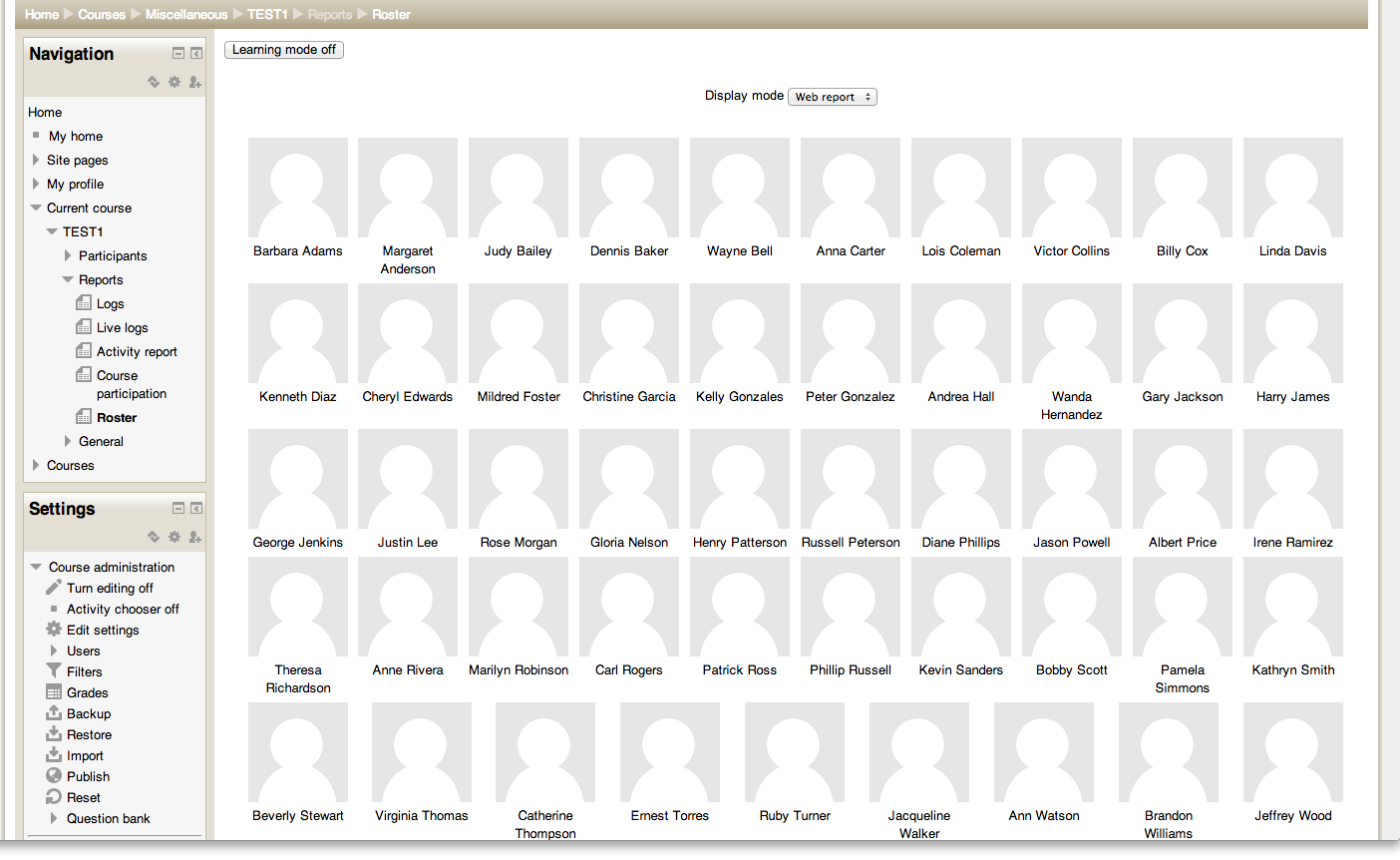
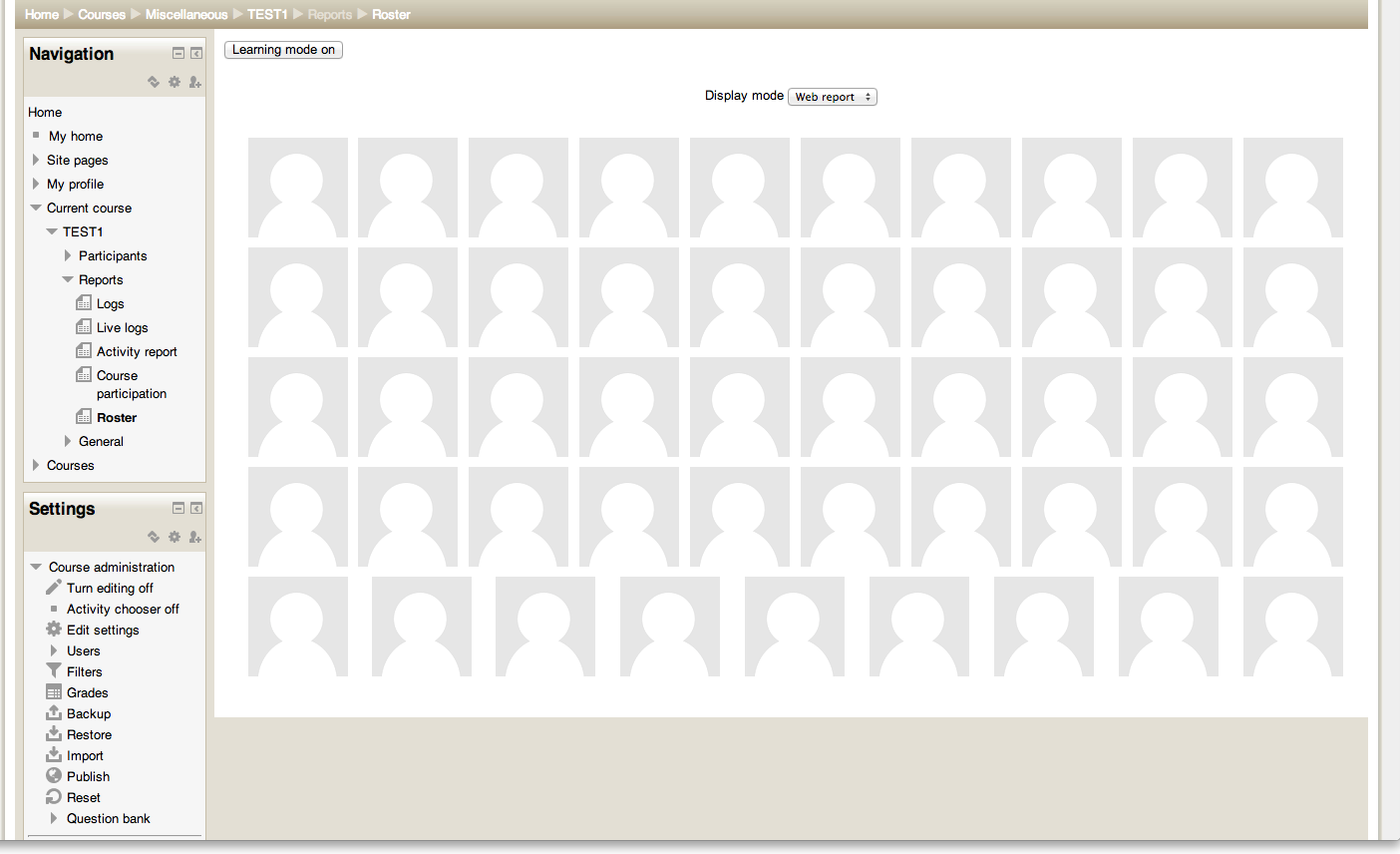
This is a simple report which displays the user pictures for everyone enrolled in the given course.
Price option: Free

Supports Moodle 2.2-5.2 See all versions
Latest release: 2 years ago
Installations: 953
Downloads (last 90 days): 170

Frankenstyle name: report_roster
Reports

Comments

Comments are no longer open for new posts. Existing comments remain available to read.

Hi Charles Fulton
Thanks for your help
I add this to line 53 on index.php
$item .= html_writer::tag('span', username($user));
I hope "username" of user must be print
But it doesn't work
Do you have an idea to help me for this?
I want to use this plugin, and add some other field to it (like username)
Then print it, and for final exam, tag it to Chair
And student can sit down on own Chair
Hi AM Sanat, there's no option in the report itself (at this time) to display anything other than the user's fullname. Clicking on the profile picture does give you the full profile. If you need more detailed information about all the users collectively then the built-in Participants list is more suitable. The current display mode doesn't scale well if you add more than the fullname to this report.
That said if you want to change what's displayed the relevant place is line 52 on index.php. I'm happy to review patches on github (see source control link above).
hi
how can add other user field for example email, username, ....
Hi Kristy, not easily, because it uses the existing user profile pictures which have a maximum size of 100x100 pixels (see http://docs.moodle.org/25/en/User_pictures for more on that). There's also an old semi-abandoned tracker item, https://tracker.moodle.org/browse/MDL-8817, about setting a larger default size. Short answer: until Moodle itself ups the default image size there's not much I can do, sorry.
Excellent roster. My faculty love it but many say printed pictures are a bit small. Is there aw way to adjust the picture size?
Hi Kees, I've uploaded two sample screenshots showing how the names are laid out.
Do you have an example of the picture-sheet? Thanks! Kees.
Thanks for this nice roster smile
It would be cool if this was an addition to the participant's page where this data is displayed already but perhaps with an option to the User list option to simply display user pictures(/names) only.
Lots of names will be memorised quickly with this.