Attendance icon

Attendance

Maintained by Dan Marsden
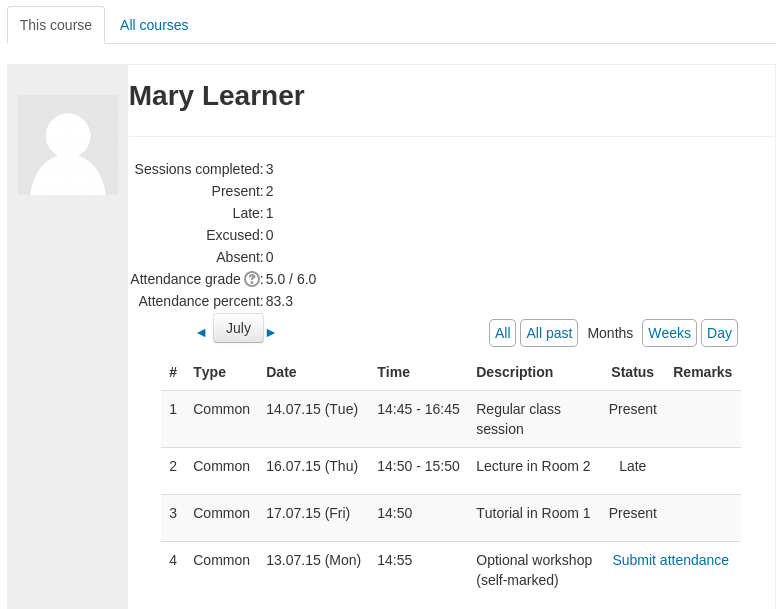
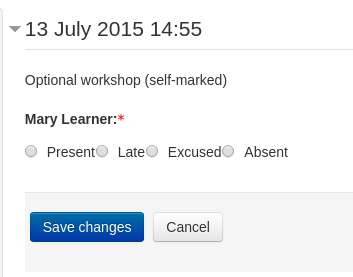
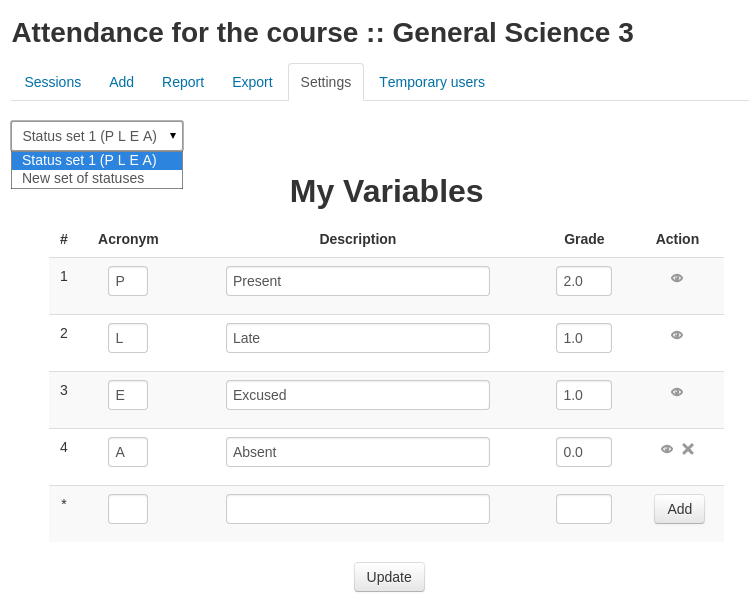
A plugin that allows an attendance log to be kept. - includes an optional block for easy access to relevant functions.
Price option: Free

Supports Moodle 2.3-5.1 See all versions
Latest release: 3 months ago
Installations: 22662
Downloads (last 90 days): 6452

Frankenstyle name: mod_attendance
Activities

Comments

Comments are no longer open for new posts. Existing comments remain available to read.

@Aniket - if you mean "MoodleCloud.com" you cannot install extra plugins. Moodlecloud.com does provide the attendance plugin in their "Moodle for School" plan so you could upgrade to one of those plans, otherwise you should ask for further help in the community forums and someone might help - make sure you include information on the location you have used to get your trial site as there are many different free trial providers for Moodle.
The plug in is not part of the google cloud I am using in trial mode. Can I install it?
Hi Dan,
I reported it in bug tracker in git Hub
I don't understand what you mean by the pull request.
I guess query should be something like the below for MS SQL, I will suggest that in the bug
SELECT * FROM (
SELECT *, ROW_NUMBER() OVER (ORDER BY expirytime ASC) AS RowNum FROM mdl_attendance_rotate_passwords WHERE attendanceid = ? AND expirytime > ?
) AS MyDerivedTable
WHERE MyDerivedTable.RowNum BETWEEN 1 and 2
@Mohamed - please report bugs in the github tracker - feel free to help by submitting a pull request too!
The new Rotate Option is not working with MS SQL Server where the 'LIMIT' is not valid syntax in MS SQL Server, it gives the below error
Message: [Microsoft][ODBC Driver 17 for SQL Server][SQL Server]Incorrect syntax near 'LIMIT'.
SELECT * FROM mdl_attendance_rotate_passwords WHERE attendanceid = '10793' AND expirytime > '1585156464' ORDER BY expirytime ASC LIMIT 2
[array (
0 => 10793,
1 => 1585156464,
)]
@Shane/ @Kenan - no on both counts. Feel free to submit a pull request or contact me privately if you would like to fund improvements to the plugin - thanks!
Is there a way to include lesson name, teacher's name, and the session's date and time" to each session's QR CODE self attendance recording Page... ? Because each week i print the that week's QR self record Page but some times the old one iş misunderstood because there is no sign to differ from the current QR self record Page...
Is there a way to include "Attendance taken by (teacher's name)" to each session in the report?
@Blair - that's something that would be really good to add, but is not currently available - more details on that are in the tracker in this issue: https://github.com/danmarsden/moodle-mod_attendance/issues/297
I've got an instructor who's noted that if a student logs in early, then their presence is not recorded. Is there a way around this, other than changing the time of the session? This is the type of class where students often show up quite a while before the class in order to do project work.
Hi Dan,
Just a short replay to say I reported a bug related to QR code display under IE11 in the tracker system, many thanks in advance!
@Marc - best place to ask those sorts of questions is in the forums (the comments here are not great for discussions etc.) - short answer is yes, you should be able to obtain this information but you would need to develop a custom report to do this. you might be able to use one of the sql reporting plugins to get the data out but you would need to find someone to write a sql-based report - try asking in the forums and someone might voiunteer to help you out, otherwise you could contract your local Moodle Partner to help you create one - Good luck!
Dear community
We are using the module to record the attendance at our 'face to face' lessons.
I was wondering if the data stored (e.g. class duration) could be used to calculate the time attended in a given period?
I am thinking along the lines of a school administrator 'clocking' the hours delivered by the teachers. For example, how many hours were delivered between the 1st and last days of the month.
Many thanks in advance smile
Hi Dan,
This is a wonderful plugin indeed. I believe this plugin has almost everything that is needed for capturing attendance. This plugin is a blessing for course admin to capture attendance in a single place.I was wondering if it possible capture a reason (either a LOV or a text) while selecting absent?
There are some comments request for the same already. Happy that I'm not a sole person making this request.
Thank you in advance.