Attendance icon

Attendance

Maintained by Dan Marsden
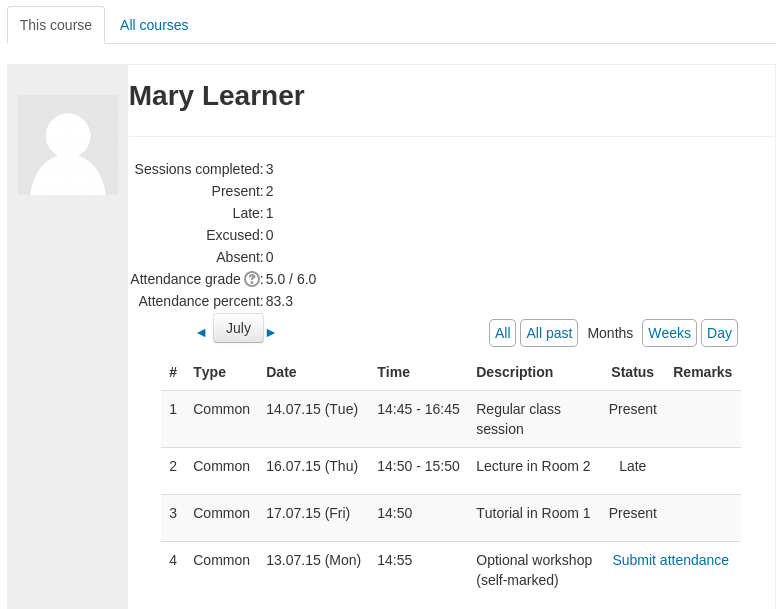
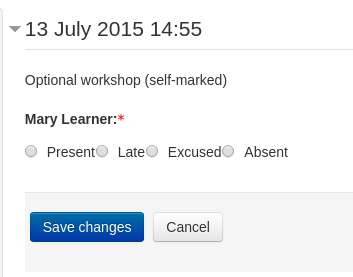
A plugin that allows an attendance log to be kept. - includes an optional block for easy access to relevant functions.
Price option: Free

Supports Moodle 2.3-5.1 See all versions
Latest release: 3 months ago
Installations: 22662
Downloads (last 90 days): 6452

Frankenstyle name: mod_attendance
Activities

Comments

Comments are no longer open for new posts. Existing comments remain available to read.

Hi Anna, improved support for mobile devices is something I'd like to spend some time on - at the moment it could do with some improvements. Feel free to get in touch if you are able to help with funding improvements (or if you have internal development capabilities and can submit patches with improvements.) - thanks.
Hi Dan, I love this module but I've only tested in on my local Moodle so far. How does it behave using mobile phones, could you provide any screenshots or words of advice? Thanks?
Good Morning...
I'm trying to create several classes at once, but it creates one, two at the most. Anyone know what it would be?
I thank you!!
Thanks for swift response - no, course is in English and was okay before upgrade!
It functions fine, just looks bizarre!
make sure you haven't done any weird language file hacking? - is the course set to use a different language?
After upgrading to the latest version of the plugin - on one course only I get strftimeh - strftimeh as the time slot?!
It's only on one course, others are okay - any ideas?!
James
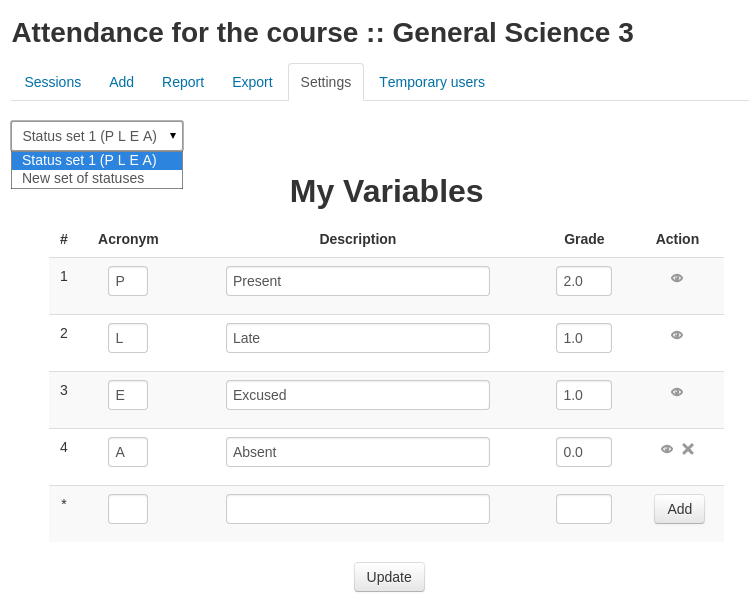
The default values were set on plugin installation and use the main language set by the site from the values stored in the lang files. Thanks to some funding we received recently we have added the ability to modify these within the admin > plugins > attendance page - these changes have only been made to the 3.2 and master versions currently available in github. We will release them in the plugins db after further testing has been done. I don't have plans (at this stage) to backport these improvements to older versions of Moodle.
Hi, Anna-liisa Mattila,
The values of Aacronym, Eacronym, Lacronym, and Pacronym are all hard-coded into the php script in the version that I examined (line 32 in attendance/db/install.php) and the values of Aacronym, Eacronym, Lacronym, and Pacronym that are given in the language file are not used. So to change what is displayed to the user, a person would have to go into the code and change the code (which probably would not be too difficult).
Dear developers,
I tried to customize the language package for attendance.php; while everything else worked ok, I was not able to change the Aacronym and Pacronym. I wonder why? Have you tested this and what could be the reason for all the other customizations to work except these two?
Thank you in advance for looking into this.
Hi Gouse, I don't help people change code "for free" - if you are looking for Moodle development training there are a number of online courses you can take (search the community forums for more information on this), if you are looking for commercial level support to modify the plugin to suit your requirements, feel free to get in touch and I can provide information on our rates. If you are looking for free development support the best place to ask is in the community forums here on moodle.org and someone may find the time to help you. Good luck!
Please send the code to send attendance details through SMS
Hai, this is Gouse. I want to add Student Registration number in attendance. And I want to display student details in ascending order based on Registration number. So please help me to change the code in attendance module version 2.6
@Mary - there is an individual user break down available from the activity reports shown on a users profile page, I'm also hoping to improve some of the reports a bit in the next couple of months but you may want to investigate some of the custom sql reporting plugins that are available.
Hi there, I am looking for a global view on this plugin. When I click on the student name there is nothing popping out at me so far? One of my colleagues is going to set it up on every module in a programme to try. Will it be visible then? Many thanks, Mary
César - please create a new post in the attendance forum with screenshots/details on your issue - thanks.
https://moodle.org/mod/forum/view.php?id=741