Attendance icon

Attendance

Maintained by Dan Marsden
A plugin that allows an attendance log to be kept. - includes an optional block for easy access to relevant functions.
Price option: Free

Supports Moodle 2.3-5.1 See all versions
Latest release: 3 months ago
Installations: 22662
Downloads (last 90 days): 6452

Frankenstyle name: mod_attendance
Activities

Comments

Comments are no longer open for new posts. Existing comments remain available to read.

Moodle dropped support for 2.5 in 2014, you should be focusing your time on upgrading to a more recent stable supported release. I don't provide support for out-of-support Moodle versions, but feel free to ask for help in the community forums and someone else might help (although the advice will likely be to upgrade.)
We are using Moodle 2.5 and this plugin is not working. When we try to add attendance to part of a course it shows up on the course page, but then when you click on it to display it a blank page shows up. Could this be solved by upgrading to a newer version of moodle? Any help would be appreciated! Thanks.
Yikes! That was a shocker for faculty this morning!
The update appeared quickly, however, and has fixed the issue.
Thanks William, I'd forgotten to push the corresponding changes related to the structure changes to the block plugin, I've done that now and pushed a new version of the block into the plugins db. Thanks!
Update: There is an issue with the attendance BLOCK plugin that is causing this problem. I had to disable the block on all of the courses from the Plugin Administration page so we could access them. Pretty please with sugar on top could this get resolved quickly.
wstewart@courses-gnucr.org
http://gnucr.net
I just installed the new version and suddenly we cannot access any of our courses. We can log into the site, but when trying to open a class, it simply blanks out on a white screen. I tried downgrading the previous version but I get error messages saying I can't downgrade. Any thoughts?
Hi,
I would like to know how I can do for the sessions created in the attendance module will be show in the calendar like next events? is this possible?
Thanks
@MadEye doesn't sound familiar sorry - try asking in the moodle community forums (including a screenshot might help.)
In the gradebook, the column for my Attendance activity shows all zeros. However, in the Attendance report itself, it shows the correct grades. Any ideas for why this might be?
If you escalate your debugging level to "developer" and make sure display errors is turned on (or you know how to view your server error logs) you should be able to find more information about this error to help you track down the actual problem.
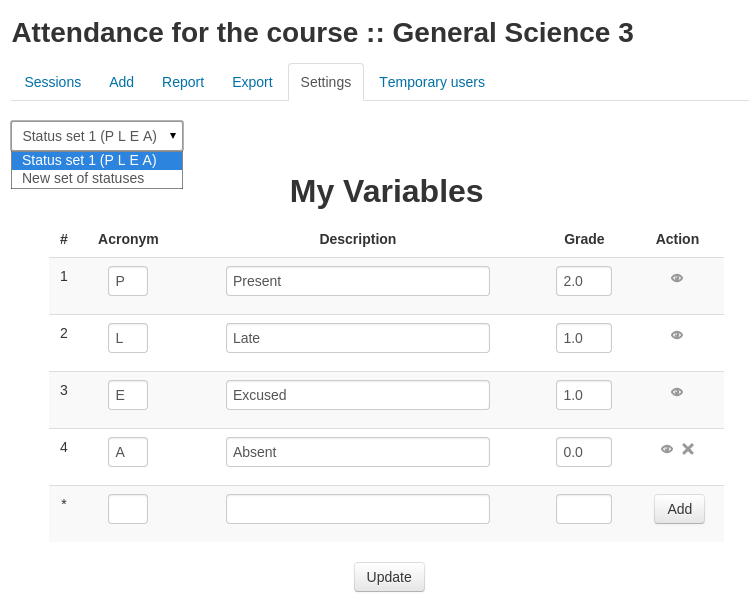
I need to track attendance in 15 min increments for classes that last upto 4 hours per session 2 times a day. Currently I have been using the attendance module with two 4hour sessions and I create variables in 15 min increments each variable also increments in value by 25. Basically degrees of lateness from present =400 to Absent =0. This has the added benefit on the final report of showing me how many hours each student has attended on the individual report. My problem comes when the number of variables exceeds 12 or so I get error writing to database when I try to take attendance. It typically works the first time I test it but then fails after I try once or twice.
Hi Dan,
I accendentally deleted a session , Can I recover it?
Thanks for You.
HI Dan
thanks for adding the fill down functionality to the attendance marks. Much easier to use. Still would be great to have a csv upload or the like. We have 120 students who scan in to a lecture theatre. Whilst the fill down will cut time a csv upload from the bar code scans would a great improvement.
I had the same problem of 500 Internal Server Error when I created the attendance module. All files need to be set to 644 (and not 664 as mentioned by MadEye). All directories to 775.
@MadEye - this is related to your server configuration - not the attendance code. Permissions must be set correctly by the server admin when installing plugins. If the automatic web-based installer fails it is because your server is not set up to allow it.