
Course Request Manager
Maintained by
Michael Milette
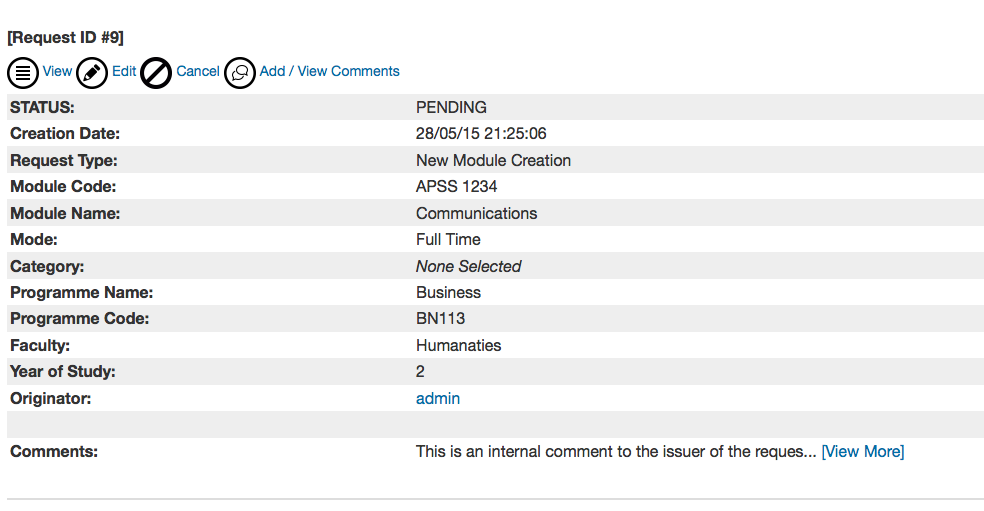
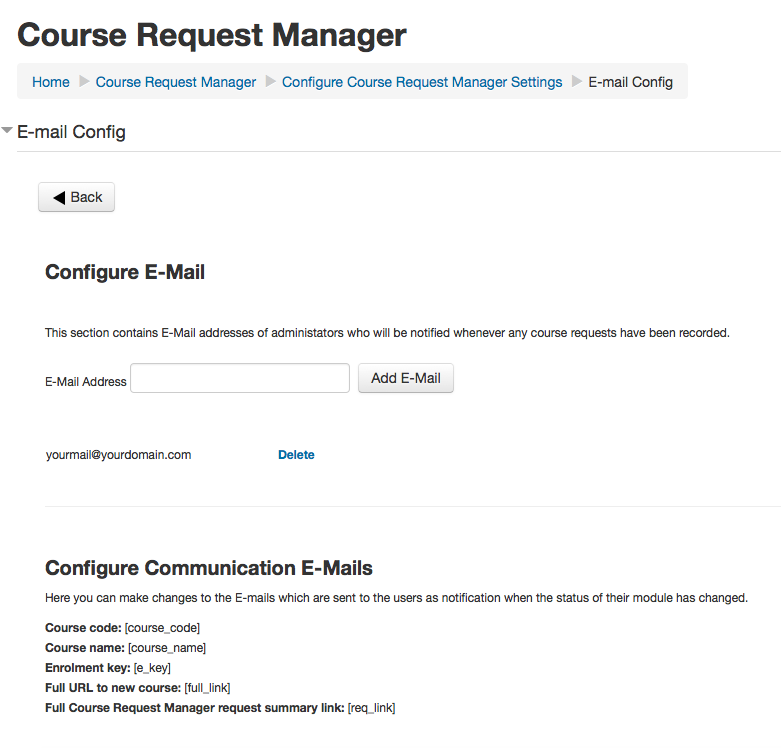
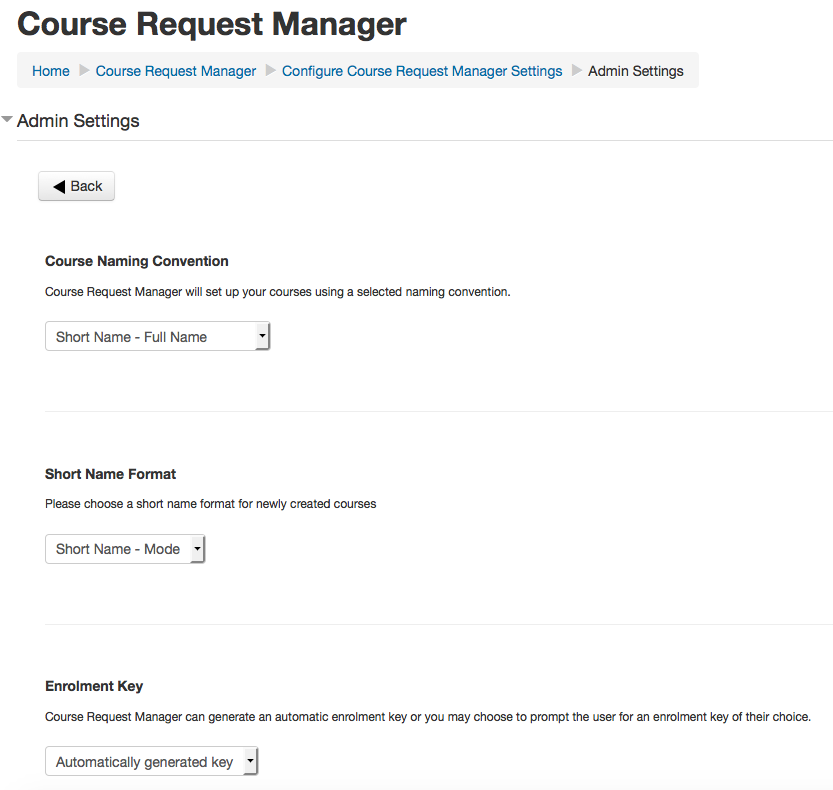
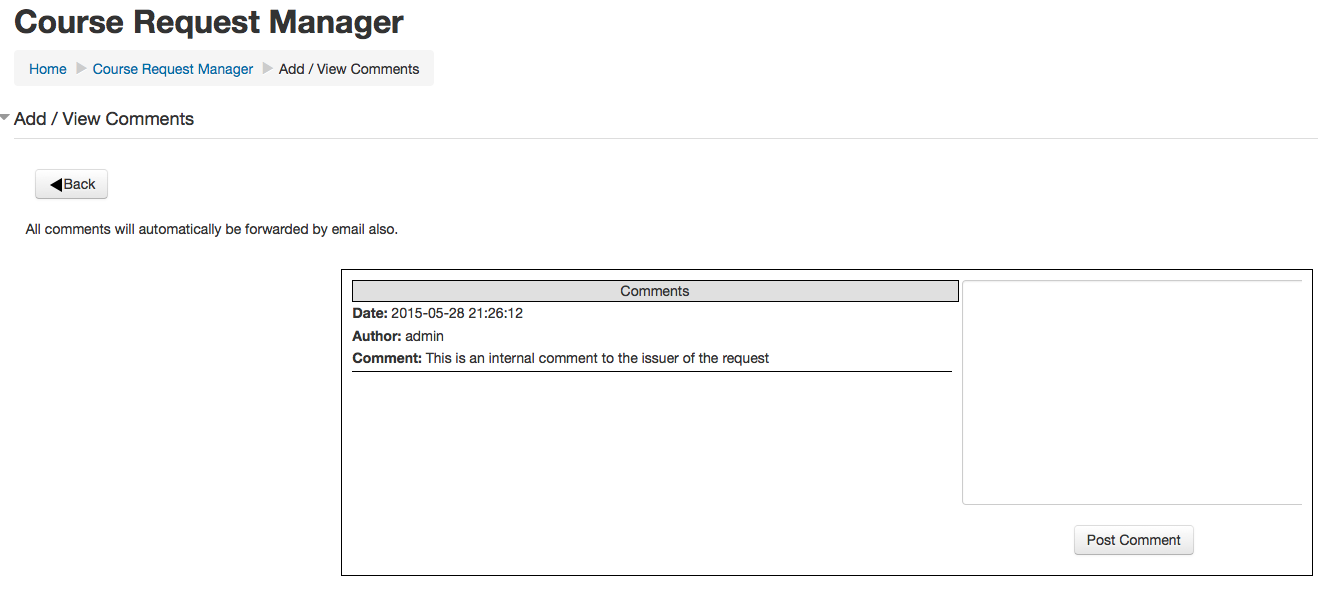
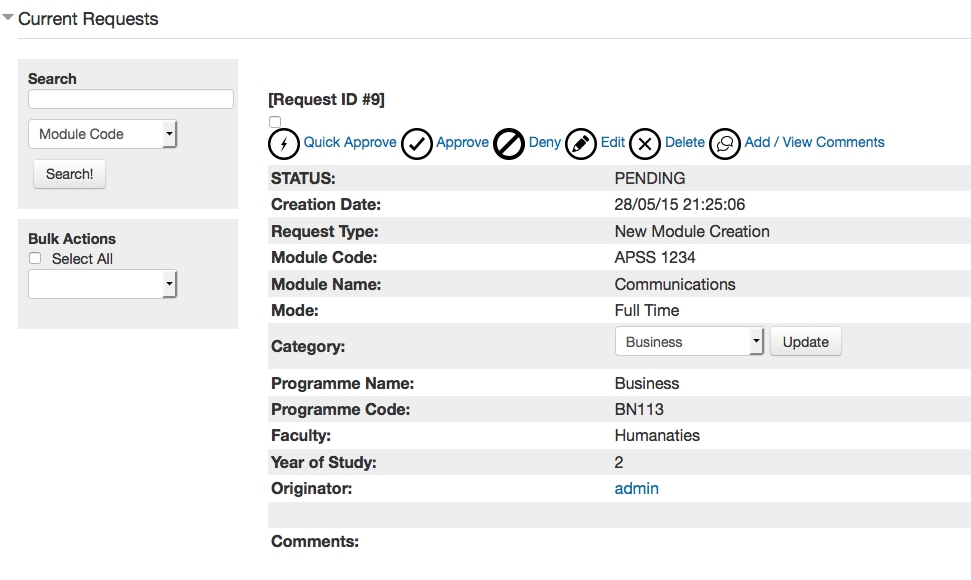
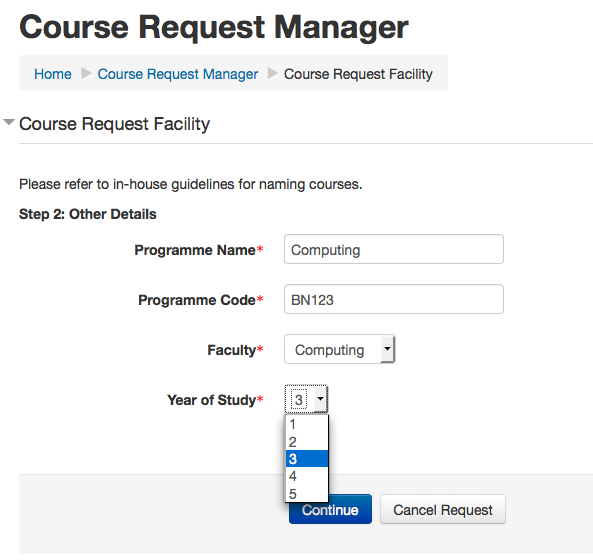
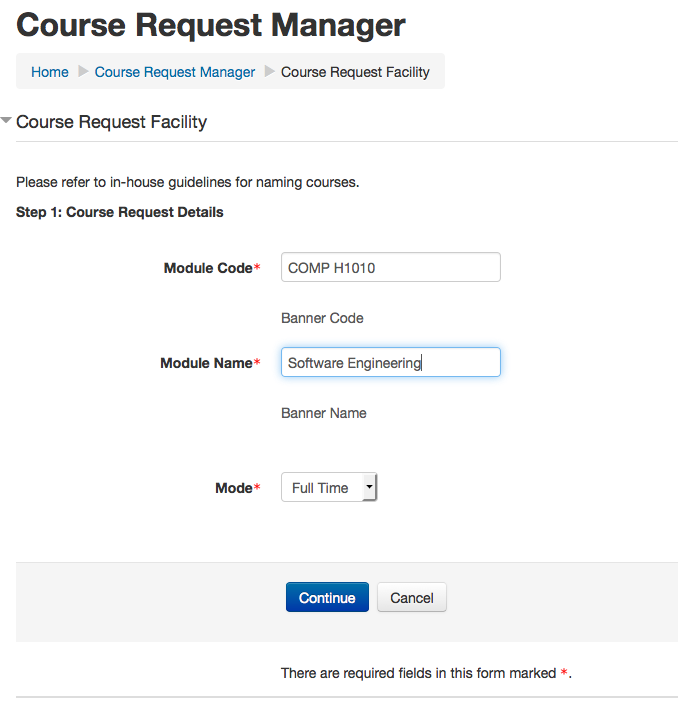
Do you struggle to manage requests for moodle courses from your users? No more!! Course Request Manager allows you to create custom request forms with mandatory or optional fields. The tool allows for quick approval of course requests and can automatically send users details of their new courses including enrollment keys etc. Simplify your admin role by installing this essential plugin!

Comments
Comments are no longer open for new posts. Existing comments remain available to read.
Josh
In Moodle 2.5 a new field had been added called "customint6", this cause some issues with CRM, as before this it did not exist!
A new version of CRM is available now resolving the self enrollment issues!
Thank you,
Kyle.
Site Administration -> Plugins -> Enrolments -> Self enrolment -> Add instance to new courses
Then there is a bug in that the user provided enrollment key is not shown on the course edit page. The reason is that when the new course is created it adds a self-enrollmnet method automatically with a random key. When CRM adds it's self-enrollment method with the key provided by the user, it is not first in the default sort order so it is effectively hidden. I worked around this by adding this hack code to lib/course_lib.php before you call $DB->insert_record('enrol', $enrollmentRecord);
// disable all other existing self enrol methods, including any auto generated when
// new course created due to the "Add instance to new courses" setting being enabled for self enrollments.
// This way the new record added below will be the active one.
$rs = $DB->get_recordset('enrol', array('enrol' => 'self', 'courseid' => $nid));
foreach ($rs as $self_enrol) {
$DB->update_record('enrol', array('id' => $self_enrol->id, 'status' => 1));
}
$rs->close();
It would be nice if CRM could handle this situation. Let me know if you have any questions about the issue or if you prefer a bud filed.
Josh
Cannot downgrade block_cmanager from 2013041131 to 2013041131.
Debug info:
Error code: cannotdowngrade
Stack trace: ◦line 258 of /lib/upgradelib.php: downgrade_exception thrown
◦line 30 of /blocks/cmanager/db/upgrade.php: call to upgrade_block_savepoint()
◦line 813 of /lib/upgradelib.php: call to xmldb_block_cmanager_upgrade()
◦line 362 of /lib/upgradelib.php: call to upgrade_plugins_blocks()
◦line 1544 of /lib/upgradelib.php: call to upgrade_plugins()
◦line 349 of /admin/index.php: call to upgrade_noncore()
$formFields = $DB->get_records('block_cmanager_formfields',array('formid'=>$formId));
should be:
$formFields = $DB->get_records('block_cmanager_formfields', array('formid'=>$formId), $sort='position ASC');
Thank you.