Cloud Poodll Assignment Feedback - audio and video recording icon

Cloud Poodll Assignment Feedback - audio and video recording

Certified Integration
Maintained by Justin Hunt
Audio and video assignment feedback by Cloud Poodll. Recordings are stored in the cloud and can optionally be auto-transcribed.
Price option: Free
Download for free Contact seller
Contact the seller to learn more about additional features or services.

Supports Moodle 3.1-5.2 See all versions
Latest release: 3 months ago
Installations: 193
Downloads (last 90 days): 257

Frankenstyle name: assignfeedback_cloudpoodll
Assignment feedbacks
Poodll, Poodll Media

Description

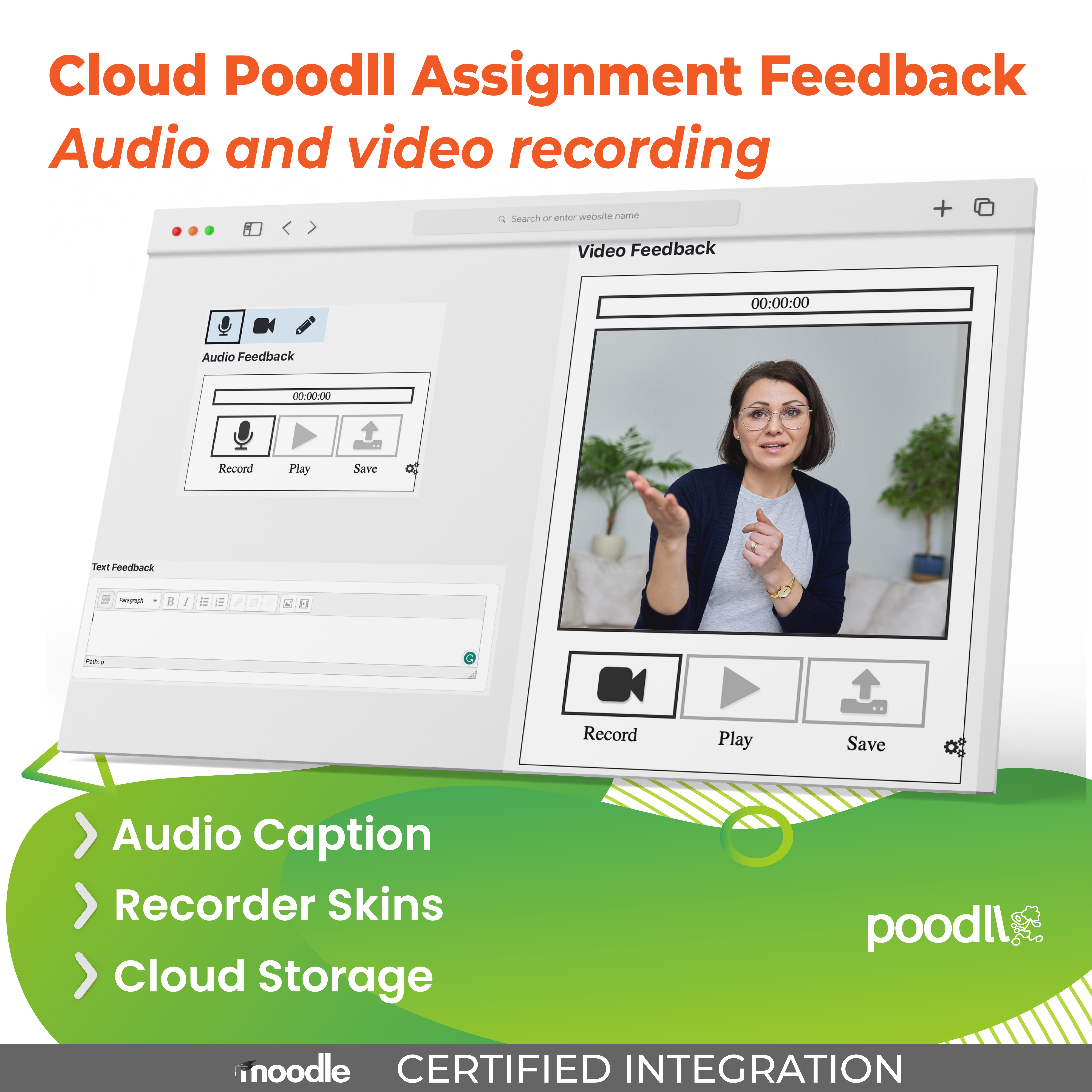
The Cloud Poodll Assignment feedback plugin adds audio, video, text and AI-corrected feedback to native Moodle Assignment grading. Recordings are stored in the Poodll cloud, and the teacher has a choice of recorders and feedback types to use. It supports time limits, and can automatically generate captions from the teacher's speaking.

Features

Record Audio and Video
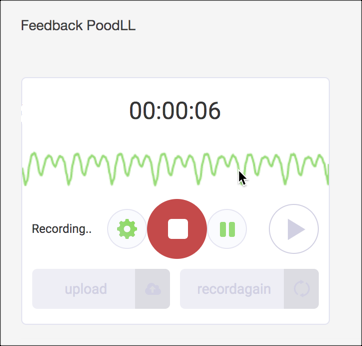
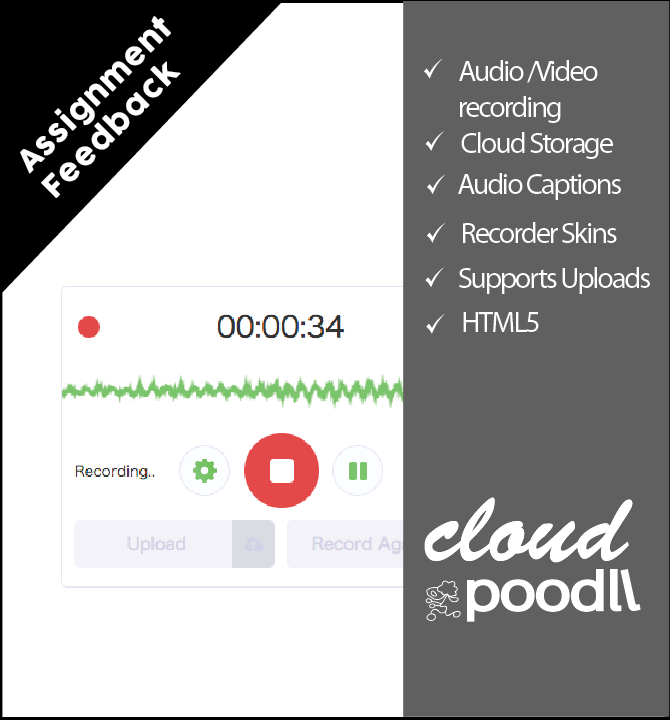
Record audio and video using Poodll recorders directly. Rely on Poodll's backend to ease the load on your servers and student browsers.

Text and Corrections Feedback
Prefer not to record? Give written feedback directly, or let Cloud Poodll run the student's own submission (text or speech transcript) through AI grammar correction and hand back the marked-up corrections as feedback — no recording required.

Cloud Storage of Recordings
Your recordings are stored in the Poodll cloud. This means that your backup files stay small, and you do not need to worry about storage capacity. You specify how long you would like your recordings to be kept (30 days, 1 year, etc).

Native Moodle Assignment
As a native assignment feedback plugin type, Poodll fits neatly in with the Moodle assignment system. And of course it works great with the Cloud Poodll Assignment Submission plugin.

Transcription
Cloud Poodll can transcribe the student's speaking and display it beneath the player and as captions, in over 50 languages.

Use Cases

Responding in Kind
If students are recording audio in a language classroom, or doing a video presentation, it is natural for a teacher to respond in kind. They can demonstrate the pronunciation or presentation style they wish to recommend to the student.

Fully Online Courses
In fully online courses, feedback on an assignment submission is one of the few ways a teacher can speak directly to a student one on one. Using Cloud Poodll assignment feedback to record video or audio can personalize the feedback and allow the student to really connect with their teacher.

Getting Started

Cloud Poodll Feedback requires a Poodll API username and secret. These are available with a free trial or a paid subscription. To get your API username and secret:

  1. Visit: https://poodll.com/try-poodll
  2. Enter your Moodle site URL and take a free trial
  3. You will receive your API user and secret by email

Poodll Free Trial

Then install Cloud Poodll Assignment Feedback. You can enter your API user and secret on the plugin settings page.

Read more about installing and using Cloud Poodll Assignment Feedback here: https://support.poodll.com/support/solutions/folders/19000164460

More Information

More information is available at: https://poodll.com/plugin-cloudpoodll-assignment-feedback/

About Poodll

Poodll has been making plugins for Moodle since 2011. Our software has helped teachers build and deliver language courses in thousands of Moodle websites worldwide. Search for "Poodll" in the Moodle plugins directory to see a list containing more than 25 of our plugins. Poodll is based in Nagasaki, Japan.

Contributors

Awards

Privacy friendly
Early bird 3.8
Early bird 3.9
Early bird 3.10
Early bird 3.11
Early bird 4.1
Early bird 4.3
Early bird 4.5
Early bird 5.0
Early bird 5.1
Early bird 5.2