Matthew Davidson
Lead maintainer

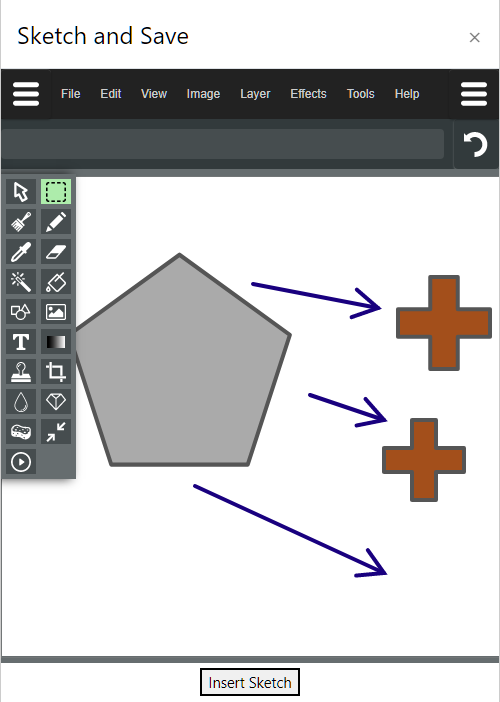
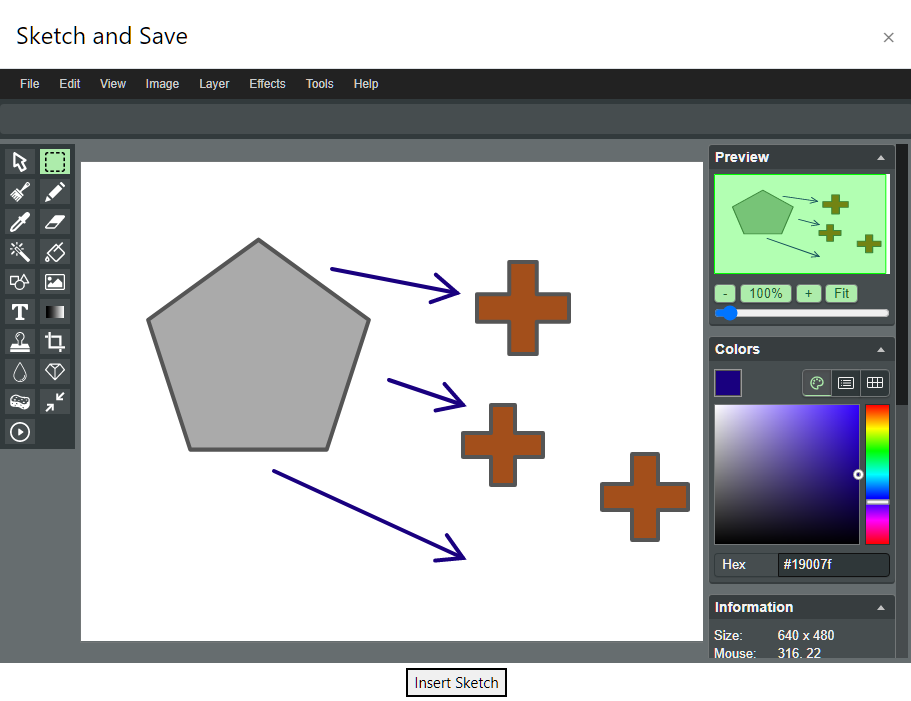
Adds a simple "Paint" like program to the atto editor. Features include simple shape tools, drawing, typing, colors, undo/redo. Utilizes the open source "Literally Canvas" image editor. http://literallycanvas.com/
Installation
Create the lib/editor/atto/plugins/sketch folder and place all files there. Run through standard Moodle update/install process.
IT IS HIGHLY ADVISED TO CHANGE THE DEFAULT IMAGE SETTING OF THIS PLUGIN FROM INLINE BASE64 IMAGES TO STANDARD MOODLE. SEE https://tracker.moodle.org/browse/MDL-59997
Use
Set cursor in the editor and click the sketch icon. The editor will open full screen. Use a stylus, finger or mouse to create/edit image. Click "Insert Sketch" to add to editor.
* When used with the Quiz essay question type, please be advised that the essay response format must be set to "HTML-Editor with filepicker" for full functionality.

