Adeptus Insights icon

Adeptus Insights

Maintained by Adeptus 360
Embed reports, KPI cards, and quick access links from the Adeptus Insights report plugin onto any Moodle page that supports blocks.
Price option: Free

Supports Moodle 4.1-5.1 See all versions
Latest release: 5 months ago
Installations: 1
Downloads (last 90 days): 144

Frankenstyle name: block_adeptus_insights
Blocks

Description

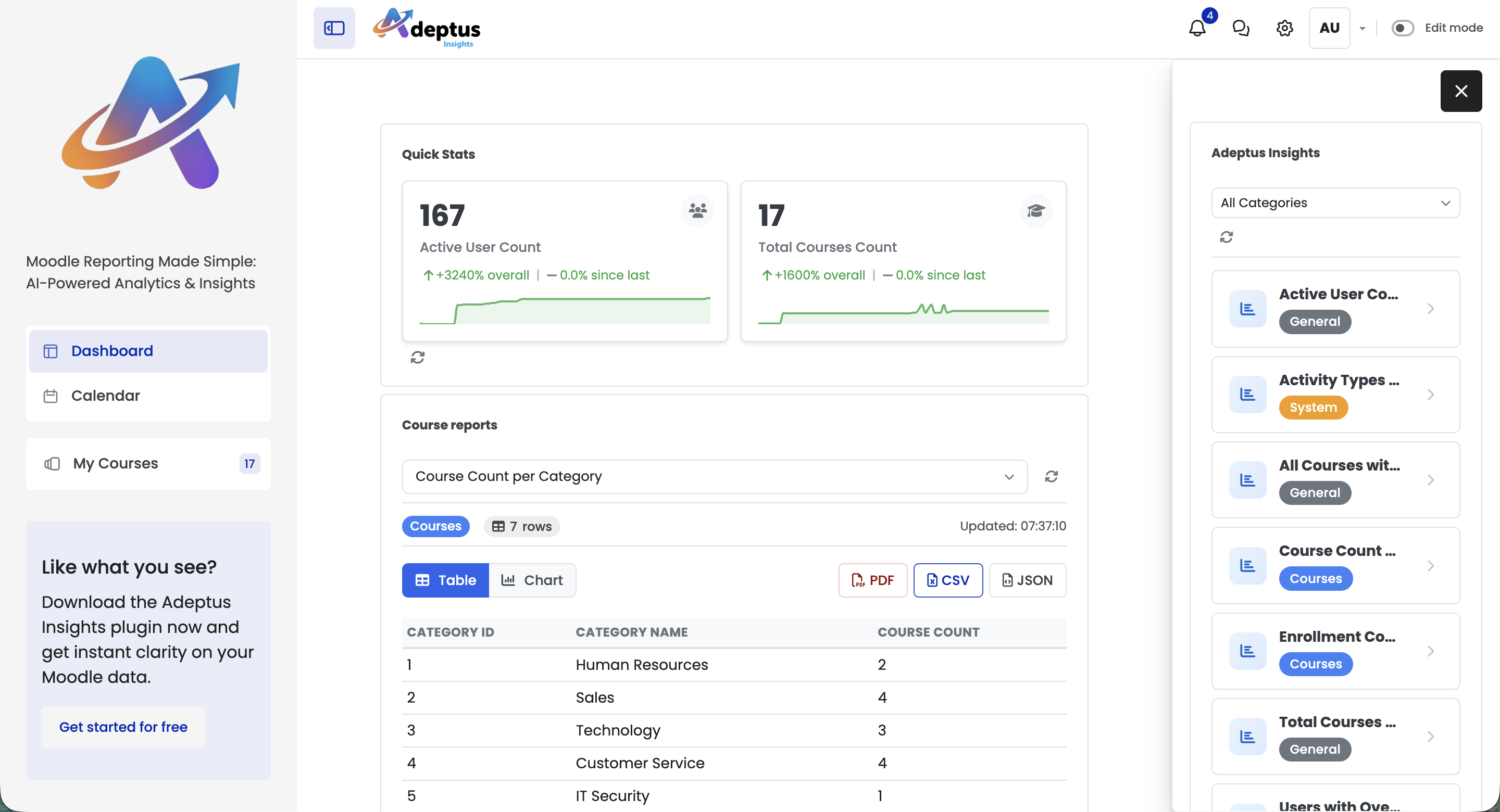
The Adeptus Insights Block allows you to display key metrics and reports from the Adeptus Insights report plugin directly on dashboards, course pages, and any other Moodle page that supports blocks.

Key Features

  • Multiple Display Modes - Embedded reports, KPI cards, report links, or tabbed reports 
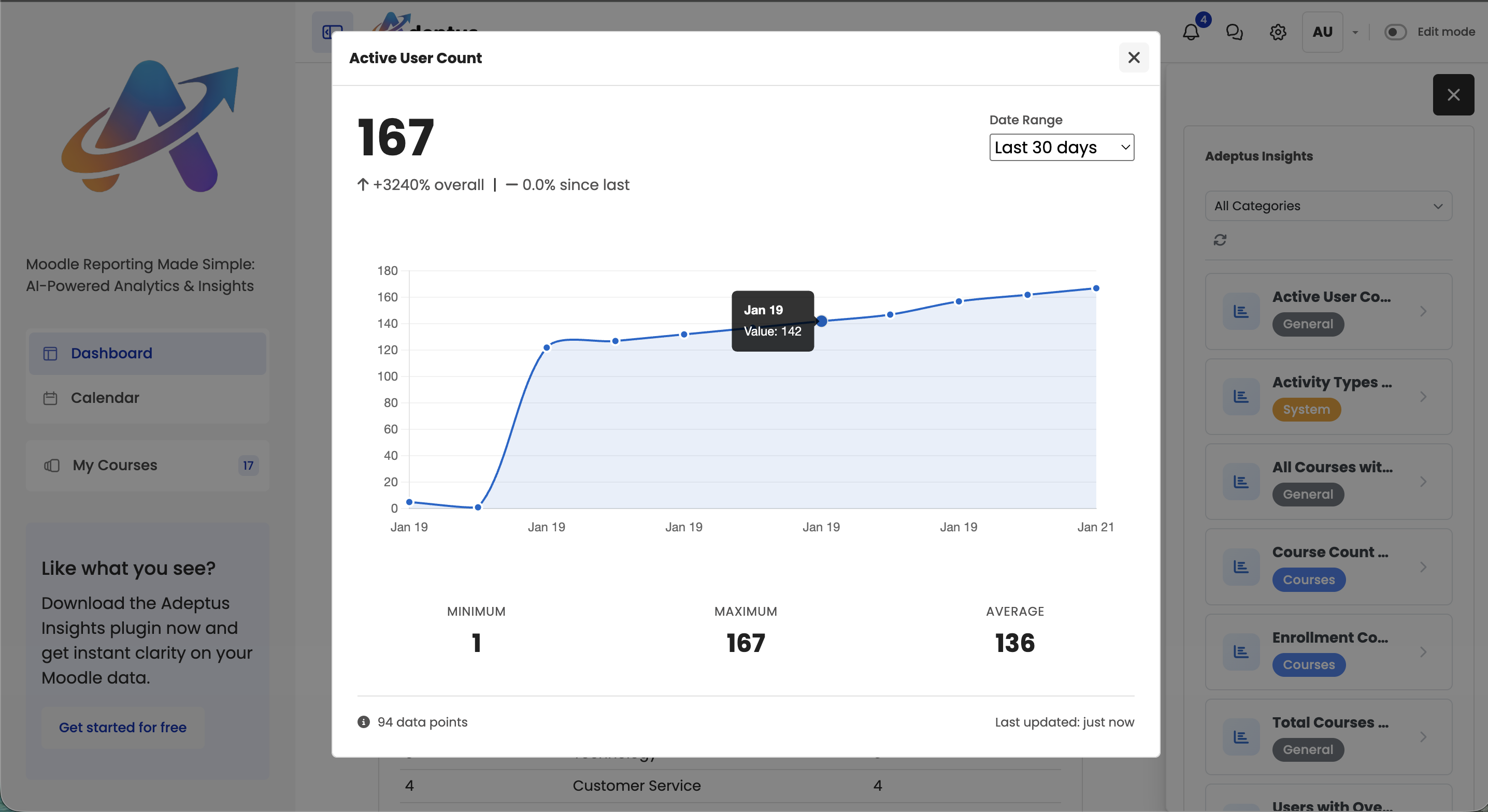
  • KPI Cards - Compact metric displays with trend indicators, sparkline charts, and interactive detail modals
  • Automatic Refresh - Configurable auto-refresh intervals (5 minutes to 1 hour)
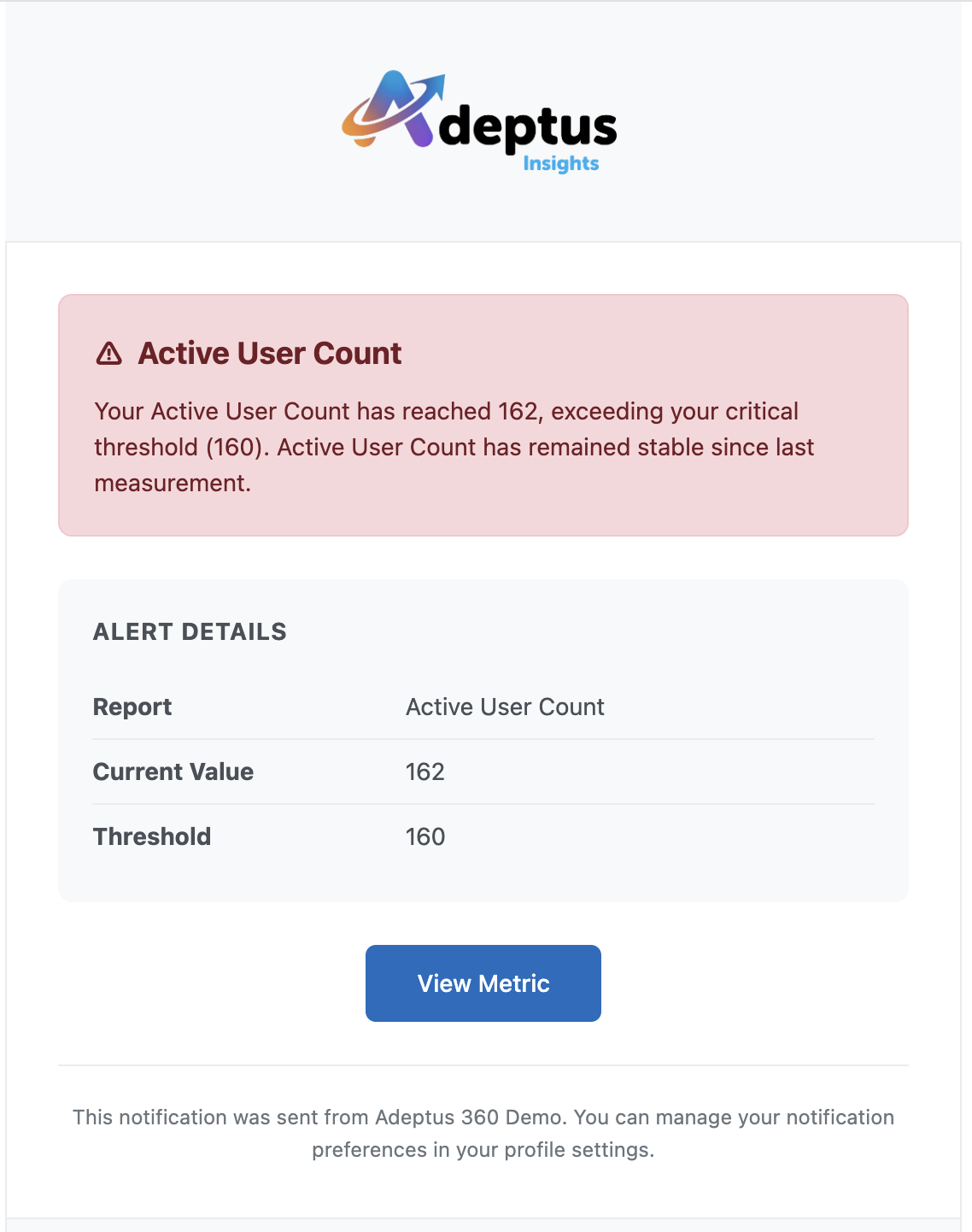
  • Alert System - Set warning and critical thresholds with email and Moodle notifications
  • Context Filtering - Auto-detect course/category context or set manually
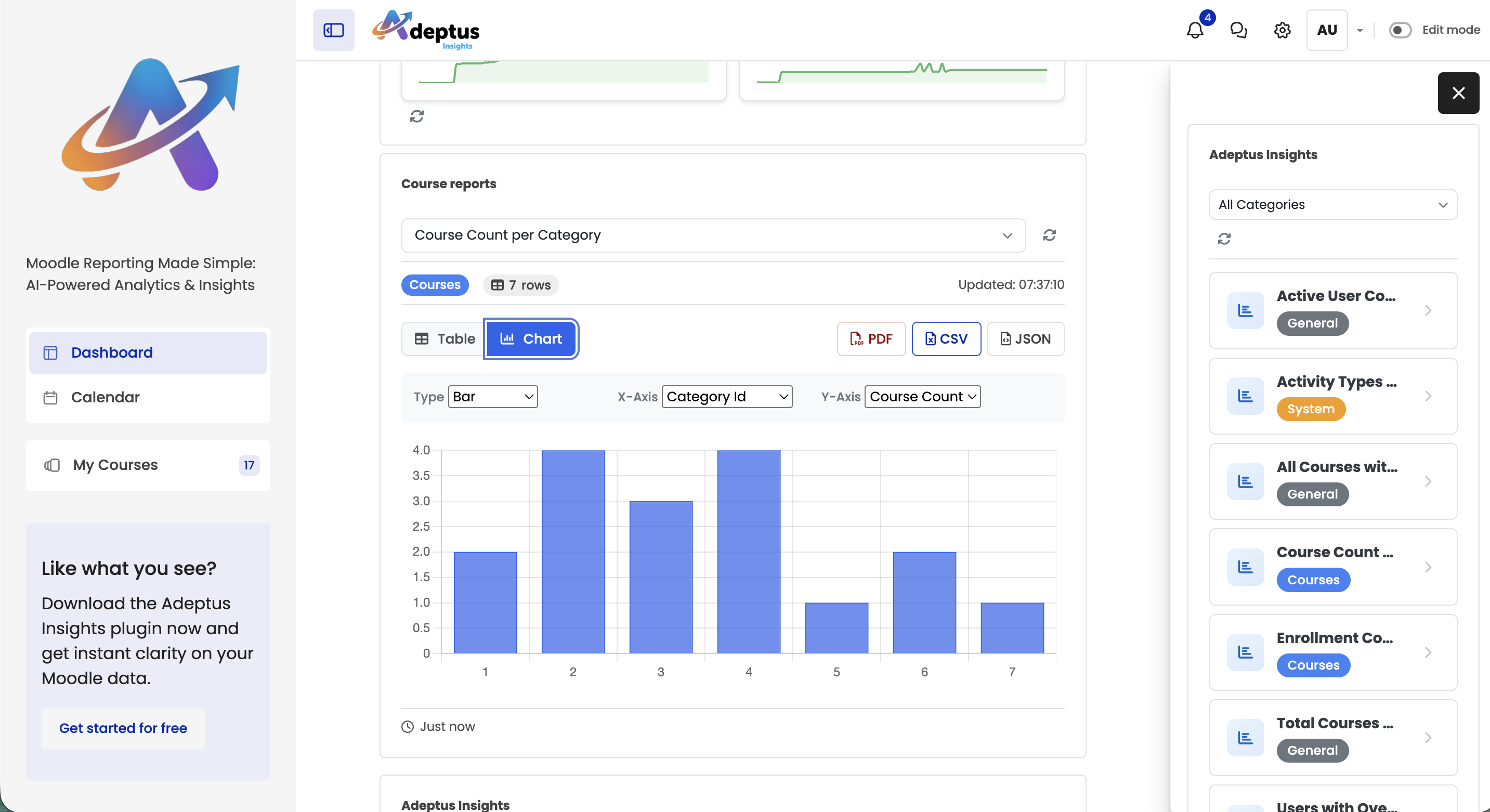
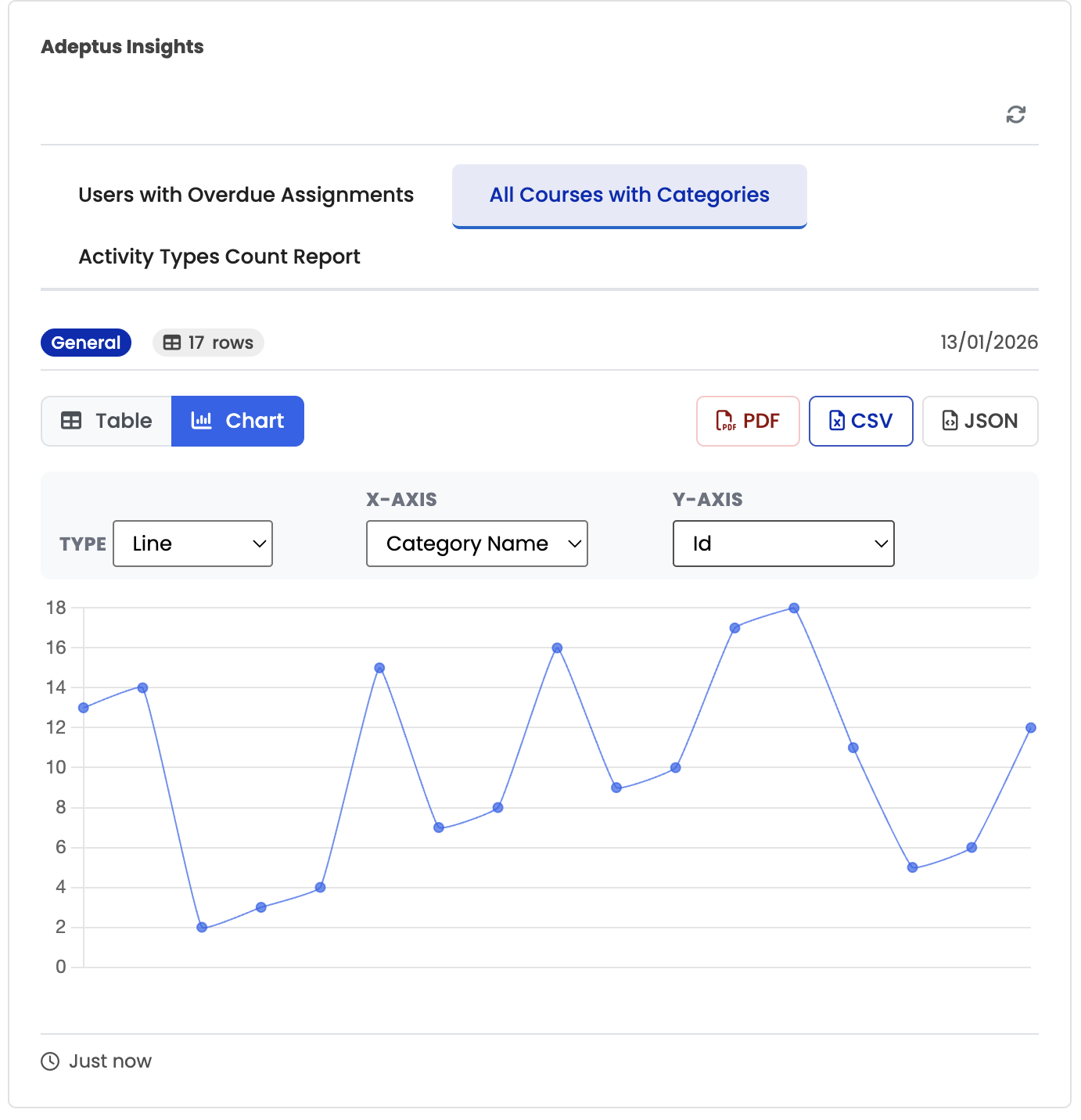
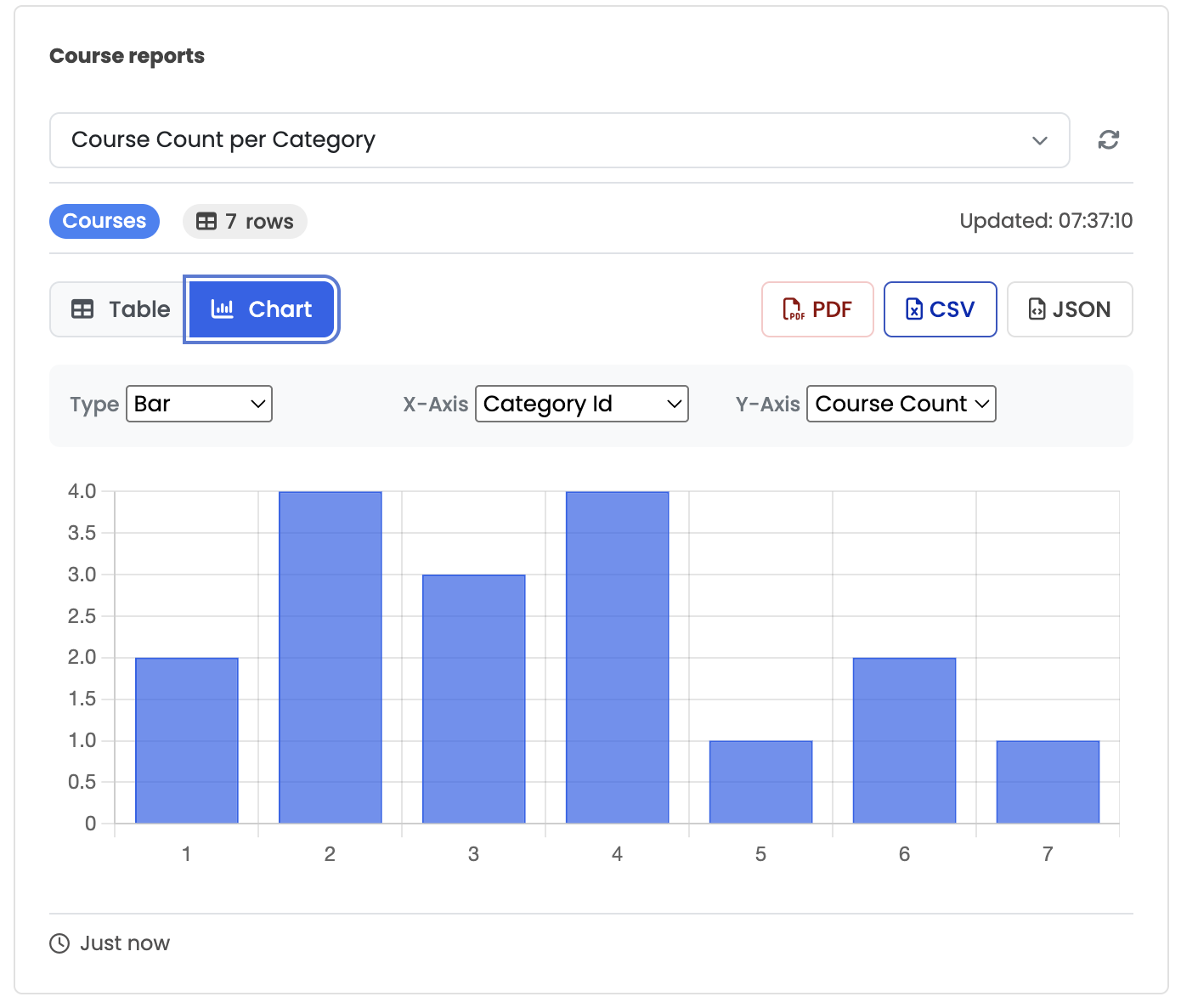
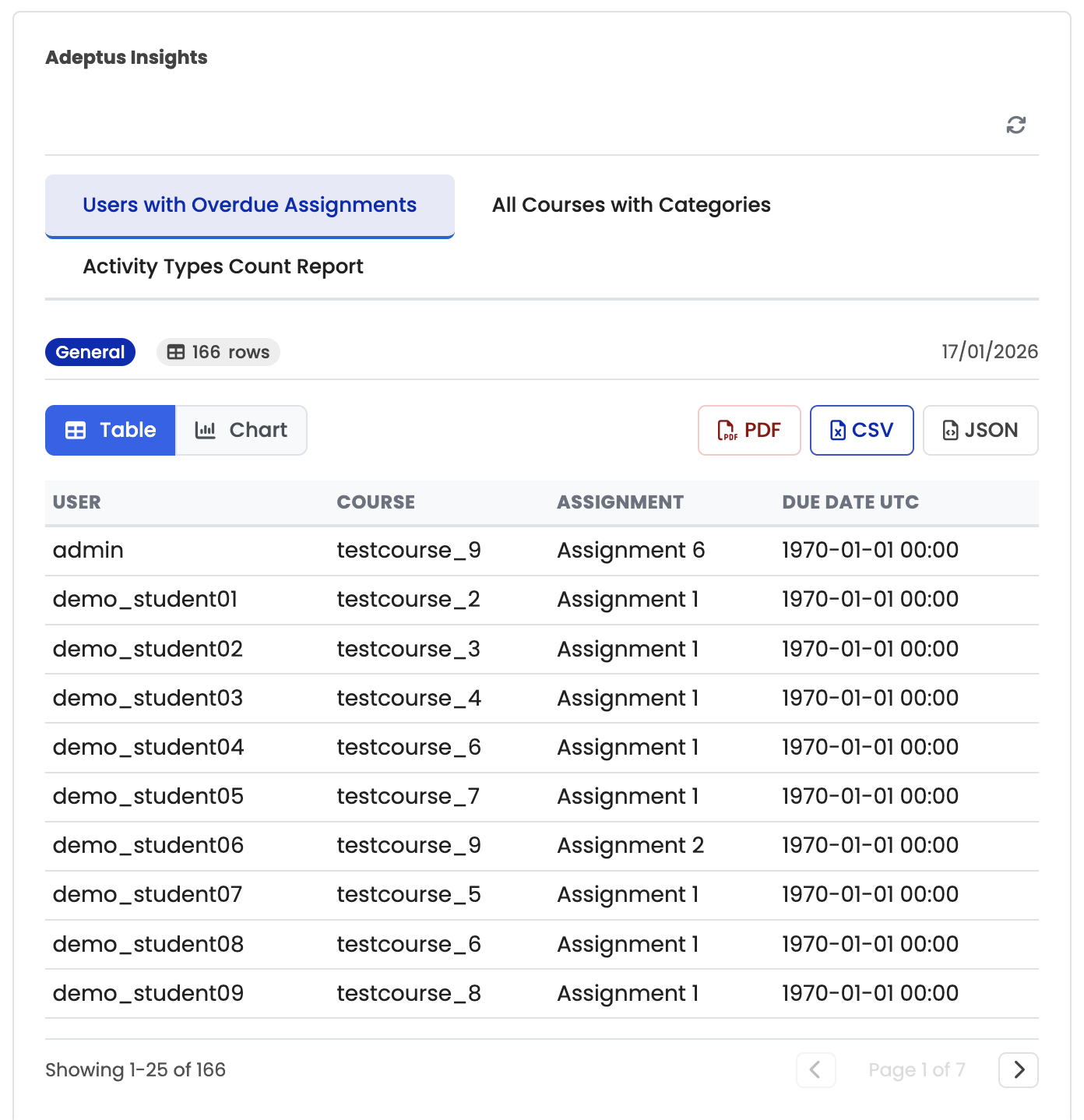
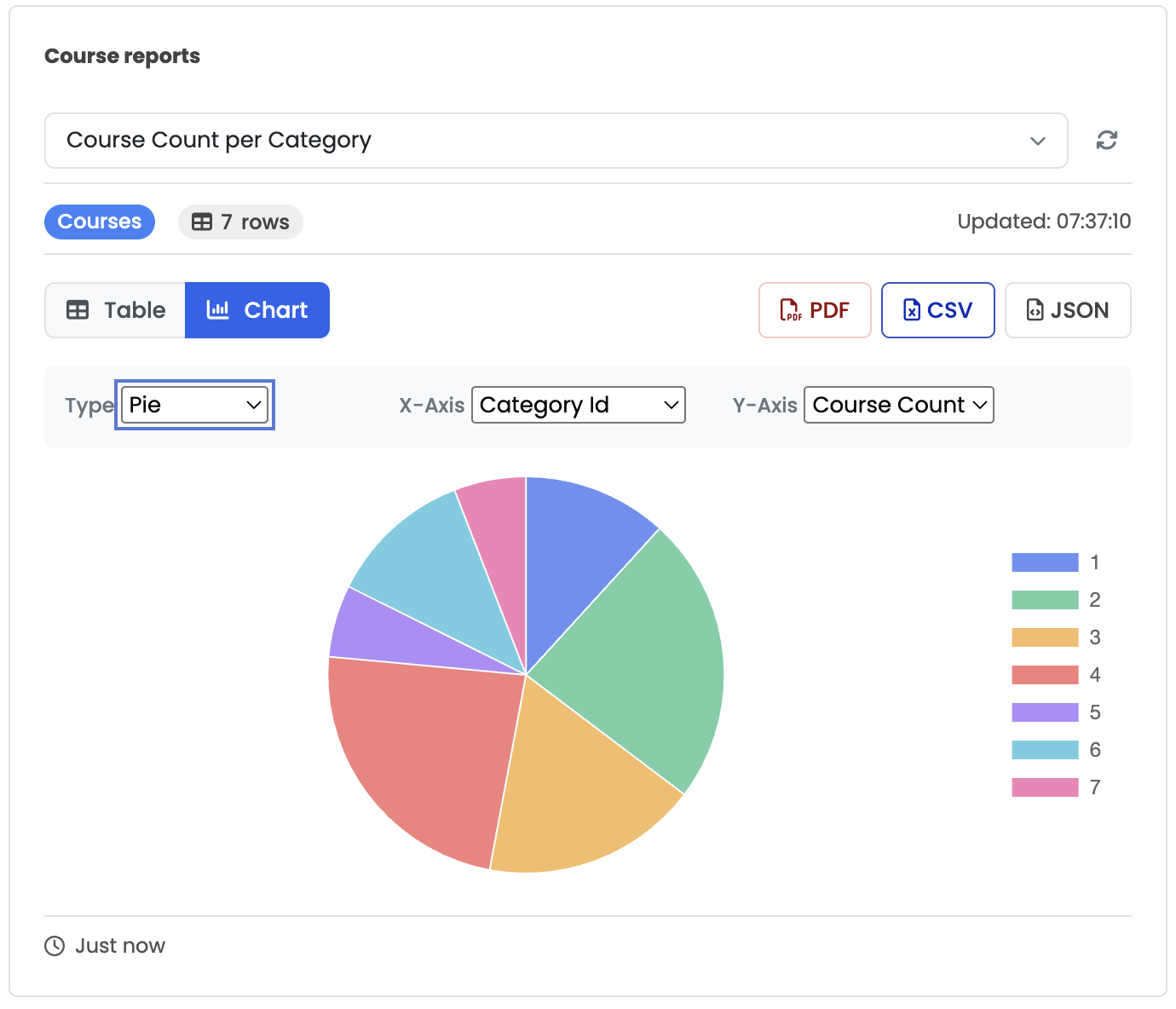
  • Chart & Table Views - Display charts, data tables, or both 
  • Export Options - Quick export to PDF, CSV, and JSON formats

Display Modes

  1. Embedded Report - Full chart and data table within the block 
  2. KPI Cards - Multiple metrics as compact cards with trends (click for detailed history or related report)
  3. Report Links - Clickable list of report names
  4. Tabbed Reports - Multiple reports in a tabbed interface

Requirements

This block plugin requires the Adeptus Insights report plugin to be installed. The block serves as a companion to display reports created in the main plugin. 

Contributors

Awards

Privacy friendly