Jez H
Maintainer

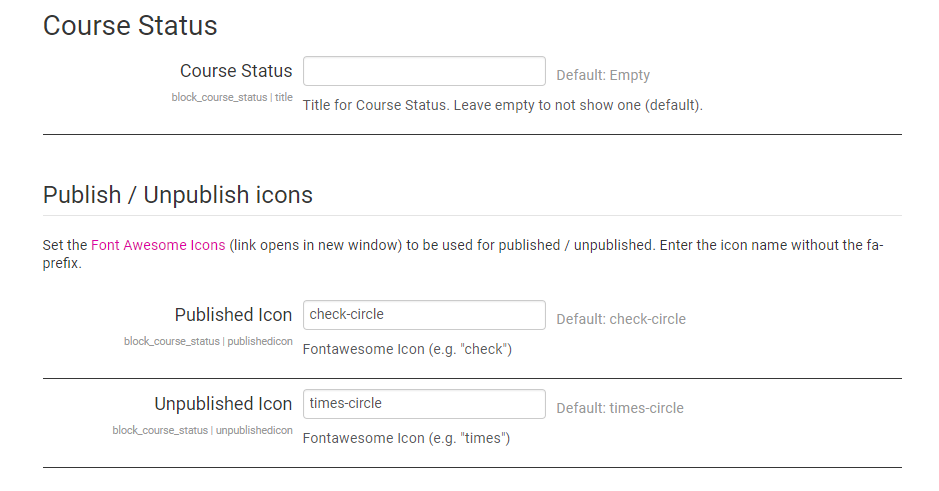
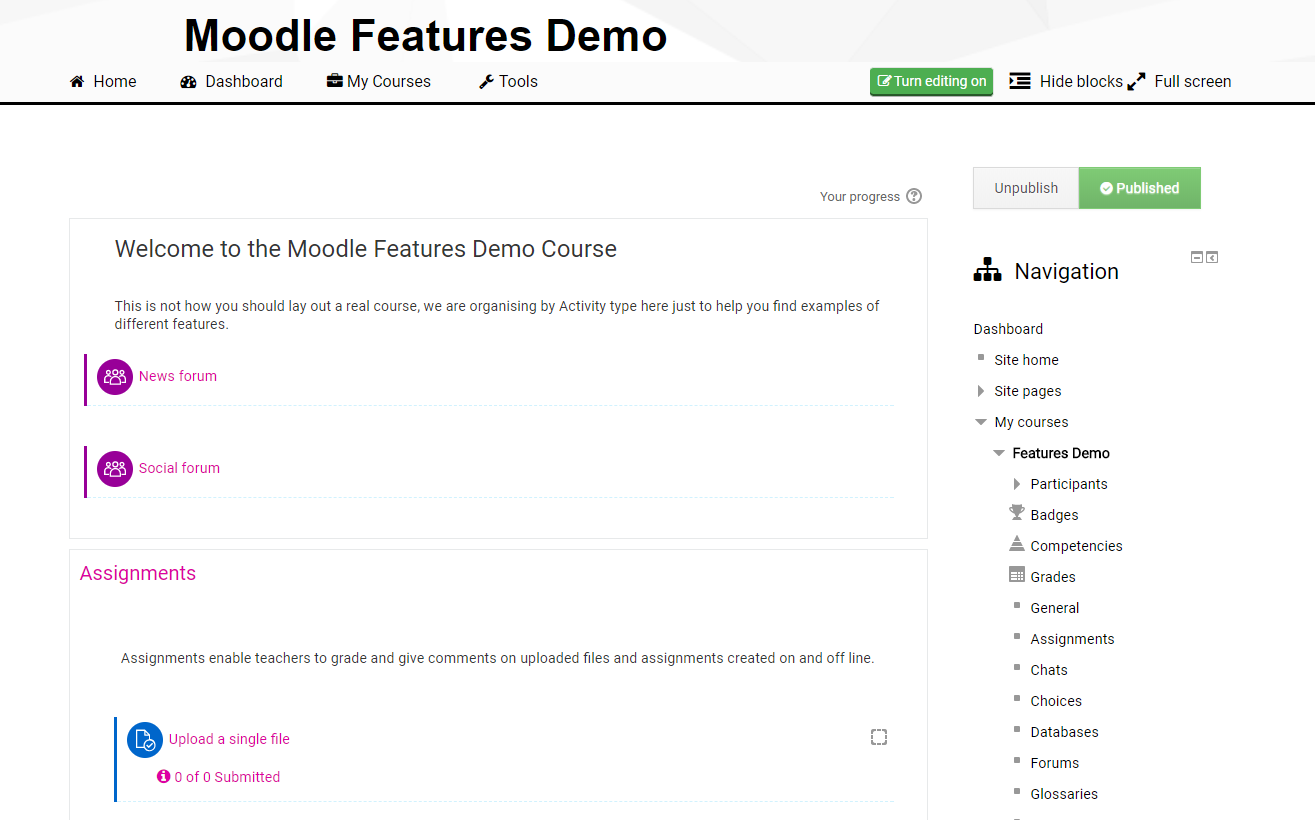
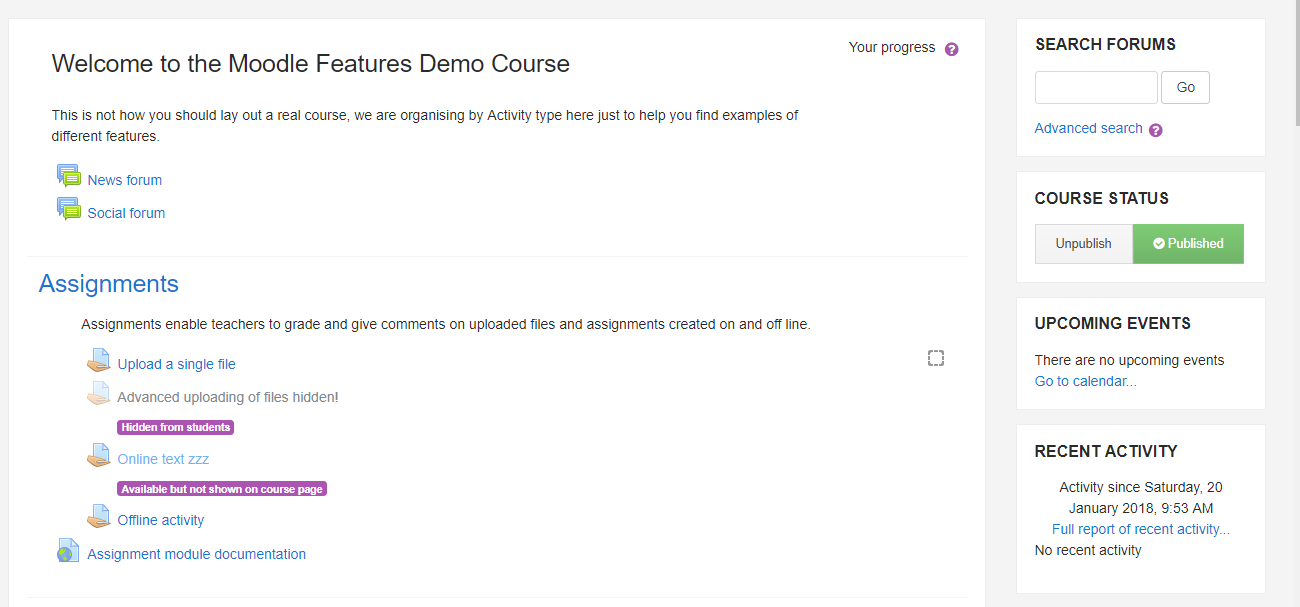
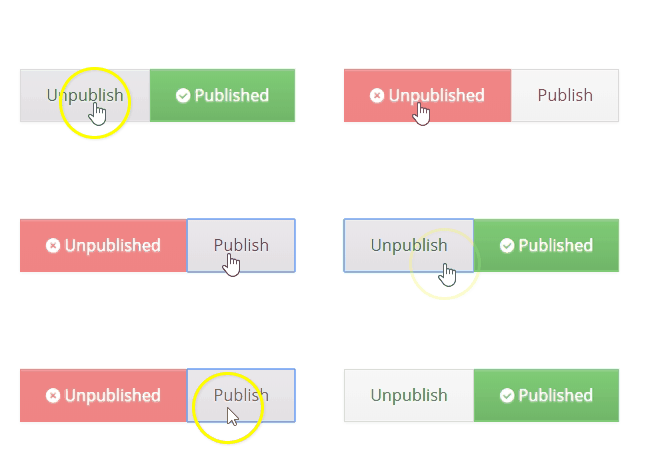
A block to display visibility of a course on a course page. Allows a user with appropriate permissions to publish / unpublish a course. I.E. Make it visible or not visible.
This can help reduce issues of courses being hidden without teachers realising. It also allows all courses to be created as "hidden" on a Moodle site and only "published" once ready for students to begin using the course.
It is possible to create all Moodle courses as "hidden" by changing the appropriate setting under:
Site administration > Courses > Course default settings
To get the block to appear on all course pages, it can first be added to the front page to a section that also appears on every course page - E.g. the "right" section. Configure the block to appear on all pages initially. When viewing it on any course page, configure the block again to appear on every course page or course main page only.
To get the block to appear in a certain place in the order of blocks for that section (e.g. first), use the "Weight" option of the block configuration.