This plugin is provided by Moodle's Premium Partner E-Learning touch'
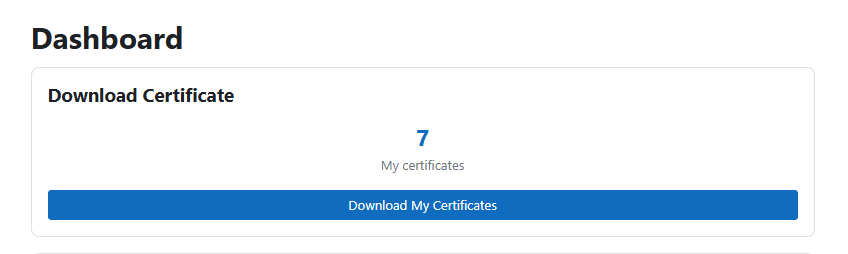
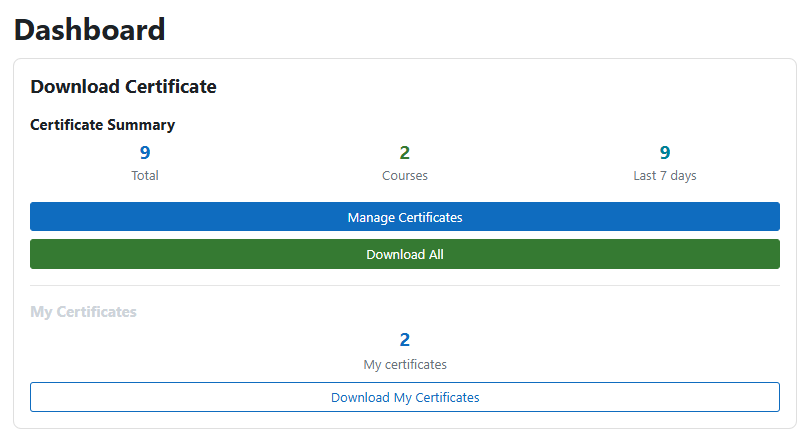
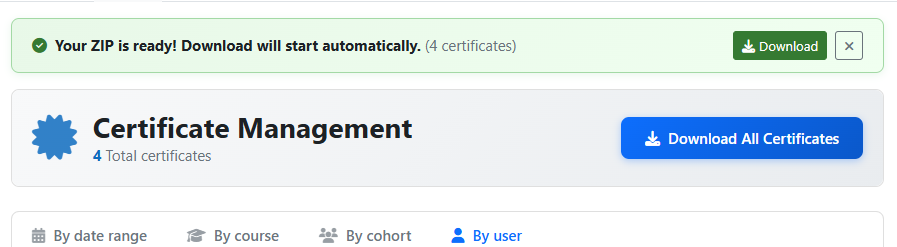
This block displays all certificates issued without having to access each course to view them.
You can also download the certificates directly from the block report.
New Features
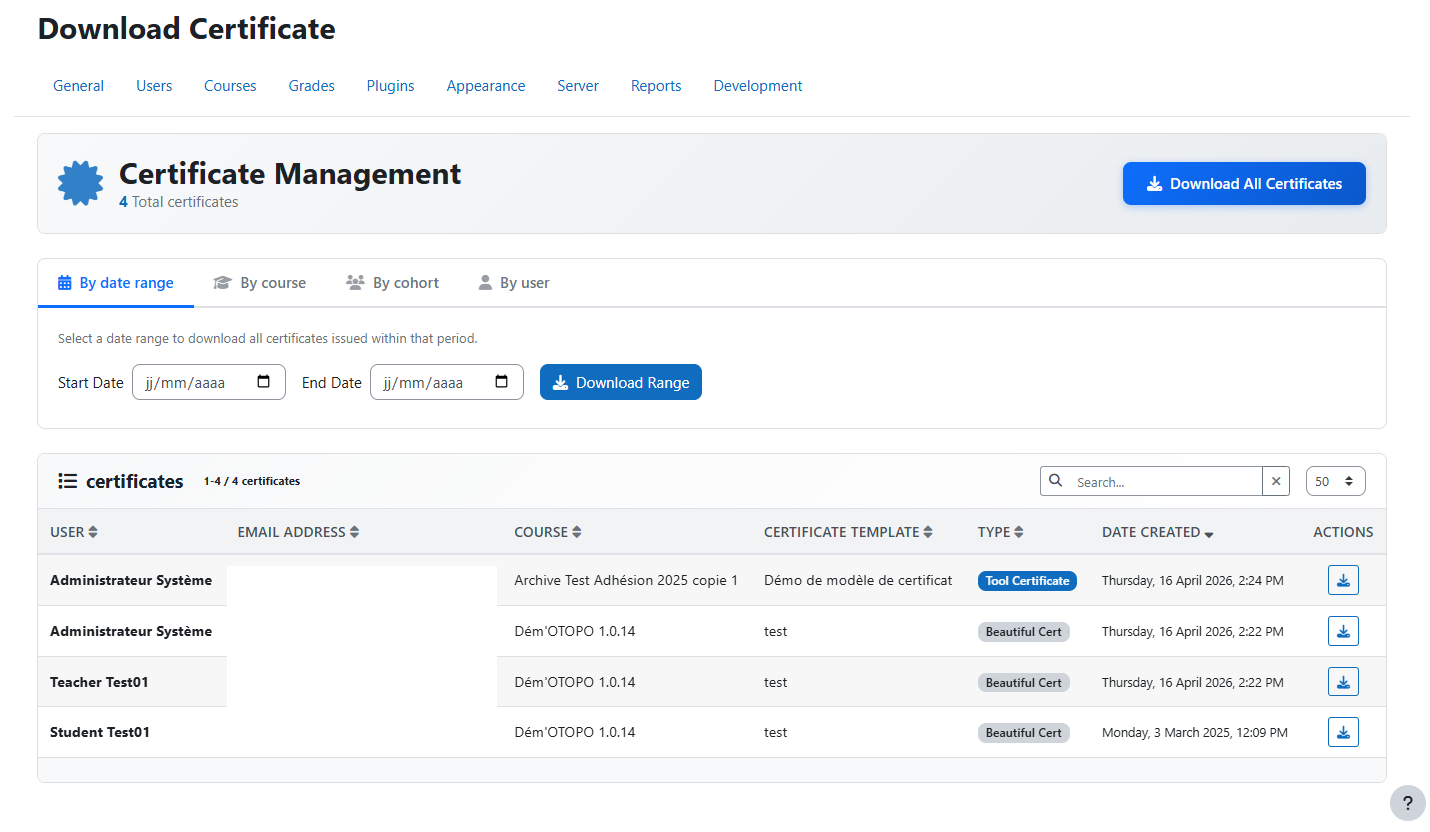
- New UX
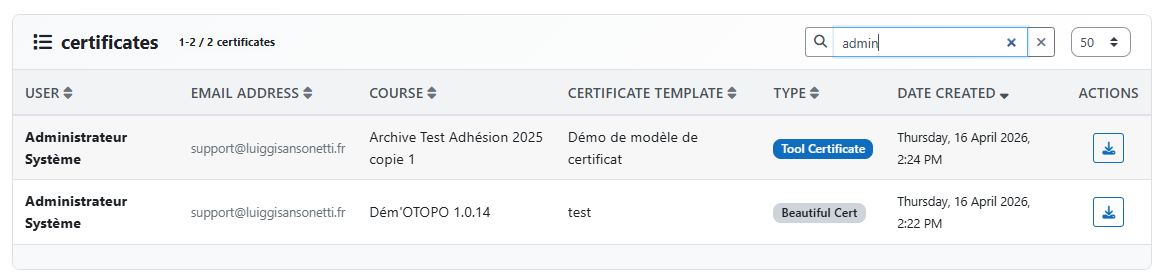
- User search box
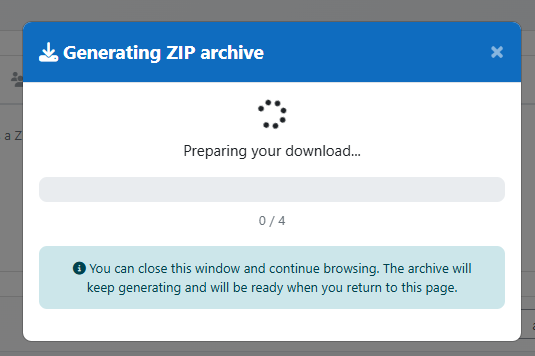
- Zip optimisation
How it works
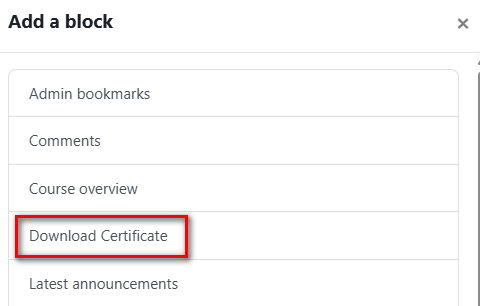
You can add block
- In Home page
- In Dashboard page
Features
- Download all certificates
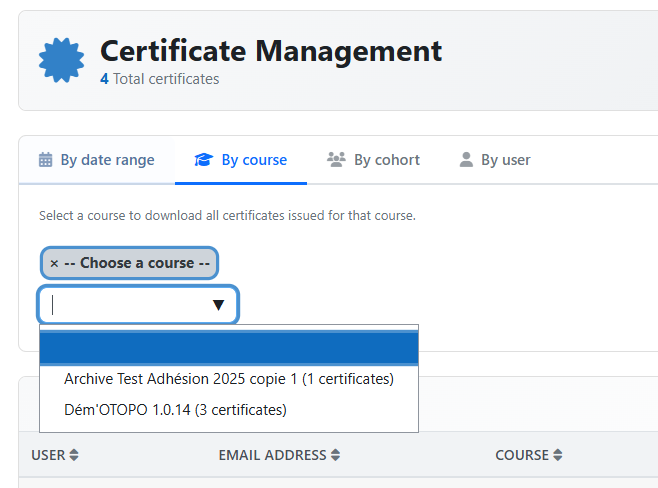
- Download by date range
- Download by course - Only courses with at least 1 certificate issued are listed
- Download by cohort - Only cohorts with at least 1 student certified are listed
- Download by user - Only certified users are listed
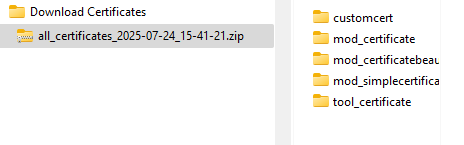
This block works with
Also with the old Certificate plugin.
The old block can be upgraded with this one.
Installation
For more information, see the official plugin installation guide.
Moodle Way
- Download the latest version or source code of the plugin compatible with your Moodle platform.
- Go to your platform's plugin installation page: Site administration > Plugins > Install plugins.
- Upload the plugin file and follow the installation process.
Manual
- Download the latest version or source code of the plugin compatible with your Moodle platform.
- Navigate to the moodle/block directory on your platform.
- Unzip the plugin into the directory and make sure that the folder containing the plugin files is named download_certificates.
Using Git
- Open a terminal and navigate to the moodle/local directory on your platform.
- Clone the project using the following command:
git clone https://github.com/E-learningTouch/moodle-block_download_certificates download_certificates
Other plugins made by ELT