Łukasz Sanokowski
Lead maintainer

About
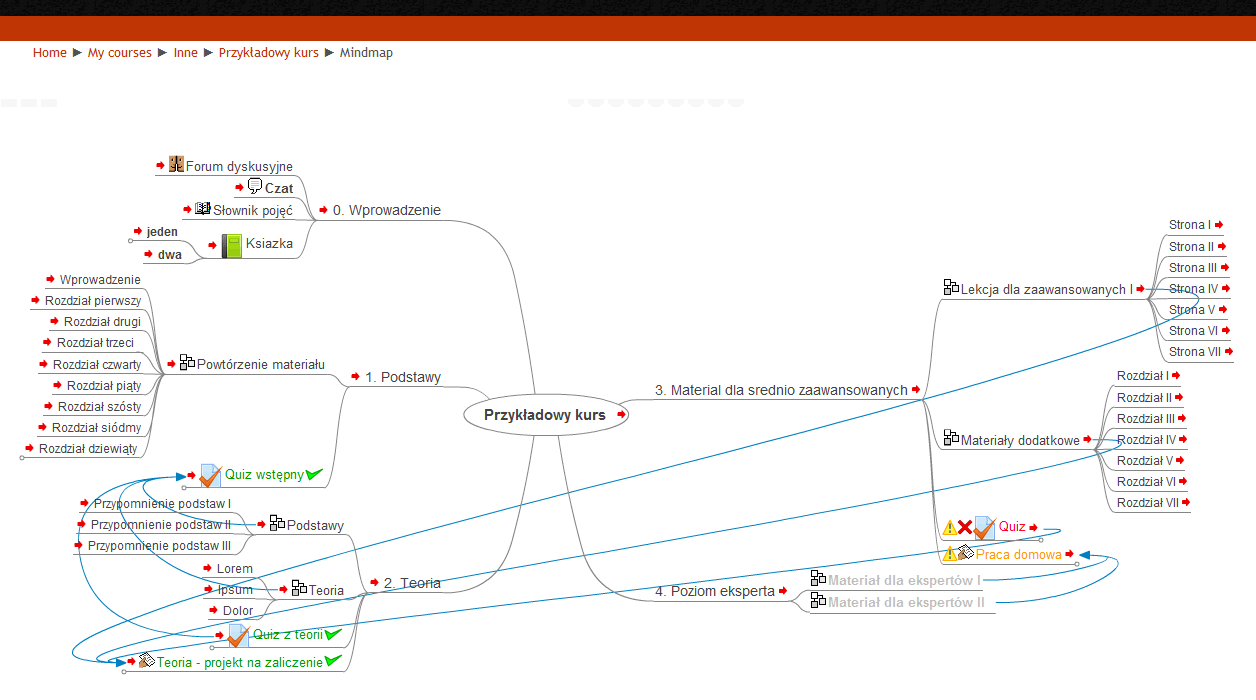
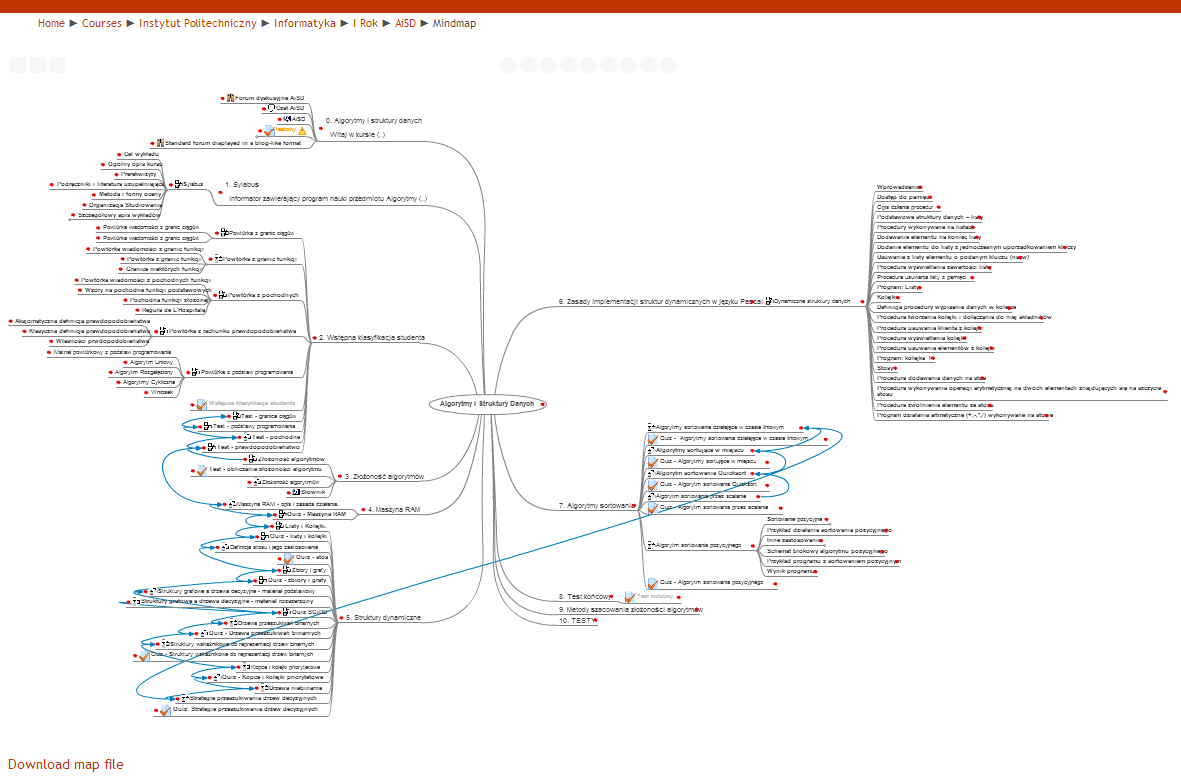
With MindMap Course software, we introduce a new perspective for using courses - as a mindmap instead of regular course page.
Features
Map is interactive. Users can enter course elements (like sections, modules, lesson and pages) directly from map.
There are displayed arrows, which describe conditional activity dependencies.
Modules, where a particular student has problems, and available time is running out, are appropriately highligthted as well.
Elements which were not visited by user are distincted with bold font.
Map files can be downloaded and opened in Freemind software, what gives teachers additional opportunities. For example, to create a task for students teacher downloads a map and change it, for example: move some elements, add invalid elements, create (or not) a list with elements possible for using. Students task will be getting map to the correct content.
How does it work
Algorithm gathers data from database, and convert it to .mm file (Freemind format). Map is displayed with Freemind Flash Browser library. It requires Java and Flash installed in browser.
Credits
Barbara Dębska and Łukasz Sanokowski