My mindmap overview

Maintained by Dey Bendifallah
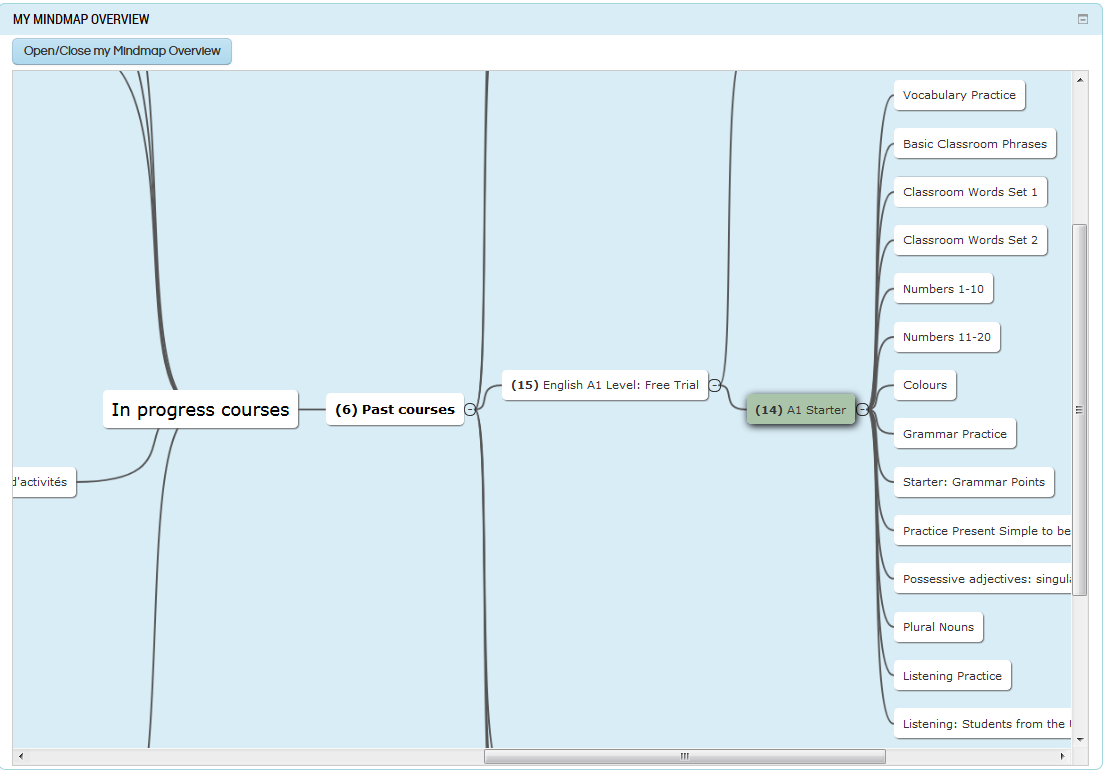
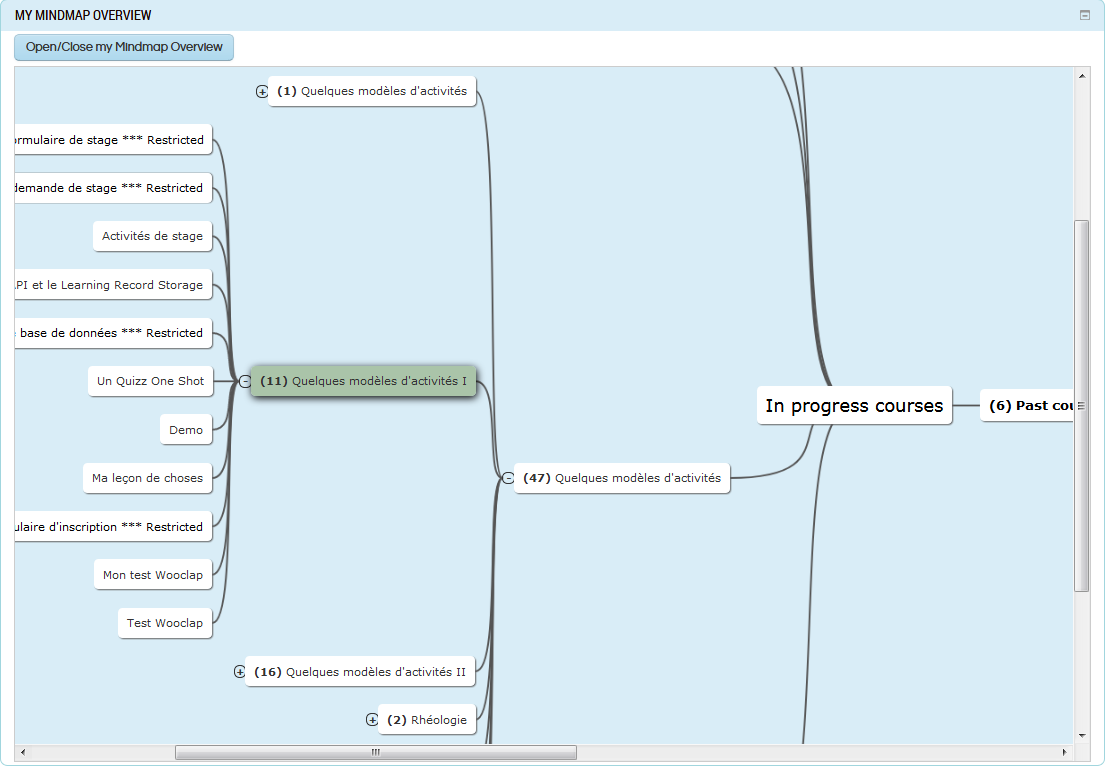
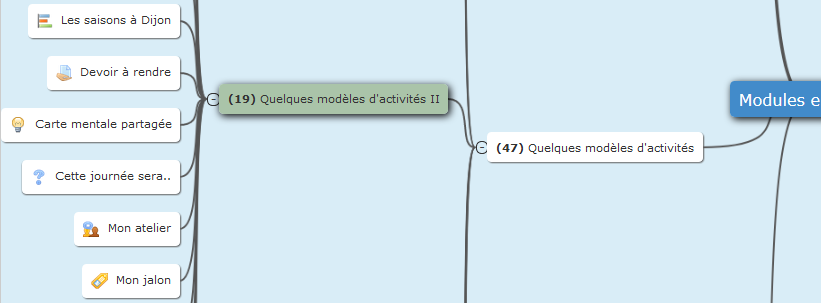
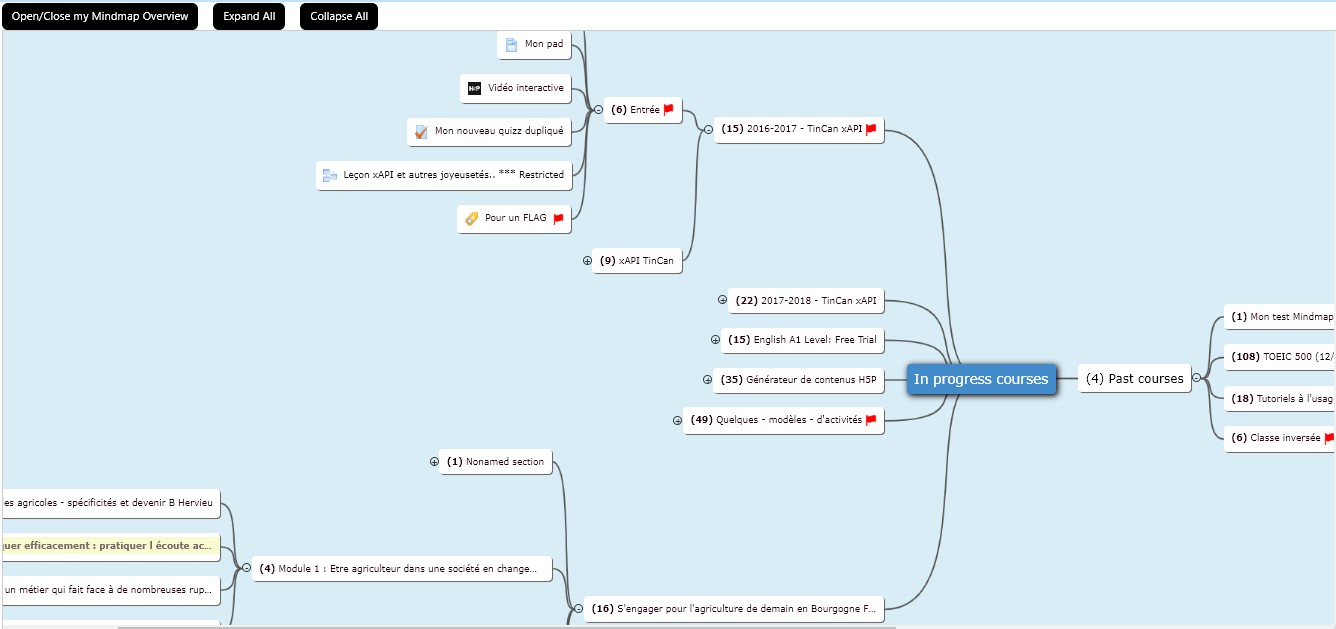
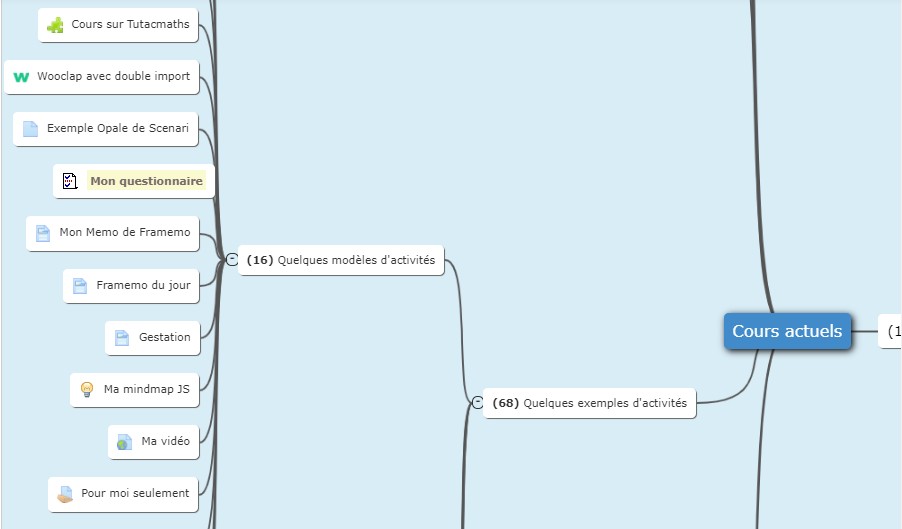
The mymindmap_overview block presents the courses in the dashboard. Block mymindmap_overview has the advantage of seeing all its courses containing at least one module on a single screen zone and being able to navigate to the section, the activity or the chosen resource to access it. IMPORTANT! For a better view of the mindmap of your courses, put this block in the content column This view also shows how many modules constitute a course or section, which allows you to only go to courses offering content. This plugin uses jsmind javascript tool to design the schemas. You can find it here: https://github.com/hizzgdev/jsmind There are some slowdowns due to searching the logs table for each student and each course needed to show the red flag. To avoid this, you can replace the "block_mymindmap_overview" file with the "block_mymindmap_overview-without-flags" file by removing the "-without-flags" extension. In the last version, all calls to the "logs" table to control access to new activities are avoided in order to speed up the display of the mindmap
Price option: Free

Supports Moodle 2.9-4.5 See all versions
Latest release: 1 year ago
Installations: 136
Downloads (last 90 days): 79

Frankenstyle name: block_mymindmap_overview
Blocks

Description

NEWNow all new content in a course is marked with a red flag

 and the last content consulted in the last open course is in yellow background
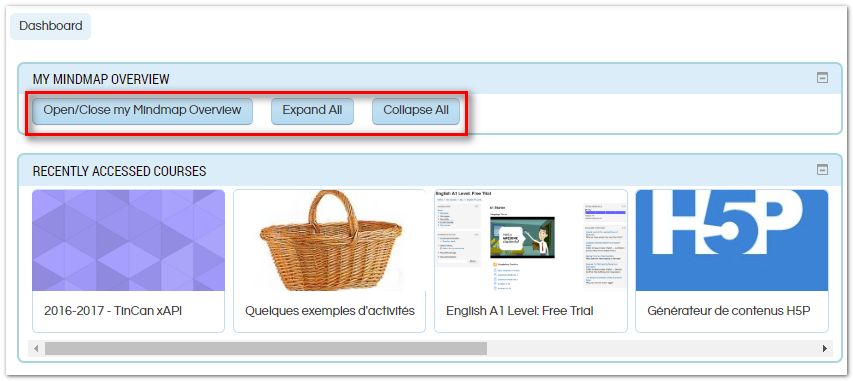
mymindmap_overview block presents the courses in the dashboard.

WARNING: Please, for a better view of the mindmap of your courses, put this block in the content column
***Fixed an error relating to a visible section with a single hidden module

Everyone knows the block myoverview  in the dashboard  and which presents in a paginated form the courses where one is registered.

Block mymindmap_overview has the advantage of seeing all its courses containing at least one module on a single screen zone and being able to navigate to the section, the activity or the chosen resource to access it.

This view also shows how many modules constitute a course or section, which allows you to only go to courses offering content.

This plugin uses jsmind javascript tool to design the schemas. You can find it here: https://github.com/hizzgdev/jsmind

In Progress courses can be opened until activities or resources  and past courses can be opened also.

There are some slowdowns due to searching the logs table for each student and each course needed to show the red flag.

To avoid this, you can replace the "block_mymindmap_overview" file with the "block_mymindmap_overview-without-flags" file by removing the "-without-flags" extension.

In this version, all calls to the "logs" table to control access to new activities are avoided in order to speed up the display of the mindmap


Contributors

Awards

Privacy friendly
Early bird 3.7
Early bird 3.8
Early bird 3.9
Early bird 3.11
Early bird 4.0