⚠️ Required Companion Plugin: PlayerHUD requires the PlayerHUD Filter to be installed and enabled. Without it, item drops will not render in course content.

PlayerHUD – Structured Gamification Engine for Moodle
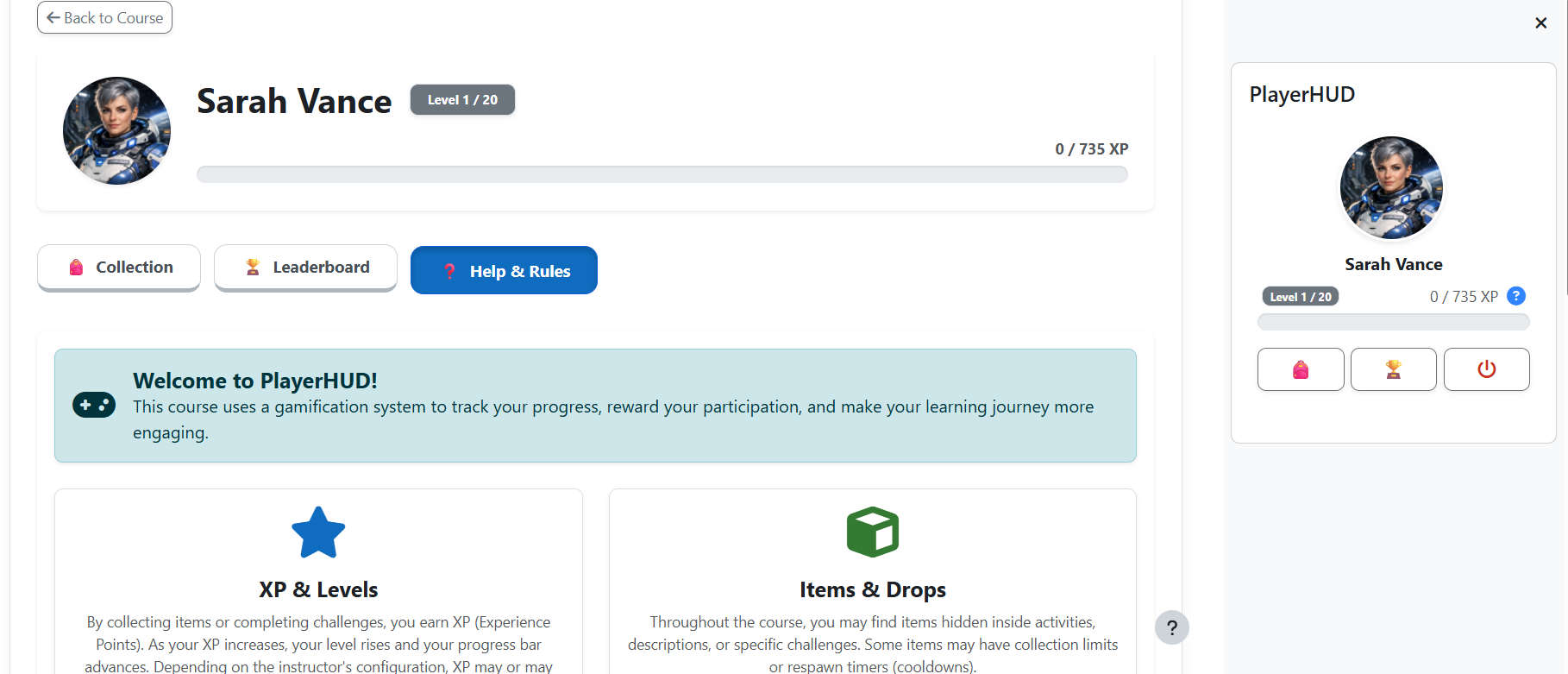
The PlayerHUD Block is a modular gamification system for Moodle that introduces structured progression mechanics based on XP, Levels, Inventory, and Ranking.
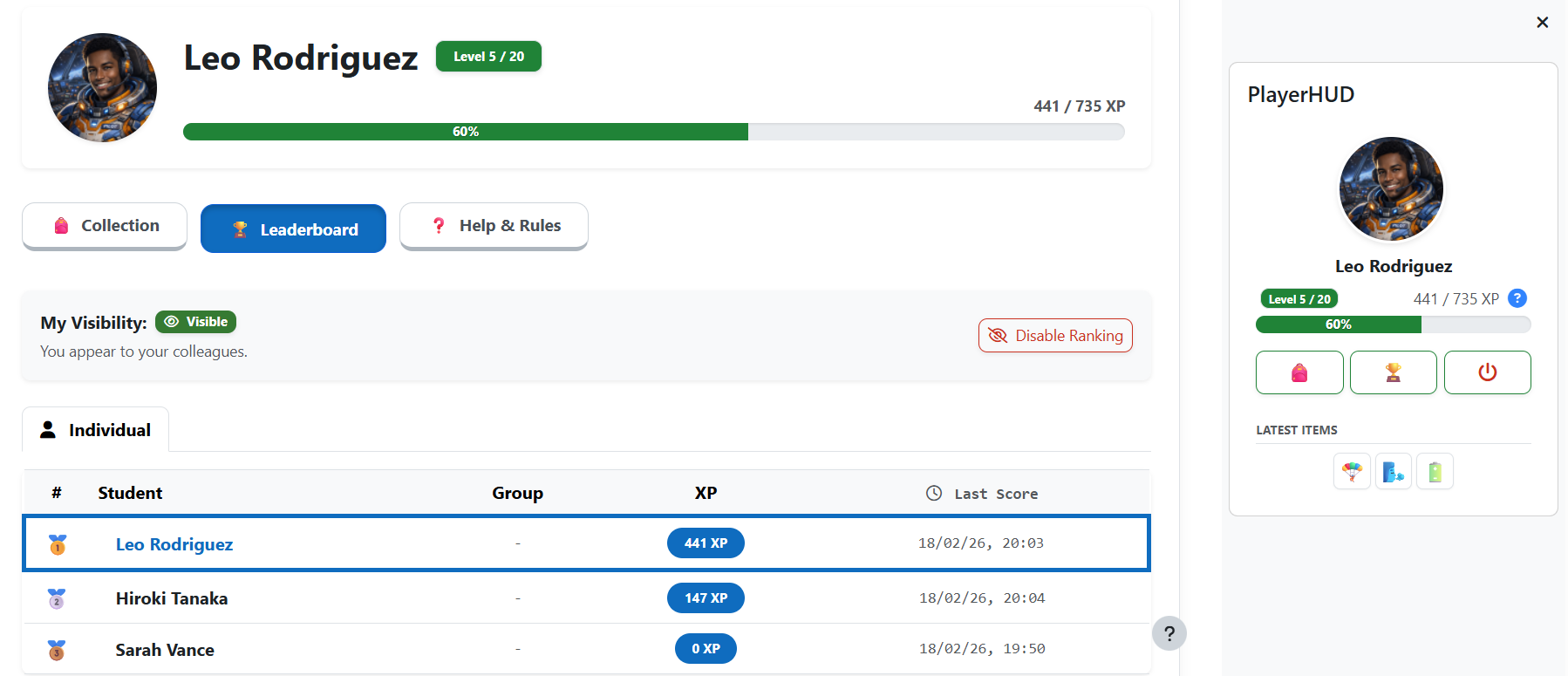
It provides a dynamic HUD (Head-Up Display) inside courses, allowing students to track their progress in real time while teachers configure engagement mechanics aligned with pedagogical objectives.
" Features
- 🎮 XP & Level System: Automatic level progression based on earned XP.
- 🏅 Level Tiers: The level badge changes color at every 5-level milestone (e.g., 5, 10, 15, 20), giving students a visual sense of progression.
- 🎛 Configurable Progression: Teachers define the number of levels and XP required for each level.
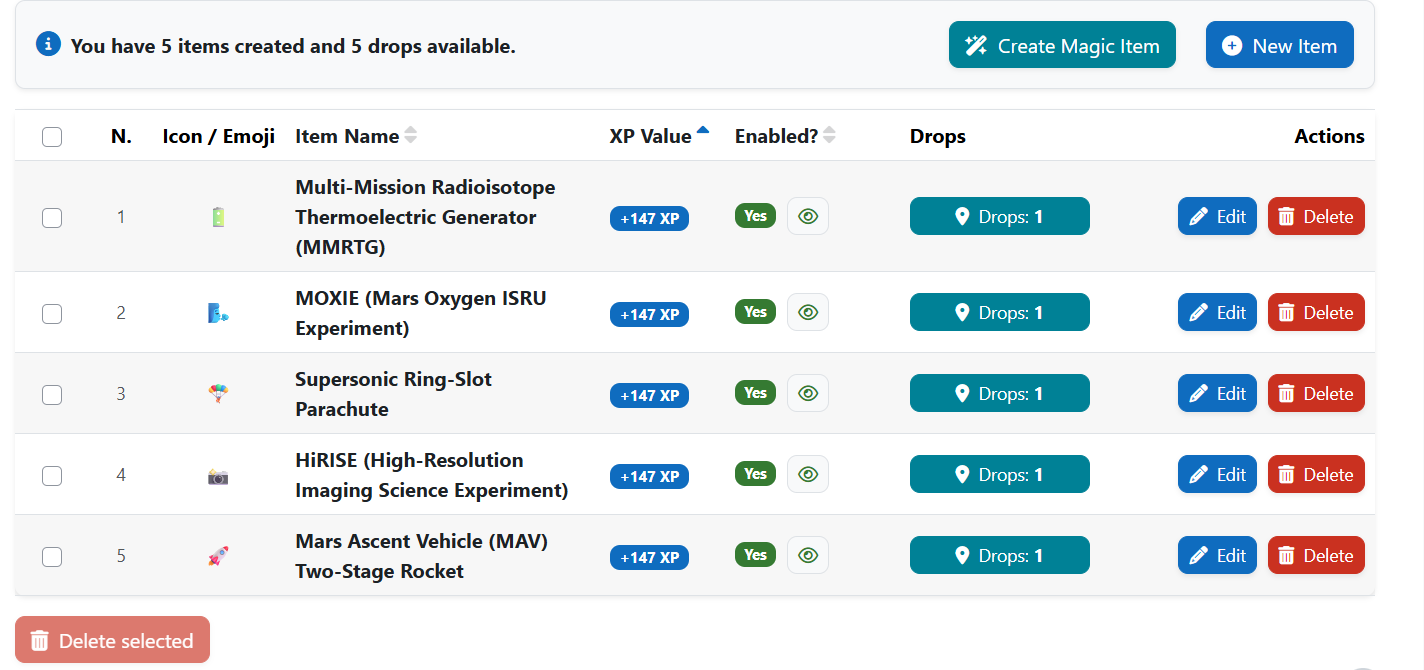
- ' Inventory System: Collectible items with configurable Cooldown (Recharge Time) and usage limits.
- 🎯 Item Powers: Items can carry a special effect beyond XP — become the student's profile avatar, grant a deadline extension on a chosen activity, or act as the collectible PlayerCoin.
- " Quest System: Create manual, collection, activity, trade, and chapter quests with a built-in auto-suggestion tool.
- 🎭 RPG Characters: Students choose characters with unique portraits, lore, and tiers. Items can be restricted to specific characters.
- - Story & Chapters: Interactive branching narratives with scenes, choices, and chapter progression tied to quests.
- -️ Reputation System: A moral-alignment mechanic that evolves the student's character portrait over time.
- 🏪 NPC Shop & Trades: Allow students to exchange collected items for rewards using a secure, rules-based transaction system.
- 📊 Analytics & Reports: Comprehensive audit logs, game economy tracking (with an Economy Health panel), a level-distribution histogram, and a quest-completion chart.
- 📍 Drop System: Place collectible items across course sections (labels, pages, descriptions) using shortcodes provided by the PlayerHUD Filter.
- 🎁 Auto Drop Distribution: Automatically distribute item drops to all enrolled students with undo support.
- 🏆 Ranking System: Leaderboard with tie-breaker logic and visibility controls.
- 🔐 Optional Participation: Students may choose to opt in or opt out of the gamification system.
- ⚡ Real-Time Updates: AJAX-based collection using Moodle's core API.
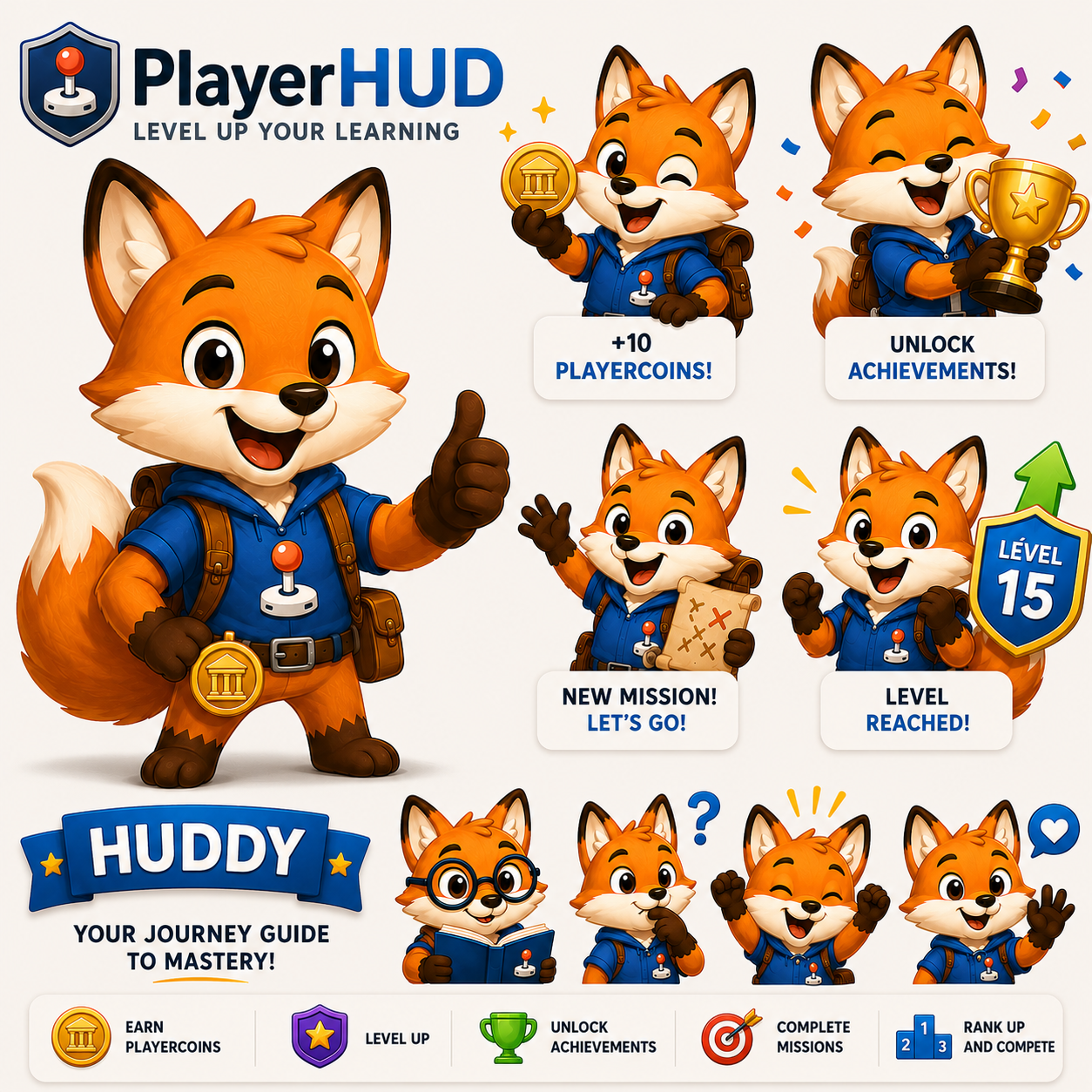
- NEW🎉 Mascot Celebration Popups: The Huddy mascot introduces itself on a student's first visit and celebrates level-ups, beating the game, first quest completed, and first PlayerCoin found. Fully accessible; can be disabled by teachers.
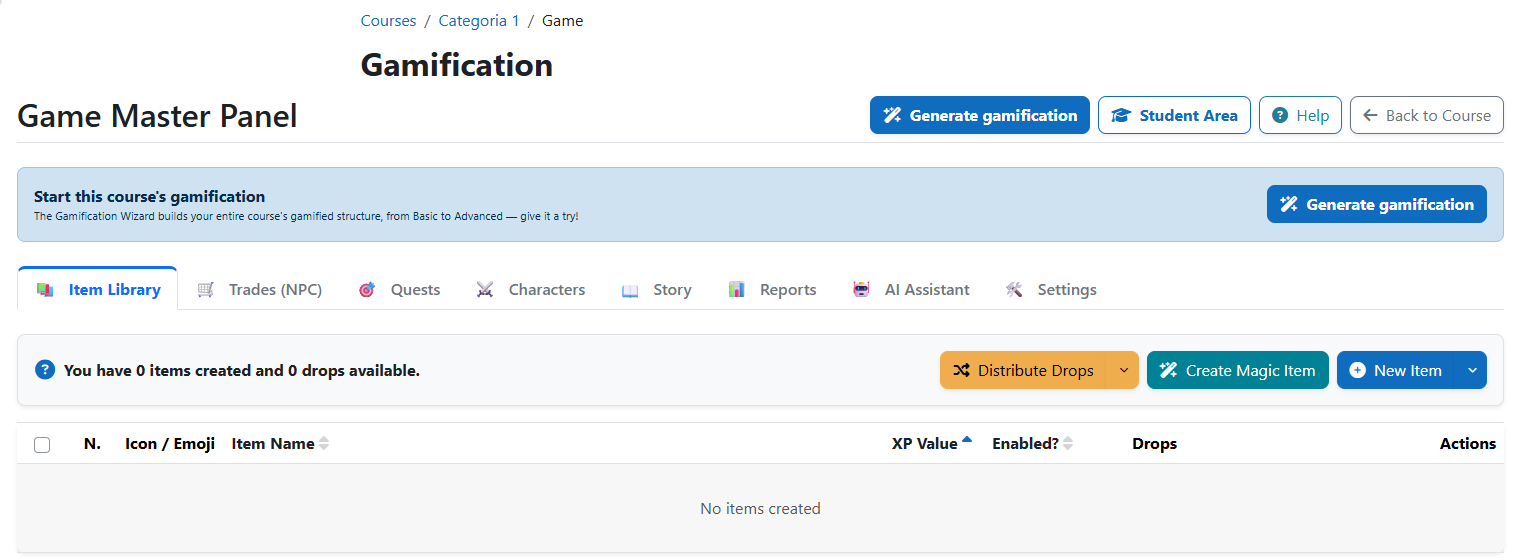
- NEW🪄 Gamification Wizard: A step-by-step assistant that builds a course's entire gamified structure in one run, with live progress, retry-on-failure and one-click undo per run from a history list.
- Eleven mechanics in three tiers — Items, PlayerCoin, Avatar Pack, Trade, Ranking, Missions, Knowledge Collectible, Deadline Extension, Item RPG, RPG (characters + full story) and a hidden Secret Item, grouped into Basic / Intermediate / Advanced by how sophisticated the mechanic is, not by what it technically does.
- Shared XP budget — keeps every generated mechanic inside the course's level ceiling.
- Automatic drop distribution — inserts generated items across existing course activities (or into the course's own news forum for PlayerCoin/Secret Item).
- Live Octalysis coverage octagon — faithful to Yu-Kai Chou's original 8 Core Drives, geometry included, shows which motivational drives the current setup actually covers.
- - AI Tools (Optional): Two AI-powered features powered by Gemini, Groq, or any OpenAI-compatible provider:
- Content Generator — creates items, story chapters with branching nodes, and RPG character backstories on demand.
- Game Master Assistant — a conversational chat tab for teachers. Ask questions about game design, get suggestions, and trigger actions (create item, create quest, generate chapter) with a confirmation step before anything is saved.
- 📱 Mobile-Ready: Compatible with Moodle web services.
🎓 Educational Purpose
PlayerHUD is designed to:
- Encourage active engagement
- Reinforce mastery-based progression
- Provide structured reward systems
- Support competitive and cooperative learning dynamics
- Allow voluntary participation in gamification
Suitable for:
- Gamified academic courses
- Technical and vocational training
- Certification pathways
- Engagement reinforcement strategies
- Usage
- Install the PlayerHUD Filter and enable it in your site's filter settings. This step is required before using the block.
- Add the PlayerHUD Block to your course.
- Access the Management Panel (Teacher role required).
- Choose how to set it up:
- Quick start: run the Gamification Wizard to auto-generate items, quests, ranking, and other mechanics in one pass (see Features above).
- Manual setup: configure each mechanic yourself:
- Items
- XP values
- Number of levels
- XP thresholds
- Drop placements
- Recharge time (Cooldown)
- Collection limits
- Students collect items directly within course sections.
- XP, levels, and ranking update automatically.
🔎 Third-party Service Disclosure (AI)
PlayerHUD includes optional AI-powered features for generating items, story scenes, and character oracle responses. These features are not required. The plugin works fully without any external AI service.
- Supported Providers: Google Gemini, Groq, and custom OpenAI-compatible APIs.
- Bring Your Own Key (BYOK): The plugin does not provide API keys. Keys and custom Base URLs must be configured by the institution.
- Data Privacy: No student data, prompts, or raw responses are stored. Data is only transmitted when a teacher explicitly uses the feature to generate course content.
⚙️ Technical Reliability & Security
- Core Standards: Fully compliant with Moodle coding and accessibility (WCAG 2.1 AA) standards.
- Robust Architecture: Capability-based access control, strict
require_sesskey() protection against CSRF, rigorous server-side validation for game rules, and automated test coverage (including new PHPUnit coverage for RPG tables).
- Data Security & Privacy: Full implementation of the Moodle Privacy API (GDPR compliant), Backup & Restore support (now extended to all RPG tables), and privacy-aware ranking participation.
- Scalable & API Ready: Optimized database structure with memory-efficient bulk queries that avoid redundant database calls, and fully Moodle External API compliant.
- Bring Your Own Key (BYOK): The plugin does not provide API keys. Keys must be configured by the site administrator or individually by teachers.
🕹️PlayerGames Ecosystem
PlayerHUD Filter is part of the PlayerGames gamification ecosystem. Together, these plugins transform Moodle into an immersive experience:
🧩 Optional Integration: Late Penalty
The Deadline Extension item power (see Features) does not work on its own — it requires the separate Late Penalty plugin (local_latepenalty, by the same author, but not part of the PlayerGames family). When installed, redeeming a Deadline Extension item pushes back the activity's effective deadline for that student and triggers Late Penalty's automatic recalculation, waiving or reducing any late-submission grade penalty already applied. Without Late Penalty installed, the item power fails gracefully with a "not installed" message instead of granting the extension.