Willian Araujo
Lead maintainer
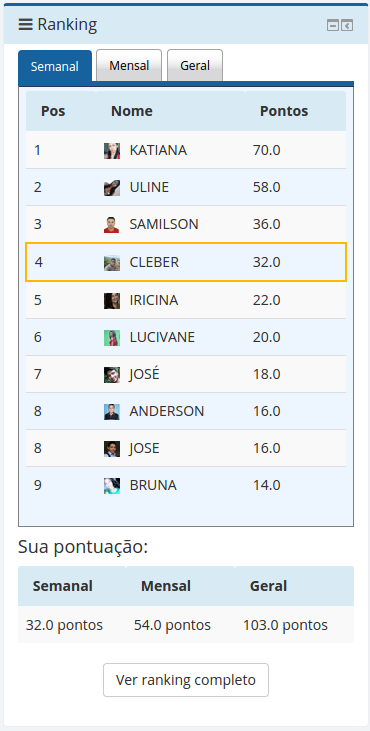
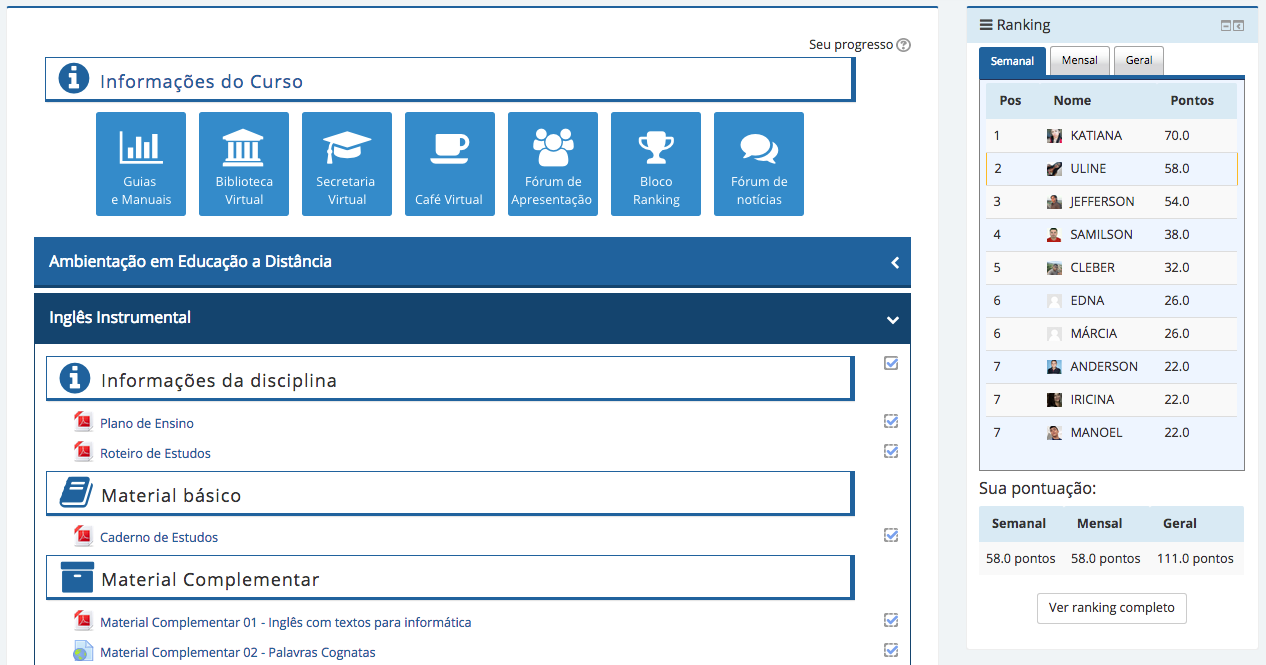

This block improves gamefication into the moodle plataform.
This new version is more simpler and easy to use, but, with more visual.
The plugin works listening moodle events, so now, the points are added in real time.
The ranking works with the activity completion tracking, so you need to enable that and configure the criterias for all activities you want to monitor. The plugin only add points to activities with completion criterias. The method to add points remains the same.
There are different ways to gain points.
For example:
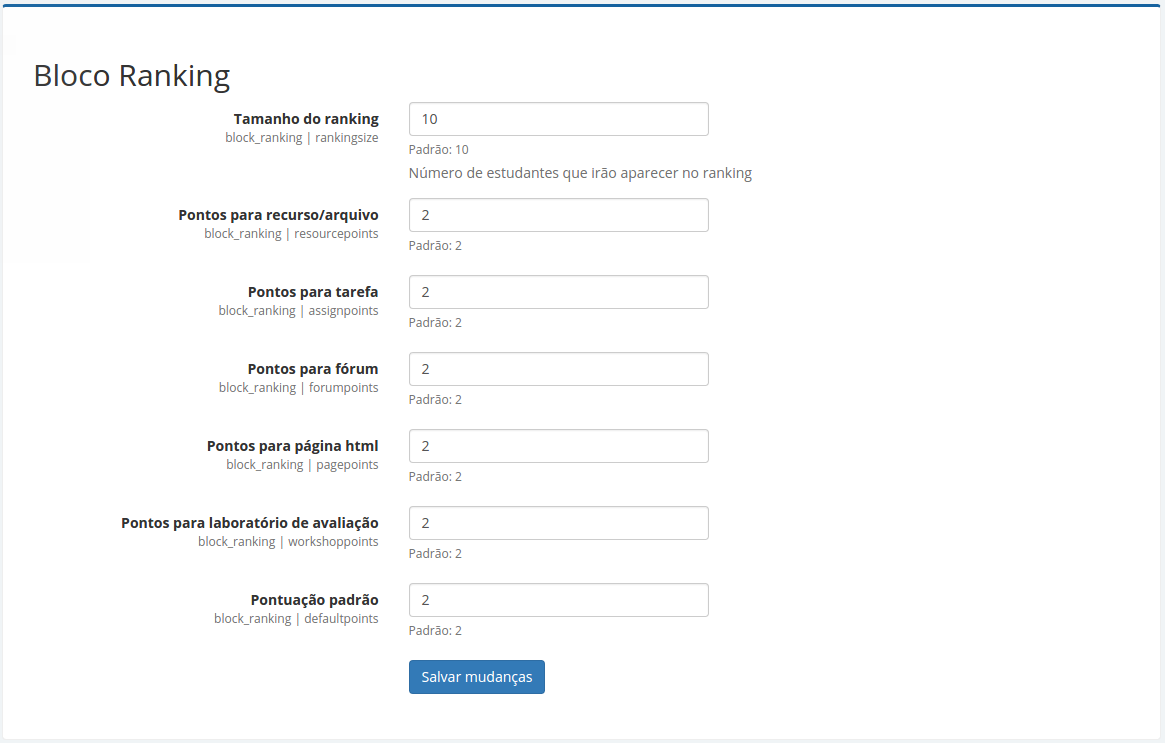
NOTE: All the activities that needs grade to be finished will add the activity points (default 2) more the activity grade. For example: If the course has one assignment and it's configured to be completed only after the grade is received by the student and let's say a random student received by the end of the assignment 10(ten) as his grade. In this case that student will obtain 12(twelve) points, the 2(two pre-configured) from finishing the activity plus 10(ten) from his grade.
This only occurs with activities that have grades. ex: foruns, assignments, lessons, etc...
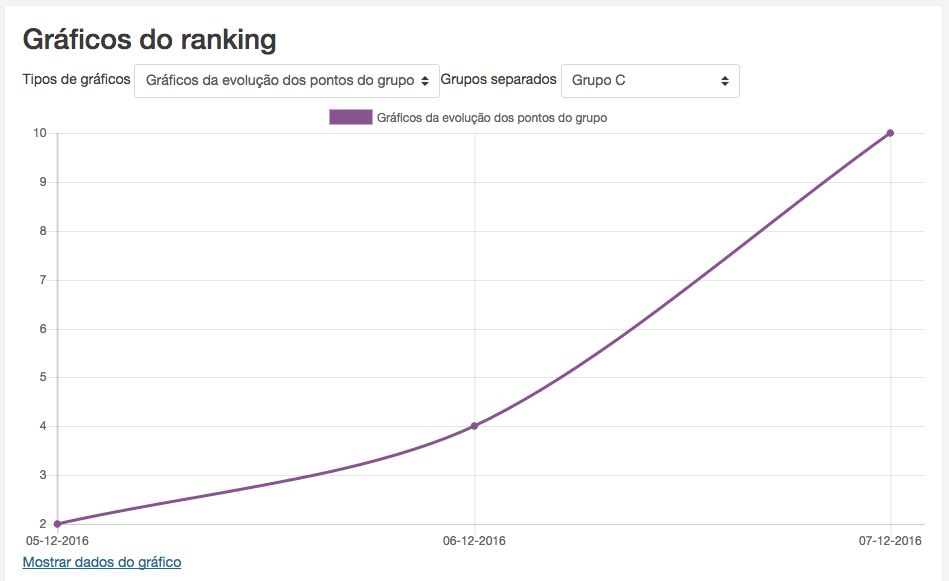
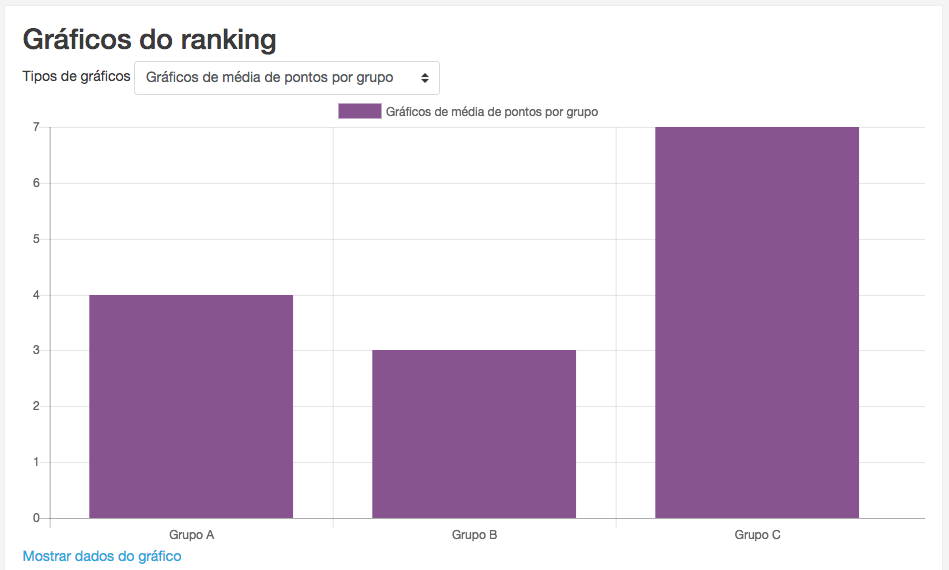
With the new chart api in moodle version 3.2 i added some graphs to see the groups performance. Enjoy and feel free to send me your feedback.
- Added graphs page
- Added event listeners to add point
- Removed cron dependency
- Added a weekly ranking
- Added a monthly ranking
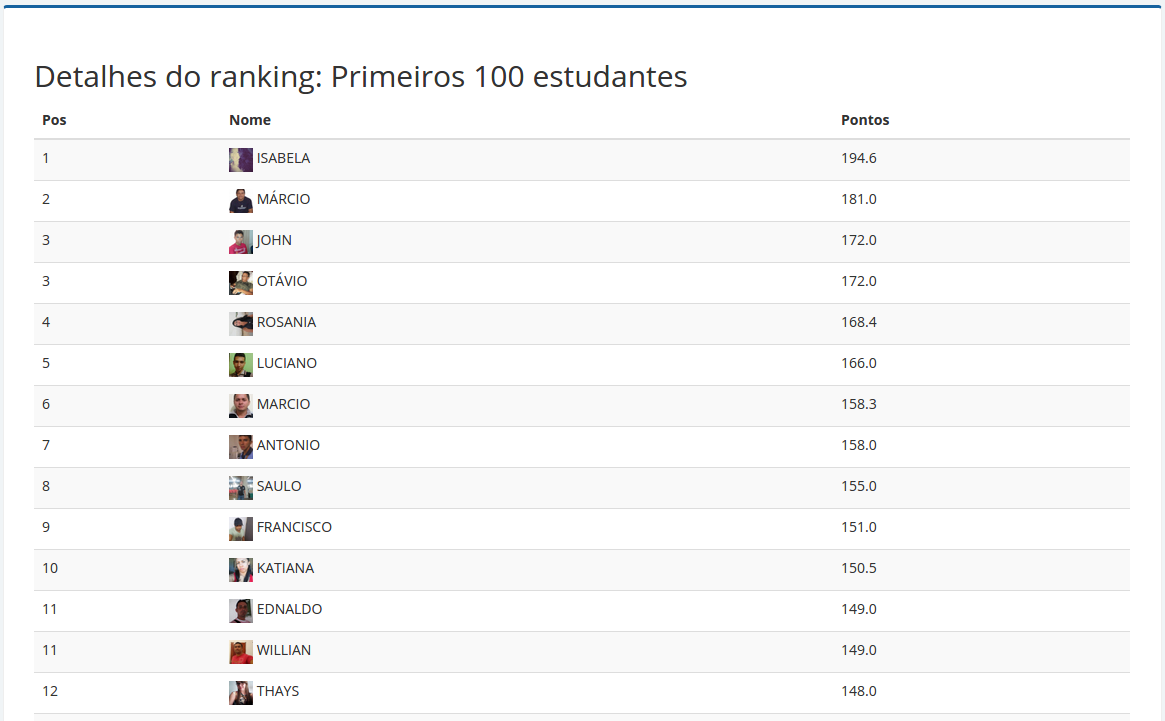
- Added a tiny report with top 100 students in general ranking
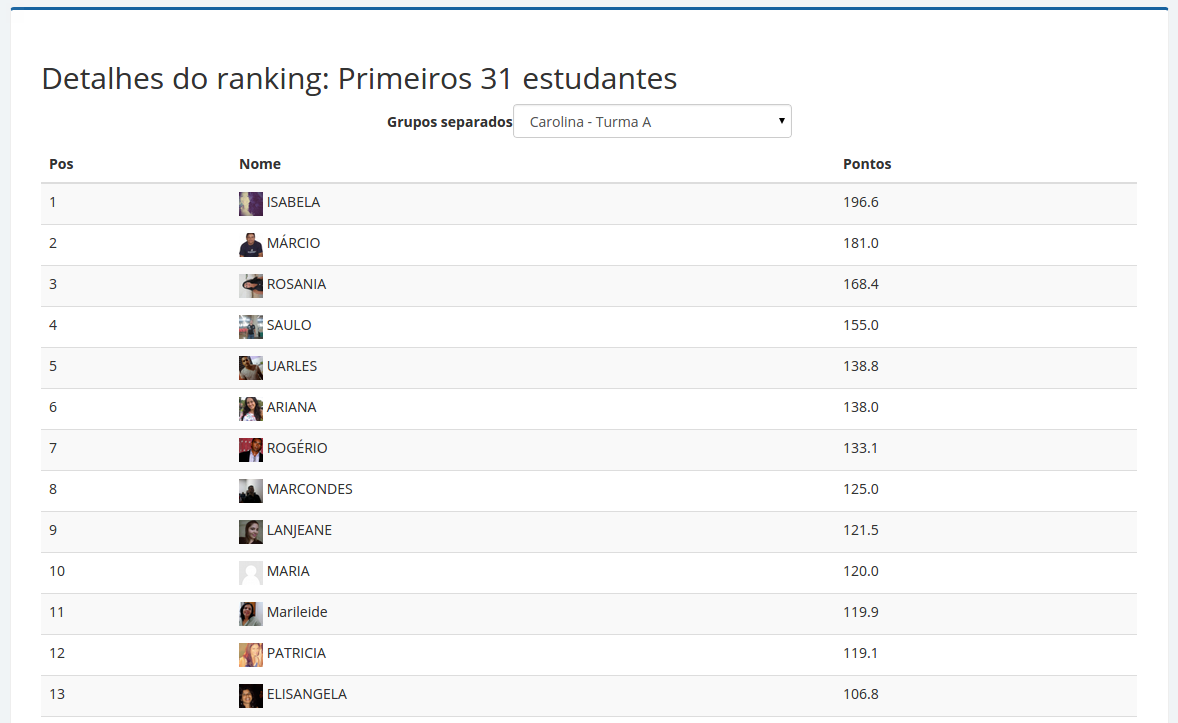
- Added filter the tiny report by groups (the course group mode needs to be "separeted groups" or "visible groups")
- Now you don't need configure the course completion tracking, only the activities completion criterias. Again, the plugin only monitors the activities with completion criteria
- The table ranking_cmc_mirror was removed.
First way
Second way
After you have installed the block you just add it into the moodle course.
The ranking block works together with the activity completion, so you need to enable that and configure the criterias for all activities you want to monitor. The ranking block monitors these activities and add points to the students based on accomplishing the activities.
- Go to: Site administration / Advanced features
- Turn on the item "Enable completion tracking"
- Inside the course go to: Course administration / Edit settings
- In the section Completion tracking set "Completion tracking" to yes
- Save

