Stash

Add an inventory of items to your course and let your students find items by exploring the activities. #game #gamification
Price option: Free

Supports Moodle 2.9-5.2 See all versions
Latest release: 1 month ago
Installations: 2059
Downloads (last 90 days): 517

Frankenstyle name: block_stash
Blocks
Stash, Gamification

Description

The stash block is a good way to encourage more interaction with activities and is invaluable for teachers looking to gamify their course.

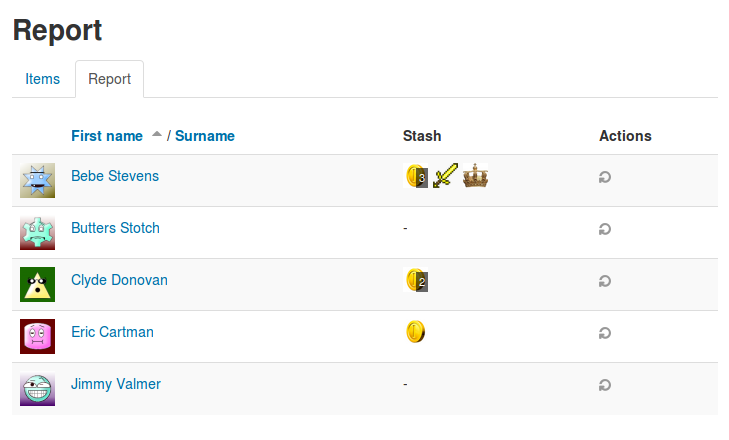
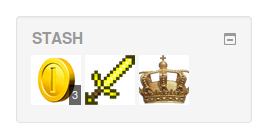
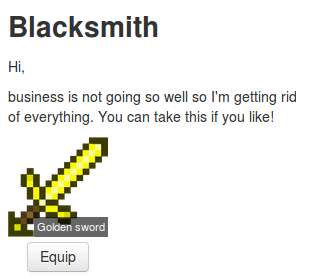
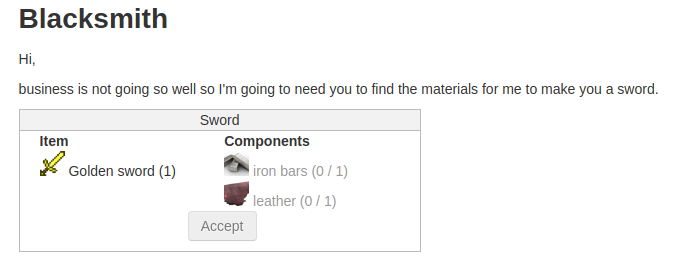
This plugin introduces a block that shows students items that they have picked up through the course.

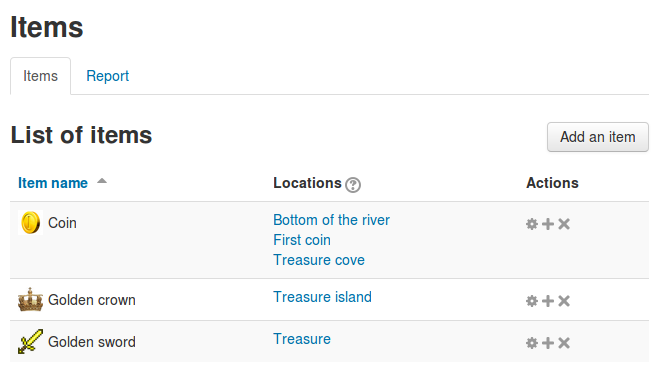
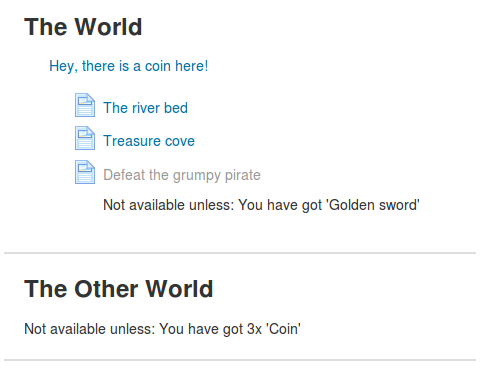
The teacher can create items and then place them in activities and resources for students to find.

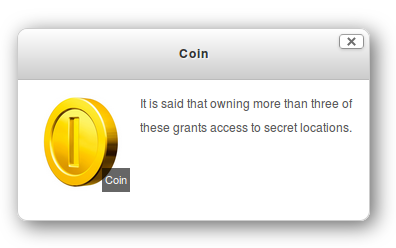
Items can be set to be collected once and encourages exploration of the course material. It is also possible to set an item to have an unlimited supply from a set location. This could encourage  students to return to specific areas to collect more items. 


You can also check out this video:

how to add items

Quick start


We've crafted a sample course for you to try, it is the best way to see what this plugin has to offer. Please accurately follow those steps:

1/ Get your hands on a Moodle installation
2/ Install the three following plugins (without exception)
3/ Enable conditional access, named enableavailability under "Site administration > Advanced features"
4/ Restore this backup file as a new course

5/ Enrol a student in the new course
6/
Now, login as that student and try the course

Important note

In order to make this plugin easier to use and fully featured, please also install:

They are highly recommended.

Contributors

Awards

Reviewers' choice
Early bird 3.2
Automated testing support
Early bird 3.3
Early bird 3.4
Early bird 3.5
Privacy friendly
Early bird 3.8
Early bird 3.9
Early bird 3.10
Early bird 3.11
Early bird 4.1
Early bird 4.2
Early bird 4.3
Early bird 4.4
Early bird 4.5
Early bird 5.1