Daniel Thies
Lead maintainer
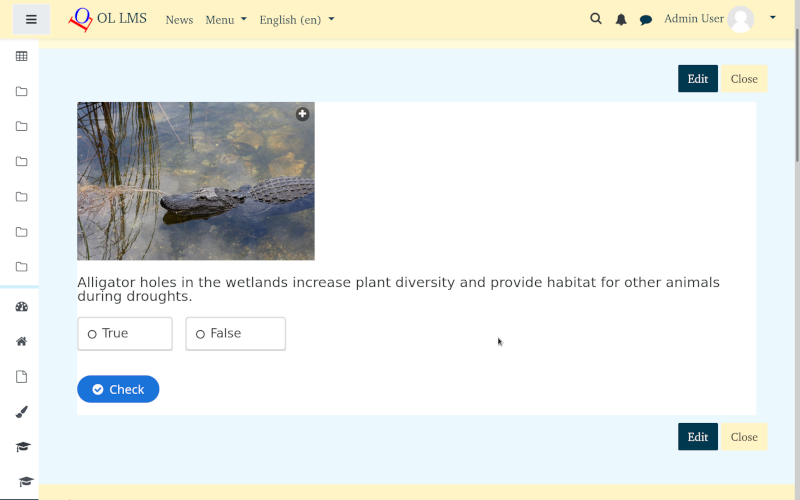
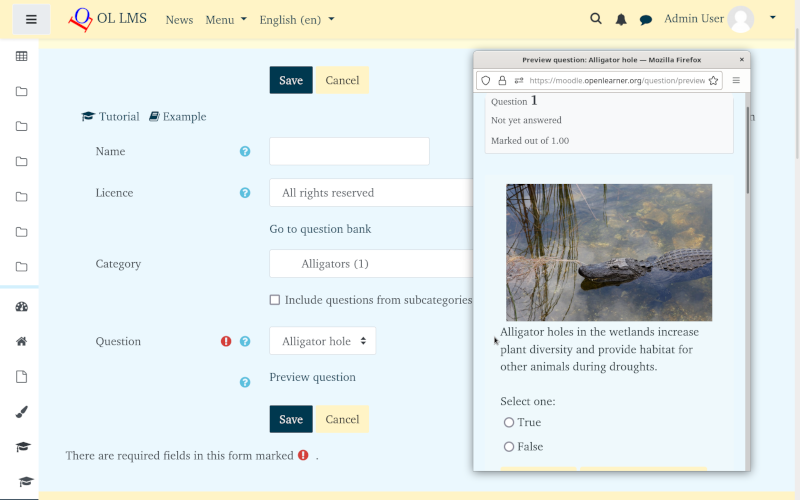
Create interactive content from existing Moodle activities by importing questions from the Moodle questiom bank into the content bank as basic H5P content types
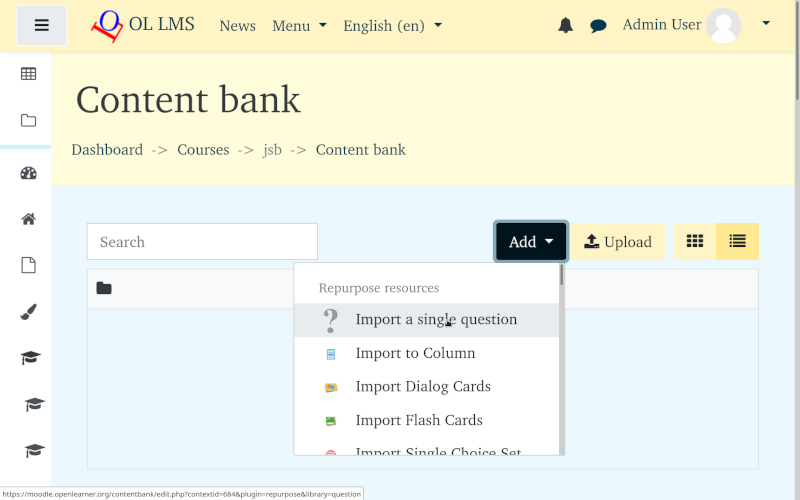
Currently this plugin supports four basic Moodle question types: Essay, Multiple Choice, Short Answer, and True/False. They can be imported individually as Essay, Multiple Choice, Guess the Answer, and True/False H5P content types. Questions in a directory can be imported collectively to create a Column, Crossword, Single Choice Set, Dialog Cards or Flash Cards content types. Audio, video, and image files can also be imported into the column content type. After creation the content types can be edited in the content bank as normal H5P content and combined with other content through copy and paste.
After installation teachers may create interactive content in the content bank by clicking the Add button and one of the Repurpose resources content types from the drop down to open editor, and selecting questions and other options in editor and saving. The new content created from the question will appear in the content bank.
To convert content types back into questions install the H5P content types question format.
If you are not able to install a local copy you can use these plugins by creating and account at openlearner.org and transfer questions and content via export and import. Additional question and content types are available on that site.



